For other modular building please check my page : www.cgtrader.com/3d-models?author=game-obj
Important Notes :
- Please Copy/Paste the Textures to a folder beside the scene file . Rename the Folder to Textures
Combined product
Note:
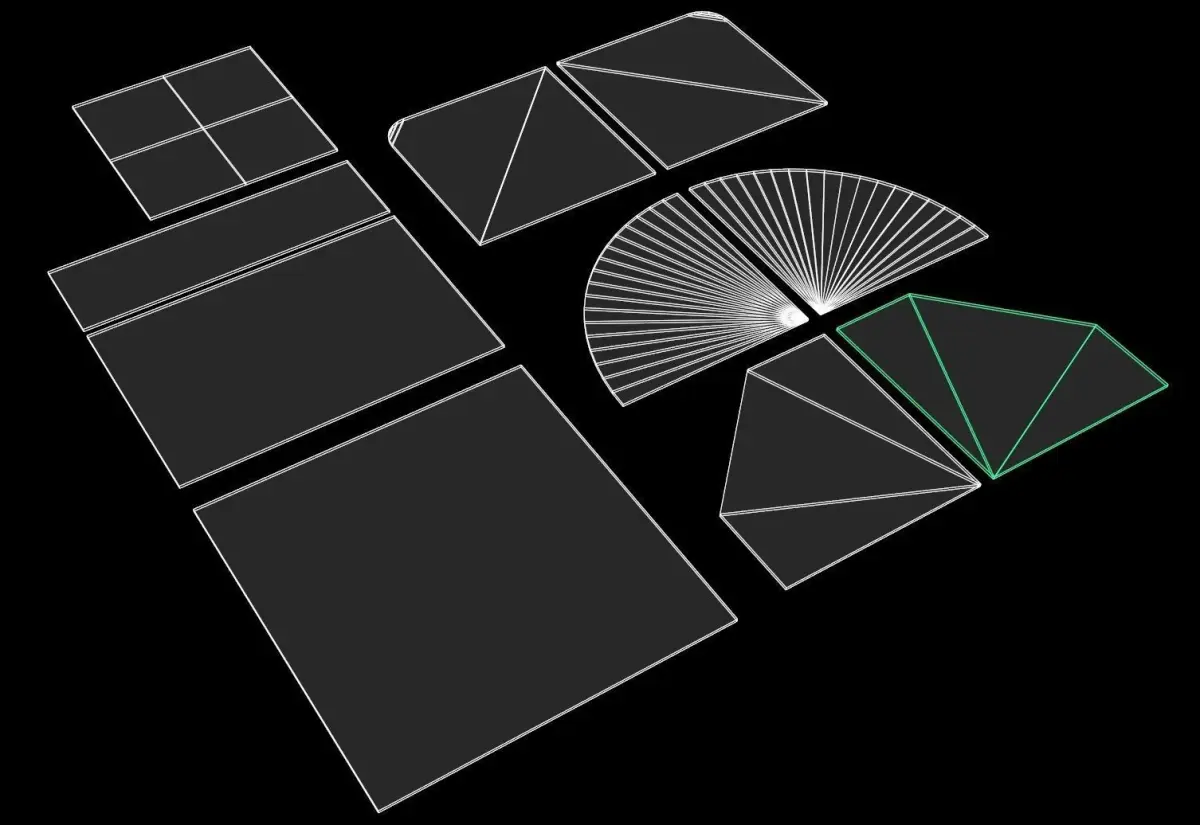
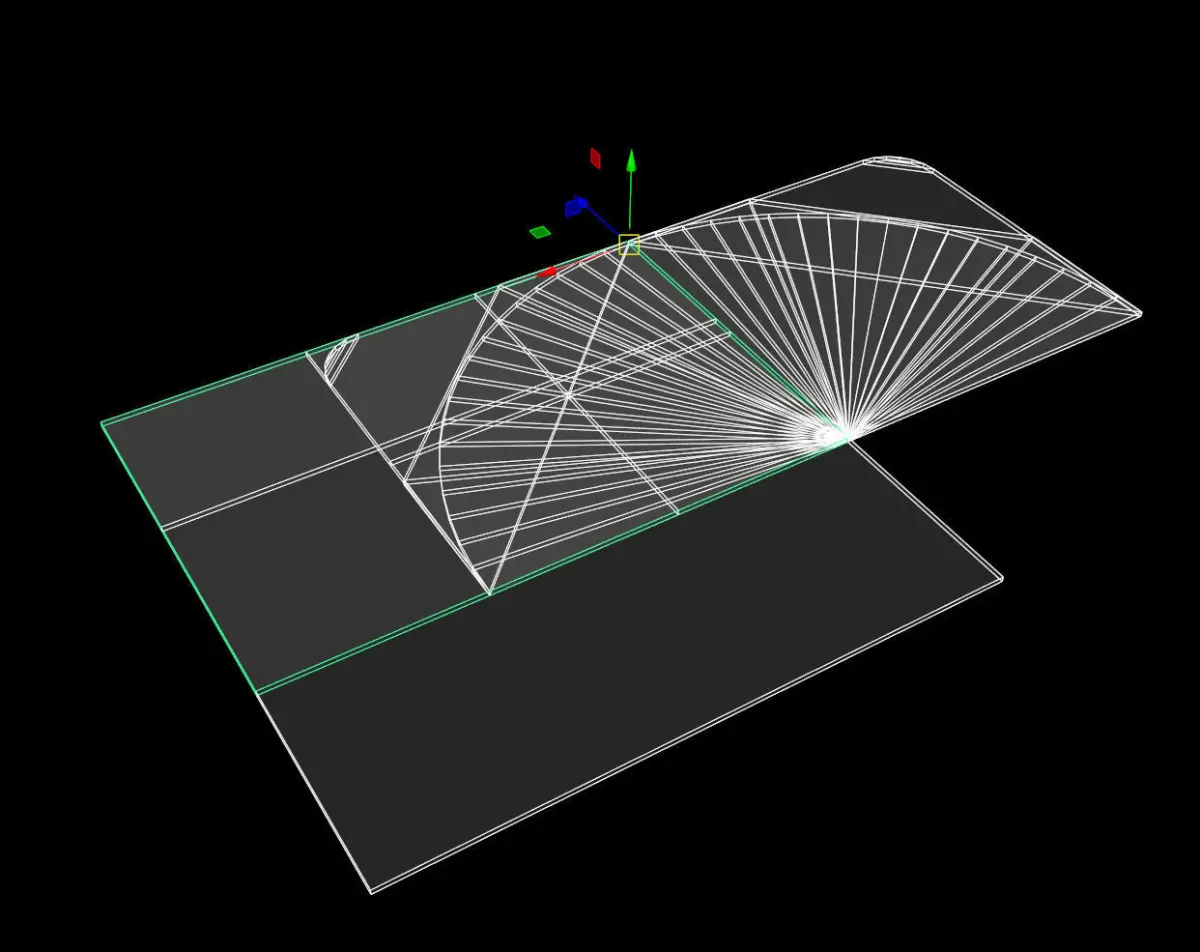
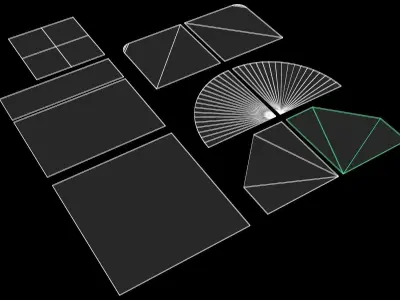
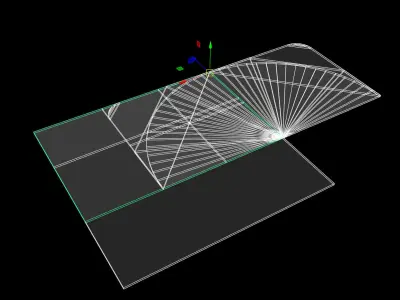
- Please check the Wire Frame shots before purchase ( This is a low-Poly Product ) !
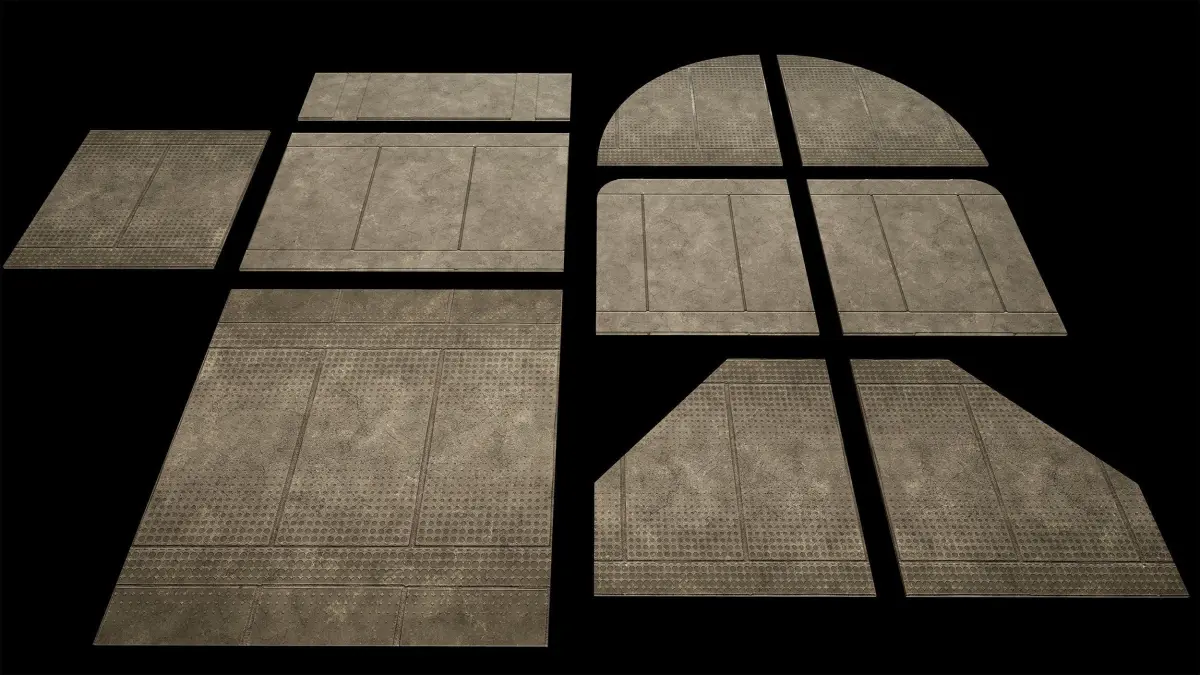
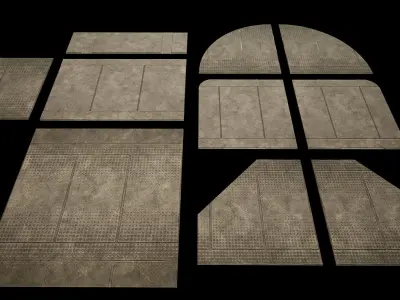
- all shots are taken in real-time Viewport (not Render)
- optimized for real time and game projects .
- For Real World Scale (CM) : Just Scale the it up to 25 unit (or set the scale option to 25 in importing setting . Except for UE4 Asset)
- With 8 diffrent variation
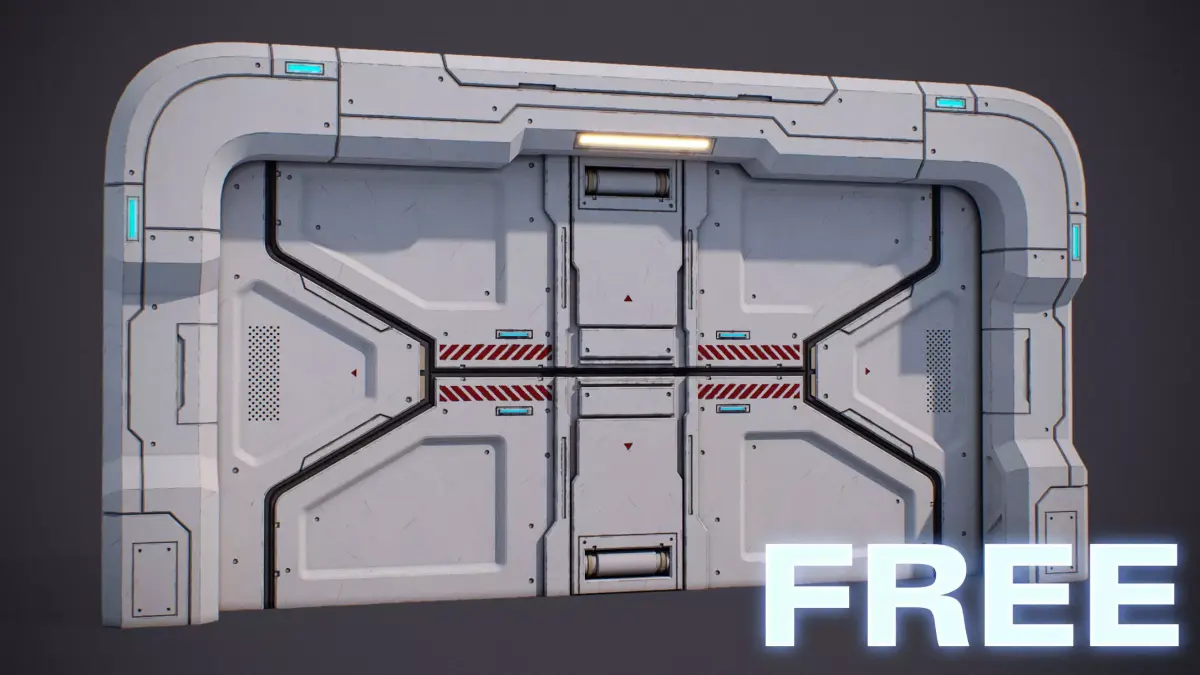
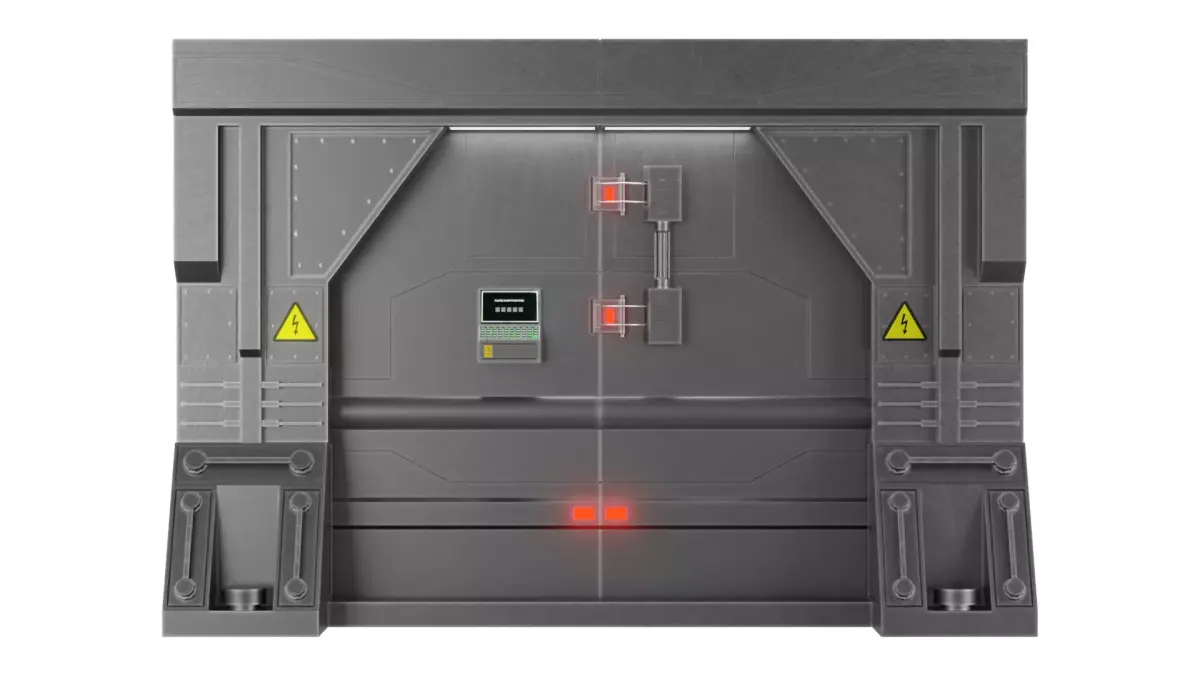
- This product is about the sci-fi walls Type T
- Transformations are At 0.0.0 (scene origin)
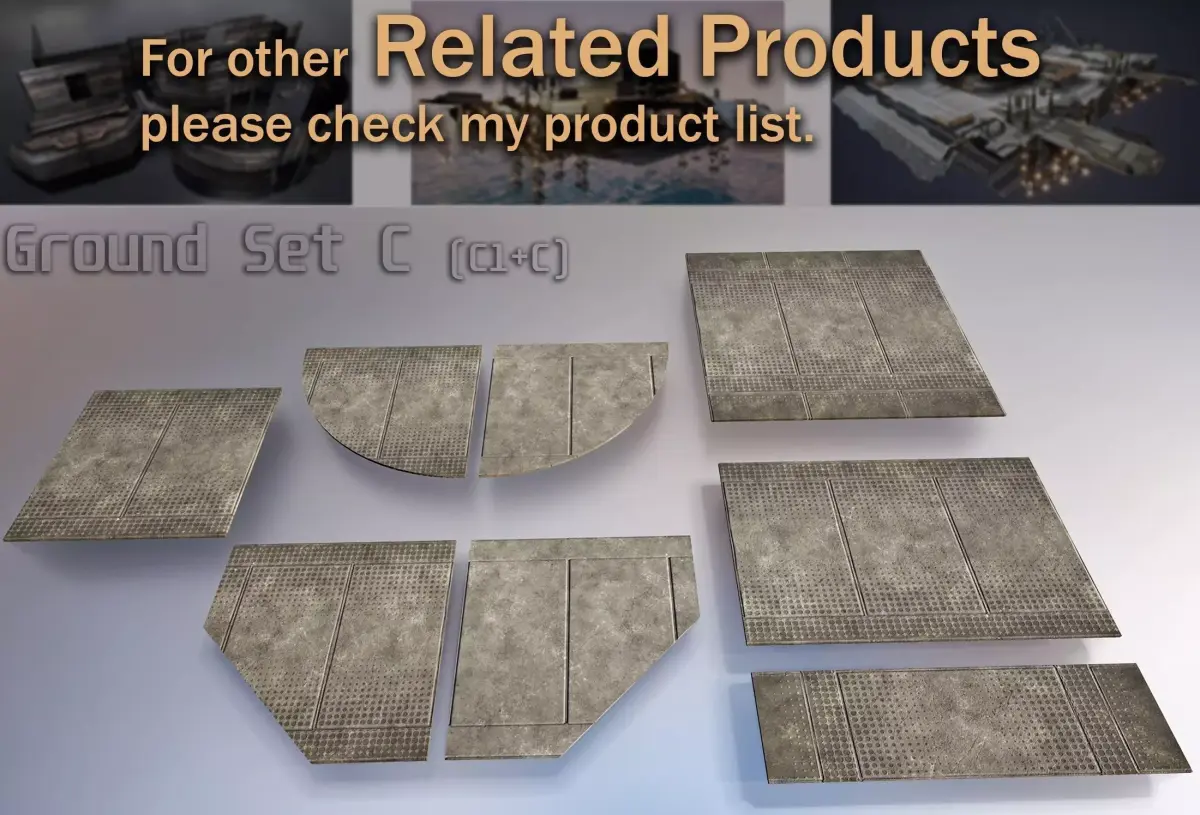
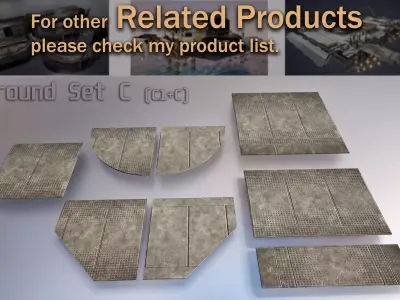
Some Objects
- S _GroundC _B _01
- S _GroundC _Big _01
- S _GroundC _Small _01
- S _GroundC _VSmall _01
- S _GroundC _Tri _A _01
- S _GroundC _Tri _B _01
- S _GroundC _Crv _A _01
- S _GroundC _Crv _B _01
- S _GroundC _Corner _A _01 (new update 1.1)
- S _GroundC _Corner _A _01 (new update 1.1).Materials Name :
- M _GroundC _01
- M _GroundC1 _01
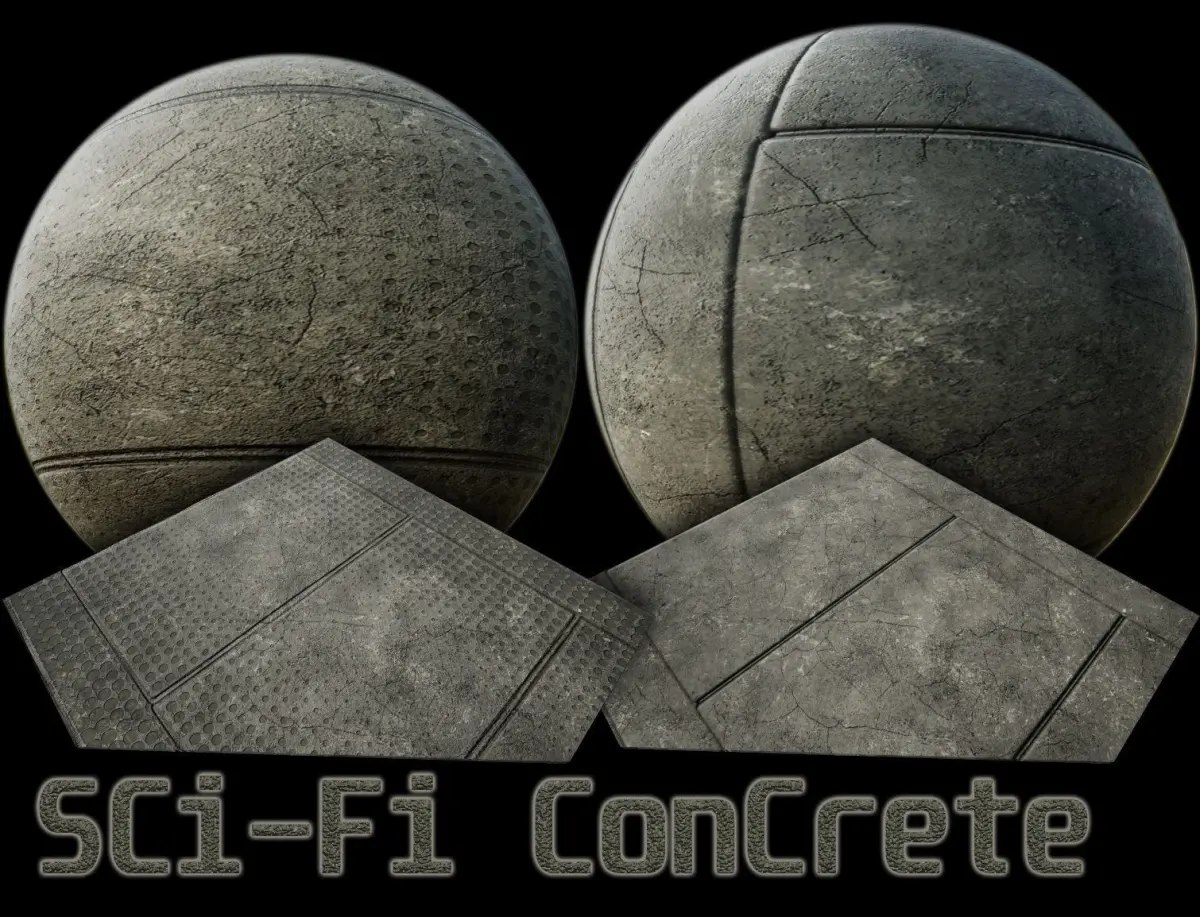
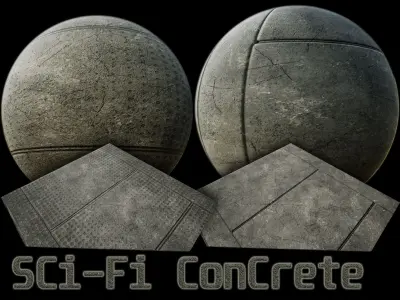
.Textures : 4096 + 2048 8 bit dithering PNG (2 texture sets)
Set C
- T _GroundC _01 _Base _Color
- T _GroundC _01 _Roughness
- T _GroundC _01 _Normal _DirectX
- T _GroundC _01 _Mixed _AO
- T _GroundC _01 _Height
Set C1
- T _GroundC1 _01 _Base _Color
- T _GroundC1 _01 _Roughness
- T _GroundC1 _01 _Normal _DirectX
- T _GroundC1 _01 _Mixed _AO
- T _GroundC1 _01 _Height
Importing:
- Importing process is not always perfect in any cases (Because there are too many softwares with different standard for each one) so it needs to do some adjustment.
- First Copy/Paste the Textures to a folder beside the scene file . Rename the Folder to Textures
- If this did not work ... Then Copy/Paste the Textures beside the scene file . (Same Folder)
For unreal engine 4 AssetJust Copy and Paste Content Files in to your Content Folder
If you need help... please send me a message :)
3D Formats :
- Unreal engine asset (UE4) Separated files
- 3ds Max 2015
- Maya
- FBX 2015 (Please Contact for other Versions ) + Separated files
- OBJ (.obj, .mtl) Separated files
- 3DS Separated files
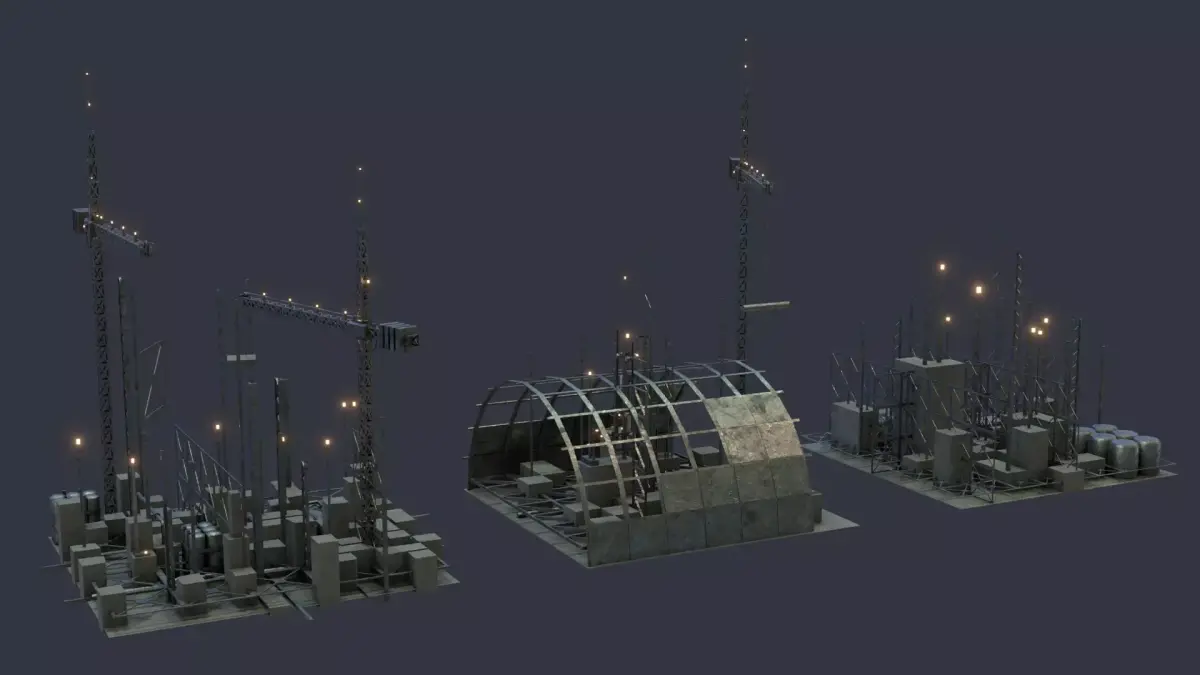
Low Poly - scifi ground and floor - 3d model
MA (Autodesk Maya, filesize: 71.3 KB), OBJ (OBJ, filesize: 6.35 KB), FBX (Autodesk FBX, filesize: 162 KB), MAX (Autodesk 3ds Max, filesize: 912 KB), TEXTURES (Textures, filesize: 185 MB), 3DS (3D Studio, filesize: 17.9 KB), UASSET (UnrealEngine, filesize: 43.3 MB)