Product Overview
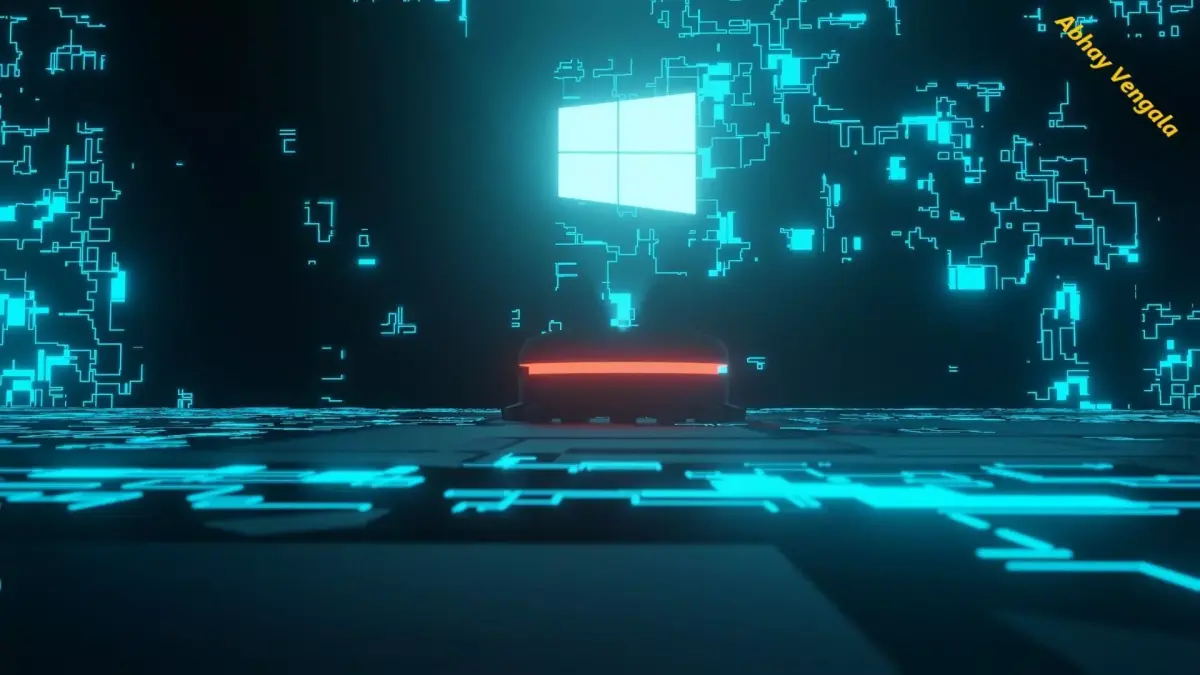
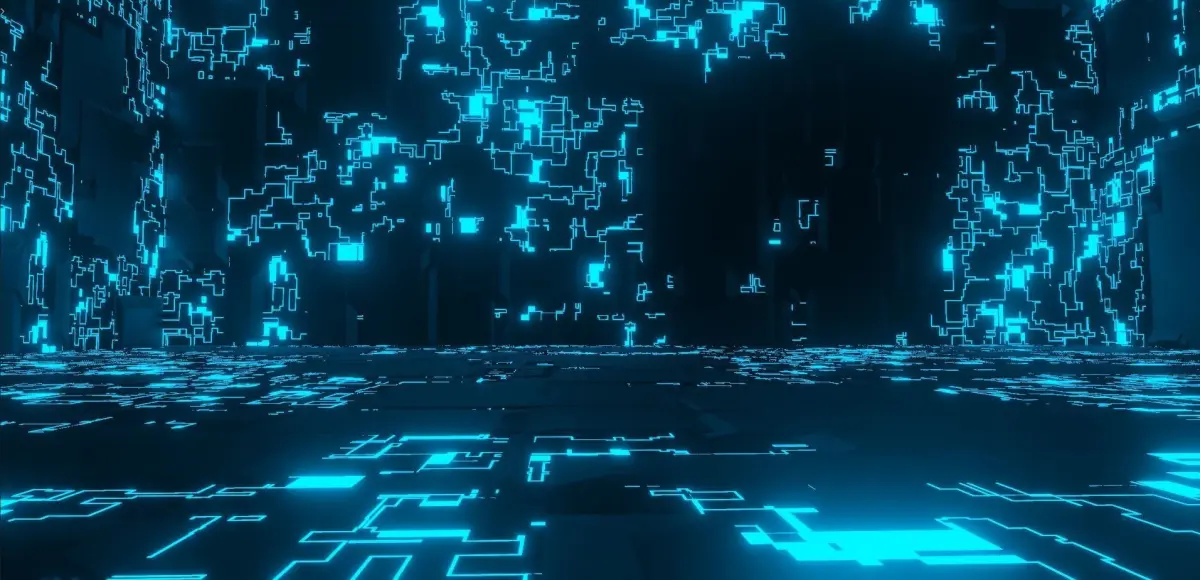
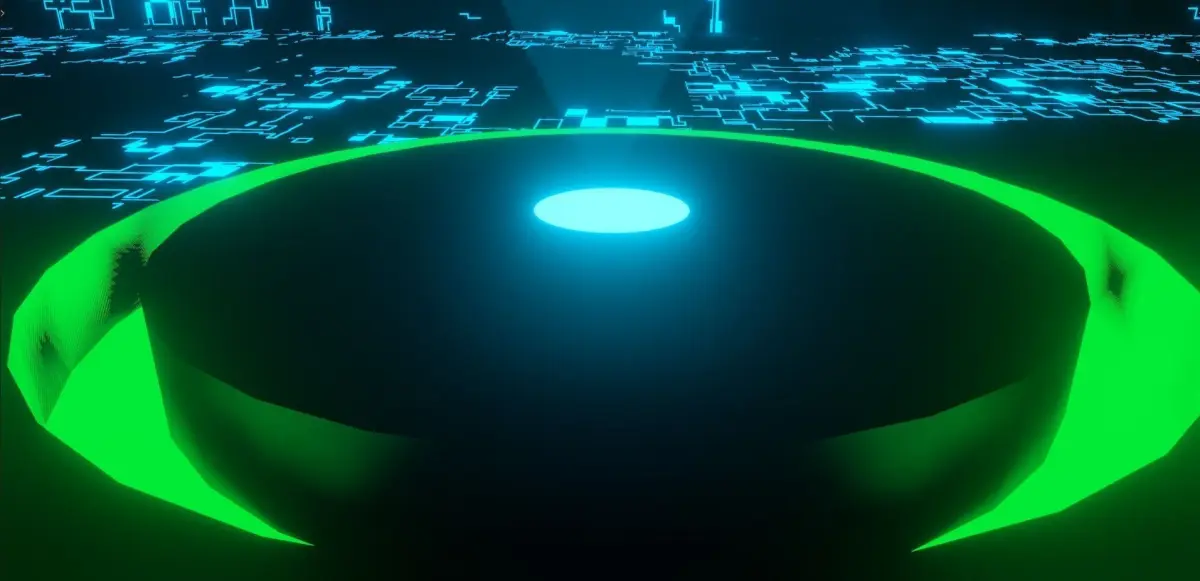
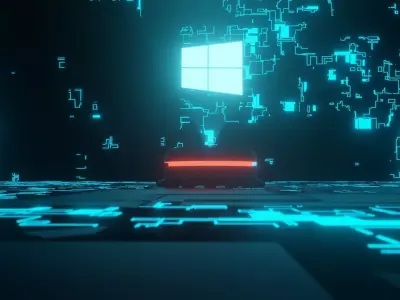
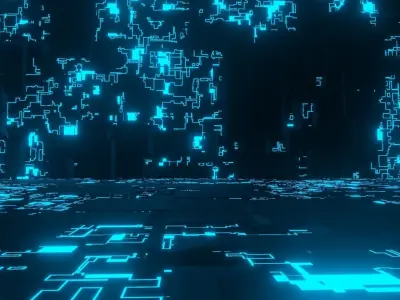
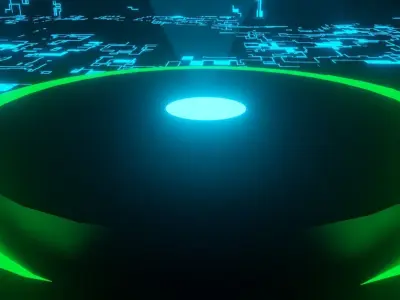
This 3D scene features a wide, detailed digital floor matrix centered around an advanced holographic projection unit. It is designed for creators working on sci-fi environments, top-down game maps, cinematic backgrounds, or user interface showcases.
The main feature of this asset is its ease of customization. You can quickly swap out the central logo or graphic with your own transparent texture, branding, or UI elements to fit your specific project needs.
Key Features
Detailed Digital Environment: A wide-angle floor grid filled with intricate, glowing circuit patterns.
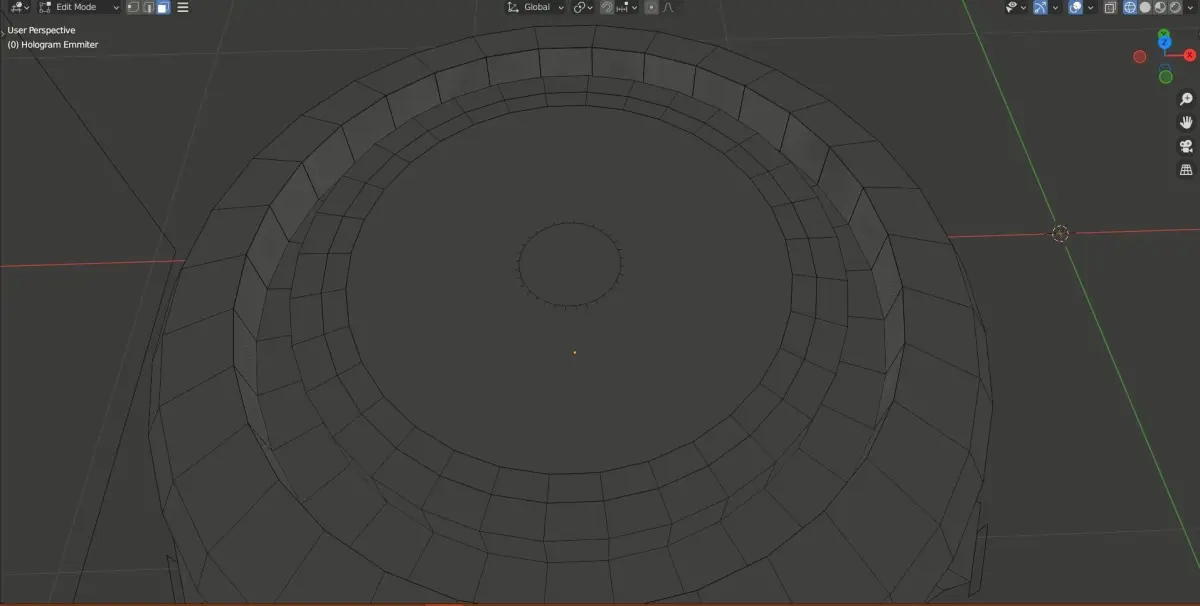
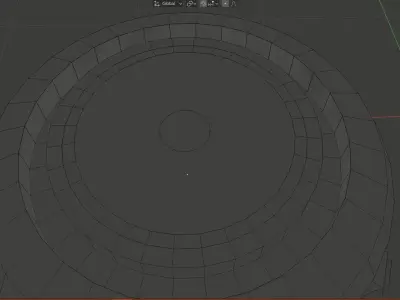
Central Emitter Base: A multi-layered circular projector unit featuring contrasting focal rings to draw the viewer's eye.
Ready-to-Render Lighting: Built-in emissive shaders that deliver a vibrant neon glow right after importing.
Optimized for Real-Time and Offline Rendering: Clean geometry built to render quickly in software like Blender and stay performant in game engines.
Clean Organization: All objects, materials, and layers are clearly named so you can find what you need instantly.
Step-by-Step Customization Guide
Changing the holographic image takes only a few steps:
Import the Scene: Load the file into your preferred 3D software or game engine.
Select the Hologram Mesh: Locate the floating display plane positioned directly above the circular emitter base.
Replace the Texture: Open the material settings for that plane and swap the default texture with your own transparent PNG or alpha map.
Adjust the Glow: Tweak the emissive strength or brightness multiplier to get the exact amount of light intensity you want.
Render: Ensure your software's bloom or post-processing effects are turned on to get the full neon sci-fi look.
Ideal Use Cases
Sci-fi strategy games or command center screens
Technology product presentations and corporate videos
Cyberpunk environments and virtual production backdrops
Motion graphics and sci-fi visual effects pipelines
BLEND (Blender, filesize: 1.01 MB), FBX (Autodesk FBX, filesize: 93 KB), OTHER (Other, filesize: 1.18 MB)