Update 2.1 - Added Unreal Engine 5.6-5.7 project with clothing rig and skinning adapted to the original male Manny rig (UE5). A demo animation is included.
Update 2.0 - Parametric garment, fits onto any body shape in MetaHumanCreator! Add File OA_SciFi_Armor_P05.mhpkg
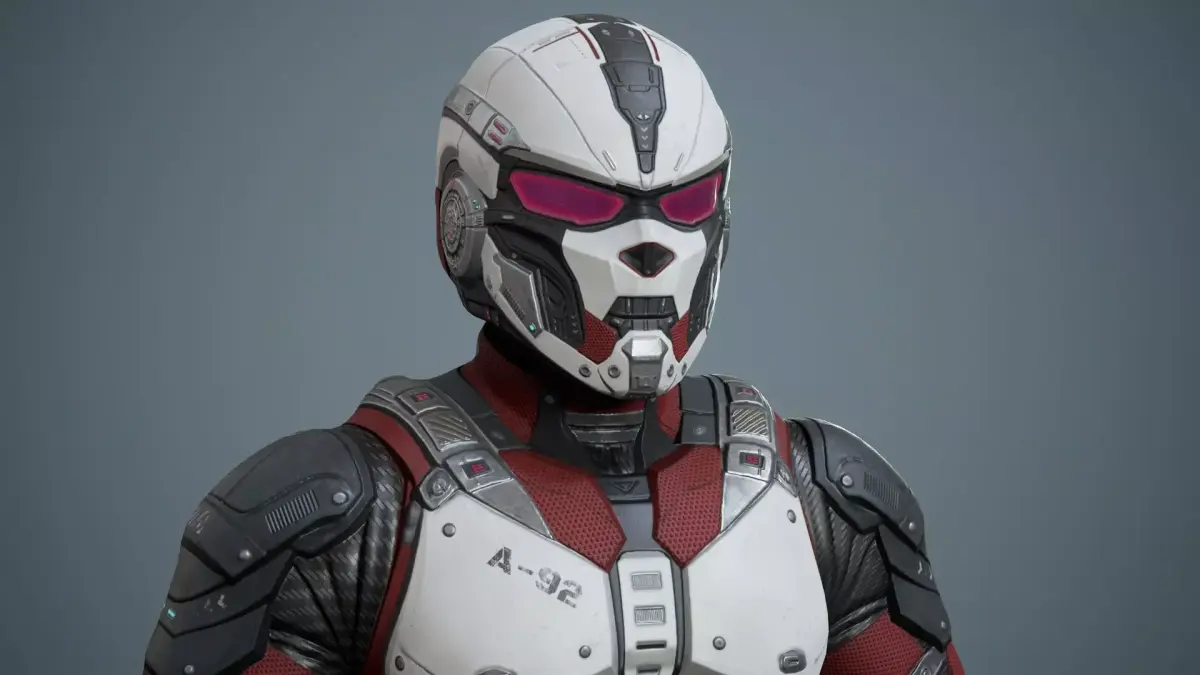
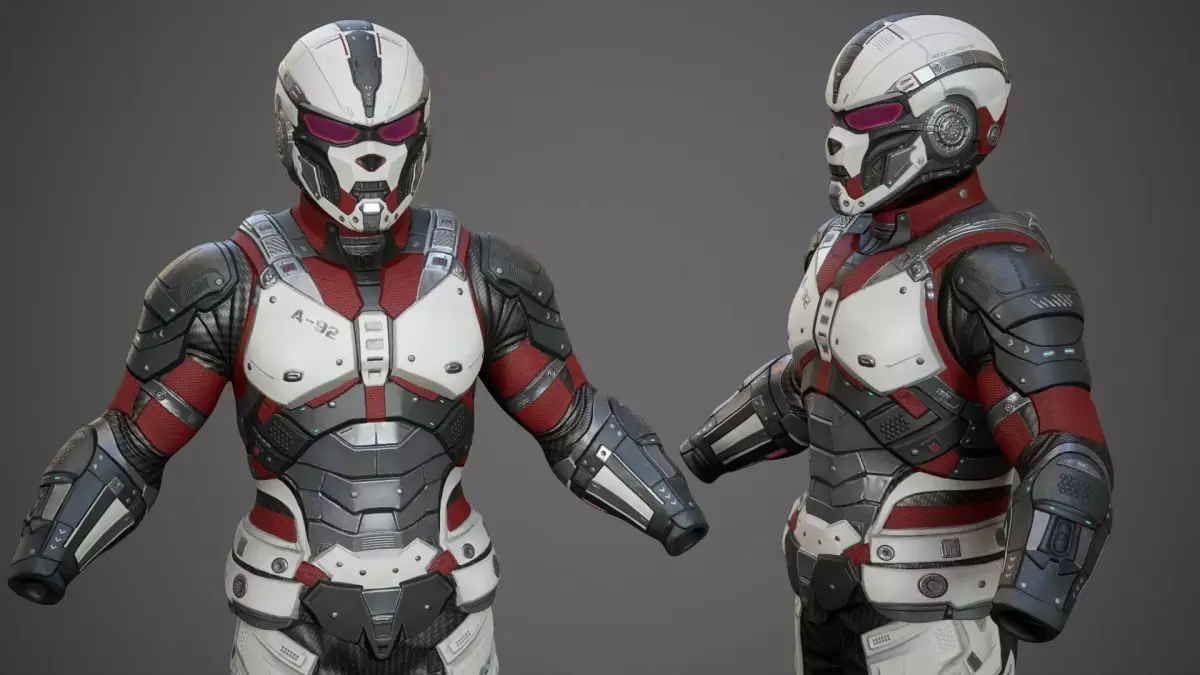
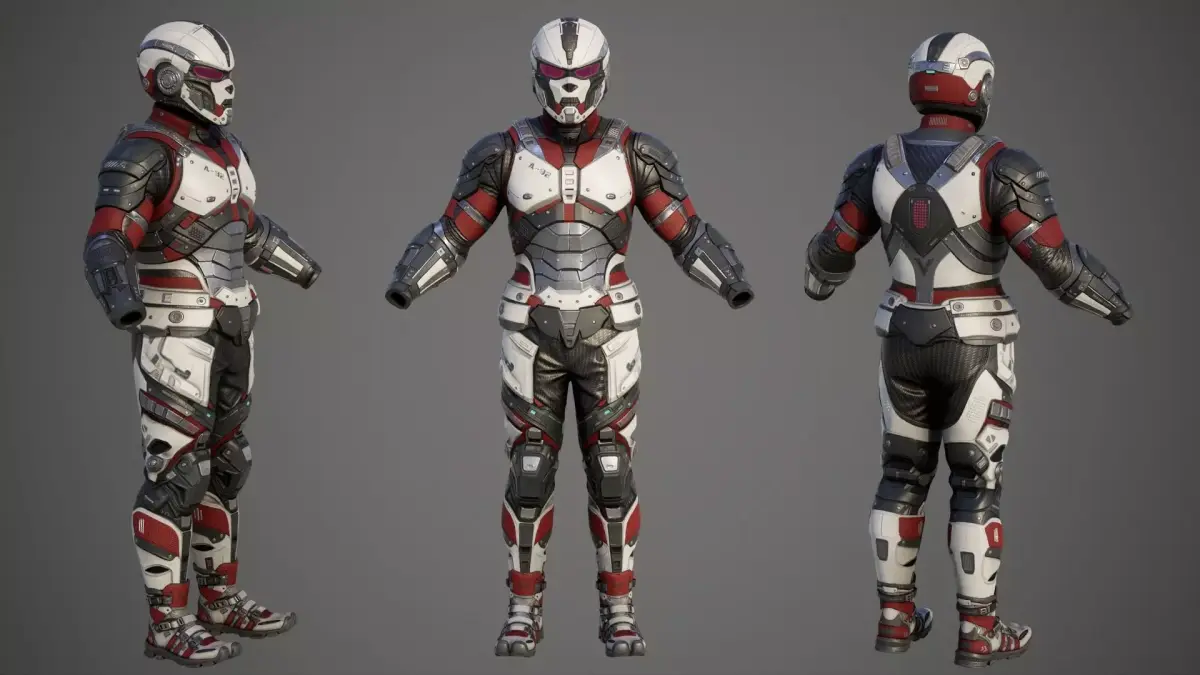
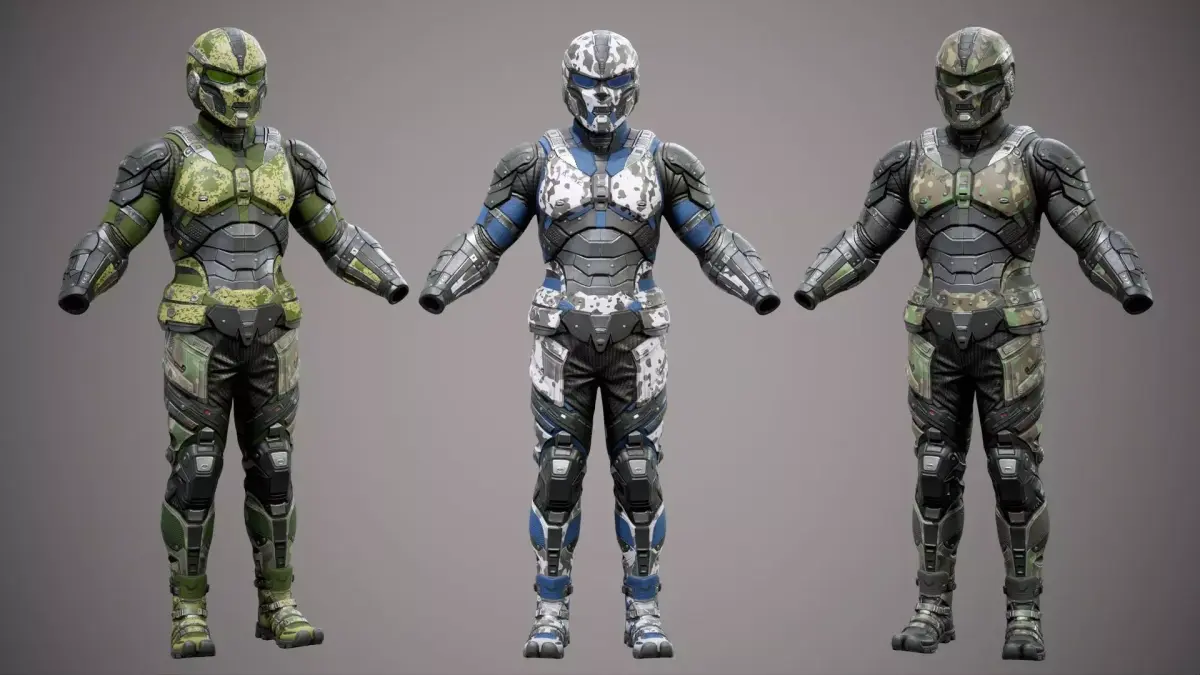
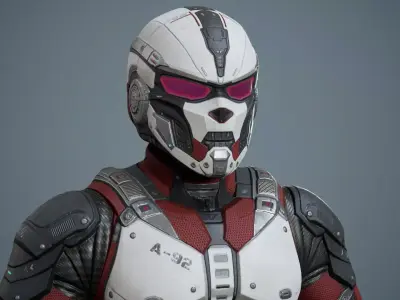
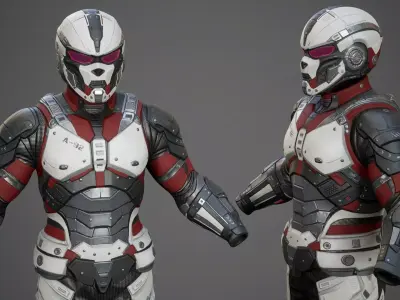
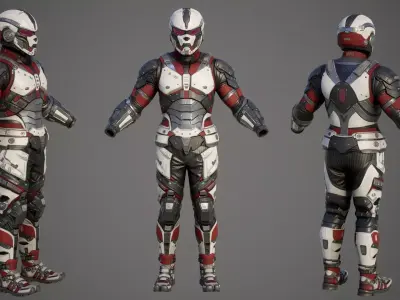
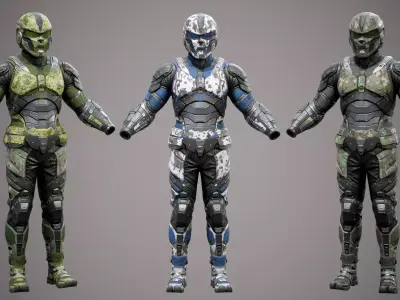
MetaHuman Techwear Outfit is a parametric outfit asset created for MetaHuman characters. It is capable of resizing with your character in MetaHuman Creator in Unreal Engine. It consists of a Sci-Fi Helmet, Jacket, Pants, and Sneaker, but they are all one outfit as opposed to separate pieces. However, you can divide the project into parts (Helmet, Pants, etc.) Watch the attached video how to do it!
=================================================================================================
Video presentation: https://www.youtube.com/watch?v=efTglcYRjkg&t=11s
- SciFi_Helmet_P05;
- SciFi_ChestArmor_P05;
- SciFi_Pants_P05;
- SciFi_Boots_P05;
Optimized Game Ready 3D model for game engines and animation.
- Blender 4.5 project with customized materials and Rigs (UE5 Rig);
In the Blender file, the metric system is configured for export to Unreal Engine! If you need a standard export, correct the metric system in the project to the standard one.
Rigging and Skinning 3d model;
Metahuman for UE 5.6-5.7;
Added Unreal Engine 5.6-5.7 project with clothing rig and skinning adapted to the original male Manny rig (UE5).
Included textures in sizes 4096;
Fbx;
Triangulation model (divided into triangles) for correct export to game engines;
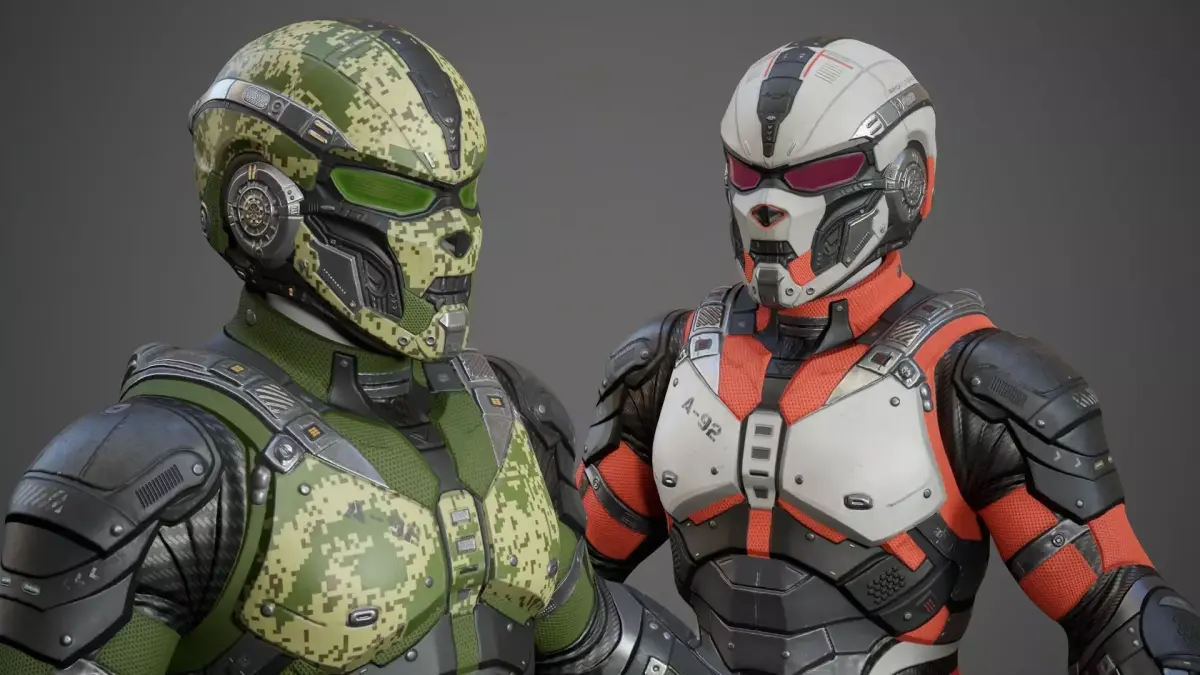
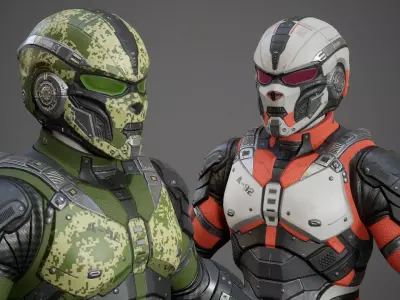
8 color textures of SciFi clothing;
Unreal Engine textures!
PBR - Base_Color, Ambient_occlusion, Height, Normal_OpenGL, Roughness, Metallic and other;
Video tutorial;
===============================================================================================
Question: Why did all clothing (helmet, pants, armor) become a single mesh after creating a MetaHuman 5.6 character, and how to split it in Blender?
Answer:This is not a mistake of the model author — MetaHuman Creator automatically merges all meshes into one on export. Solution: export the character to Blender, split the parts, and import back to Unreal. Full step-by-step tutorial is in my video (link included). https://www.youtube.com/watch?v=9PGSc08T97Y&t=10s
===========================================================================================
MetaHuman Body Clipping Protection (Optional)
By default, the base MetaHuman body remains fully visible and no geometry is removed.
When using armor or clothing, it is often necessary for game optimization to remove unnecessary body geometry that is hidden under the armor.
For this purpose, an optional MetaHuman Body Mask is included.
The mask hides the underlying MetaHuman body geometry, leaving only the hands and forearms visible, which helps prevent body clipping through the armor.
Additionally, hiding unnecessary body geometry reduces the rendered polygon count, which is a common optimization technique used in the game industry.
Important note
The mask is not applied by default.
The mask texture T_MetaHuman_Mask is provided separately in a ZIP archive available in the Additional Files section.
Users can apply the mask manually if they want additional clipping protection or character optimization.
A video tutorial is included demonstrating the workflow and final body mesh optimization. https://www.youtube.com/watch?v=SzsWe7DE9Pk
===========================================================================================================
Please follow the instructions to successfully import the outfit with the correct textures:
1) Create a folder called Outfits and a subfolder SciFi_Armor_P05. In this way Outfits\SciFi_Armor_P05
2) Transfer the file - OA_SciFi_Armor_P05 to the created folder - SciFi_Armor_P05
3) Transfer the WL (WI_OA_SciFi_Armor_P05) file to MetaHumanCreator
OTHER (Other, filesize: 512 MB), UASSET (UnrealEngine, filesize: 332 MB), FBX (Autodesk FBX, filesize: 2 MB), MP4 (MP4, filesize: 139 MB), PNG (PNG, filesize: 417 MB), BLEND (Blender, filesize: 232 MB)