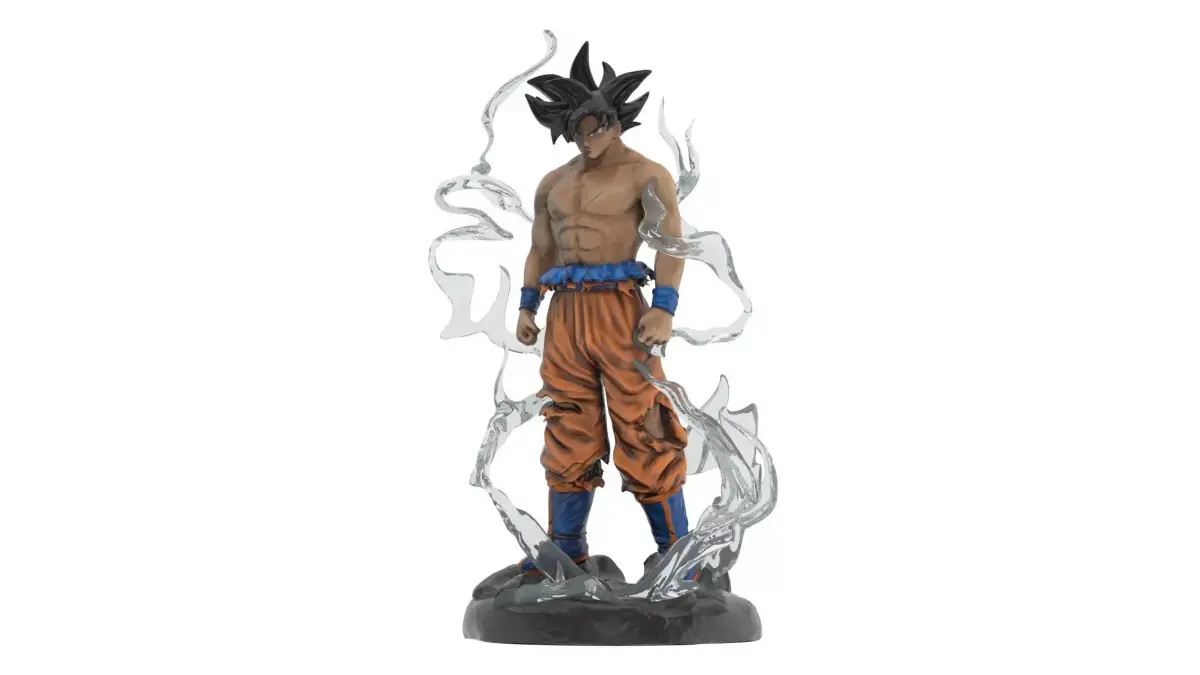
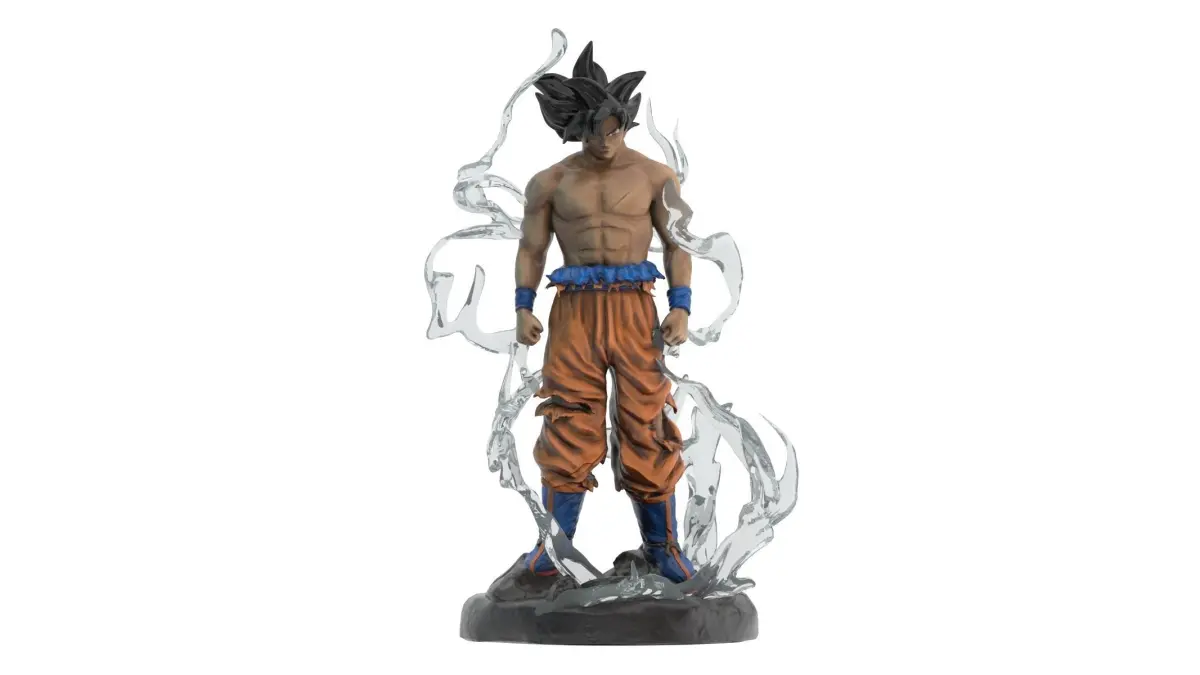
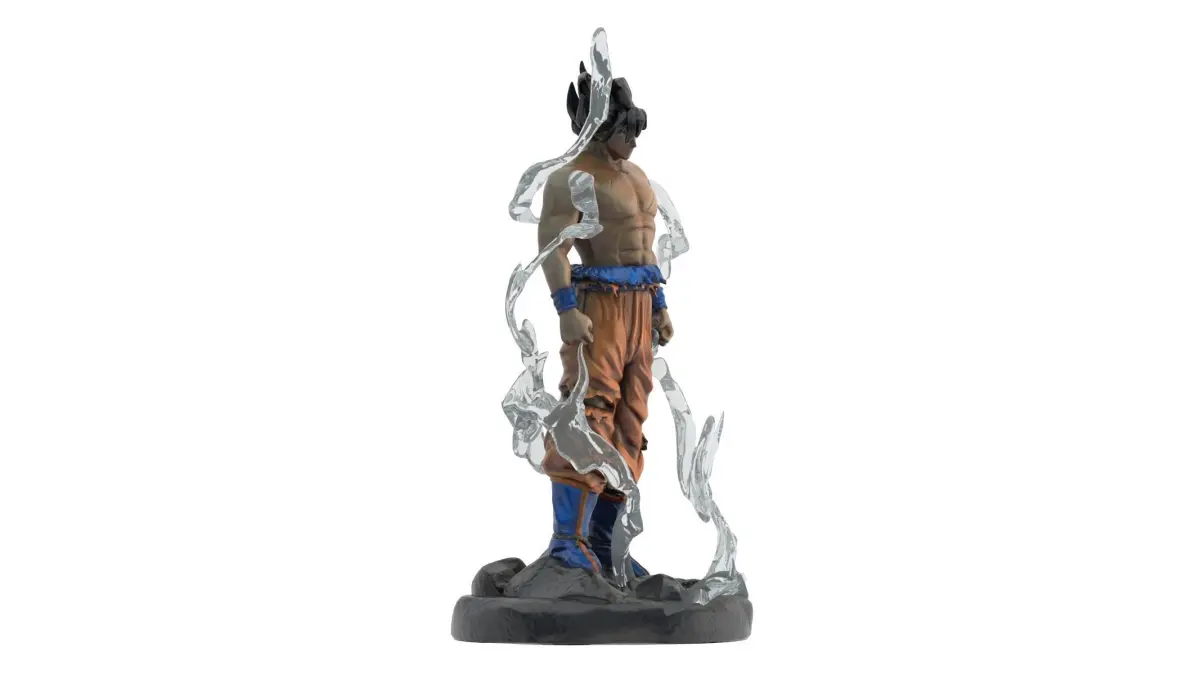
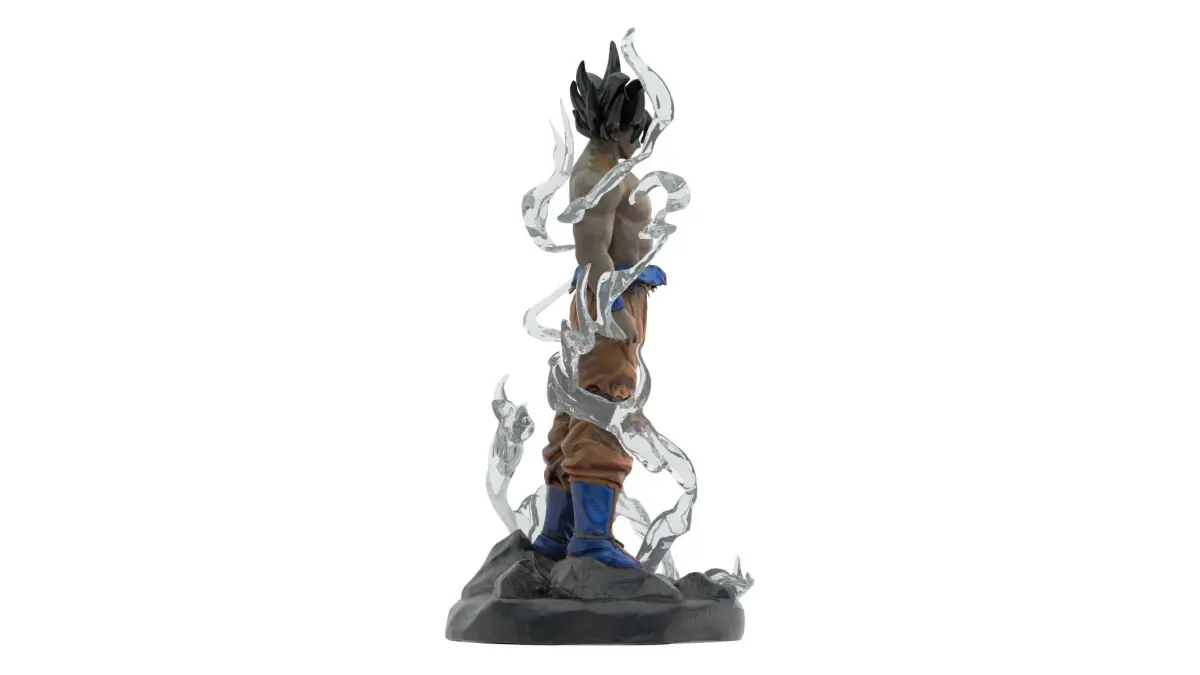
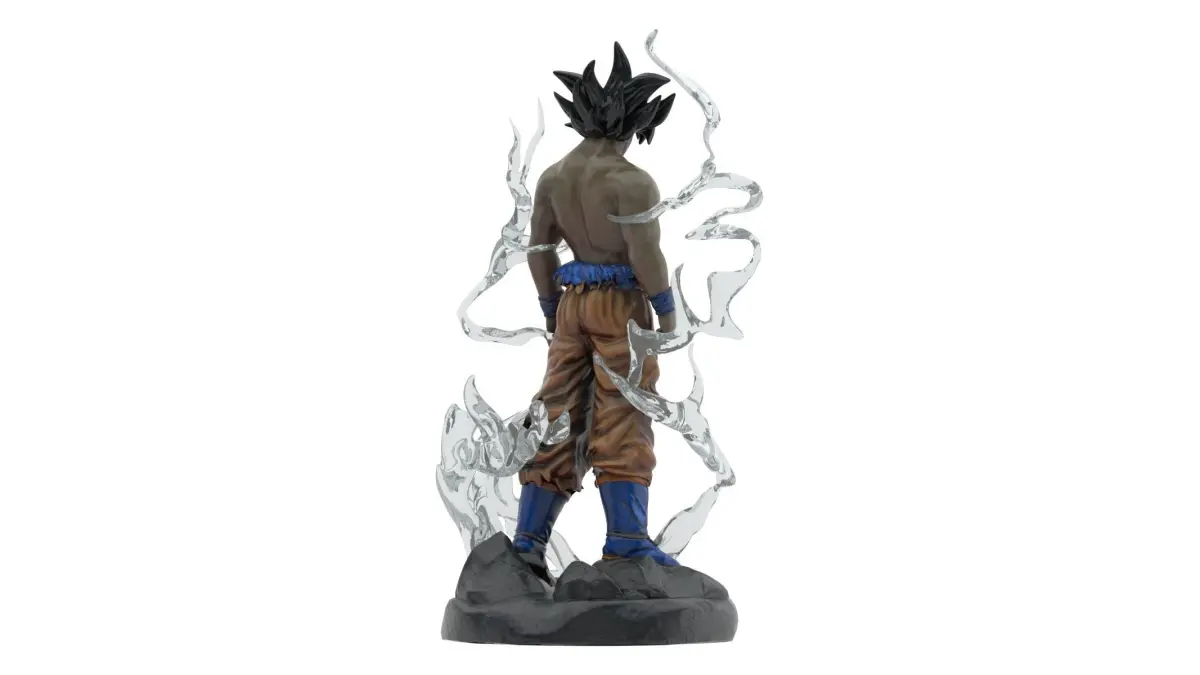
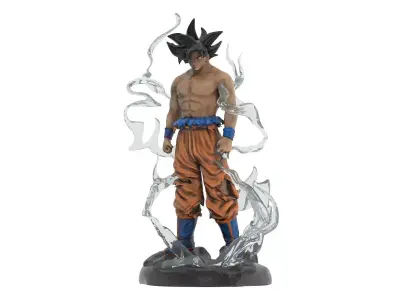
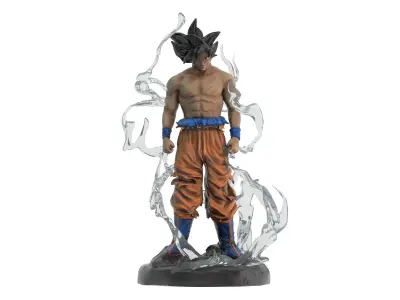
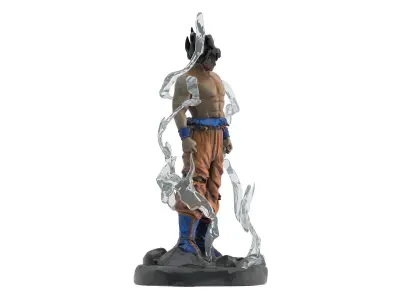
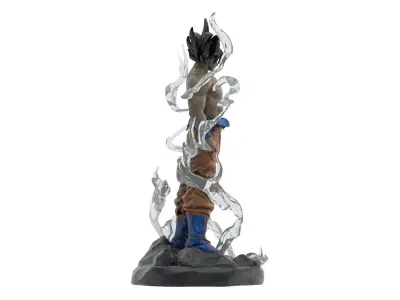
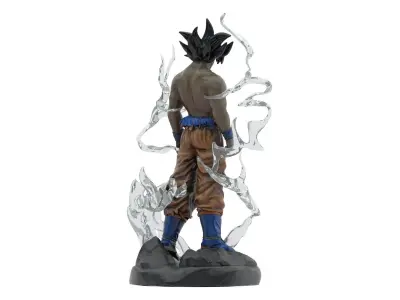
Songoku Super Saiyan Low-poly 3D model
Home Catalog Songoku Super Saiyan Low-poly 3D model

Publication date: 2021-08-10

Songoku Super Saiyan Low-poly 3D model

$29

License: Royalty Free

author:

Polygate2

All content related to this 3D asset—including renders, descriptions, and metadata — is credited to its original author, «Polygate2». CGhub does not claim copyright ownership over the content used.
  • Description

+++++++++++++++

BEFORE YOU MAKE PURCHASE:

My models are built on sizes and images from the internet. Therefore it will not be absolutely accurate compared to the real model.

+++++++++++++++

Features:

  • High quality polygonal model. Mesh and details are built by our professional artists.

  • Models resolutions are optimized for polygon efficiency. (In 3ds Max, the Meshsmooth function can be used to increase mesh resolution if necessary.)

  • 3ds Max models are grouped for easy selection, and objects are logically named for ease of scene management.

  • No part-name confusion when importing several models into a scene.

  • No cleaning up necessaryjust drop your models into the scene and start rendering.

  • No special plugin needed to open scene.

+++++++++++++++

File Formats:

  • 3ds Max 2018 + V-Ray ( 3.6 ) and standard materials scenes

  • OBJ 2018 (Multi Format)

  • 3DS 2018 (Multi Format)

  • FBX 2018 (Multi Format)

  • Maya 2018 with standard materials

  • Cinema 4D R20 with standard materials

  • Blender 2.91

+++++++++++++++

Textures: ( just for the models have textures, some models have not textures because it just contain base material )

  • Models was textured will be seen in the preview image and the infobox next to it. Models have no texture just contain standard materials.

For models have texture:

  • High resolution ( up to 4096x4096 pixels for big parts and 2048x2048 pixels for small parts ).

  • About UVs: Some models have no UV if it has no texture (it only materials have no texture ).

+++++++++++++++

  • NOTE for Cinima 4D users: add HyperNURBS for each object to get subdivision ( smooth ). And make sure setting of HyperNURBS is Catmull-Clark and Subdivide UVs is Edge to correct textures and UVs.

  • NOTE: If you have problem with extract file please use latest version of winrar ( winrar is free )

  • Also check out our other models, just click on my user name to see complete gallery.

3D Model details

  • cgtrader Platform
  • Animated
  • Rigged
  • Ready for 3D Printing
  • VR / AR / Low-poly
  • PBR
  • Textures
  • Materials
  • UV Mapping
  • Unwrapped UVs: non_overlapping
  • Geometry: Unknown
  • Polygons: 107783
  • Vertices: 107978
Similar models
image-product
Add to Wishlist Remove from Wishlist View
image-product
Add to Wishlist Remove from Wishlist View
image-product
Add to Wishlist Remove from Wishlist View
image-product
Add to Wishlist Remove from Wishlist View
image-product
Add to Wishlist Remove from Wishlist View
image-product
Add to Wishlist Remove from Wishlist View