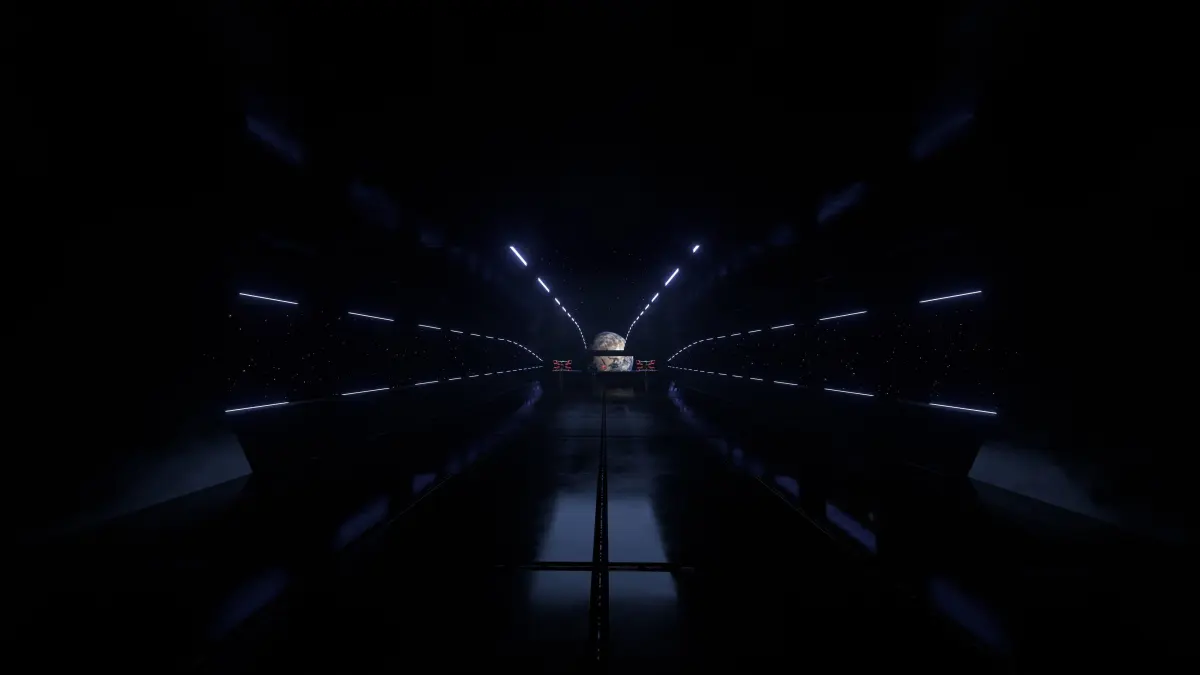
This is the upgraded version of my previous 3D model ( https://www.cgtrader.com/products/star-wars-hangar-bay )
Don't forget to watch the youtube video.
What's new ?
- Expanded interrior
- All Normal and AO textures are included.
- Normals are recalculated for exported files.
- Now all textures have duplicates with less resolution.
- Unique sci-fi textures ( 6 image and 2 video textures )
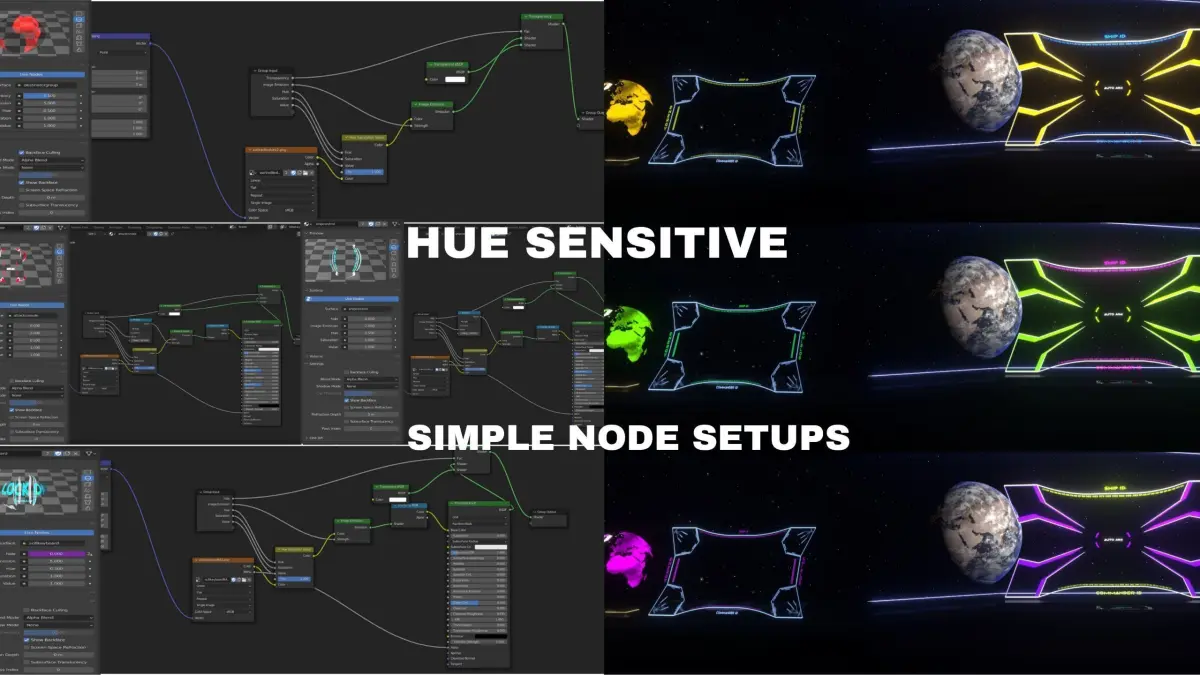
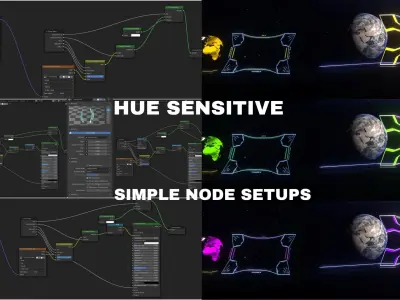
- Simplified materials with animatable properties. (Blender only)
- 10 different color variations for console textures with hue sensitive materials. (Blender only but can be manually done in any other software.)
- Automatically openning and closing gates. (Blender only)
- Automatically animated sci-fi light material. (Blender only)
- Partially transparant version of the sci-fi light material (Blender only)
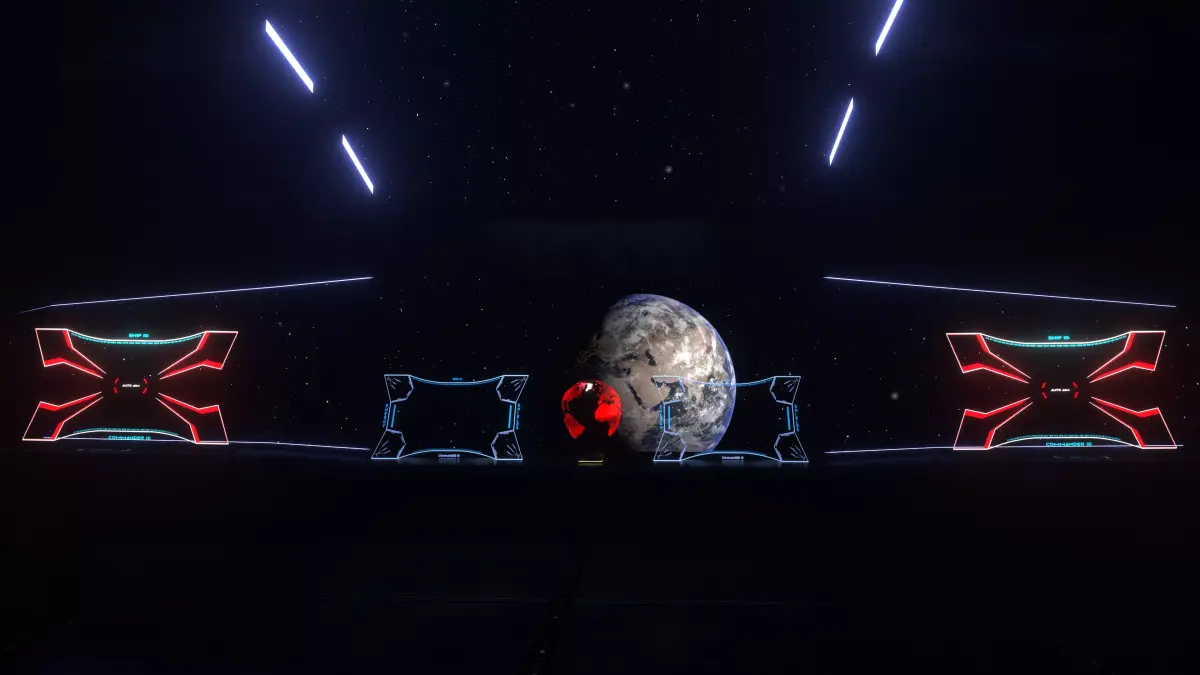
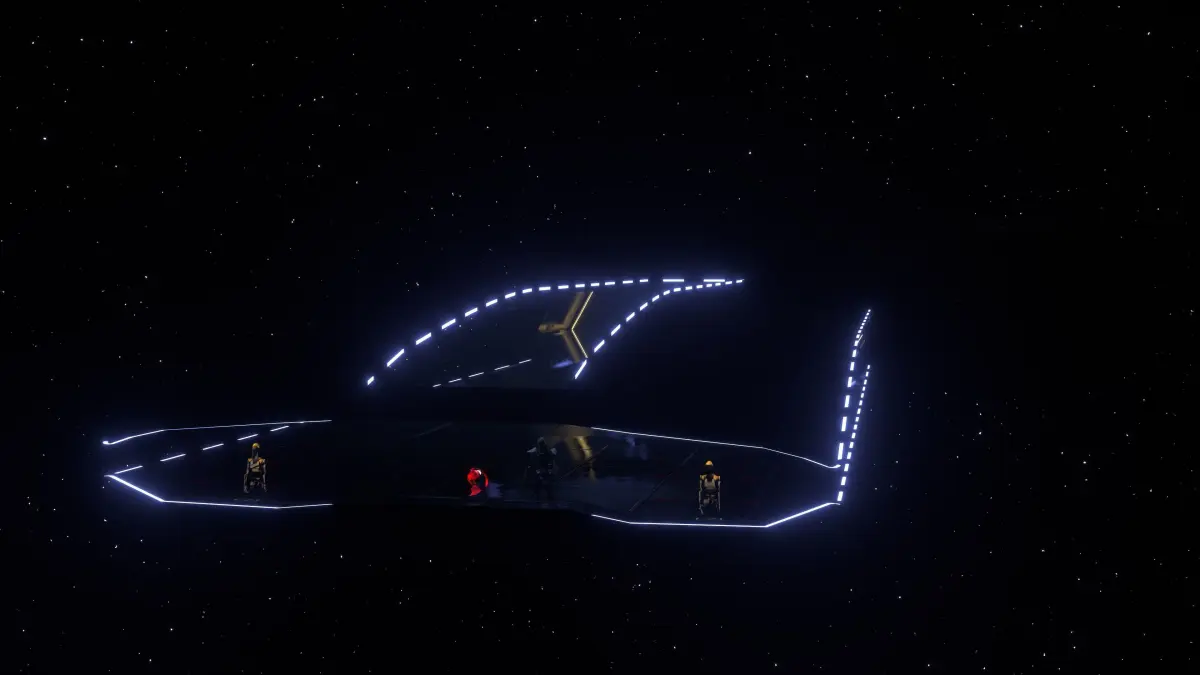
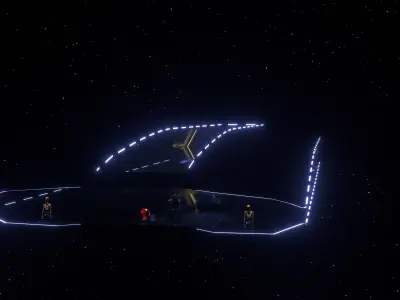
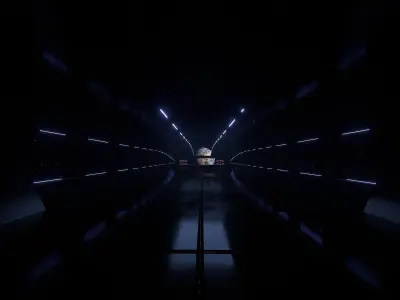
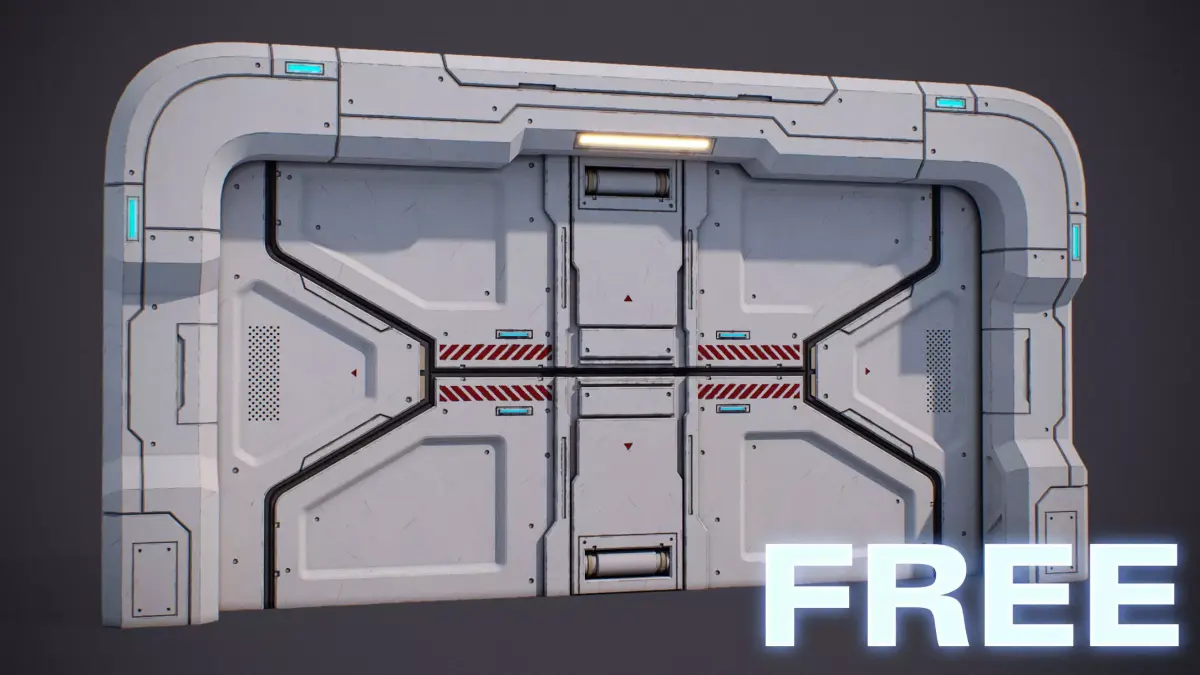
Now we have a complete interior spaceship with a command room and a corridor. You can travel between hangar and command room without interruption. Corridor has sci-fi gates on both ends which automatically opens with the help of shape keys and drivers.This spaceship doesn't have an exterior but I created a cover to prevent shading issues and stop any light from coming inside. The cover matches with the shape of the interior therefore model looks like has exterior.
I created an elevator and deleted the ladders to make travelling easier.
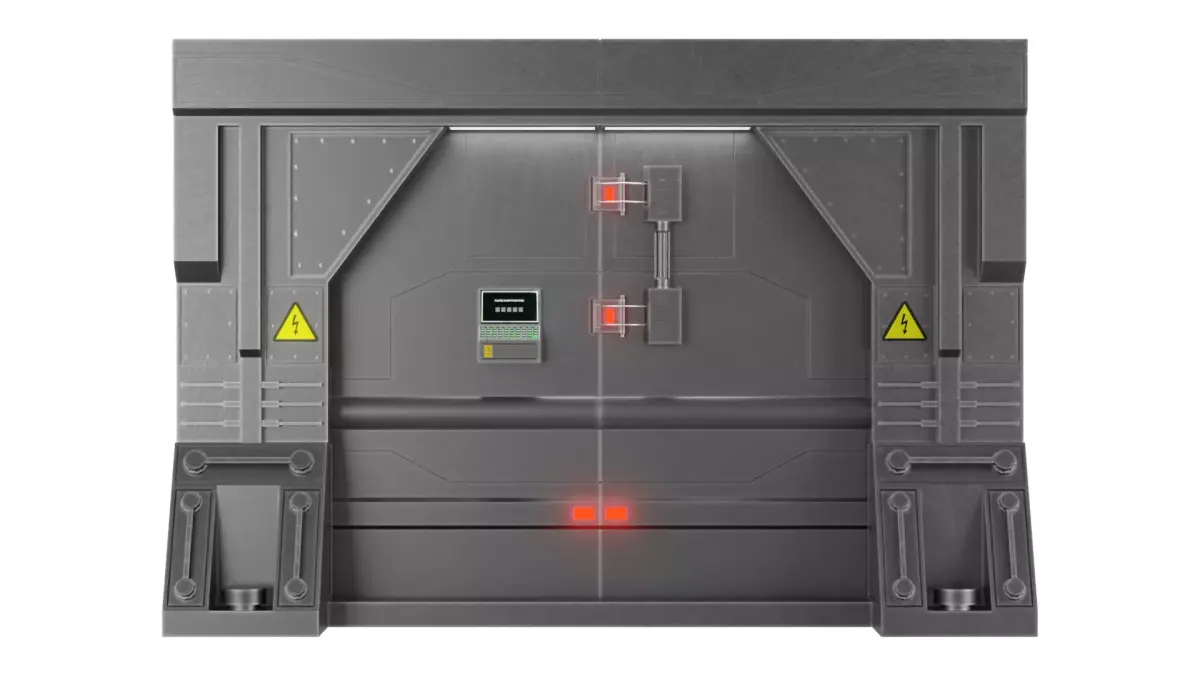
I added a control panel to open and close the gates of hangar bay.
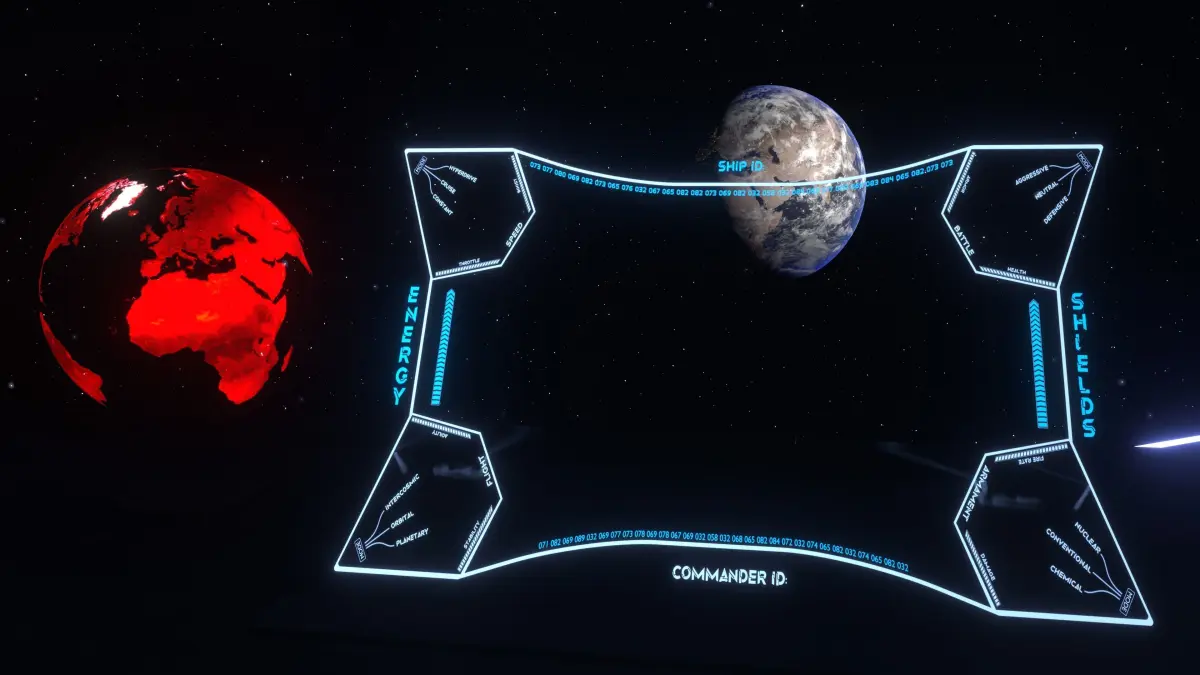
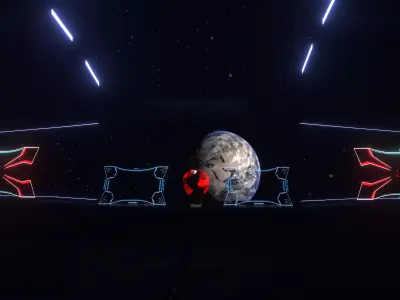
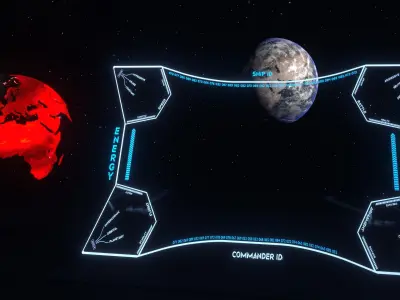
I created 4 panels for the command room:
- Destinator,located in the middle and shows the destination point.
- Attack consoles, located in both sides of table.
- Sci-Fi keyboards, attached to attack consoles
- Command consoles, located on both sides of the destinator.
- Textures are automatically packed into blend files and fbx files. This is why they have many mb's.
- All console textures include alpha channel.(Except video textures)
- All consoles and gates have shape keys to create opening/closing animations.
- All objects are parented and named properly.
All materials are named.
2 source files (.blend) for max resolution and low resolution textured versions.
3 texture folders inside textures.zip. One for high resolution textures, other for low. 3rd folder is for AO textures because non of these textures are used in blend files.
-Blend, fbx and dae files include shape keys. If you download other files, you won't be able to use any feature related to shape keys.-Only blend file includes drivers. Functions depending on drivers will not work on other file formats. -Video textures can not be included in exported file formats. However, you can manually apply them on your software.
-Fbx and .obj files include textures. If there are any missing textures, you can easily apply missing ones on your software.-Exported files have slightly different materials and meshes to export all the data& textures correctly. Exportsoruces.zip include source files for the exported files so you can export manually if there are any errors.
On exported files; only console and glass materials should have alpha blend as blend mode.-.obj file has ripped faces to get the smooth shading right.-If smooth shading is not enabled on a file, go with 30° or 45° on your software.-stl file is added only to give you an import option. Model is not ready to for printing.-All files are tested by importing into blender. Contact the creator if you have a problem on your software. -Drivers of automatic gates are not functioaning as default because there is no target(a character or vehicle) on source files. You need to import and manually select a target for gates to work. (Read and watch the tutorials on the user guide if you need any help with customizing,animating,enabling features.)
User guide :https://www.canva.com/design/DAE390JW3m4/view
BLEND (Blender, filesize: 215 MB), OBJ (OBJ, filesize: 807 KB), FBX (Autodesk FBX, filesize: 81.1 MB), GLTF (glTF, filesize: 109 MB), ABC (Alembic, filesize: 2.41 MB), STL (Stereolithography, filesize: 2.1 MB), DAE (Collada, filesize: 5.26 MB), TEXTURES (Textures, filesize: 123 MB)