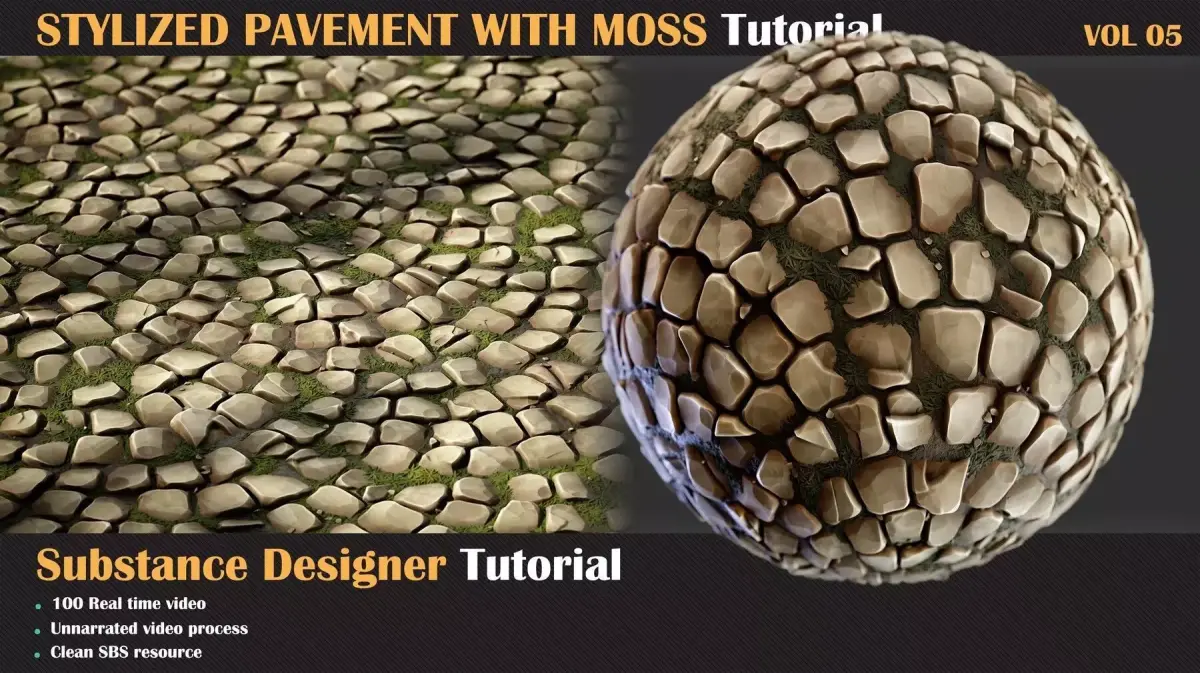
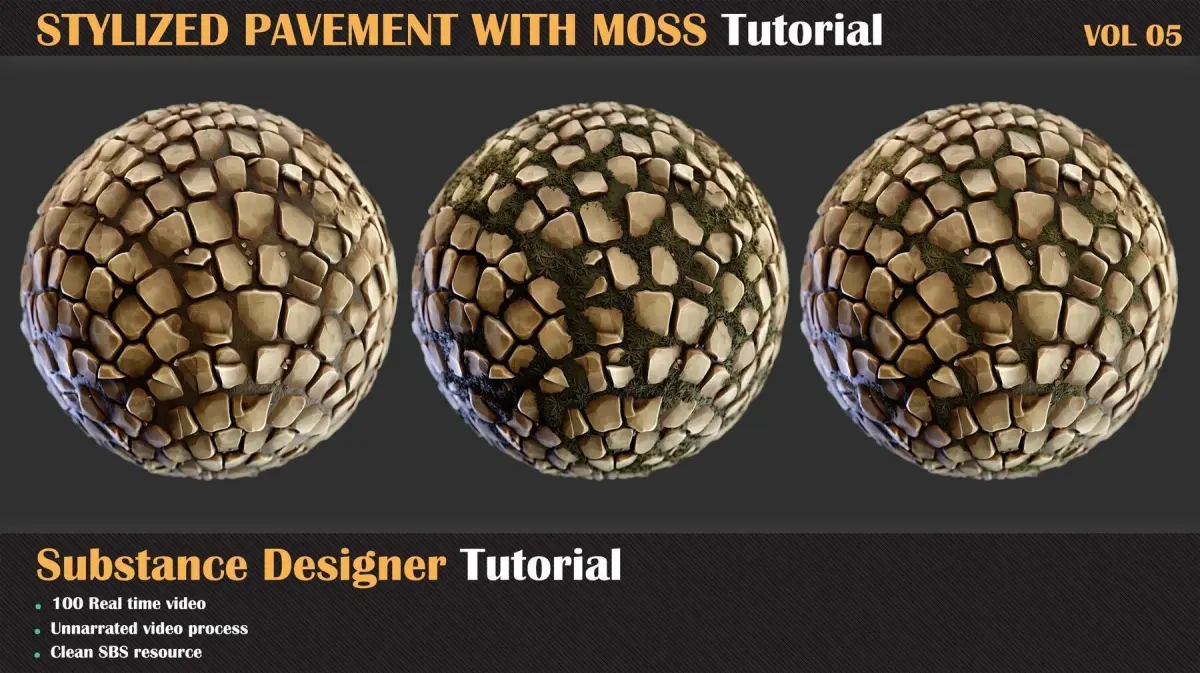
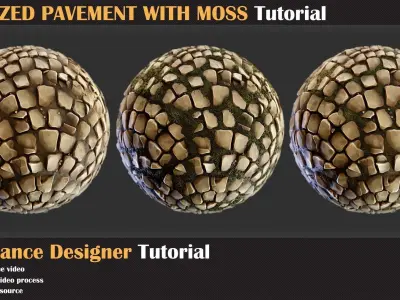
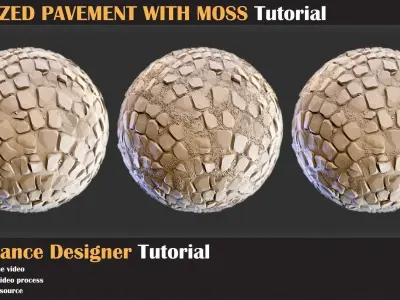
How to make Stylized Pavement with moss in Substance Designer
In the continuation of the designer training series, in this chapter, we want to create Stylized Mossy Pavement a very useful and common material in the 3d world. so we in this video show you how to achieve this result in designer in a few steps and enjoy creating material in substance designer!Contents:
100 minutes of unnarrated videos1080 Resolution
Chapters:
Chapter 01- First Step: In this chapter, we are going to use the default node of the substance designer and create the slope effect on the edge. First, we are going to create pavement stone and modify that to reach what we want, and after that, we are creating a moss cover for it.
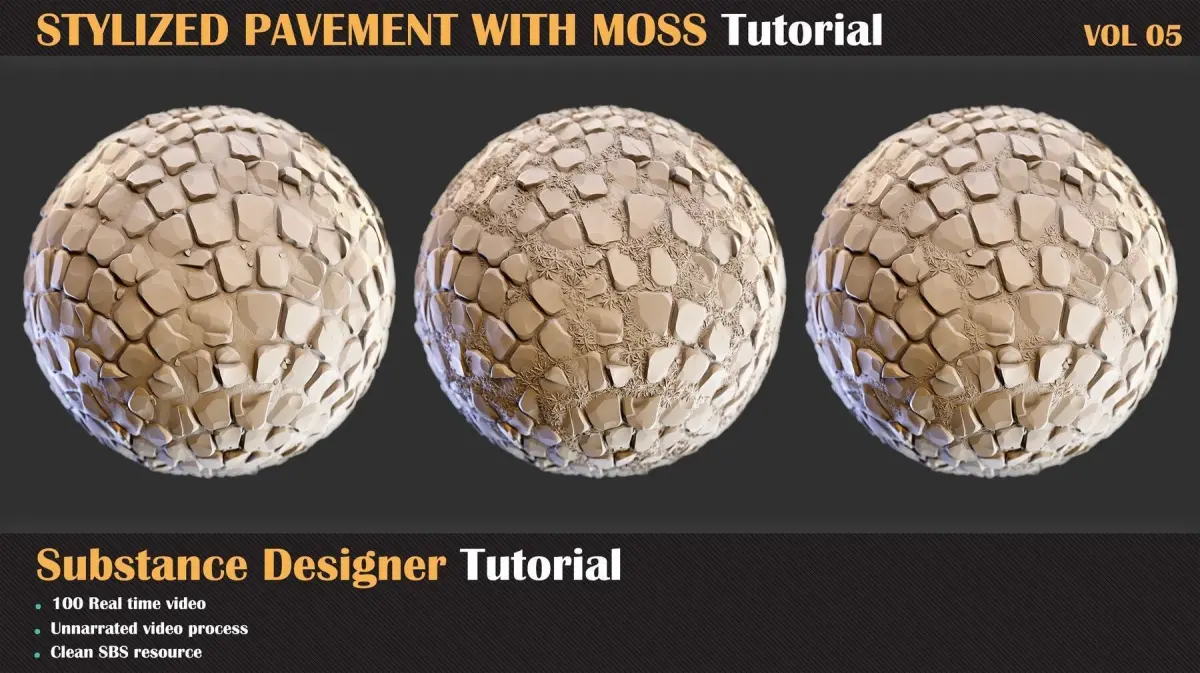
Chapter 02- Second Step: The next step is creating the color data and roughness for this material. For this tutorial, we are using the gradient map and creating our color data with a few colors, and blending them together with different grunge maps to get what we want. And for roughness data, we are using a simple and effective way for stylized material.
Software Used:
Substance Designer
Level:
Intermediate
Prerequisite Basic knowledge of Substance Designer
Attention: clean SBS file is included in this product that you can study over that ( version of designer should be 11.3 or above )
Attention: all videos are unnarrated (it means there are no voice-over videos or subtitles)
OTHER (Other, filesize: 254 MB), SBS (Substance Designer, filesize: 402 KB)