Sunday Chill Outfit for Genesis 9 (dForce)
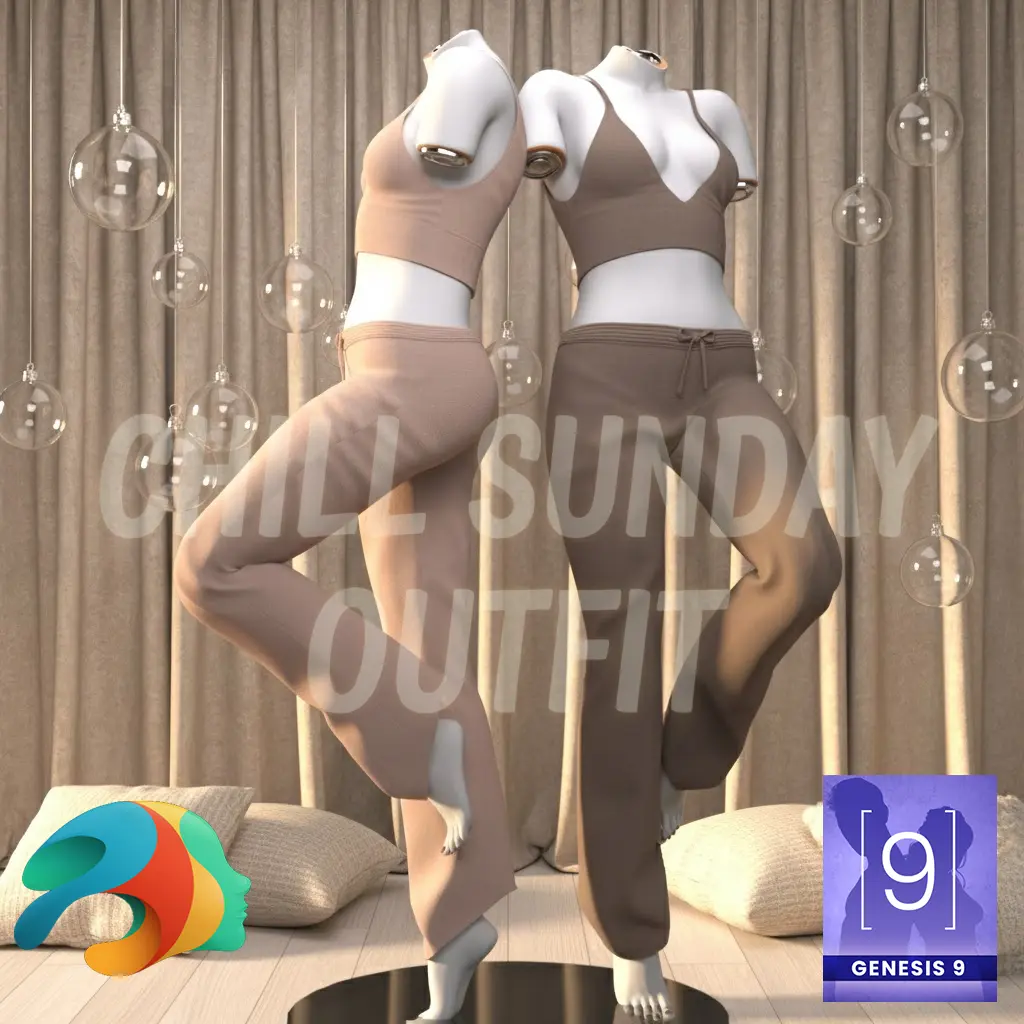
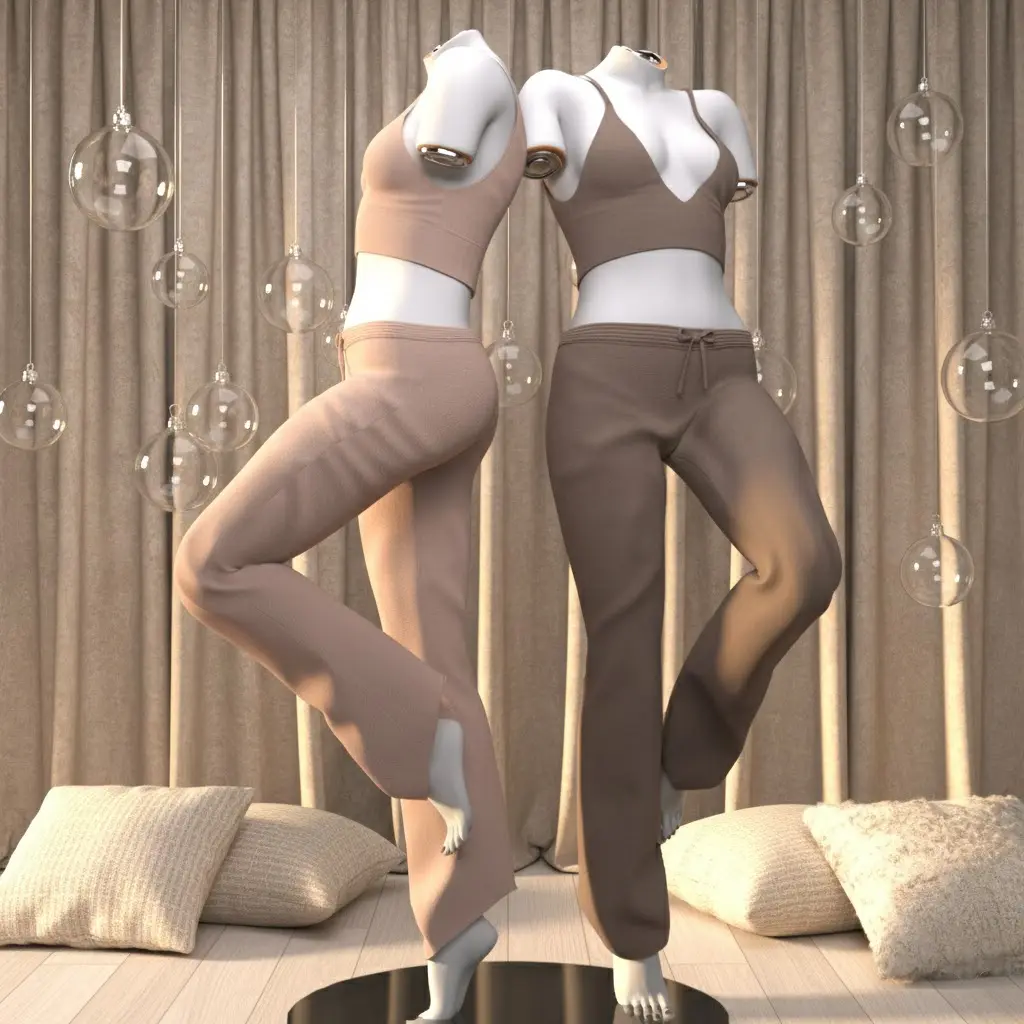
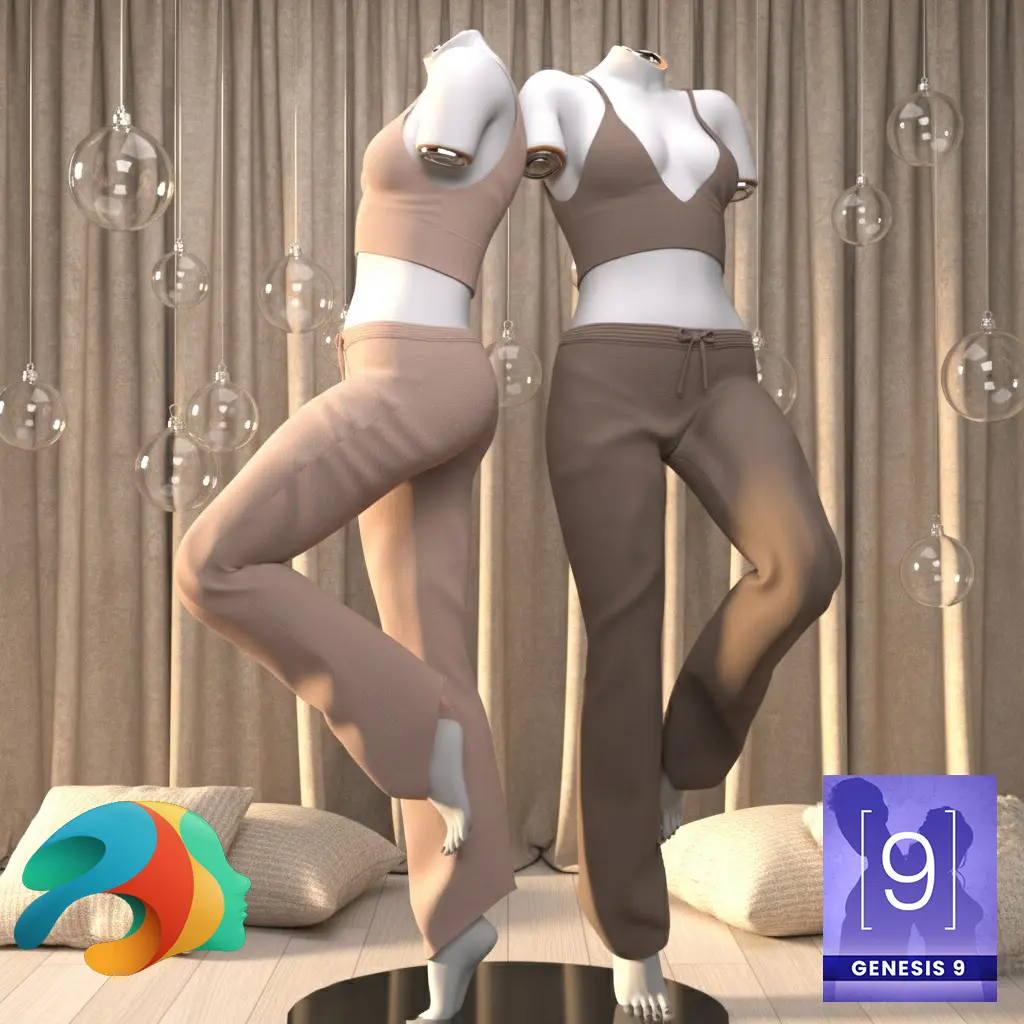
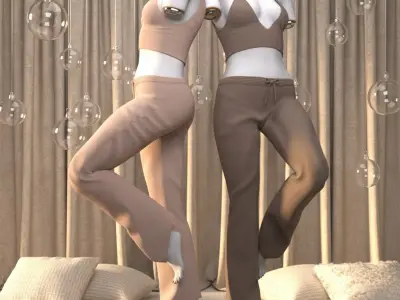
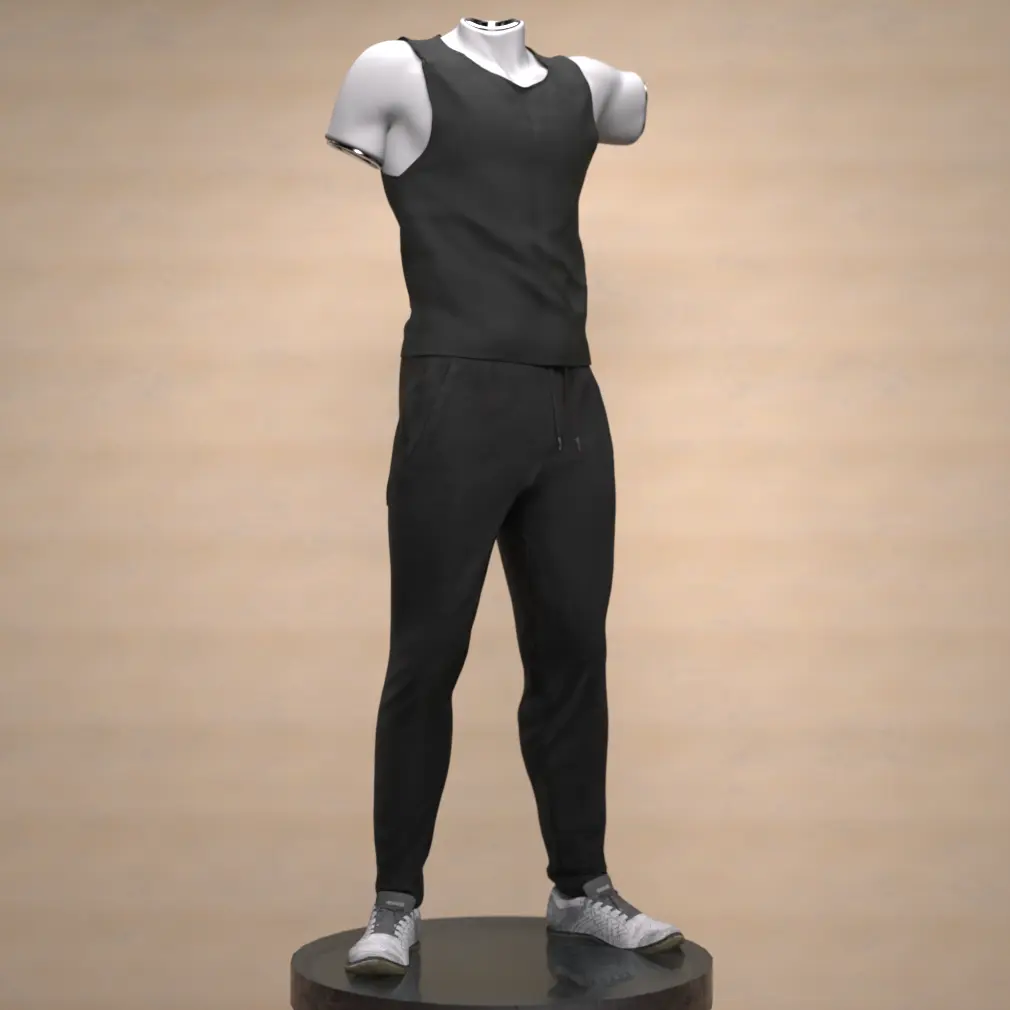
This Sunday Chill Set is the perfect addition to your Genesis 9 character's wardrobe. It is a comfortable, two-piece loungewear or pajama set, ideal for relaxed scenes and "chill mode" renders.
Outfit Details
The set includes:
-
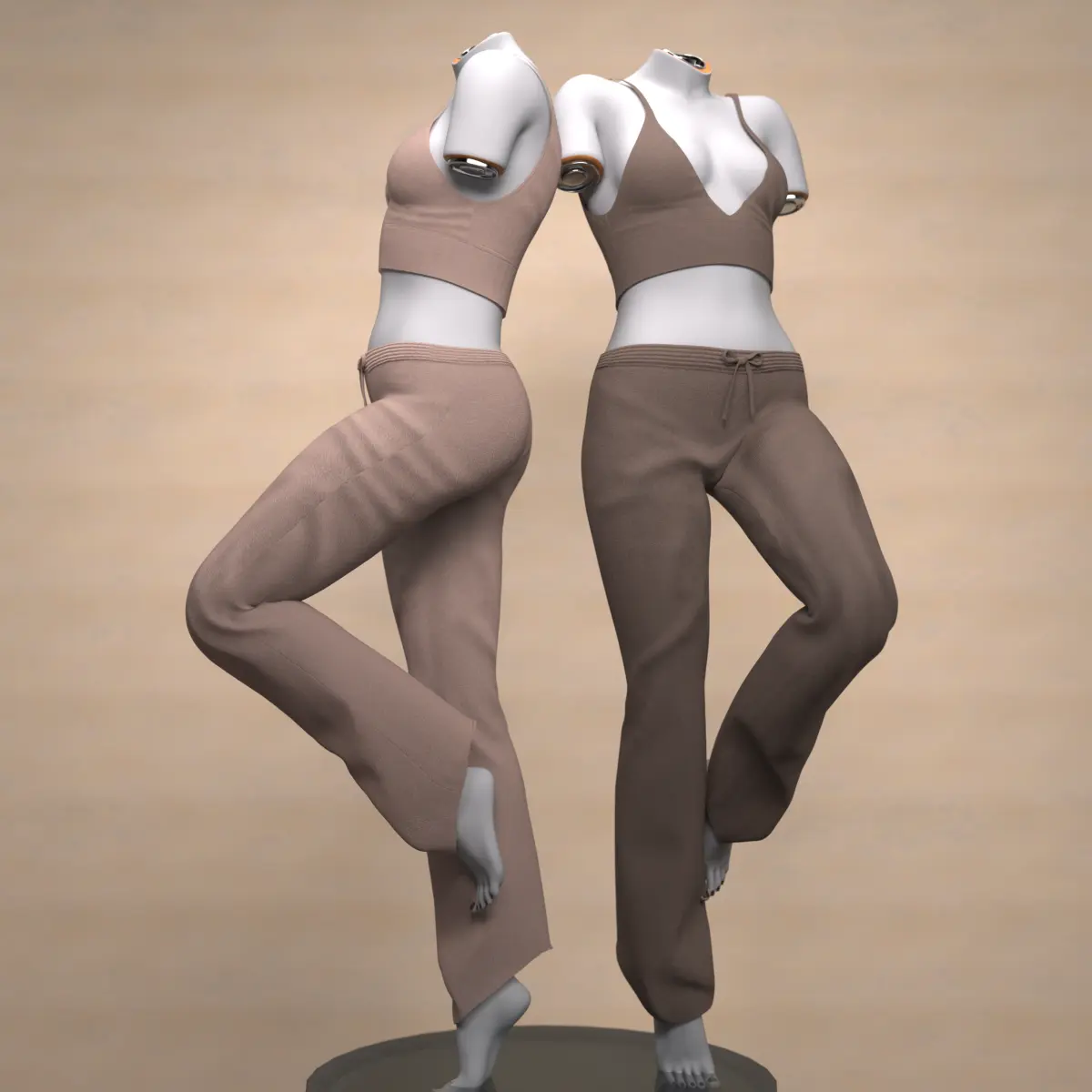
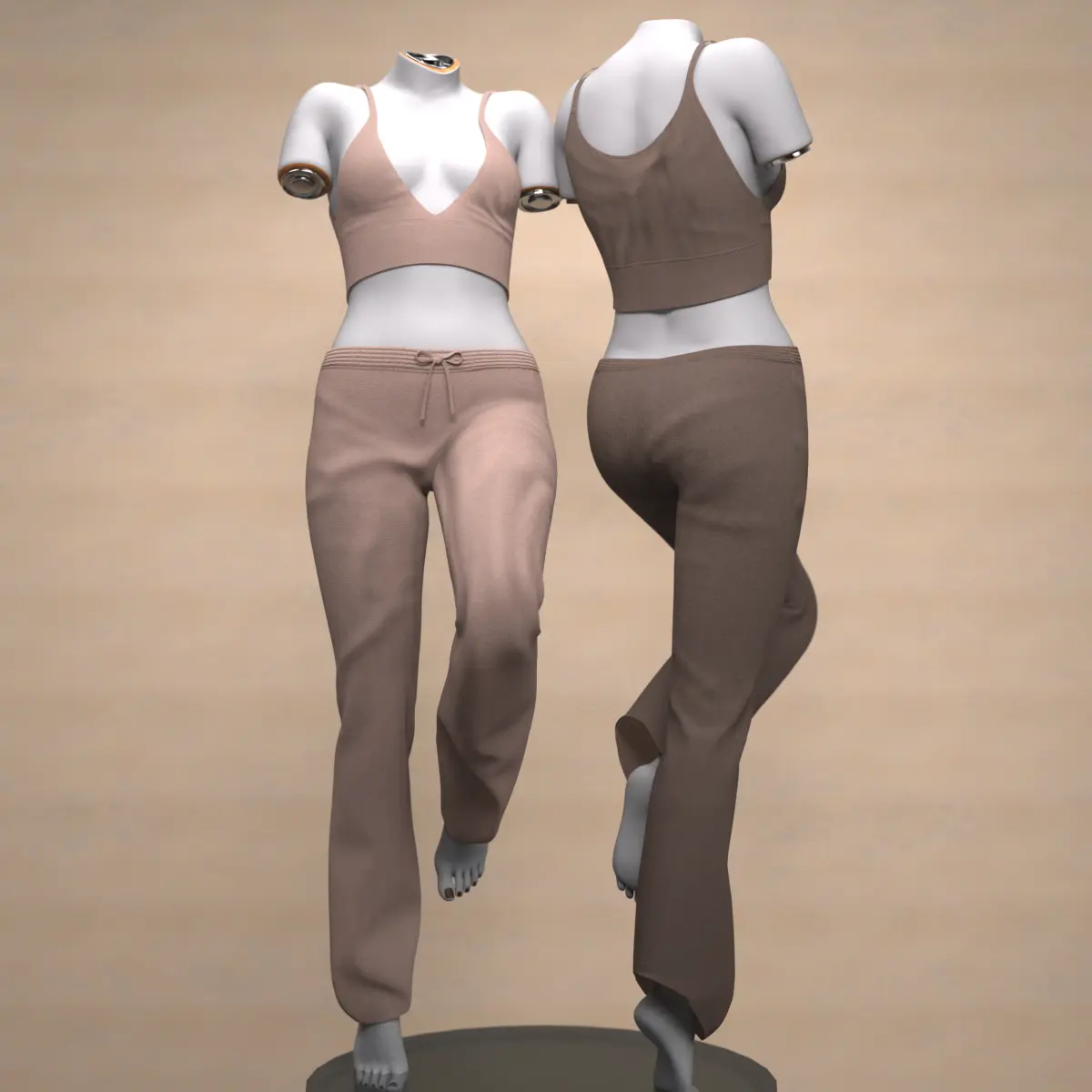
Sunday Chill Top: A short, form-fitting bralette top with thin straps and a deep V-neckline, offering a modern and casual look.
-
Sunday Chill Pants: A pair of loose-fitting pants featuring a wide leg opening and a drawstring detail at the waist.
Color and Material Options
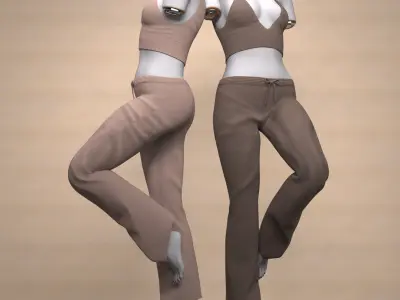
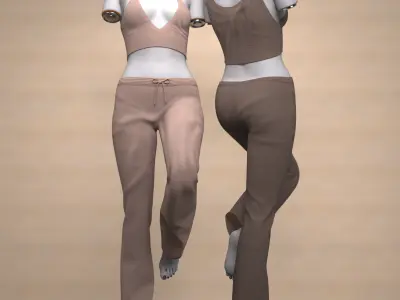
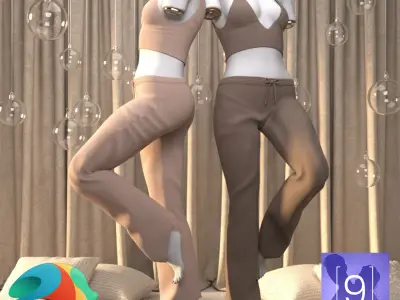
The outfit comes with two base colors—a soft Beige and a warm Brown—which can be found in the Material subfolder. These colors can be applied separately to the Top and the Pants, giving you the freedom to create either monochrome or two-tone combinations (as seen in the preview image).
dForce Compatibility
The Sunday Chill Pants are specifically designed for use with dForce. This ensures realistic cloth simulation, including natural folds and movement in dynamic poses and animations, adding an extra level of authenticity to your renders.
Installation and Loading the Outfit
The set includes the necessary .duf and .dson files for easy use in Daz Studio:
-
Load Individual Pieces: You will find the files Sunday Chill Top.duf and Sunday Chill Pants.duf to load the individual parts separately.
-
Load Full Set: Use the file !!!Load All Outfit!!!.duf to apply the entire set to your Genesis 9 figure at once.
Guide to Unzipping Files
Before you can install the files into Daz Studio, you must extract the contents of the downloaded ZIP file.
Step 1: Unzipping Program Ensure you have an extraction program installed (such as WinRAR, 7-Zip, or your operating system's built-in function).
Step 2: Extraction
-
Right-click on the downloaded .zip file.
-
Select an option like "Extract All..." (Windows) or "Extract Here" (for third-party programs).
-
Choose the destination folder where the files should be saved (often, a folder with the same name as the ZIP file is created automatically).
-
After extraction, you will find the outfit's folder structure (e.g., Data, People, Runtime) ready to be moved into your Daz Studio Content folder.