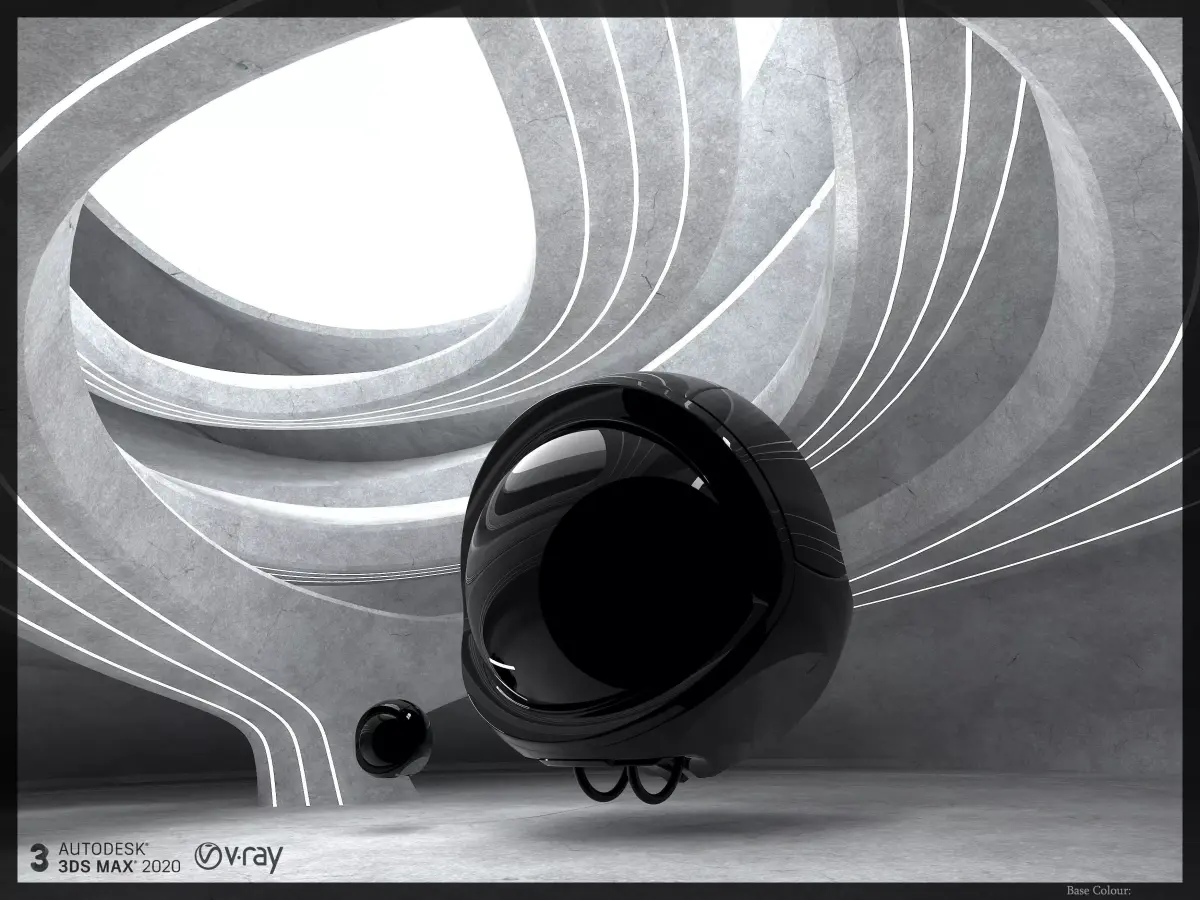
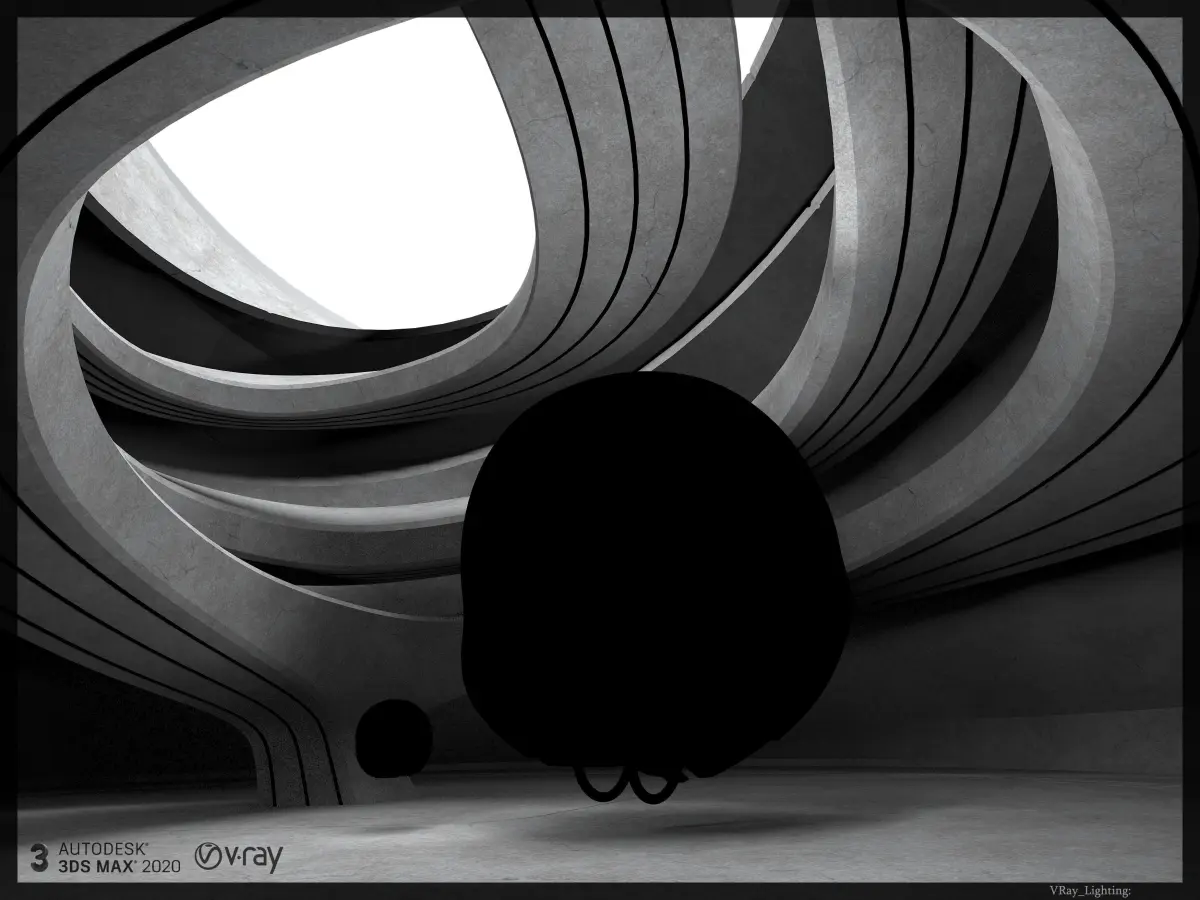
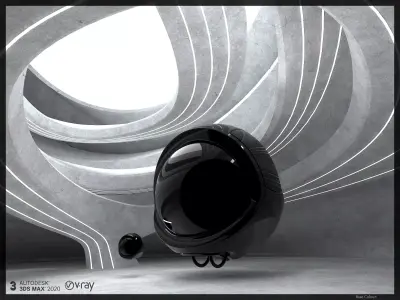
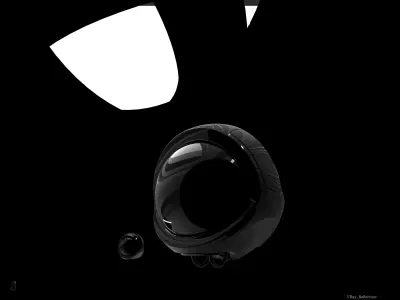
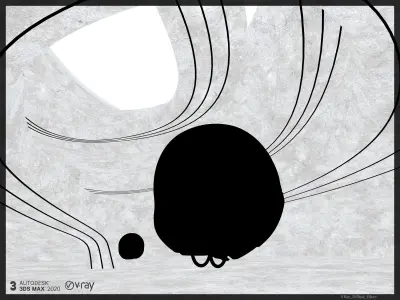
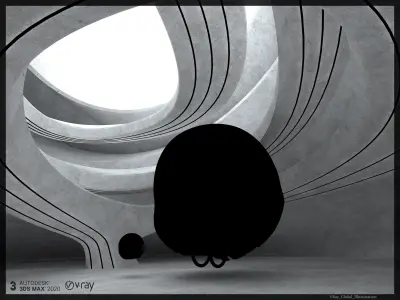
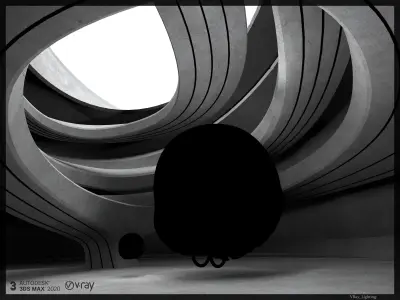
Synthetic_plastic_highgloss_Black.
This is a plastic highgloss black procedural material for Vray Rendering in 3dsMax 2020. V_Ray_4.30.00. 3dsMax_2020.
Contain:
The scene contains two plastic materials in two different scales.
- Synth_matt_plastic_soft_B_V_001 400mm.
- Synth_matt_plastic_soft_B_V_002 3000mm.
The first one has 400 mm scale. It can be used for some kinds of objects up to 500mm.The second one has 3000mm scale normally used for big objects.
Material Library file you can find in
"Mat_Library_Synthetic_plastic_highgloss_B.
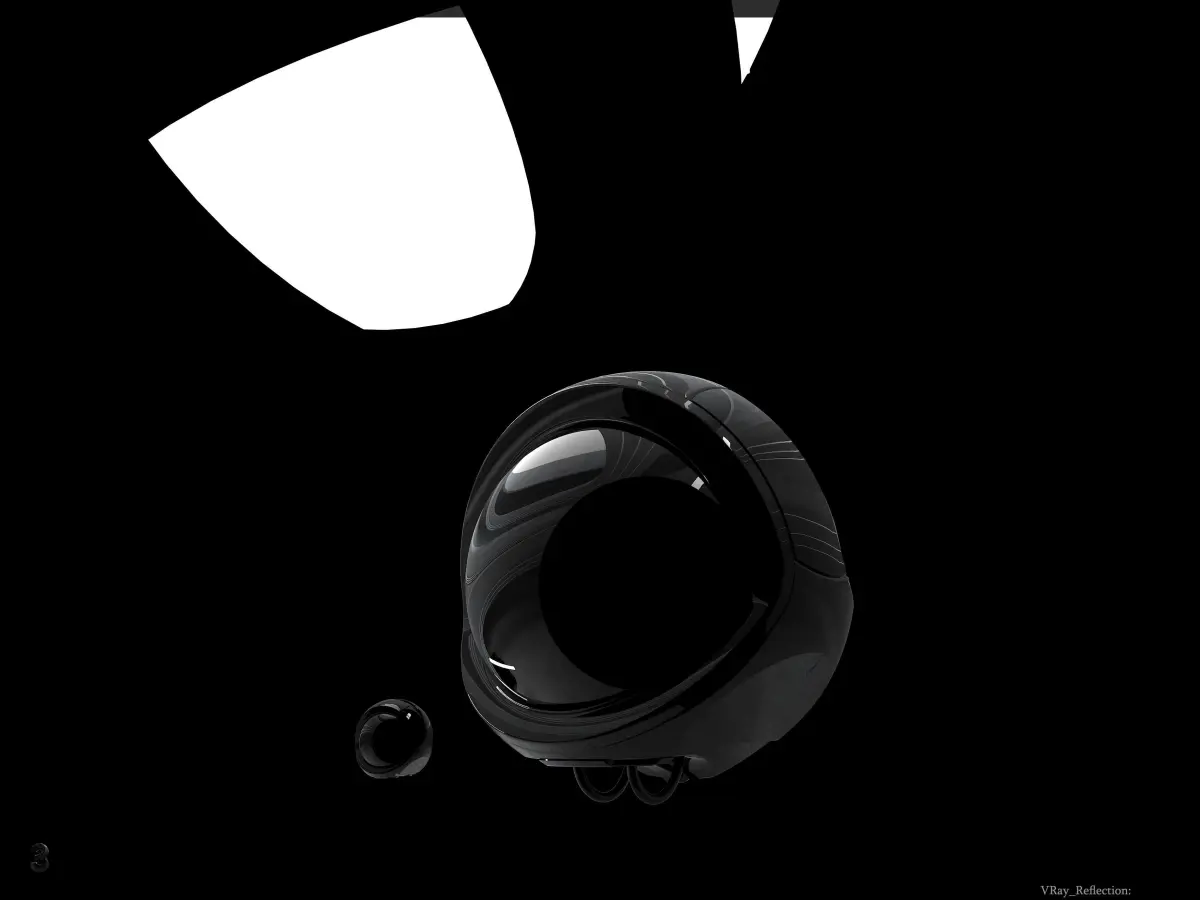
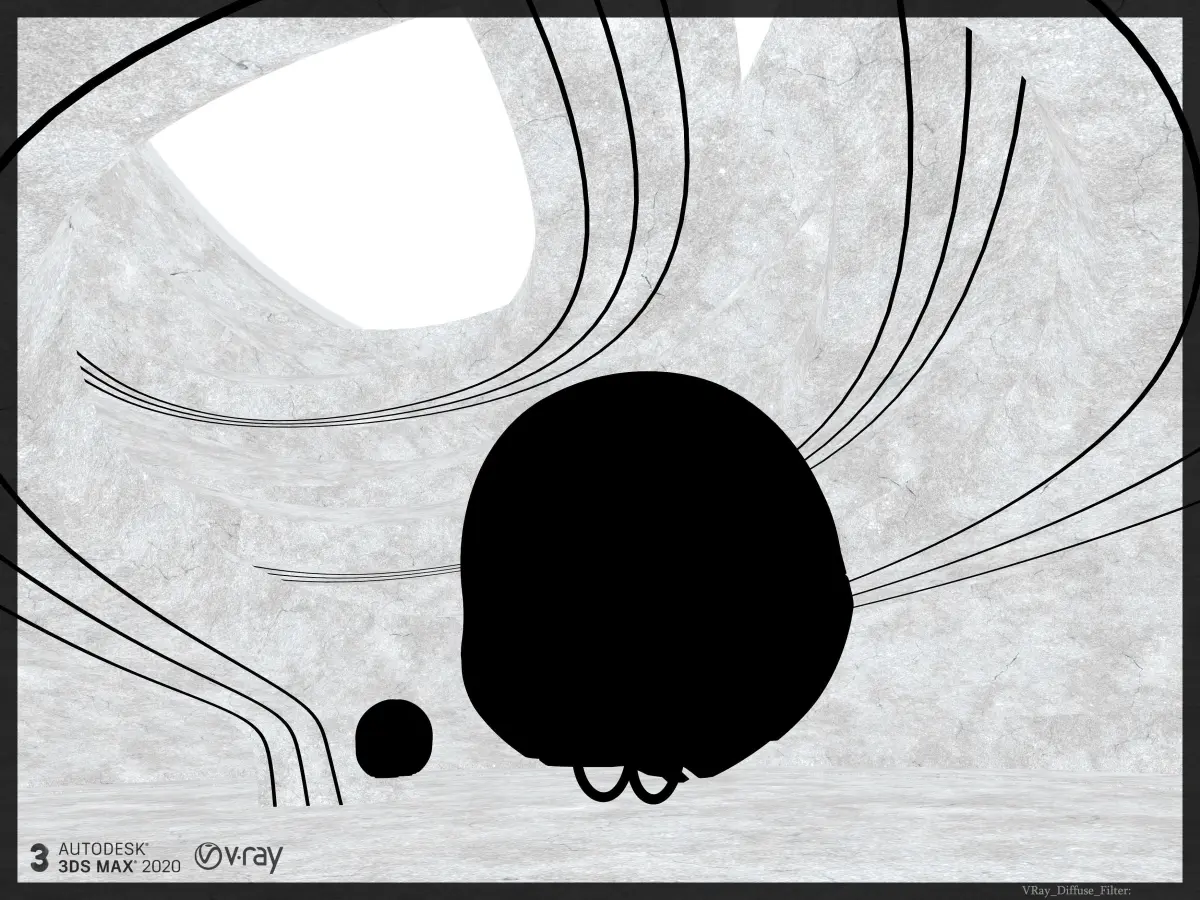
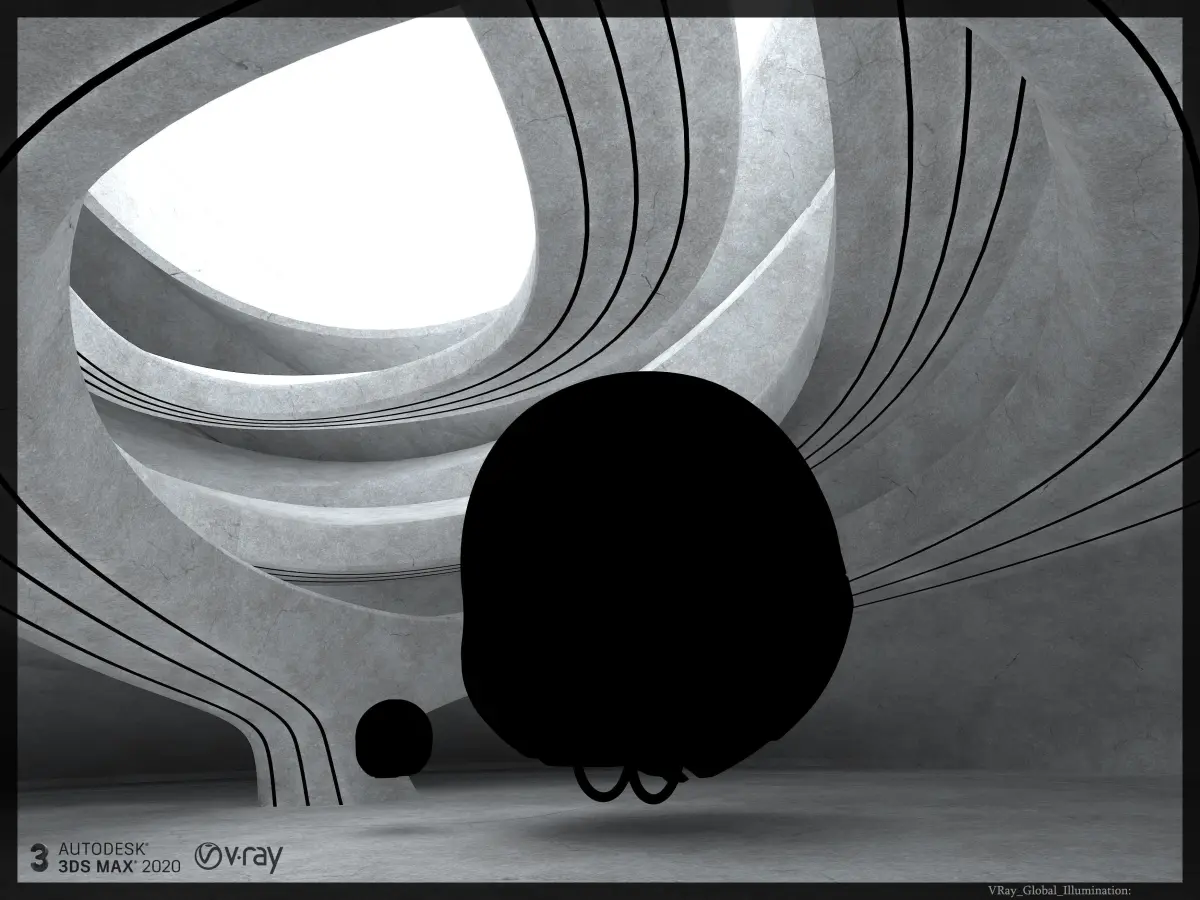
Separate_Render_Elements:
- Alpha
- RGB
- VRay_Bump_Normal
- Vray_Diffuse_Filter
- Vray_Extra_Tex
- VRay_Globall_Illumination
- Vray_Lighting
- Vray_Reflection
- Vray_Refraction
- Vray_Sample_Rate
- Vray_Sampler_Info
- Vray_Specular
- Vray_ZDepth
As a background, I used the Showroom.The file contains concrete textures for itin Concrete_Basis_Spotted folder.
- Dry_Concrete_Spotted_A_baseColour
- Dry_Concrete_Spotted_A_MetallicSmoothnessA
- Dry_Concrete_Spotted_A_normal
- Dry_Concrete_Spotted_A_Roughness
- Dry_Concrete_Spotted_A_ambientOcclusion
The product folder system looks as following:
- 3DS_format
- Concrete_Basis_Spotted
- FBX_format
- Mat_Library_Synthetic_plastic_highgloss_B
- Material_presentation_renders
- Max_file
- Render_3500_2625_preset_V_Ray_4.30.00
- Vray_Settings
- Z_depth_Cameras_information
How to import materials in your scene?
At first, open your Material Editor (press M in 3DsMax).On the left under the material slots (under the left arrow) click on the Get material button.For effective work you need to make your Material/Map Browser old school.On the left side choose Mtl Library, File-Open-find mtl_file in Mat_Library_Synth_matt_plastic_soft_B folder.Take one of the materials and drag and drop the selected slot of your Material Editor.
- Software : 3Dsmax 2020.
- Renderer : VRay 4.30.00.
Let the Power be with you!
3DS (3D Studio, filesize: 556 MB), FBX (Autodesk FBX, filesize: 557 MB), MAT (mat, filesize: 553 MB), MAX (Autodesk 3ds Max, filesize: 563 MB), RPS (3ds Max Render Preset Settings, filesize: 553 MB)