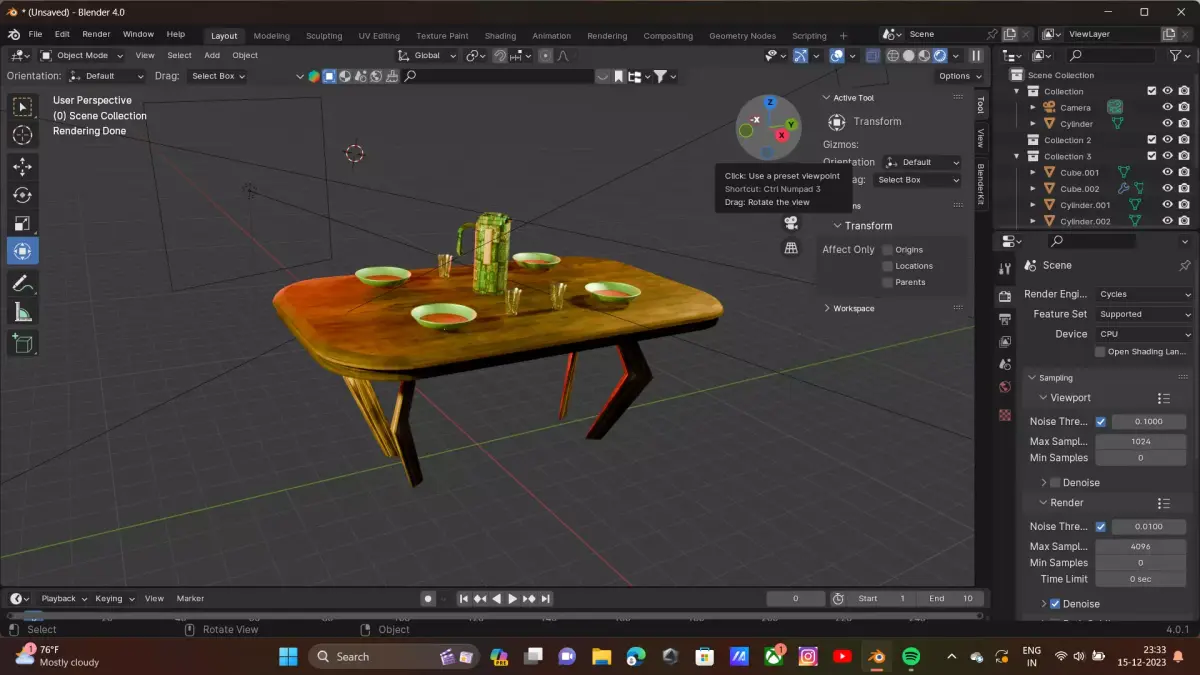
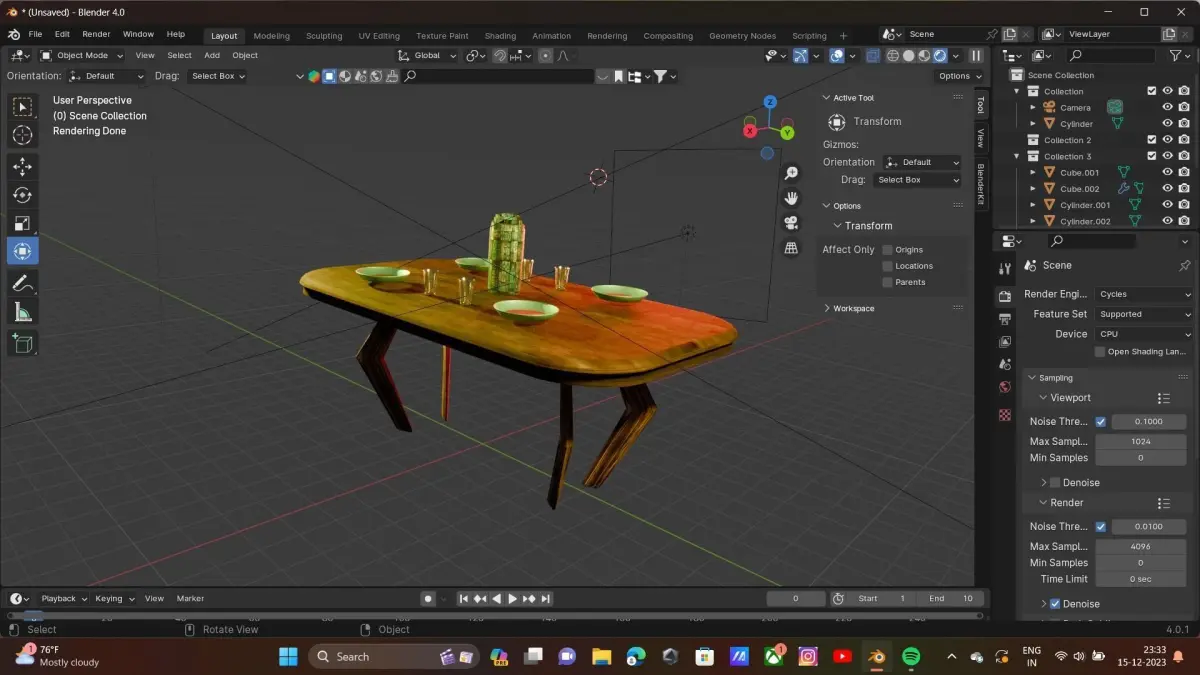
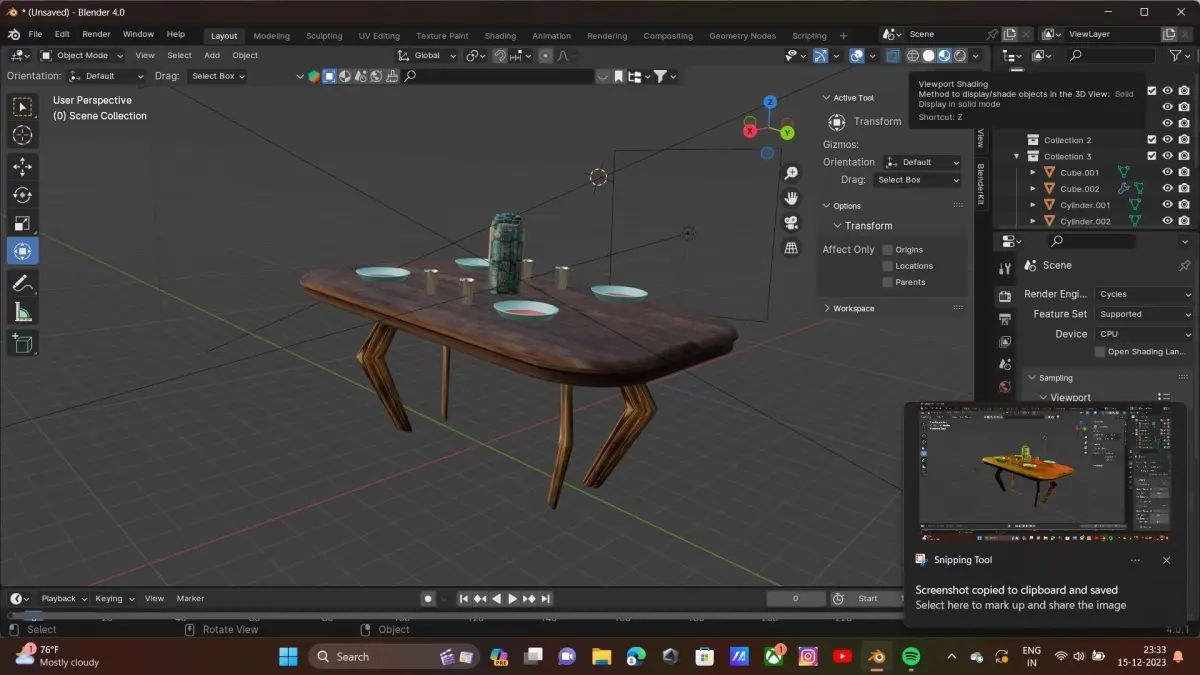
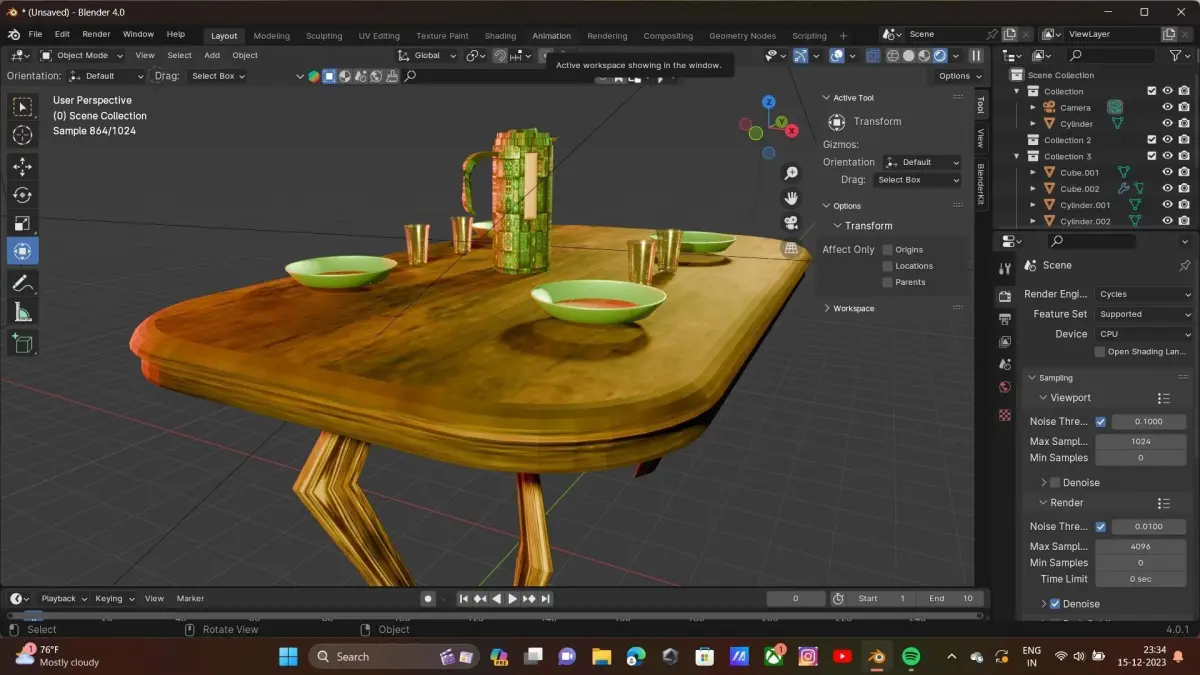
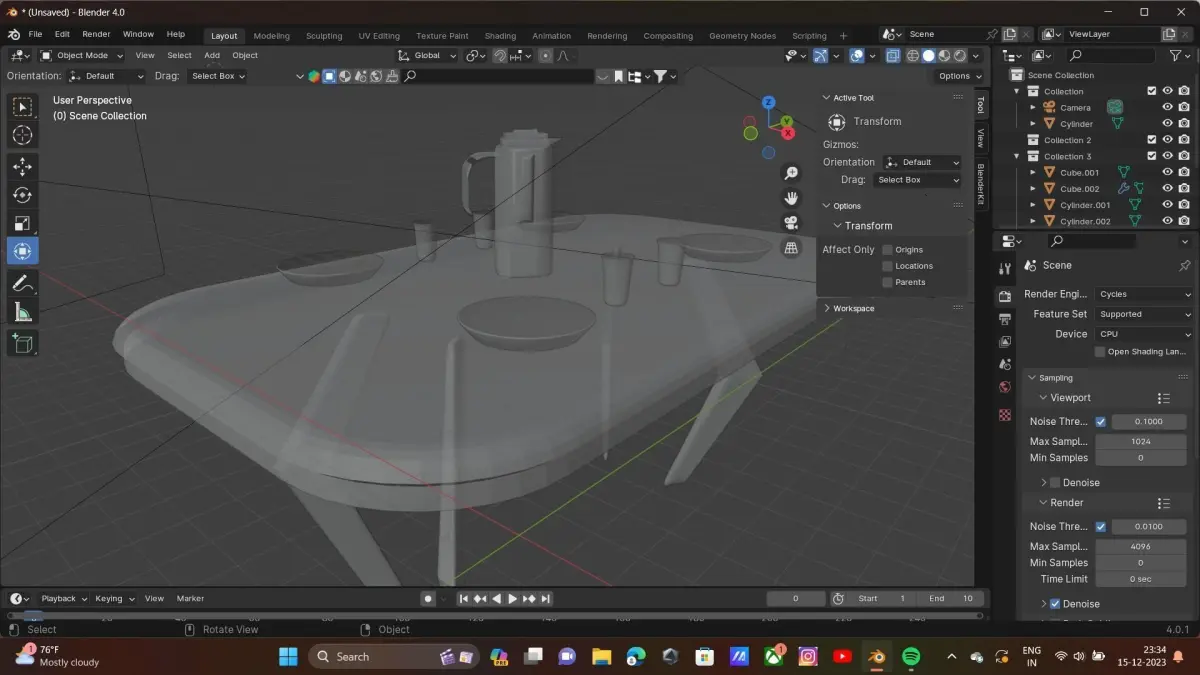
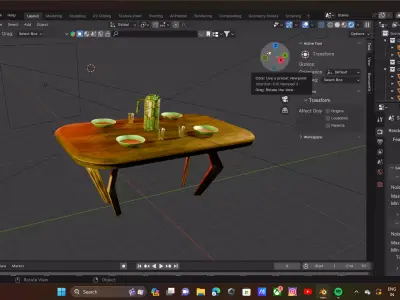
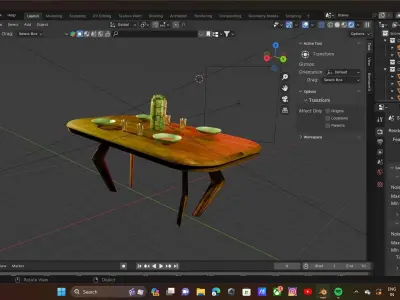
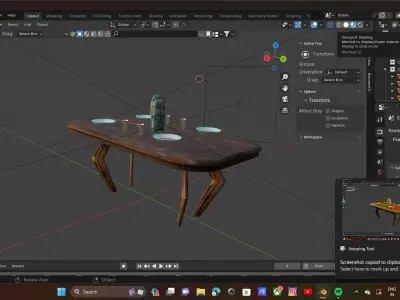
Creating a Table:
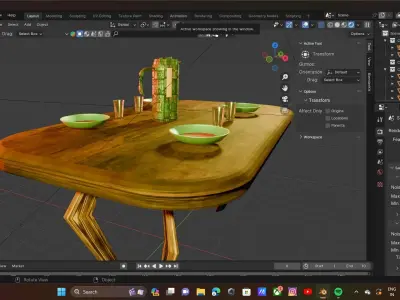
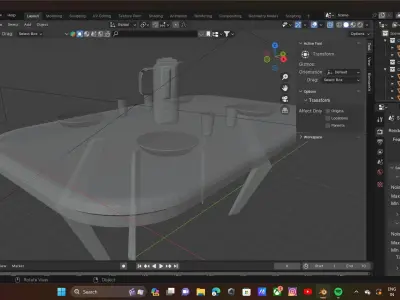
Start by adding a cube (Shift + A > Mesh > Cube) to represent the tabletop.Scale and shape the cube to fit the dimensions of your table.You can add legs by duplicating the tabletop and scaling it appropriately or by adding separate cube objects.Creating Pleats:
If you're referring to fabric pleats, you might want to use a cloth simulation.Add a plane (Shift + A > Mesh > Plane) to represent the fabric.Go to the Physics Properties tab, click on Cloth, and enable Cloth Simulation.Adjust settings like quality, friction, and bending to achieve the desired pleat effect.Creating Jake (assuming it's an object):
Add a new object (Shift + A) based on the shape you want for Jake.You can use various mesh primitives or create a more complex shape using modeling tools.Materials and Textures:
Use the Materials tab to assign different materials to your objects.You can also add textures to enhance the appearance of your objects.Lighting and Rendering:
Set up lighting to illuminate your scene. You can use sunlight, point lights, or other light sources.Experiment with different rendering settings in the Render Properties tab.Animation (if needed):
If you want to animate any part of your scene, use the Animation workspace.Keyframe the properties you want to change over time.Camera Setup:
Adjust the camera position and settings in the Layout workspace to frame your scene.Remember to explore Blender's documentation and tutorials for more detailed instructions on specific tasks. Blender has a large and active community, so you can find a wealth of resources online. If you have more specific questions or encounter challenges, feel free to ask for help!
PDF (PDF, filesize: 629 Bytes)