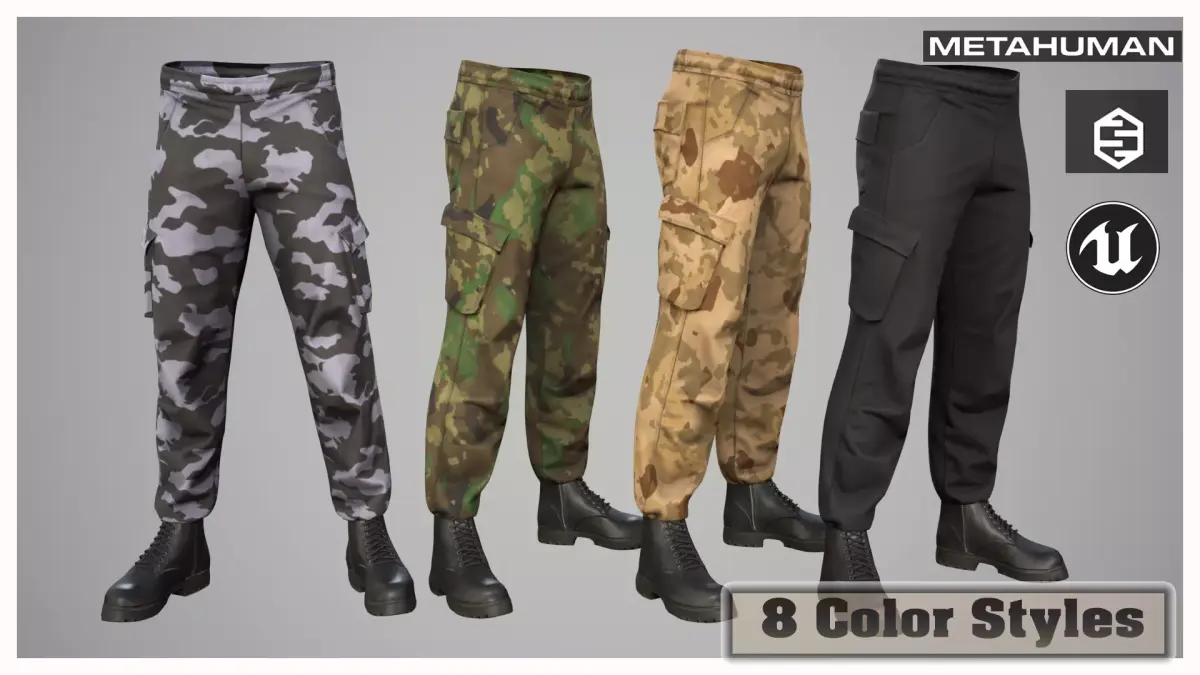
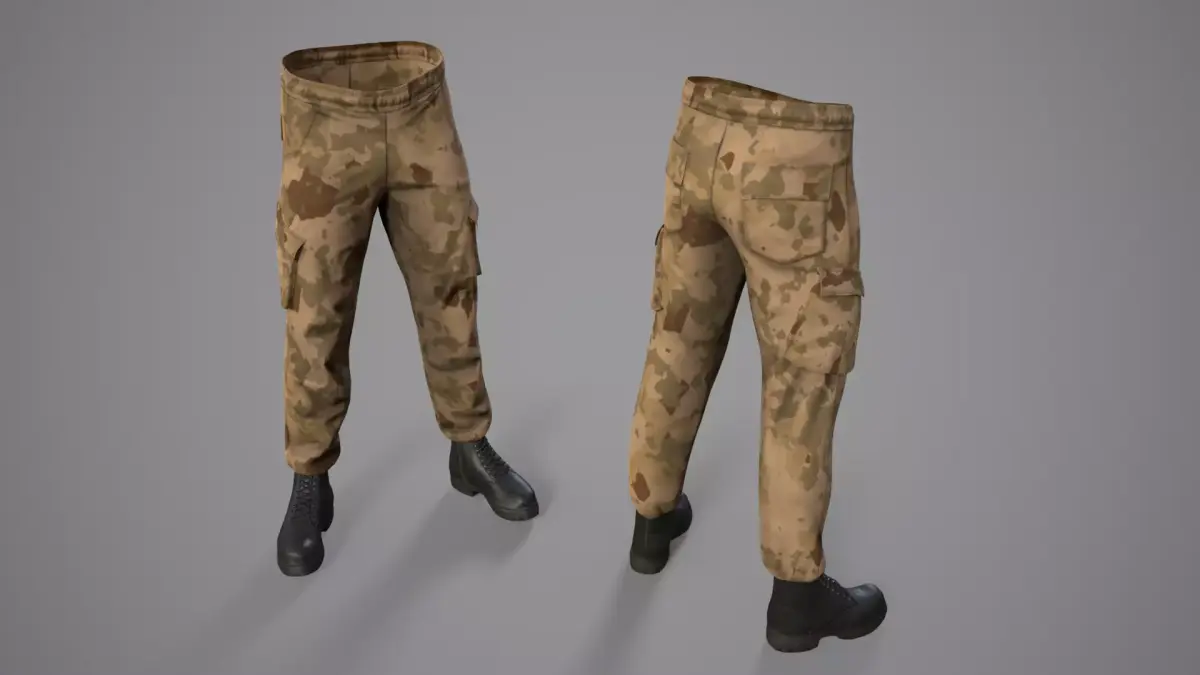
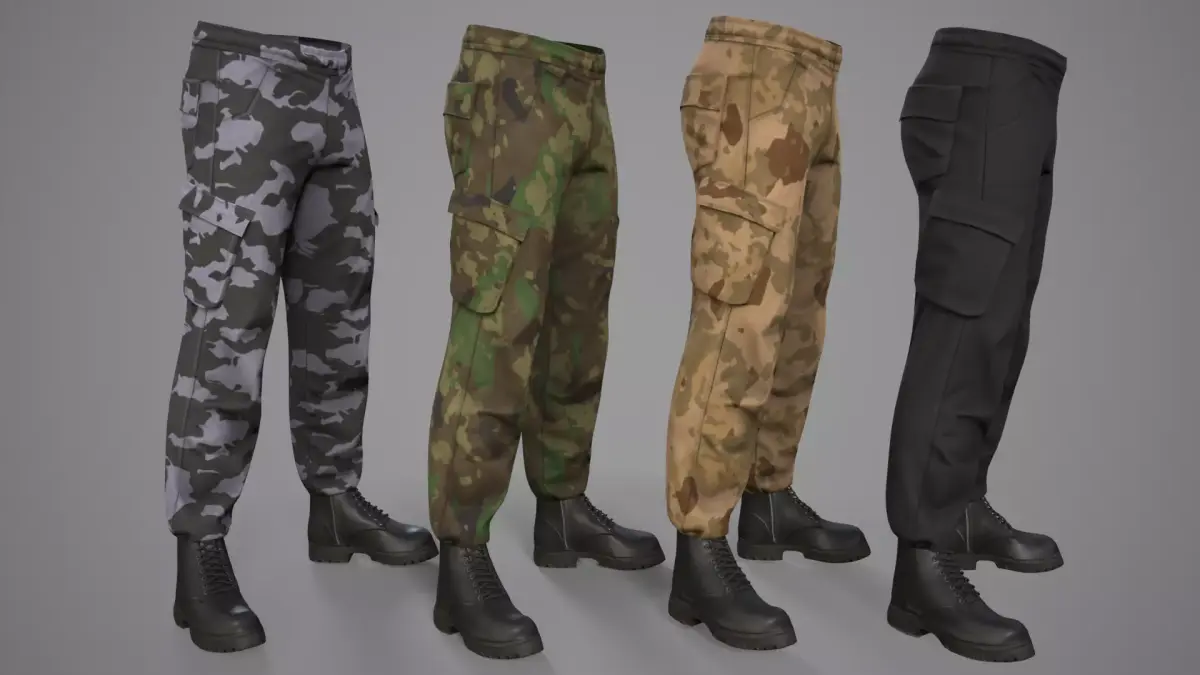
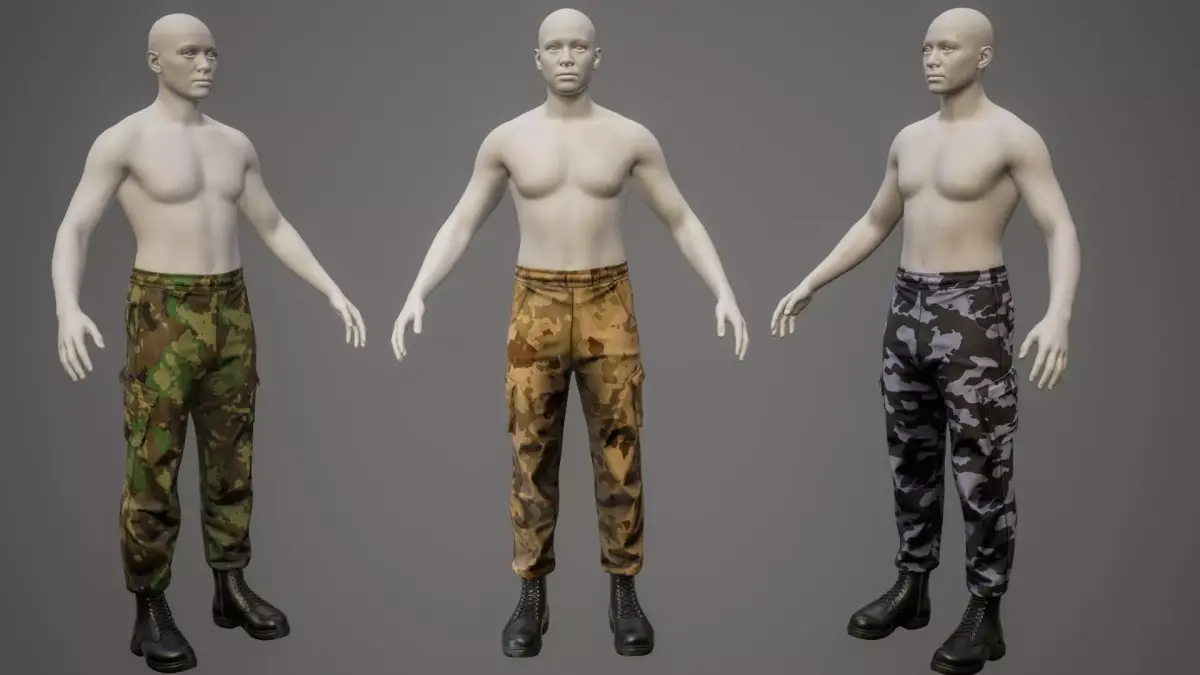
Update 2.0 - Parametric garment, fits onto any body shape in MetaHumanCreator! Add File OA_Cargo_Outfit_01.mhpkg
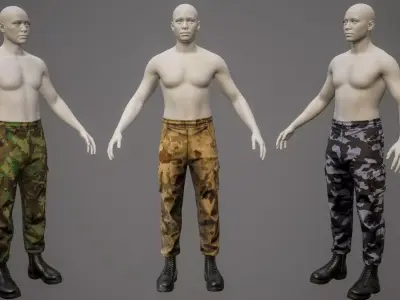
MetaHuman Techwear Outfit is a parametric outfit asset created for MetaHuman characters. It is capable of resizing with your character in MetaHuman Creator in Unreal Engine.
==============================================================================
The package includes:
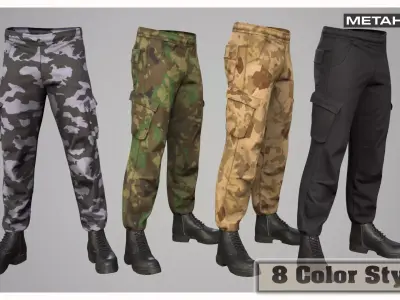
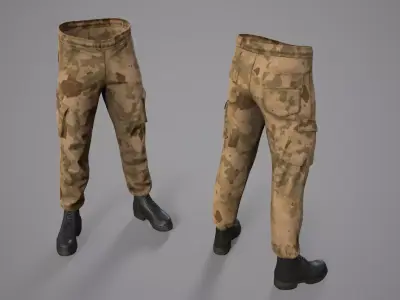
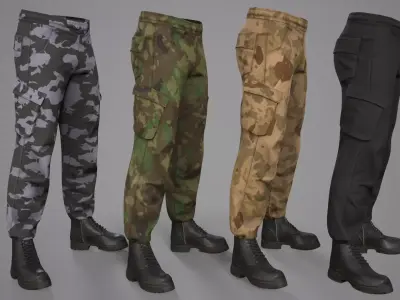
Cargo Pants 01;
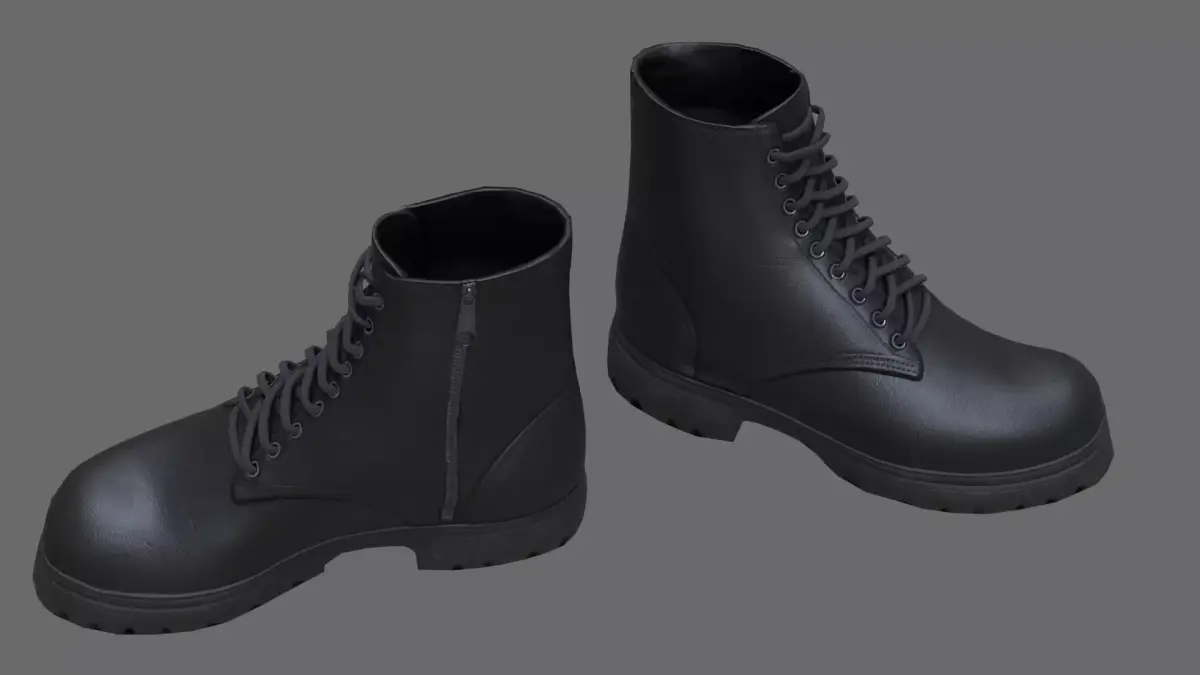
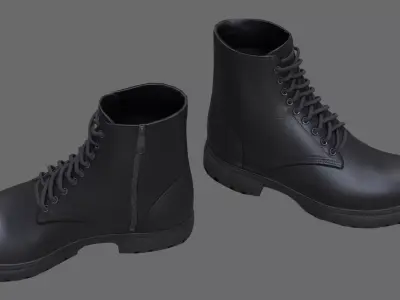
Boots 01;
Optimized Game Ready 3D model for game engines and animation.
- Blender 4.5 project with customized materials and Rigs (UE5 Rig);
In the Blender file, the metric system is configured for export to Unreal Engine! If you need a standard export, correct the metric system in the project to the standard one.
Rigging and Skinning 3d model;
Metahuman for UE 5.6-5.7;
Added Unreal Engine 5.6-5.7 project with clothing rig and skinning adapted to the original male Manny rig (UE5).
Included textures in sizes 4096;
Fbx;
Triangulation model (divided into triangles) for correct export to game engines;
8 color textures clothing;
Unreal Engine textures!
PBR - Base_Color, Ambient_occlusion, Height, Normal_OpenGL, Roughness, Metallic and other;
-
Video tutorial;
- Pants_01 Verts 3681; Tris 7,163;
- Boots_01 Verts 4,500; Tris 8,470;
=============================================================
Question: Why did all clothing (helmet, pants, armor) become a single mesh after creating a MetaHuman 5.6 character, and how to split it in Blender?
Answer:This is not a mistake of the model author — MetaHuman Creator automatically merges all meshes into one on export. Solution: export the character to Blender, split the parts, and import back to Unreal. Full step-by-step tutorial is in my video (link included). https://www.youtube.com/watch?v=9PGSc08T97Y
==========================================================
Please follow the instructions (MetaHuman ) to successfully import the outfit with the correct textures:
1) Create a folder called Outfits and a subfolder Cargo_Outfit_01. In this way Outfits\SciFi_PS_P04
2) Transfer the file - OA_Cargo_Outfit_01.mhpkg to the created folder - Cargo_Outfit_01
3) Transfer the WL (WI_Cargo_Outfit_01) file to MetaHumanCreator
BLEND (Blender, filesize: 127 MB), UASSET (UnrealEngine, filesize: 191 MB), OTHER (Other, filesize: 319 MB), FBX (Autodesk FBX, filesize: 720 KB)