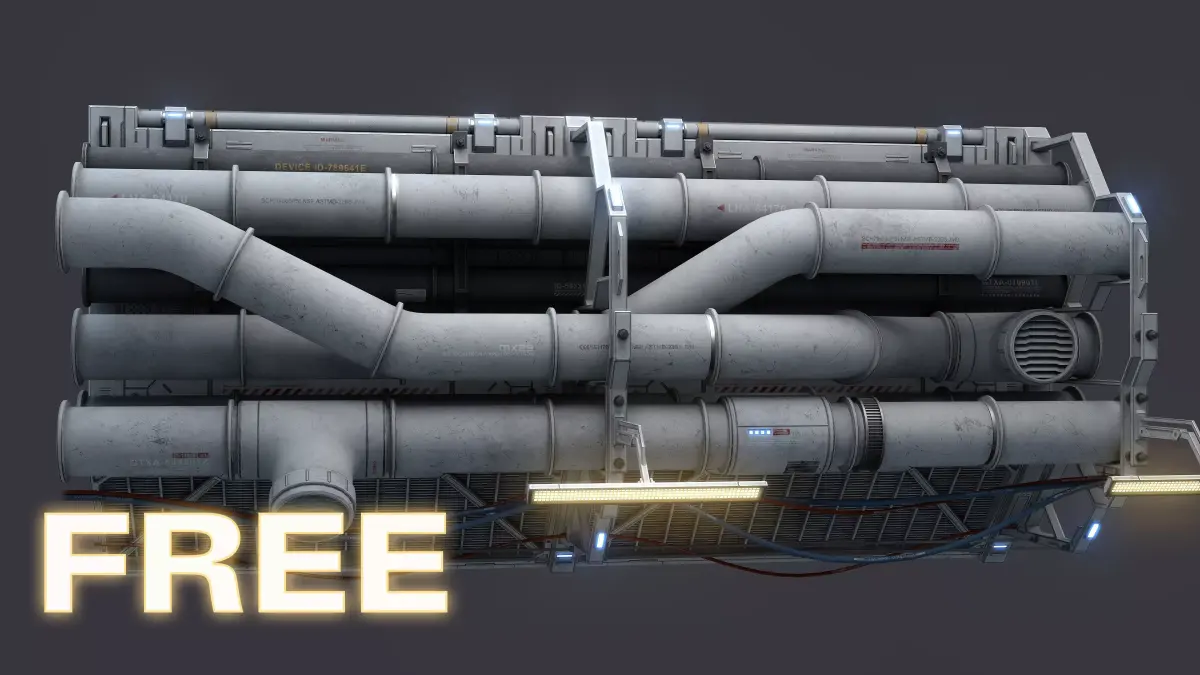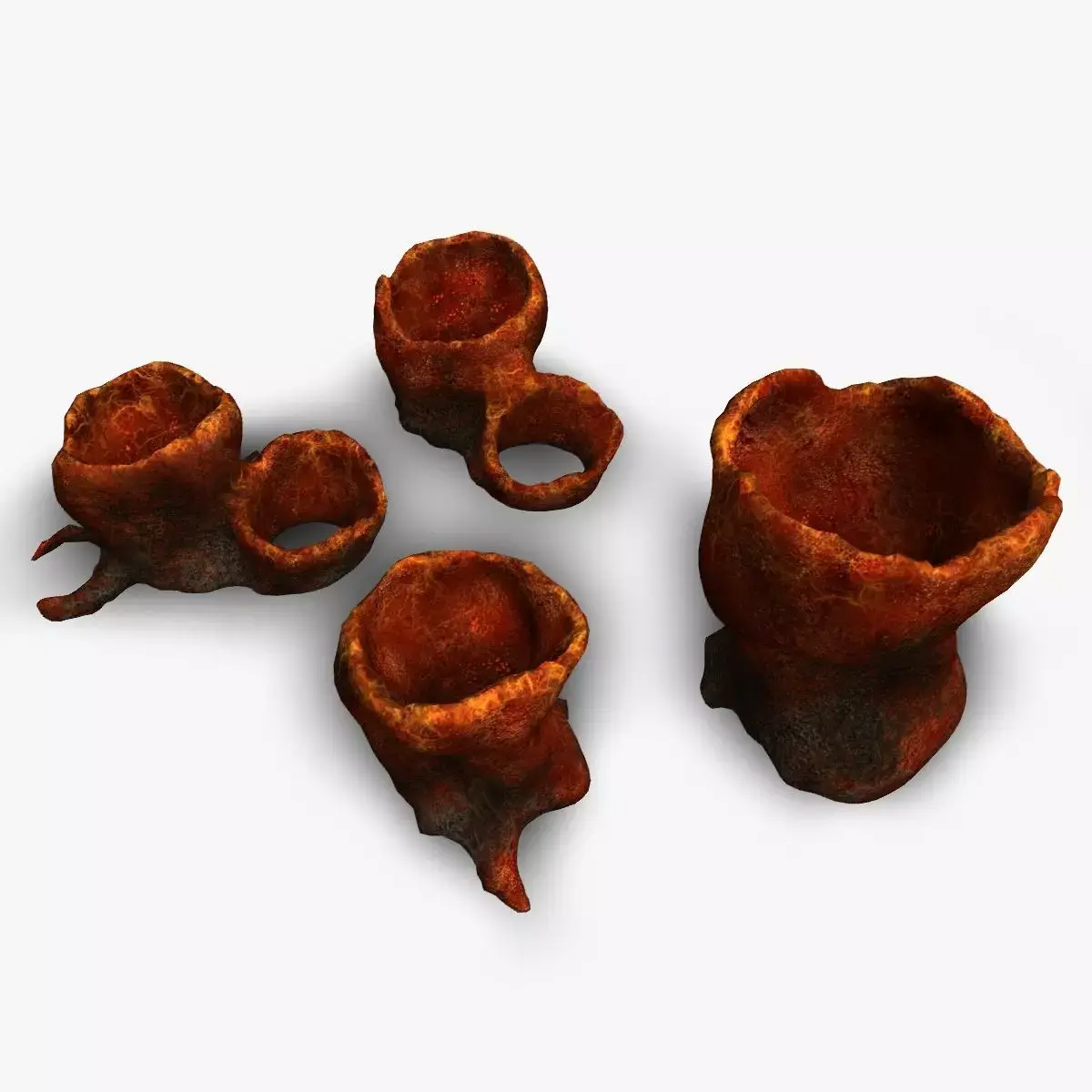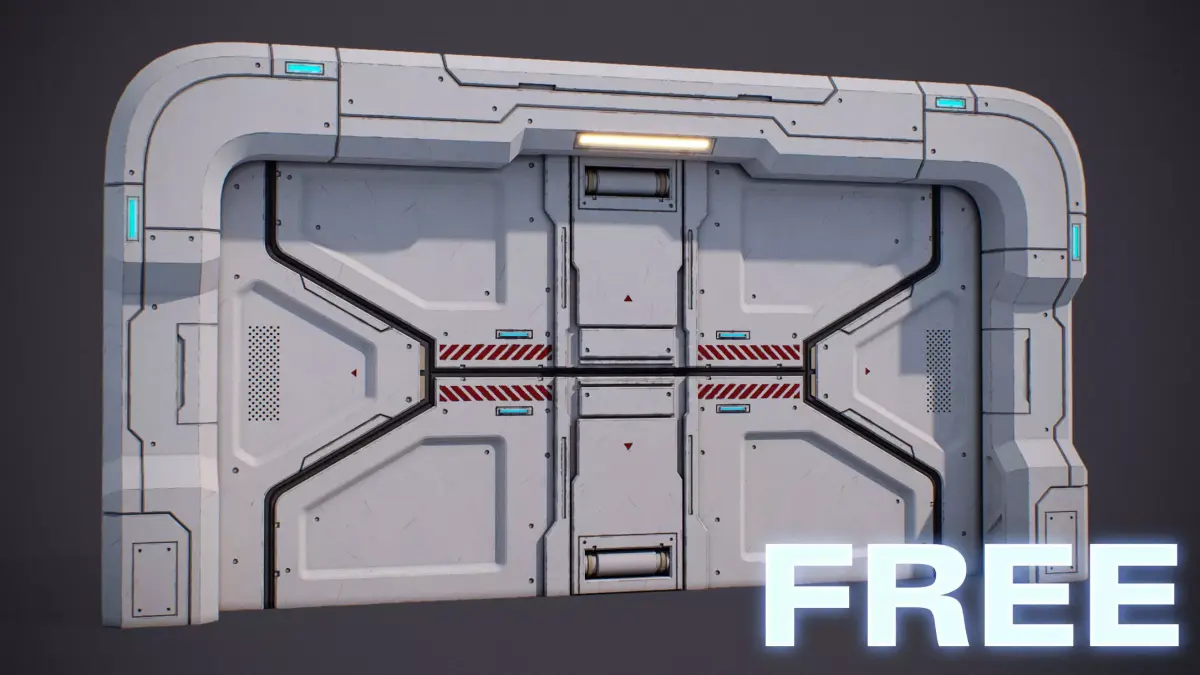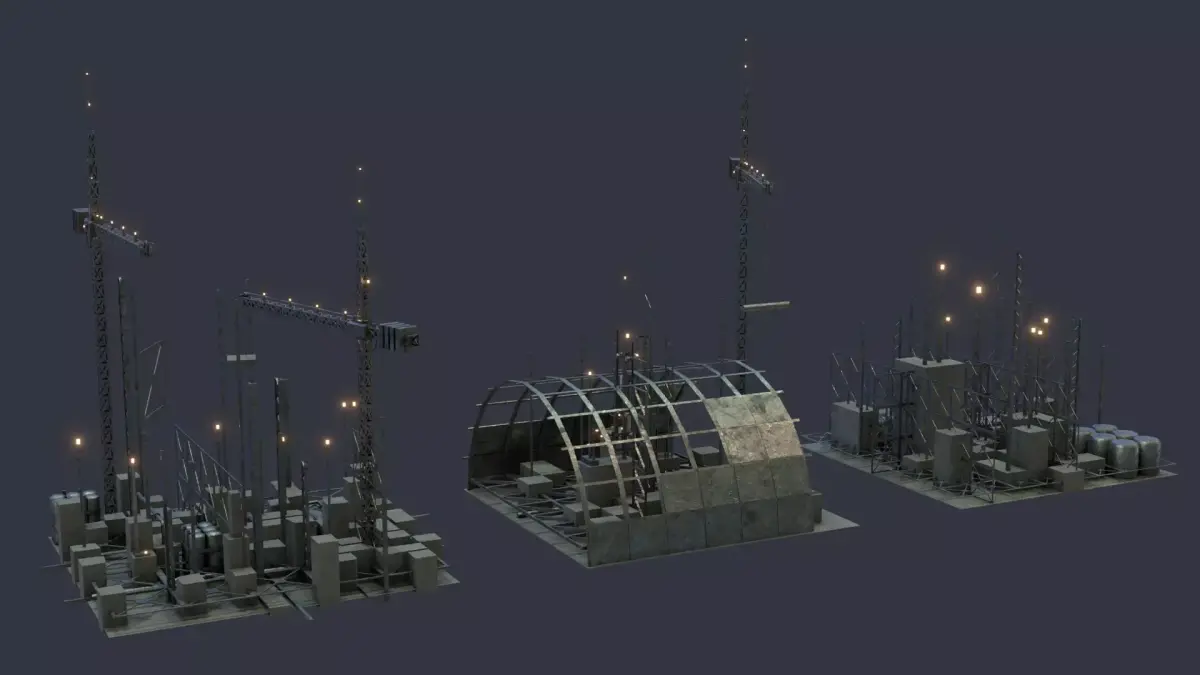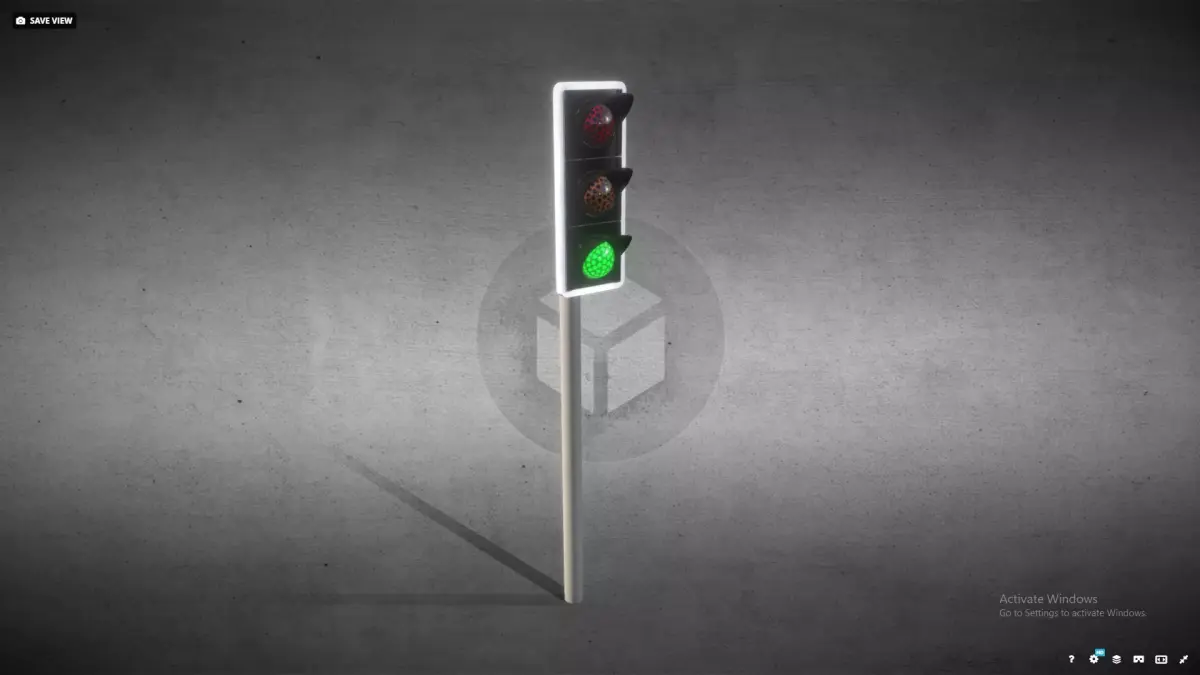
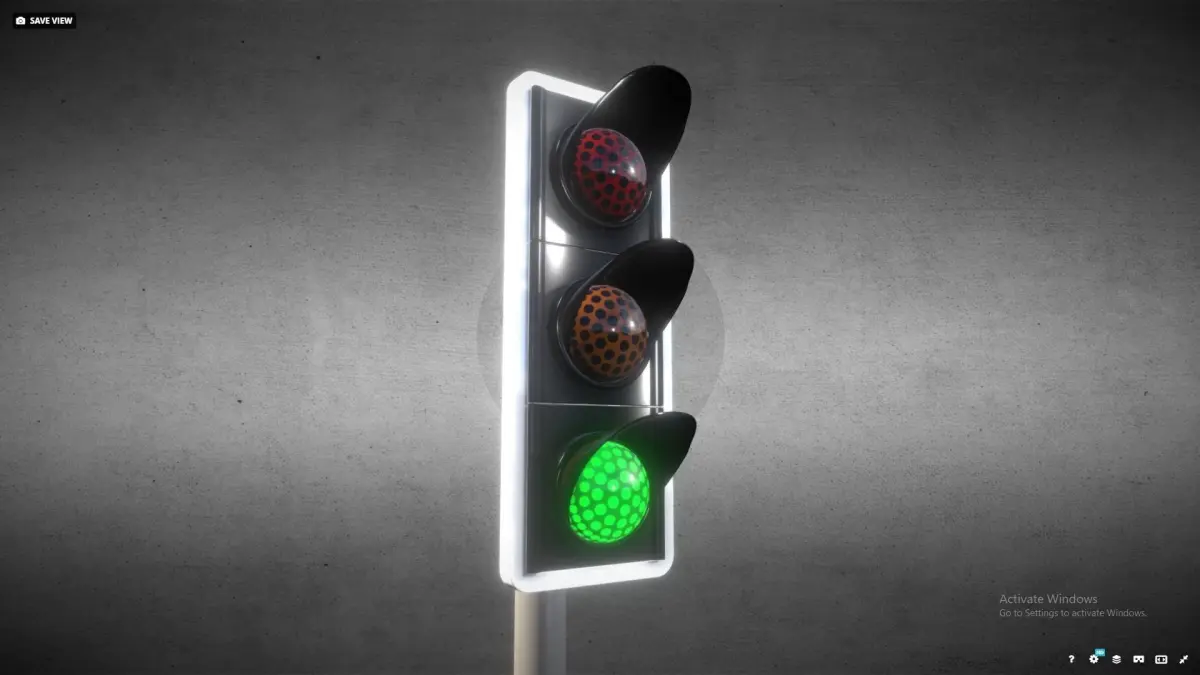
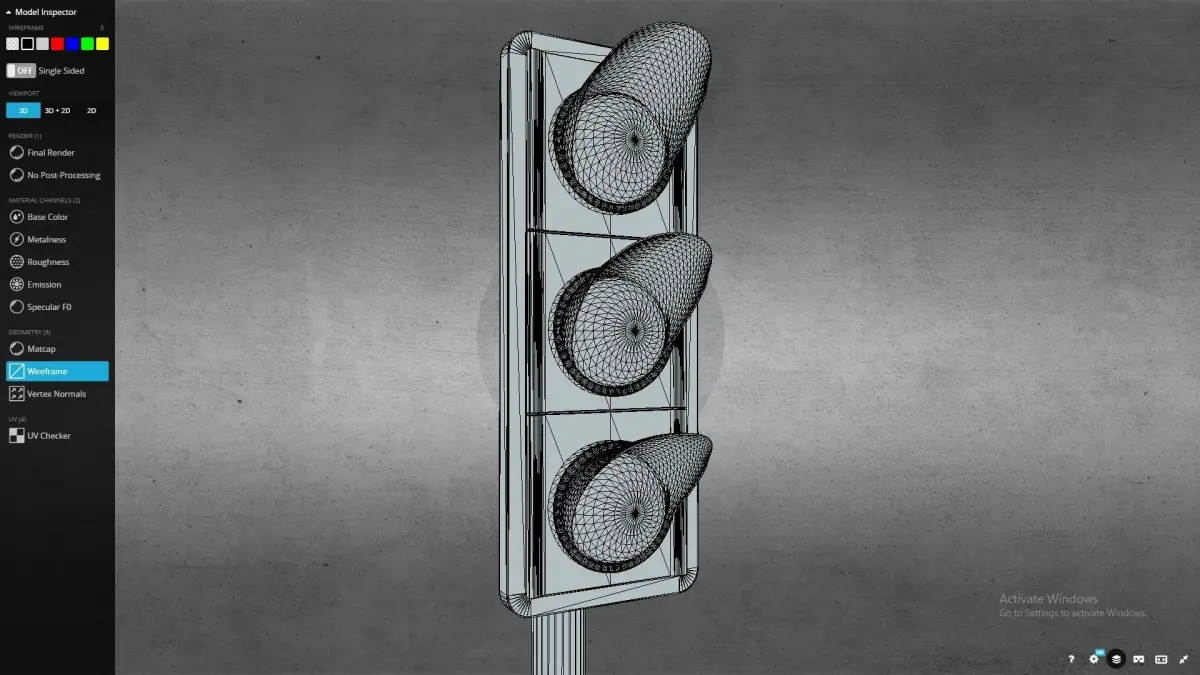
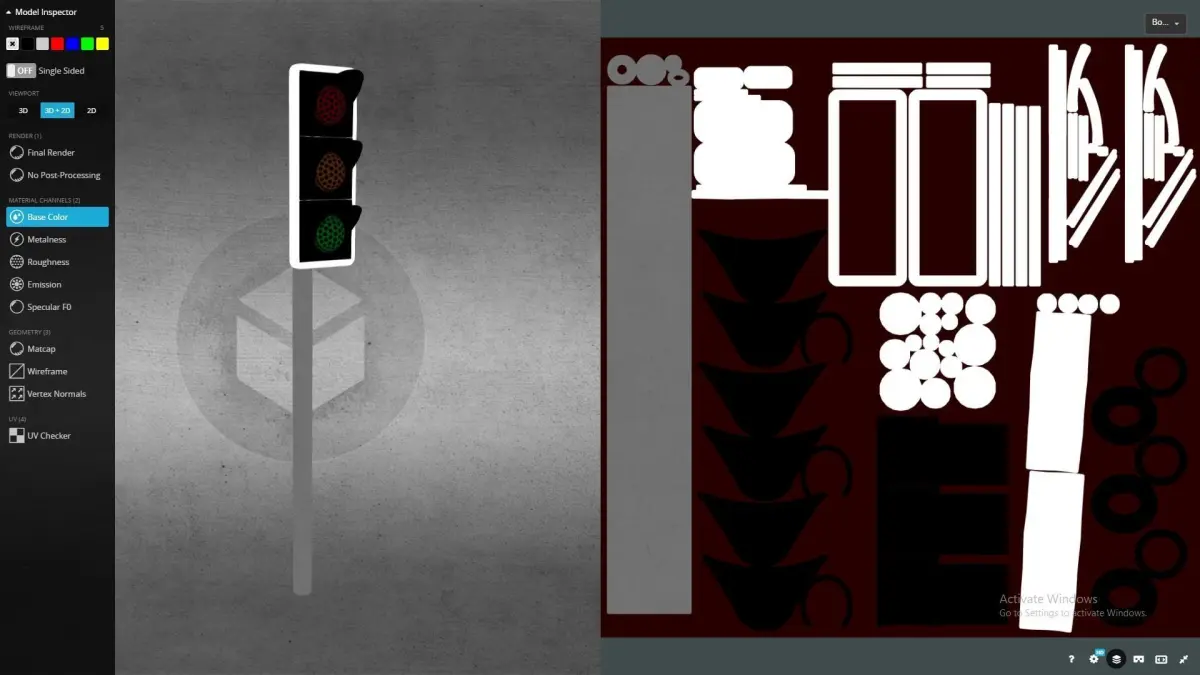
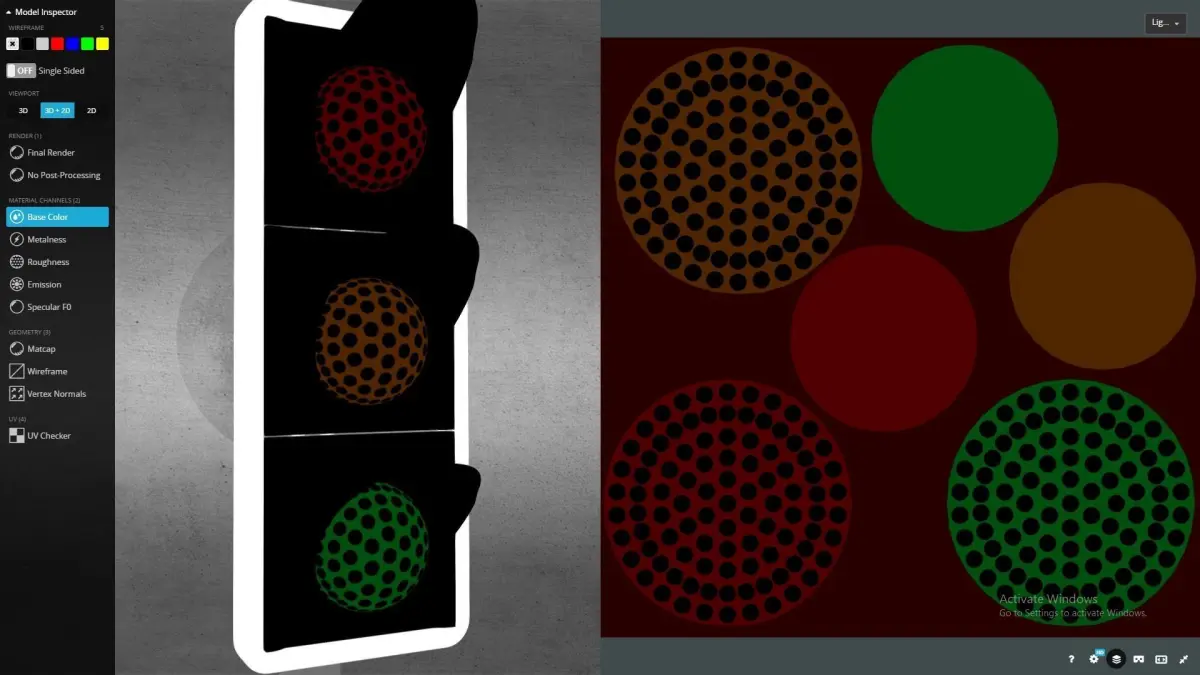

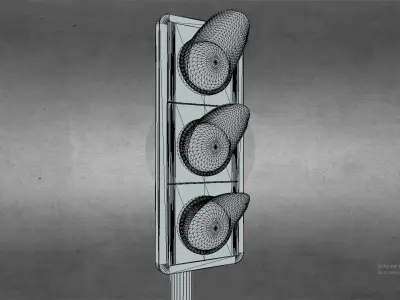
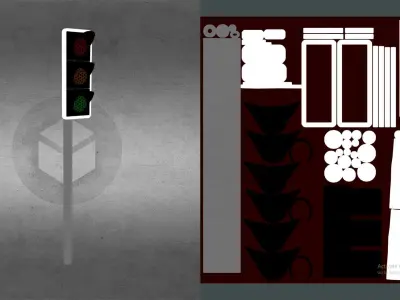
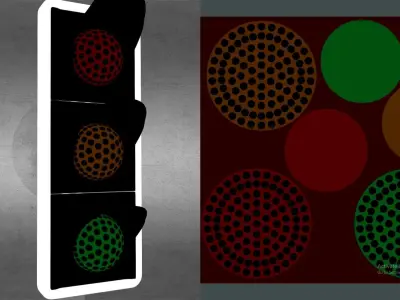
3D Model of a Traffic Light*Preview Images rendered with the 3D Viewer.
If you are downloading FBX.
- FBX file format have Embedded Texture Maps.
- When the FBX file format when imported to Software. Its a good practice to inspect whether the GLOSSINESS Texture Map is INVERTED if its assigned to a ROUGHNESS shader & Vice- Versa.
If you are downloading Max.
- Just open the file and hit Render.
- Environment setup all included in the Max file.
If you are downloading OBJ
- If you are planning to use OBJ file format......Textures.rar is provided in this case.
- Just create a new Material and assign the Texture Maps to their respective shaders.
*IMPORTANT-
1. When the GLOSSINESS Texture Map if attached to a ROUGHNESS shader. Be sure to INVERT the Texture Map to ensure correct results.
*Technical Details- Polygons: 24,844 Vertices: 12,470
Texture Map Resolution = 4096 x 4096, 2048 x 2048DIFFUSESPECULARMETALNESSROUGHNESSEMISSIVE
*Tip-The Model is intended to get Highest Possible Quality with 4K Textures. However, In real-time applications like Unreal or Unity......Use Texture Maps of the Resolution of 4096 x 4096 only if it fits your requirements.
MAX (Autodesk 3ds Max, filesize: 95.6 MB), OBJ (OBJ, filesize: 390 KB), FBX (Autodesk FBX, filesize: 19.6 MB), PNG (PNG, filesize: 181 MB), JPG (JPG, filesize: 125 MB), FBM (fbm, filesize: 19.6 MB), TEXTURES (Textures, filesize: 9.41 MB)