- READ DESCRIPTION! -
- If you want to link blender file with the texture folder. -
- Go to File -> External Data -> Find Missing File and select the folder with textures. -
- Enjoy! -
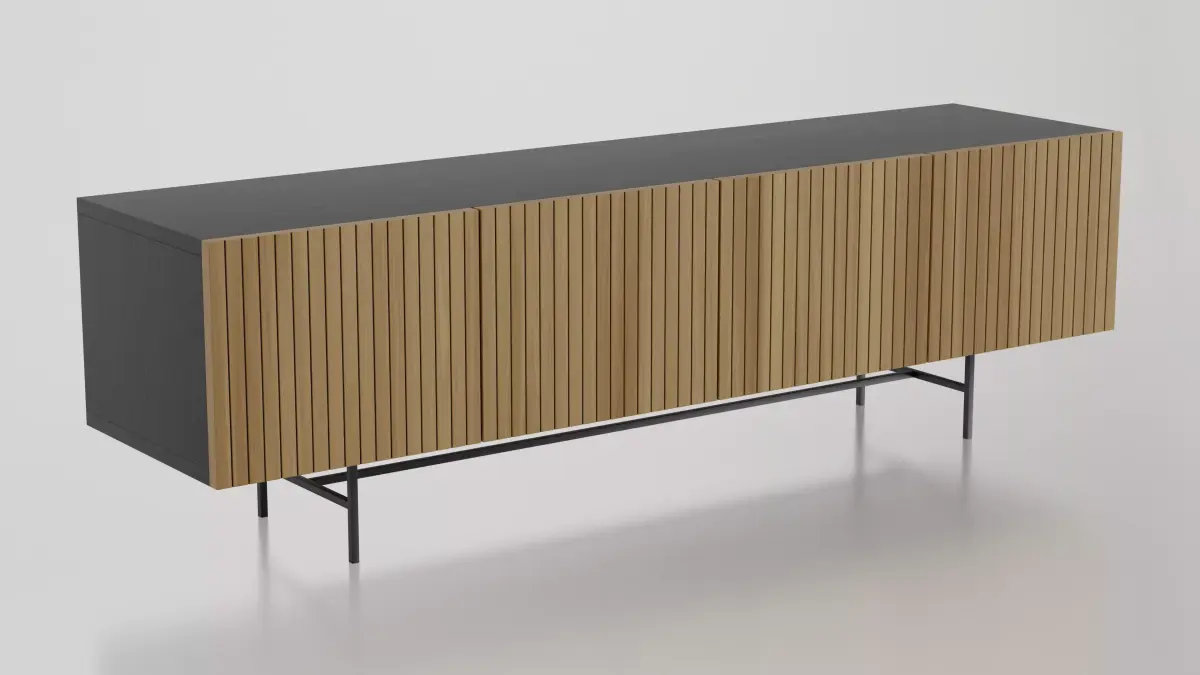
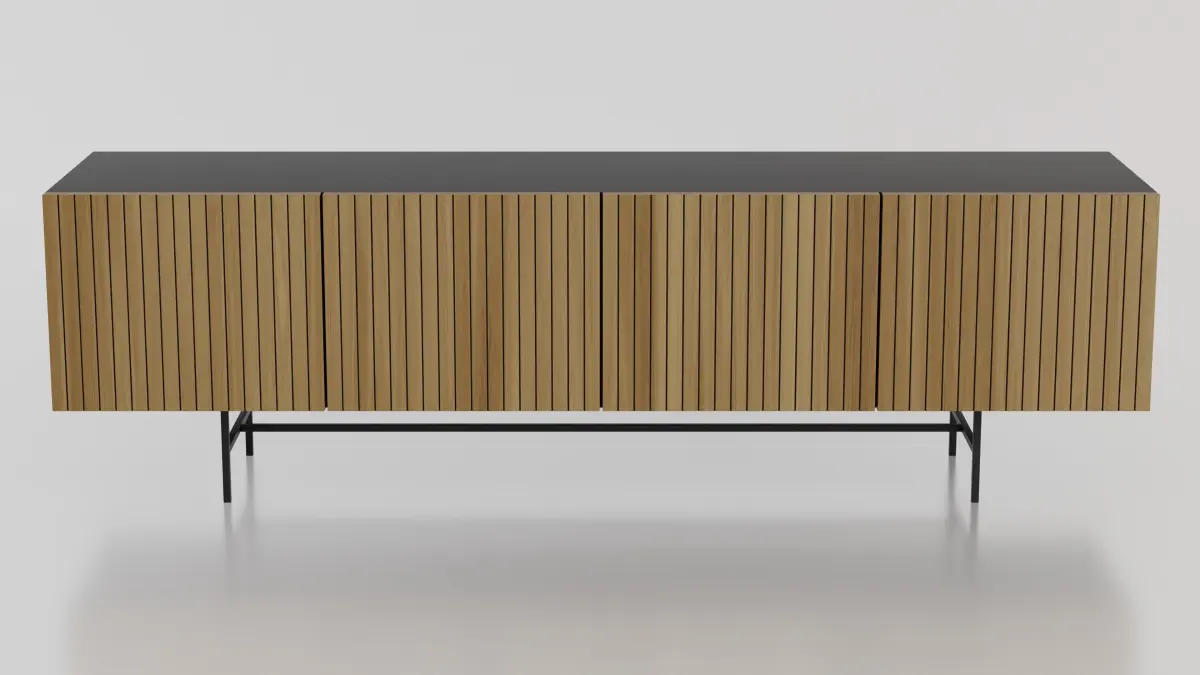
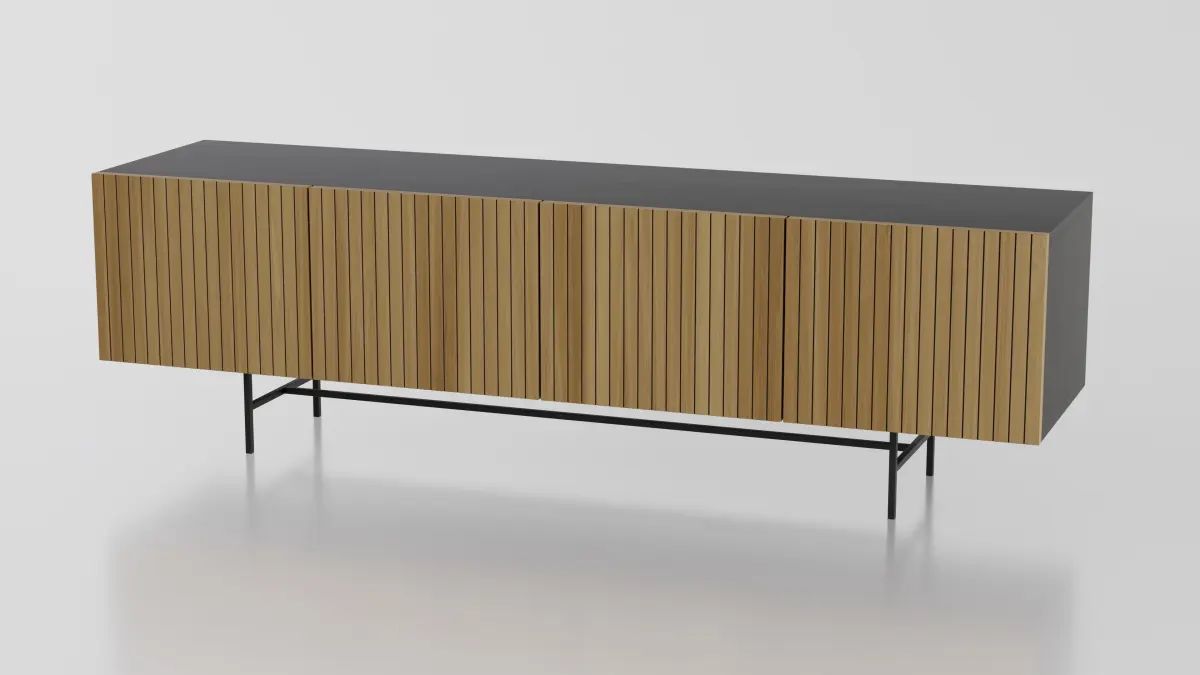
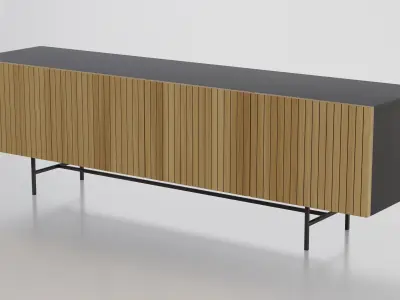
- The model was built in GEOMETRY NODES on a real-world scale.
- You can change :
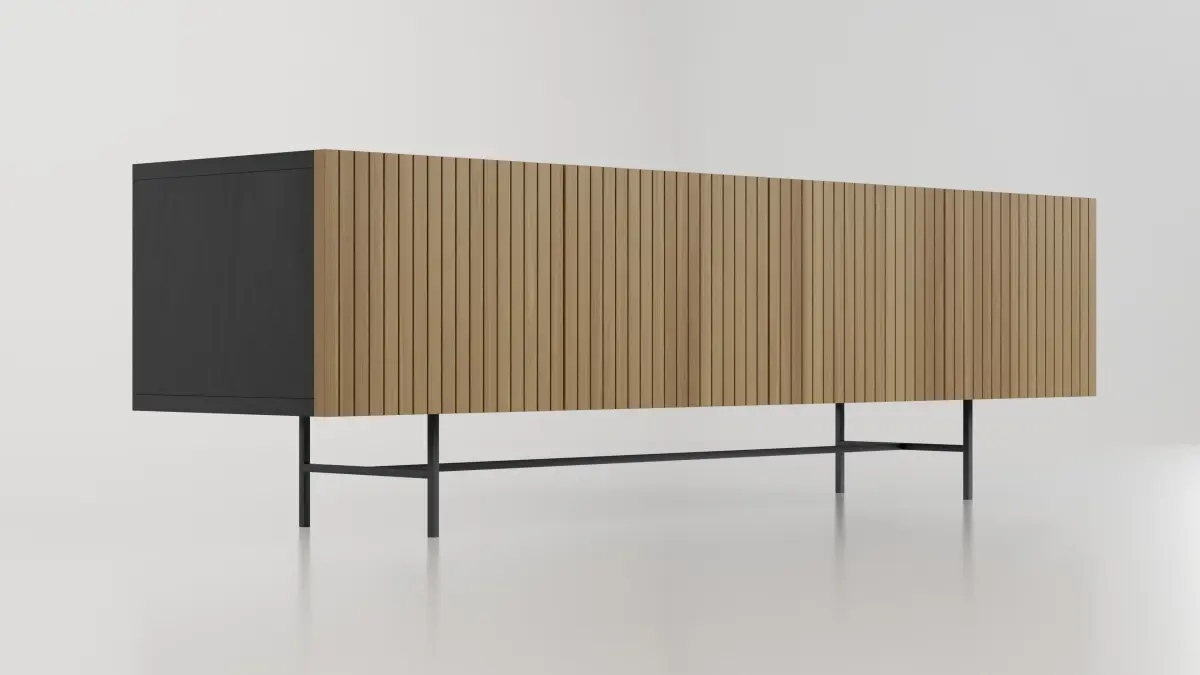
- Tv Stand - Lenght, Depth, Height
- Boards - Thickness and Materials
- Legs - Height, Radius and Materials.
- You can make the Tv Stand as you like. I made the wood materials myself. You can change all materials and dimensions by one click.
- You can also choose between 6 different wood materials for doors, black and white wood materials for Tv Stand and 2 metalic materials for legs.
- HDIR is from Poly Haven.
- Objects are organized by groups.
- Available formats: .blend .obj .fbx .mtl .stl.
- The product comes with a scene, camera, and lights.
Native Formats: BLEND (Blender, filesize: 15.8 MB)
Exchange Formats: OBJ (OBJ, filesize: 1.21 MB), FBX (Autodesk FBX, filesize: 597 KB), STL (Stereolithography, filesize: 1.52 MB), TEXTURES (Textures, filesize: 17 MB)