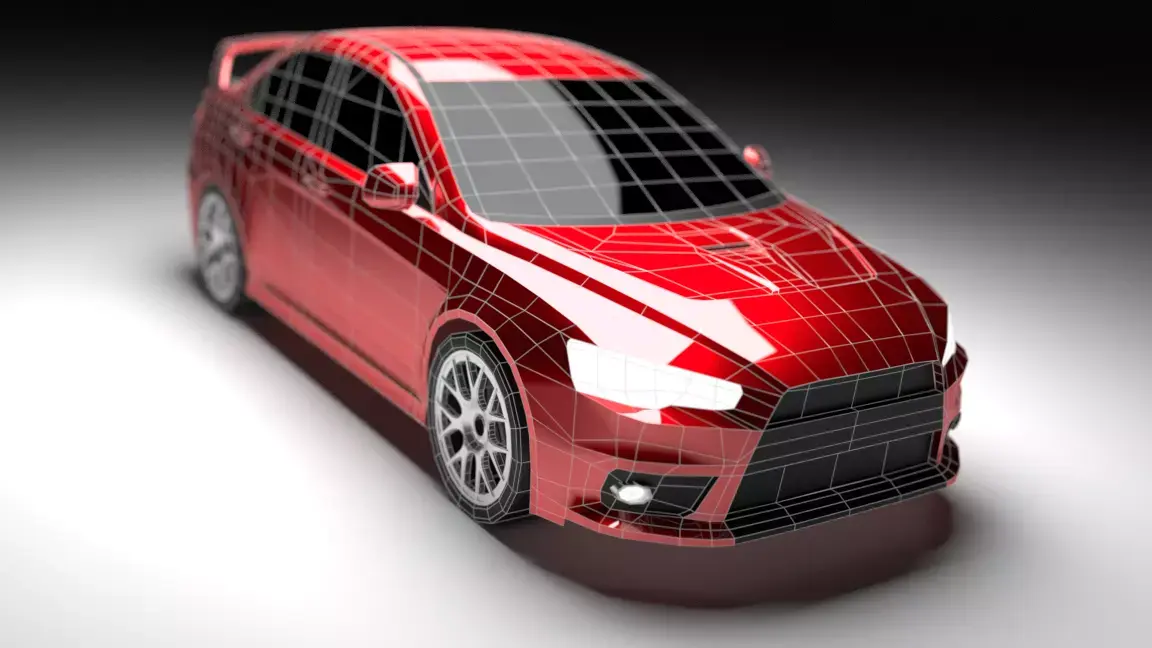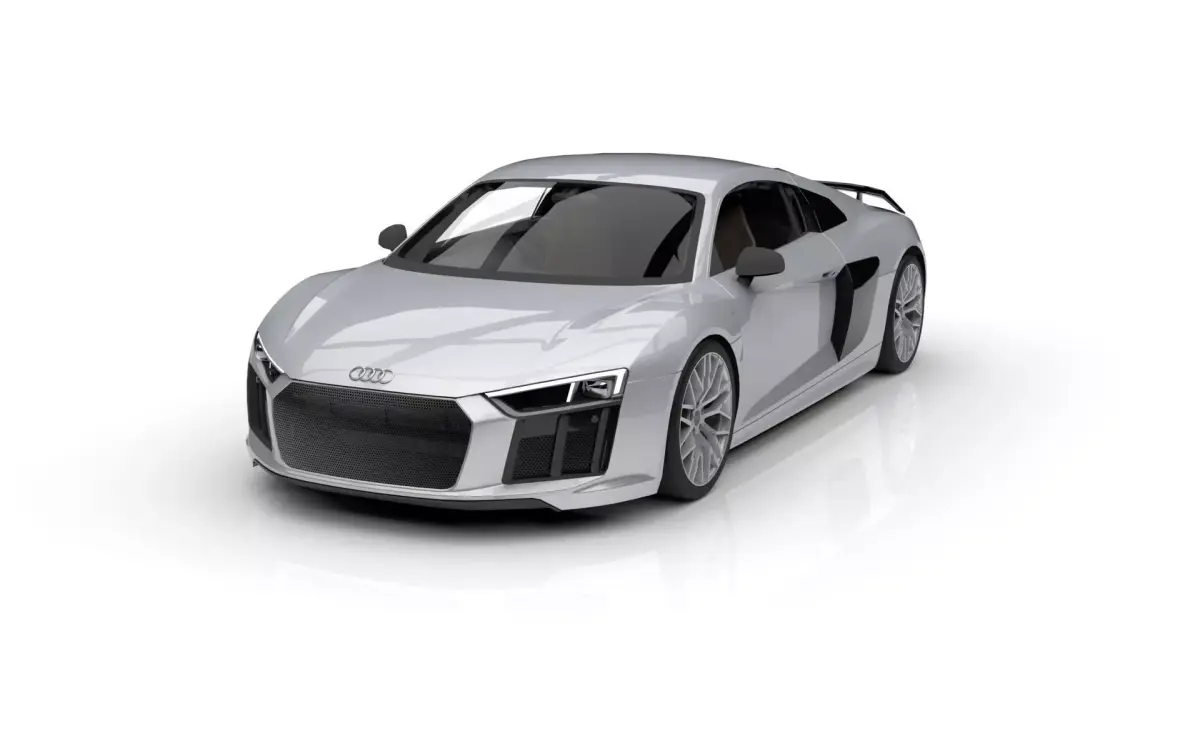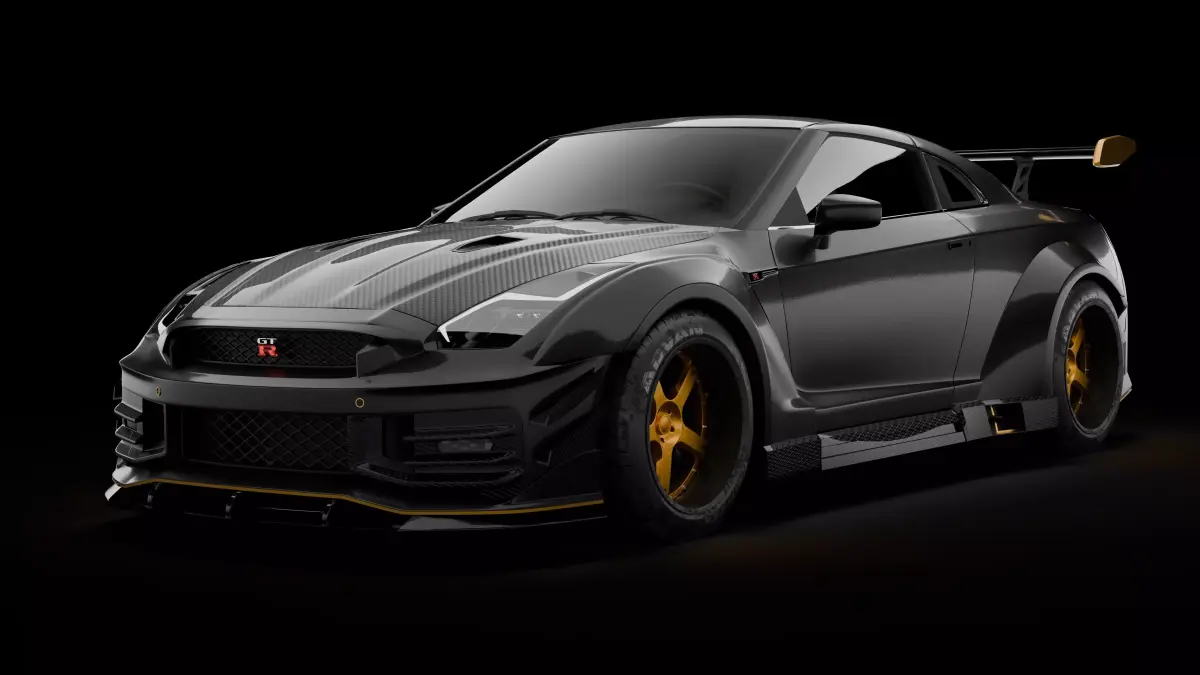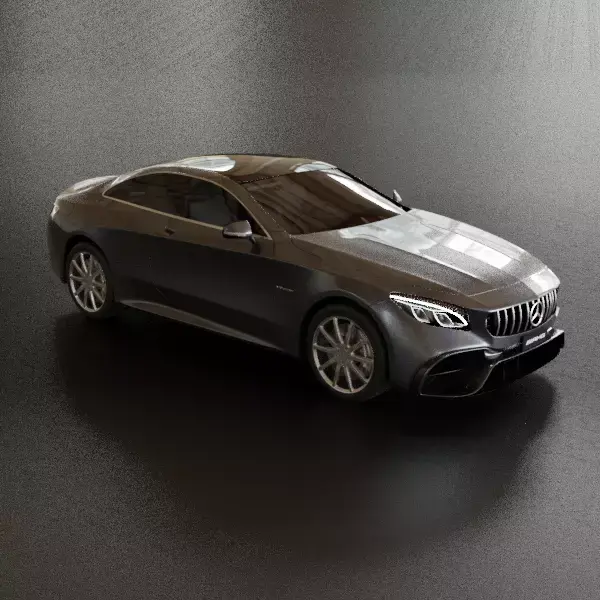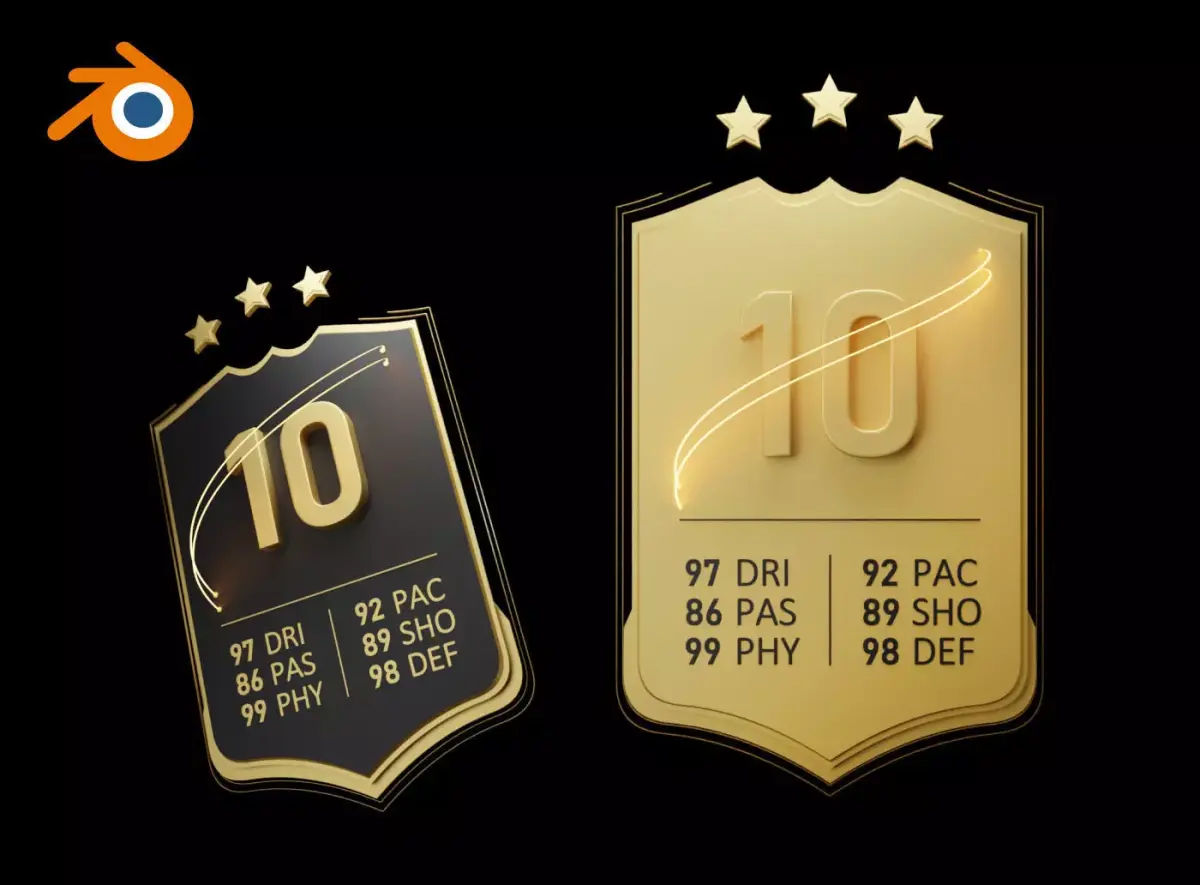
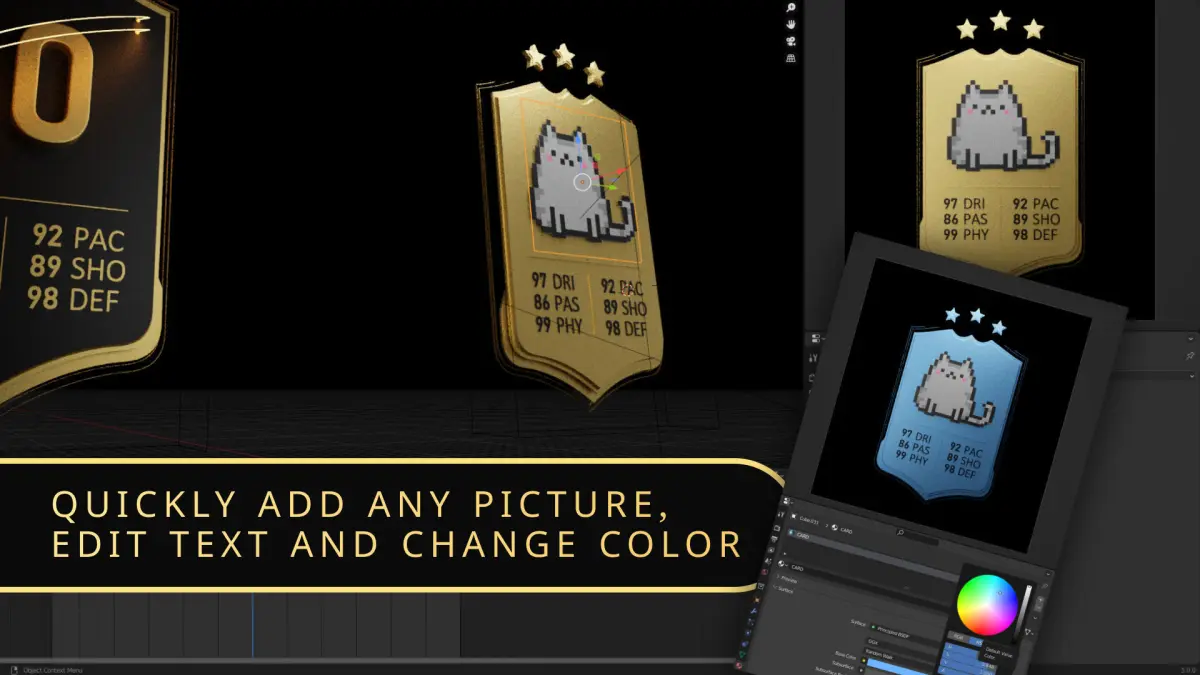
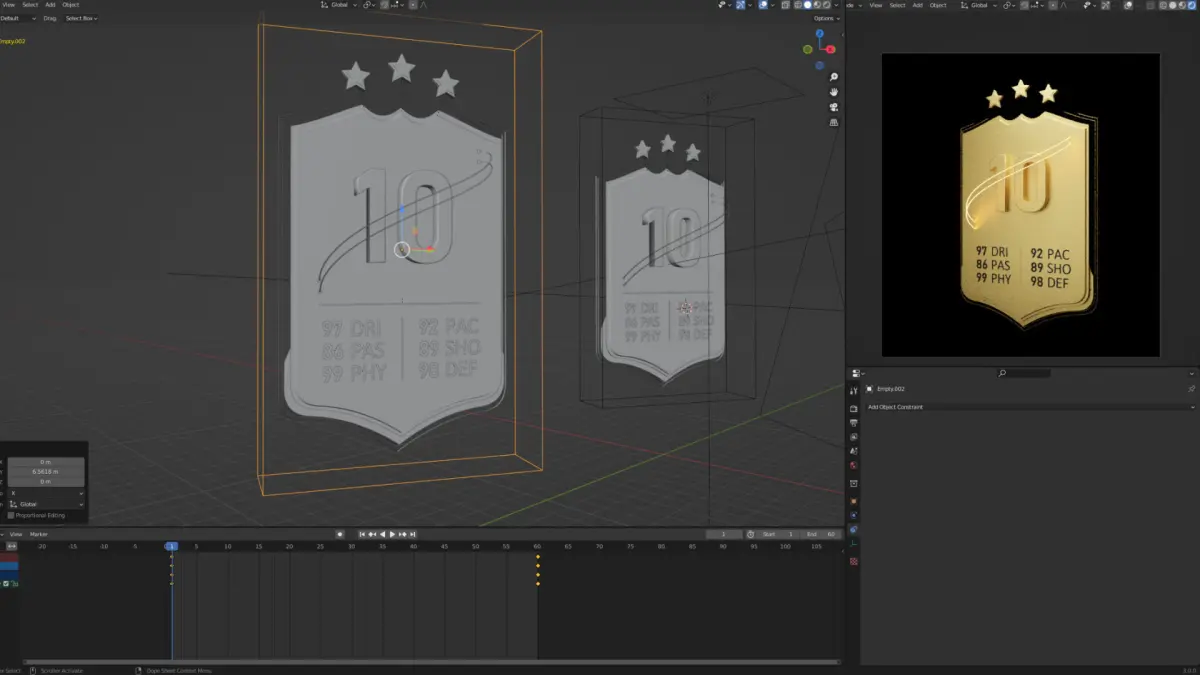
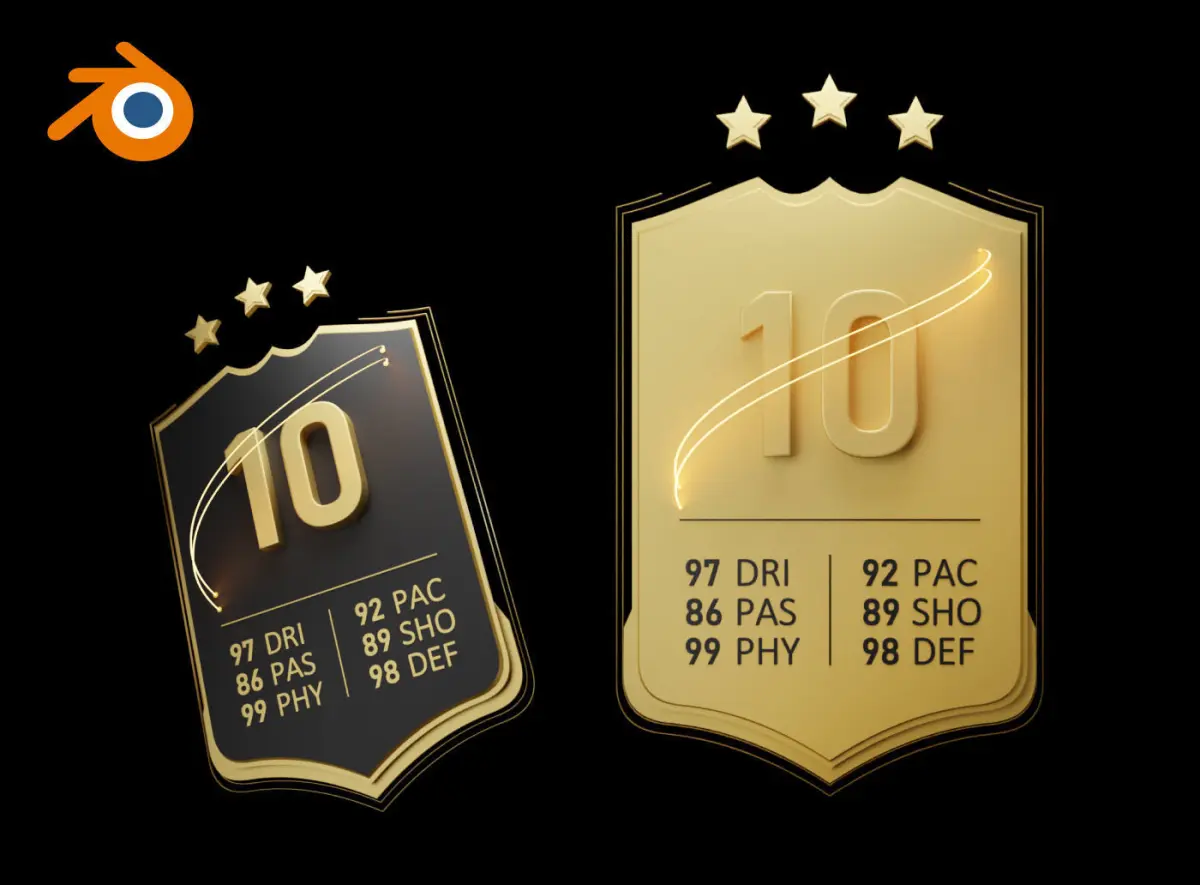
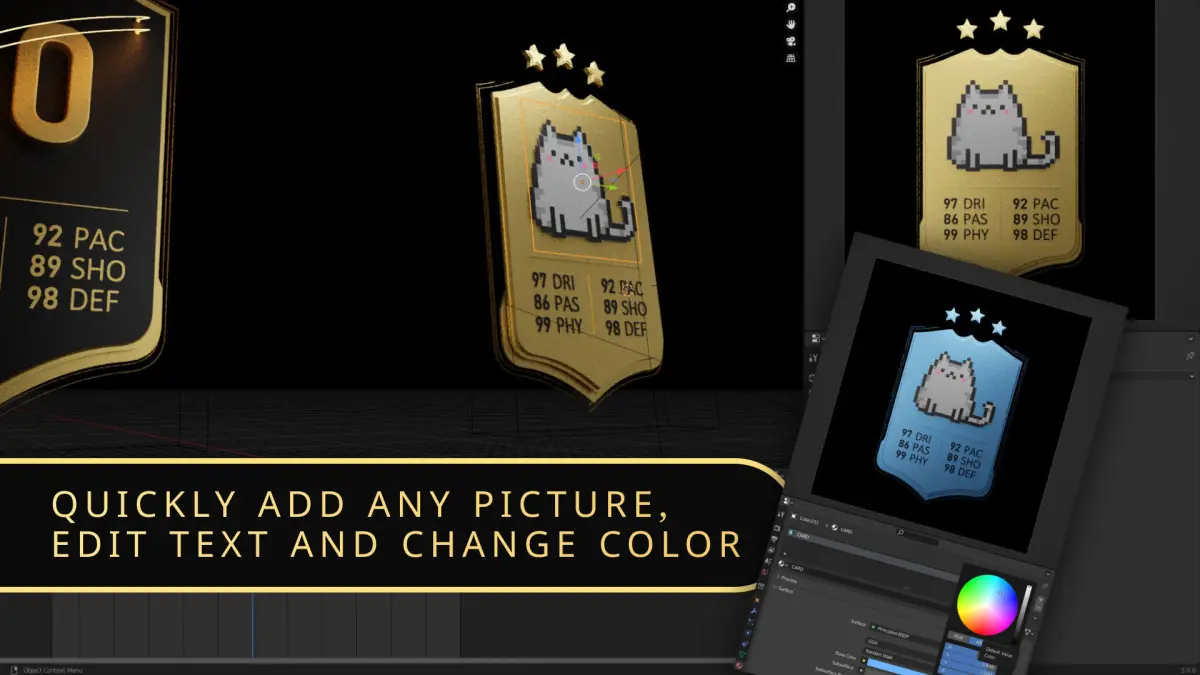
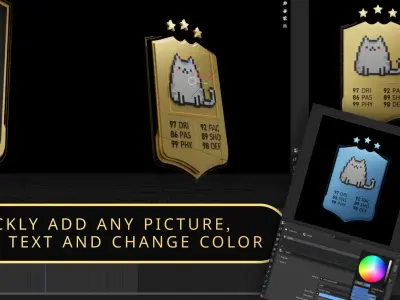
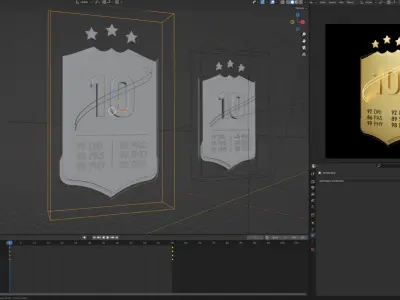
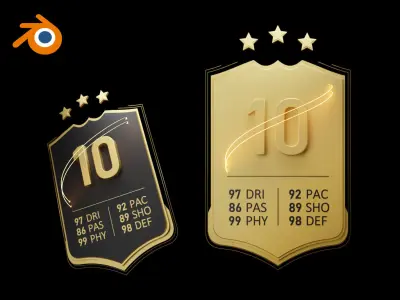
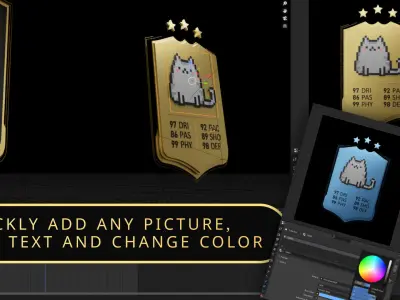
Animated SPORT CARD template for Blender.It is very easy to edit it.
Video example - https://youtu.be/8BRnxpQKHPw
Tutorial - https://www.youtube.com/watch?v=G3qKmG8nXhY
Tutorials:
- How to transfer a card from another scene https://youtu.be/7giaMy2SOHA
- How to add a png image to a blender and attach it to the animation https://youtu.be/qqf_3viYXVE
- How to enable rendering display (if everything is gray) https://youtu.be/YaWgSH--nh8
- How to change color https://youtu.be/sJCVdoJNCrw
- How to edit text https://youtu.be/r937ddxo8xY
- How to add any object to animation https://youtu.be/T6UcMuxI6sA
- Render settings in Blender https://youtu.be/YaWgSH--nh8
- How to change image or texture size and position in Blender https://youtu.be/7tRLRHL2a9k
- How to quickly create a neon glowing material in Blender https://youtu.be/LvEvuyGz4qo
- How to change lighting color in scene https://youtu.be/zeT11jdoE40
Other templates: https://www.cgtrader.com/priymak
BLEND (Blender, filesize: 1.64 MB)