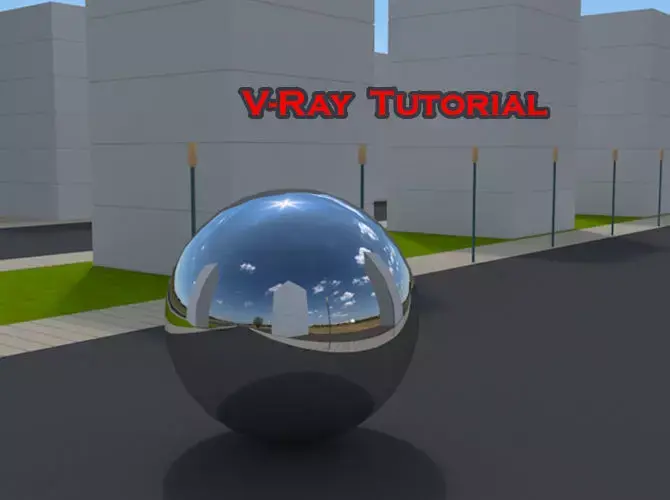
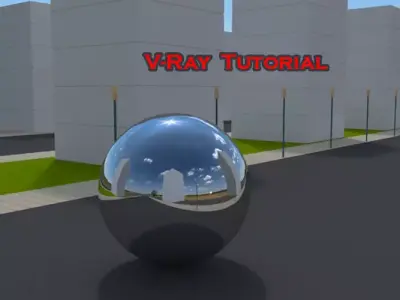
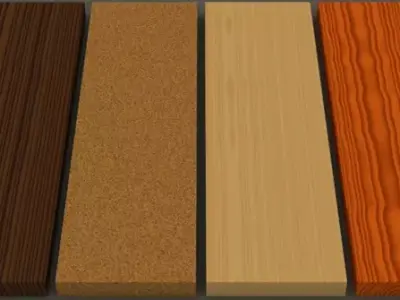
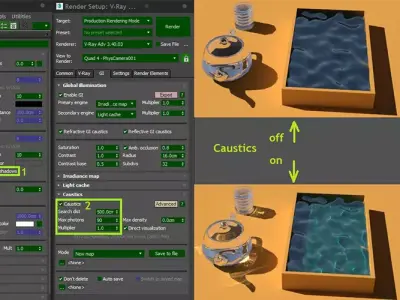
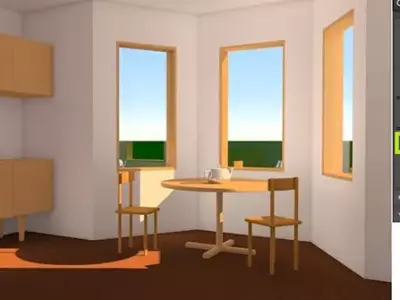
This tutorial systematically goes through all aspects of V-Ray and provides practical skills to work with.Due to the rich amount of illustrations can be used as a handy reference book when working with V-Ray.Included are: 14scenes 40 materials and 8 presets for V-Ray.
You can see what is covered In the table of content:
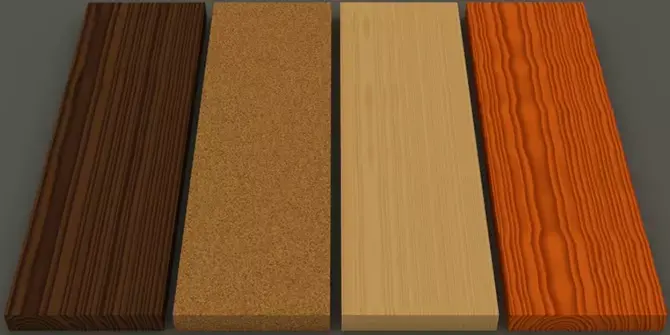
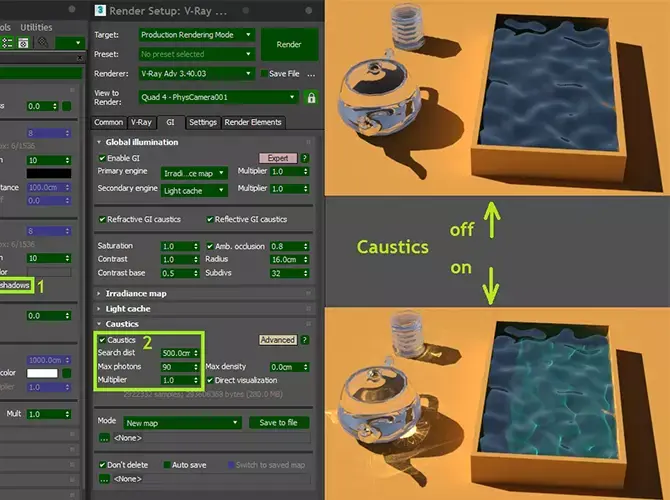
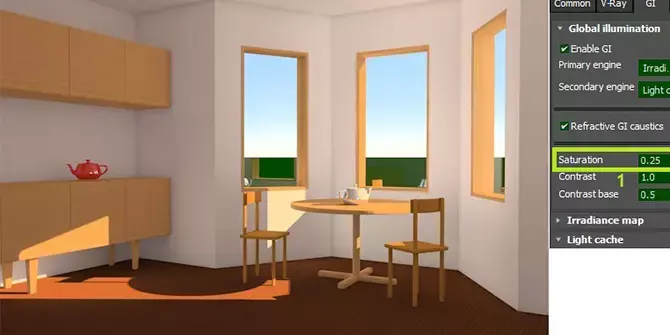
I. Setup 1. Set 3ds Max to work in the linear workflow 2. Assign V-Ray as the current renderer 3. Set resolution 4. Set V-Ray frame buffer to use sRGB color spaceII. Lights 1. Plane Light 2. Dome Light 3. V-Ray Sun 4. Sphere Light 5. IES 6. Mesh Light 7. Ambient LightIII. Camera 1. Positioning the camera 2. Set the camera parameters 3. Safe frameIV. Effects 1. Depth of Field 2. CausticsV. Materials 1. The VRayMtl material and IOR 2. Working with Material Libraries 3. Creating materials in Material Editor 3.1. Liquid 3.2. Metal 3.3. Plastic 3.4. Wood 3.5. Emitters 3.6. Translucent 3.7. TransparentVI. PresetsVII. Frame Buffer 1. Enabling History and comparing renders 2. Comparing V-Ray settings 3. Region rendering 4. Correcting and saving a renderVIII. Studio Scene with SoftboxIX. Interior Scene with V-Ray SunX. Night Scene with IES and DenoiserXI. Exterior Scene with HDRI
MAX (Autodesk 3ds Max, filesize: 34.6 MB), OBJ (OBJ, filesize: 411 KB), FBX (Autodesk FBX, filesize: 163 KB), MAX (Autodesk 3ds Max, filesize: 34.6 MB), OTHER (Other, filesize: 1.28 MB), MAT (mat, filesize: 320 KB), JPG (JPG, filesize: 10.4 MB), PNG (PNG, filesize: 10.4 MB)