Vanessa Character and Outfit for Genesis 9 Female
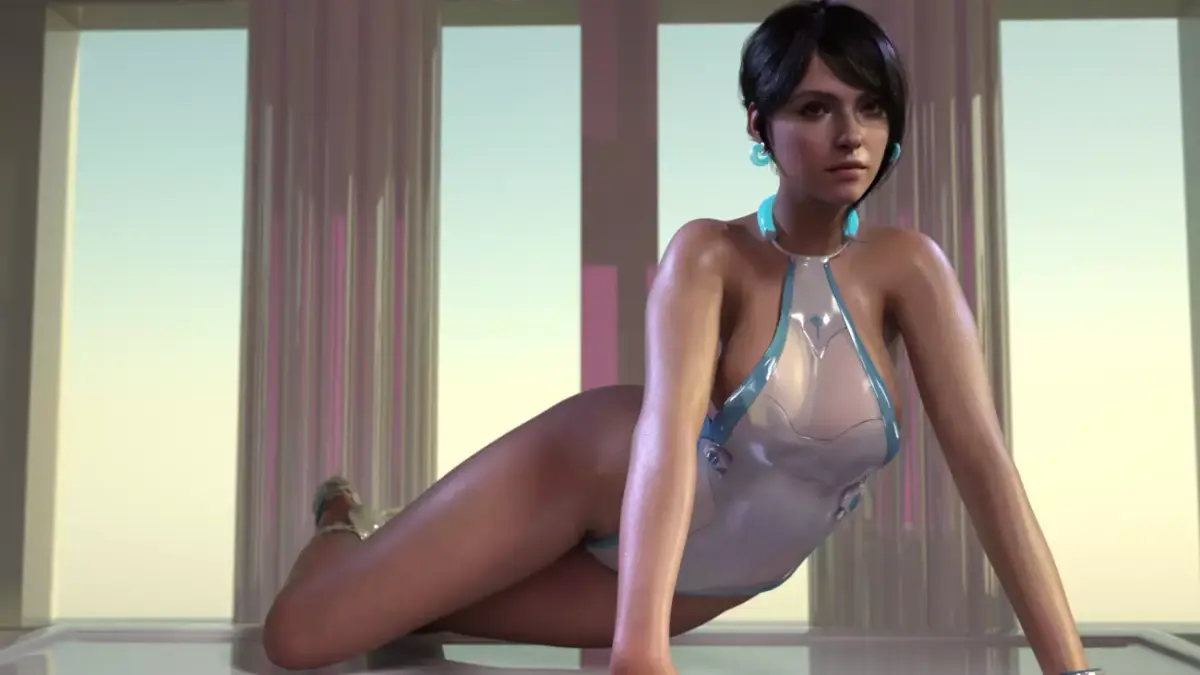
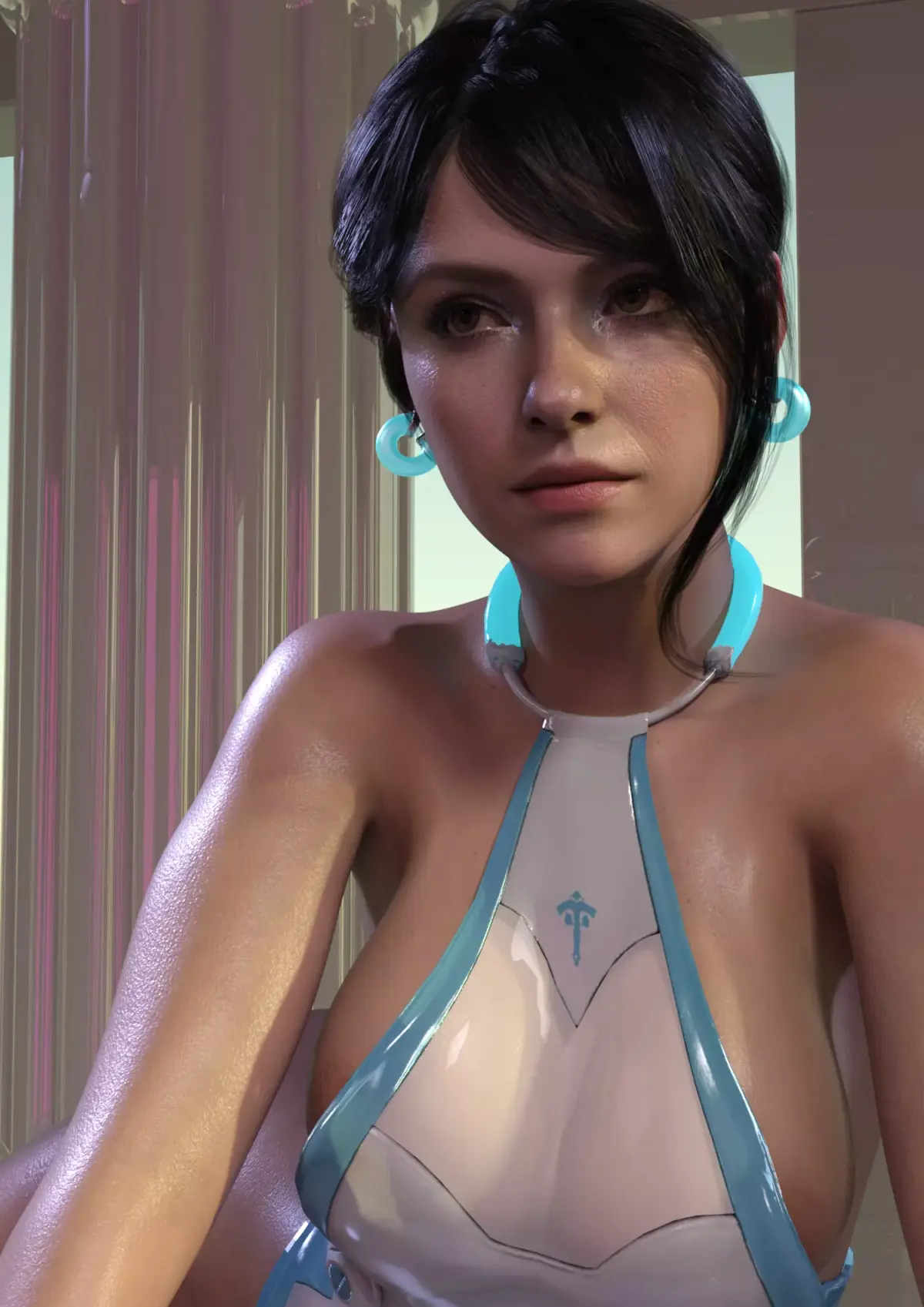
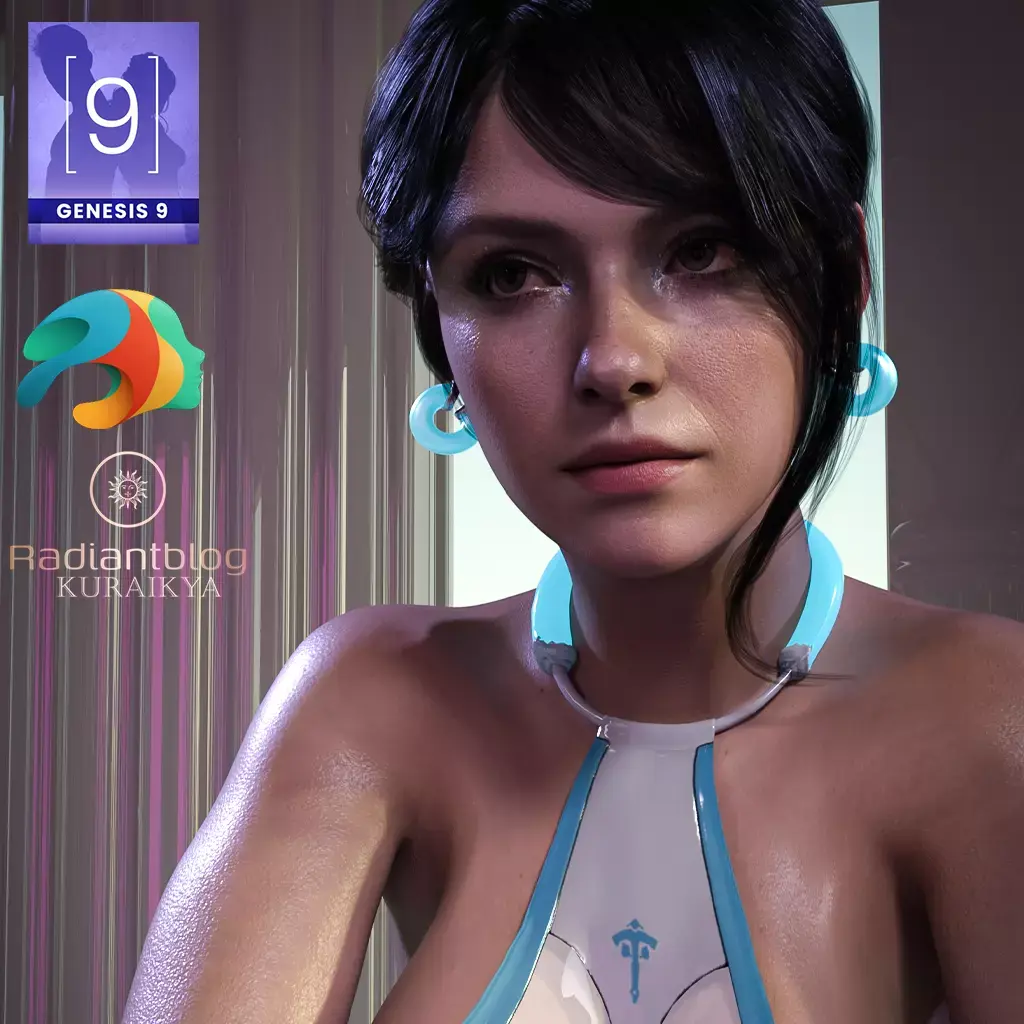
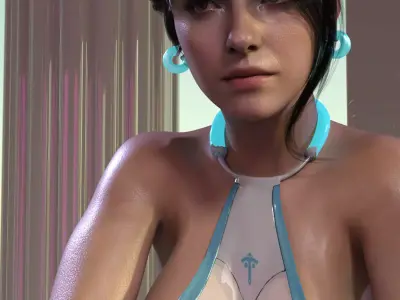
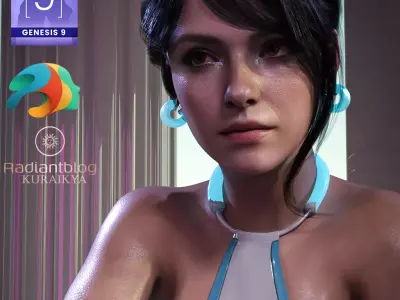
This stunning full-character product brings you Vanessa, a unique and stylish figure for the Genesis 9 Female base, along with a complete, sci-fi-inspired outfit. Inspired by the aesthetic of First Descendant and featuring a distinct look, Vanessa is ready for your next render!
What's Included
Based on the files provided in the folders, this package includes:
Full Character Presets:
Vanessa with Clothes.duf (Full preset with outfit)
Vanessa without Clothes.duf (Full character shape and material preset)
Character Preset Folder:
Character Preset.duf (Shape and Material Preset)
Shaping Preset.duf (Shape only)
Material Preset.duf (Material only)
Eyes Material.duf, Vanessa Eyes.duf, Vanessa Mouth.duf (Specific material/shaping options)
Hair and Details:
Vanessa Hair.duf
Vanessa Eyebrows.duf
Vanessa Eyelashes.duf
Clothing/Accessories:
!!!Load All Outfit!!!.duf (Loads the entire outfit)
Vanessa Bathingsuit.duf (The main clothing item)
Vanessa Heels.duf (Shoes)
Vanessa Earrings.duf (Accessory, not a Prop)
Vanessa Wristband.duf (Accessory, not a Prop)
@Feet OFF and @Feet ON (Utility/Setting Presets)
Special Features:
Emissive Elements: Certain parts of the clothing feature emissive materials which glow with a cool blue light, enhancing the sci-fi and visual impact of the outfit.
Integrated Accessories: The Earrings and Wristband are designed as figure-attached accessories (not standard Props), ensuring seamless integration and posing with the Vanessa character.
How to Use/Unzip the Files
To install and use this product, you first need to extract the contents of the zip file.
Download: Download the product zip file to your computer.
Unzipping: Use an unzipping program like 7-Zip (free), WinRAR, or the built-in Windows/macOS extractor.
Right-Click: Right-click on the zip file.
Extract: Select the option to Extract All or Extract Files and choose your Daz Studio content library folder as the destination. Ensure the product files (Data, Runtime, People, etc.) are merged correctly into your existing Daz Library structure.
DUF (DAZ Studio, filesize: 231 MB), PNG (PNG, filesize: 231 MB)