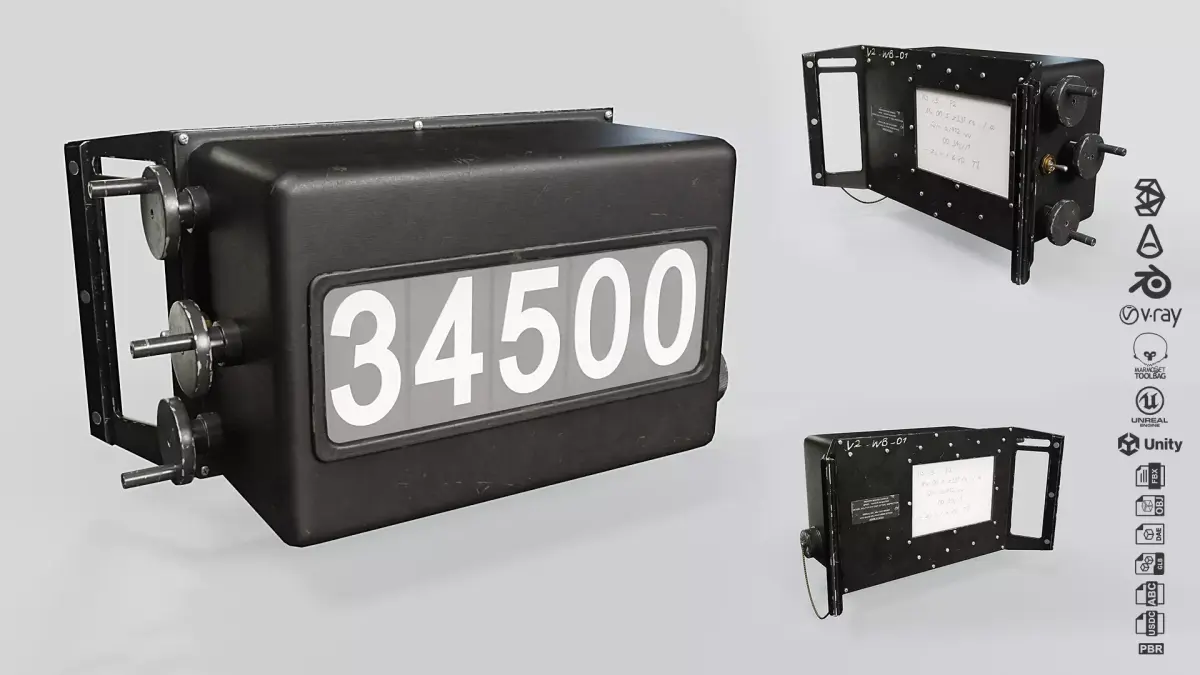

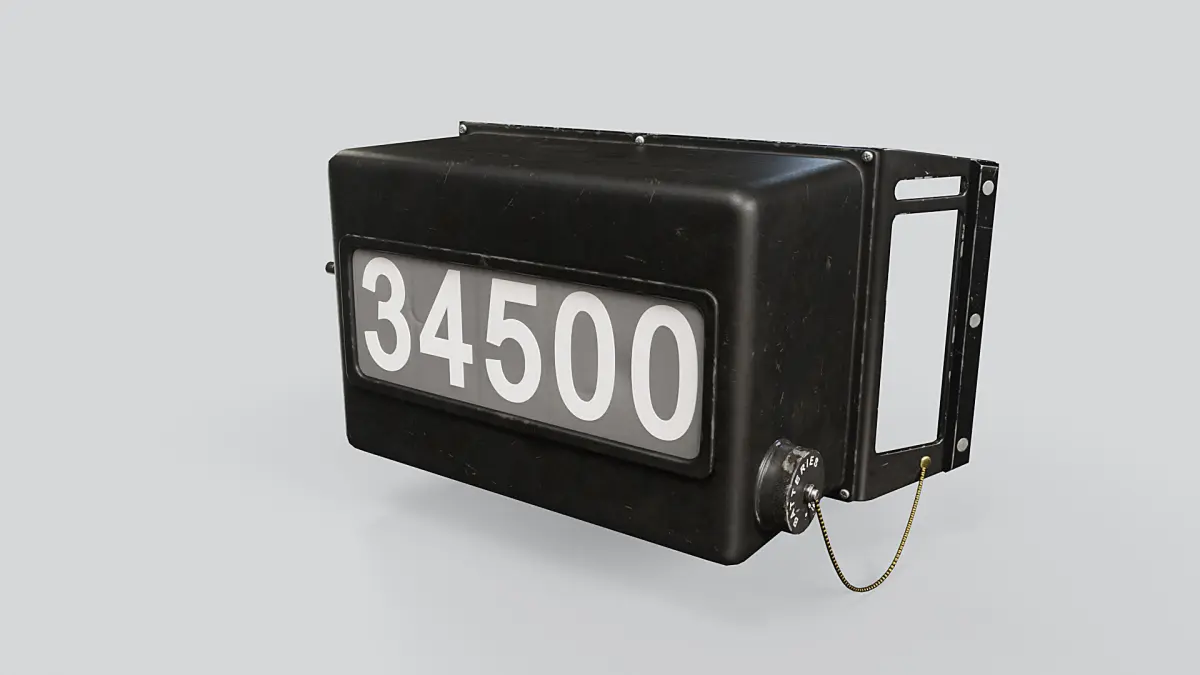
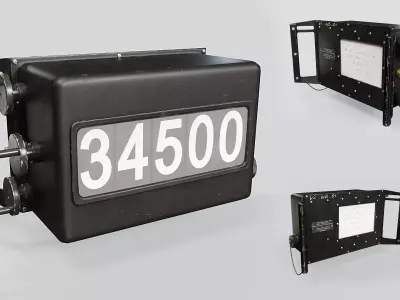

U.S. Navy Weight Board
This model is built to real world scale (cm) and is based on several photographs and close-ups of the real product to give you the best quality in terms of texture references and proportions.
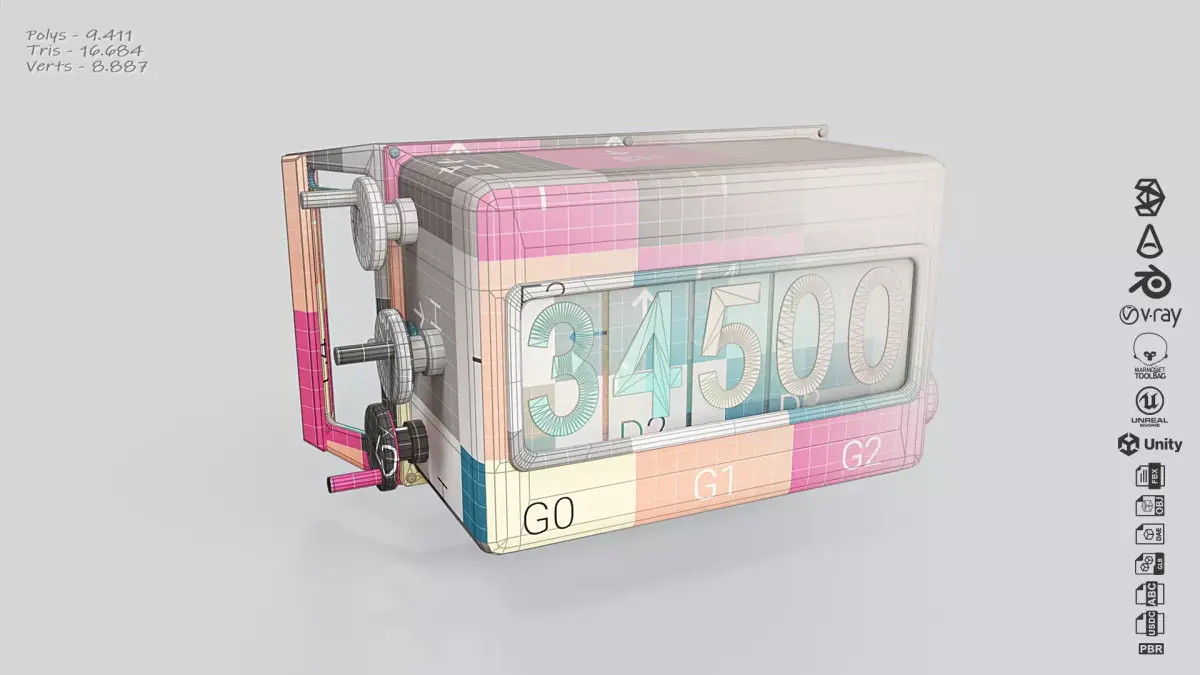
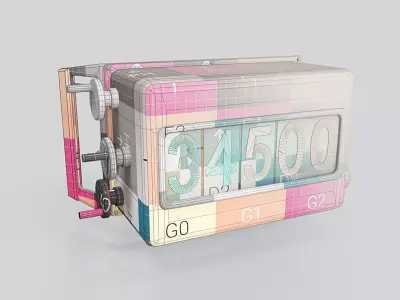
Low-poly model for VR, AR, gaming or simulation projects and other real-time applications.
Well-organised, easy to use 3D scenes with scene layers, assigned materials and technical checks.
Including:
- Easily changeable digits
- 4k PBR Textures [4096px*4096px]: Albedo - Ambient Occlusion - Normal [openGL Y+] - Metalness - Roughness - Opacity
- 3ds Max 2022 or above : Scanline [Legacy Material] - Arnold [Physical Material] - Arnold [Standard Surface Material] - ART [Physical Material] - VRay [VRay Material]
- Blender 4.3
- Marmoset Toolbag 5.02
- Unity Package 2022.3
- Unreal Engine Package 5.3.2
- Alembic
- Collada
- FBX
- GLB
- OBJ
- USDC
Technical check:
- UV's : No Overlapped UV's - No Flipped Faces
- Textures : Texture aspect Ratio - Full edge padding coverage
- Meshes : No N-gons - No Isolated Vertices - Set pivot point - Reset X-Form
- Scene : Naming System - Layer System - Assigned Textures - Model at scene origin
In case of missing textures:
- 3ds Max: Open the 3dsMax file and press Shift+T to open the Asset Tracking dialogue box. Select all missing textures > Go to File > Set Path > Select the texture folder.
- Blender: Open the Blend file and go to File > External Data > Find Missing Files > Select the texture folder.
Enjoy!