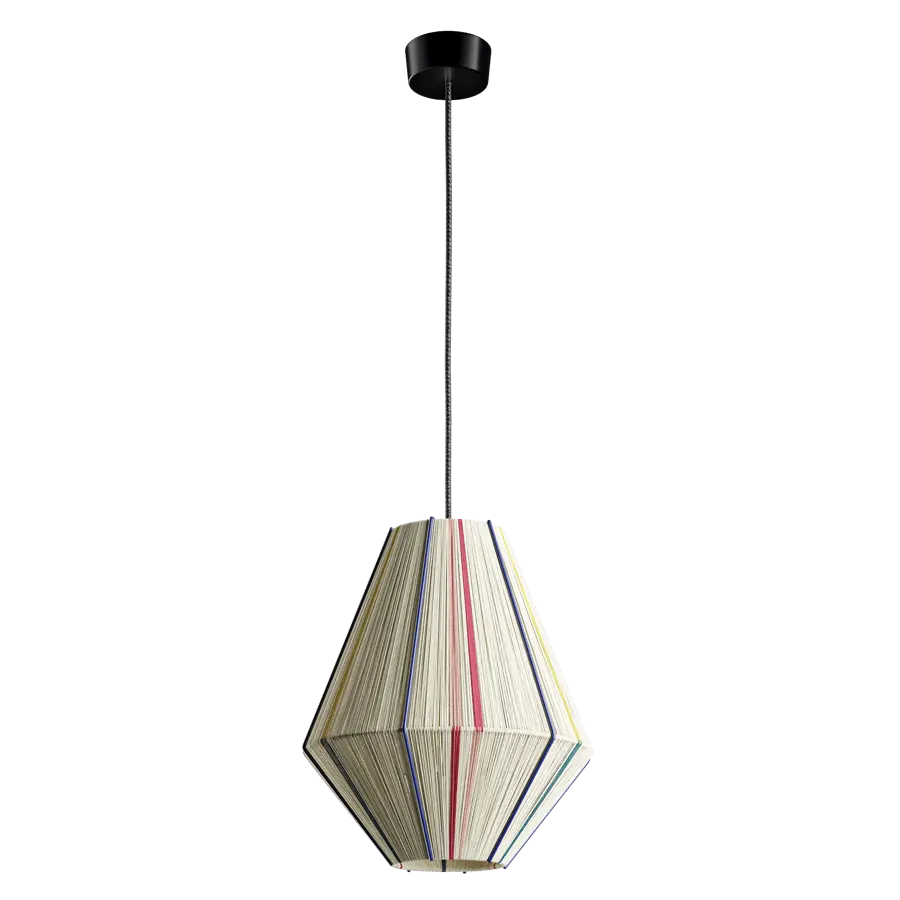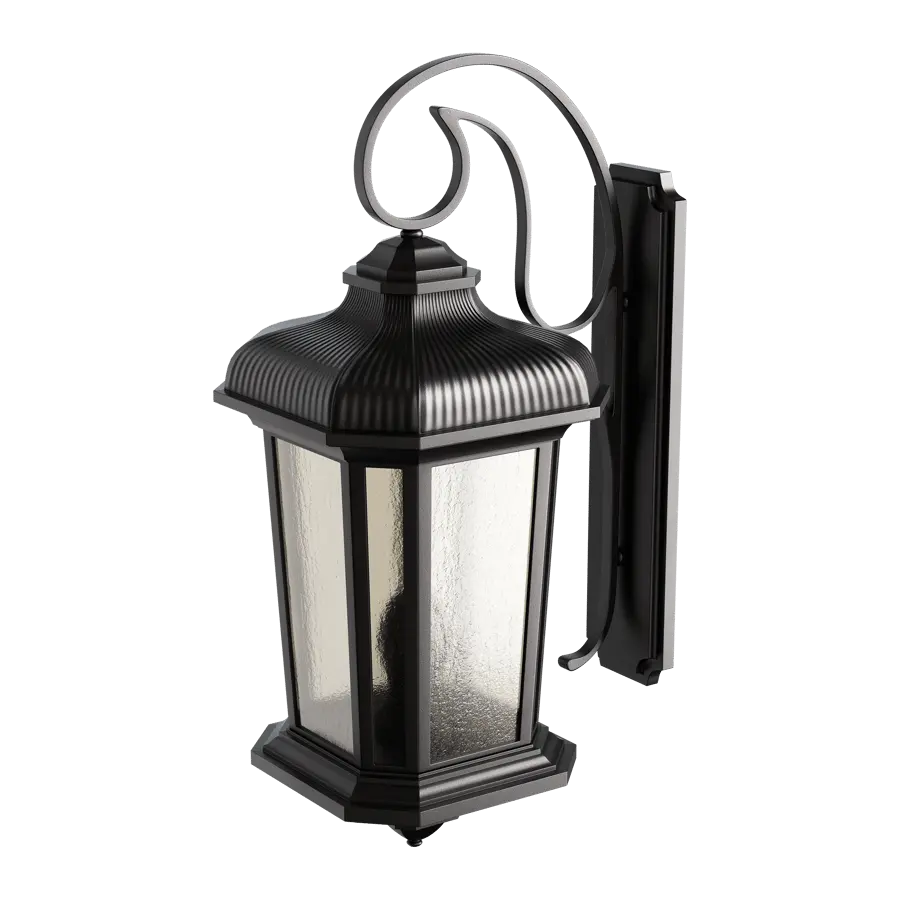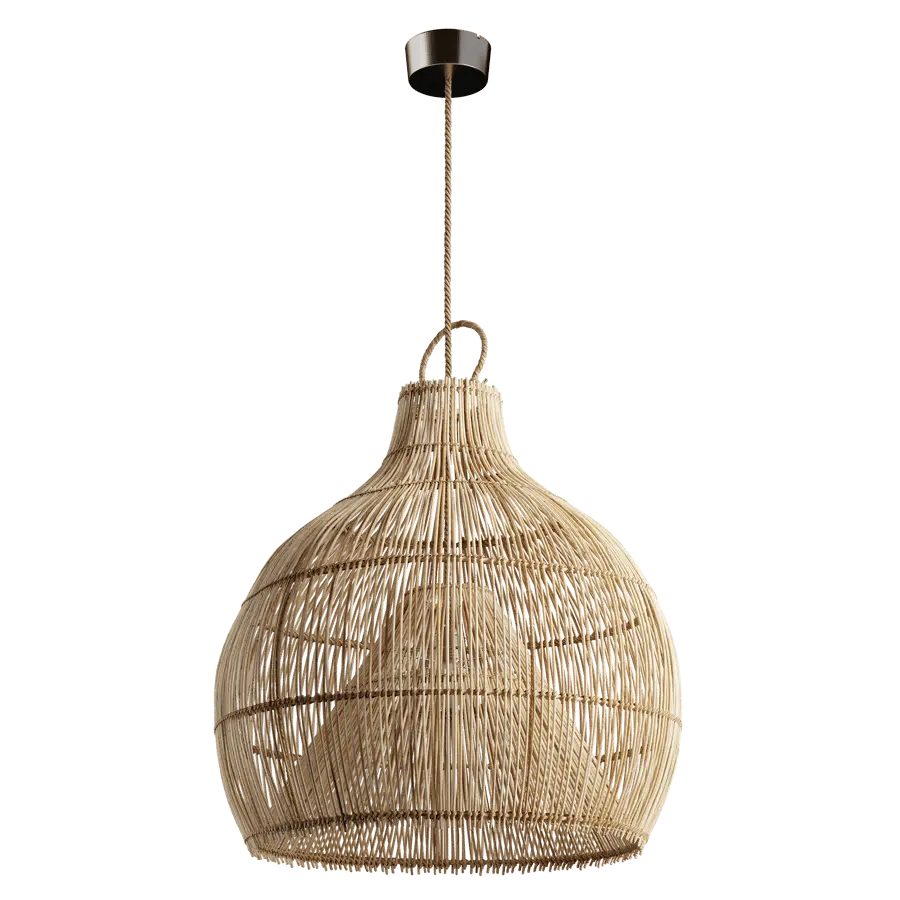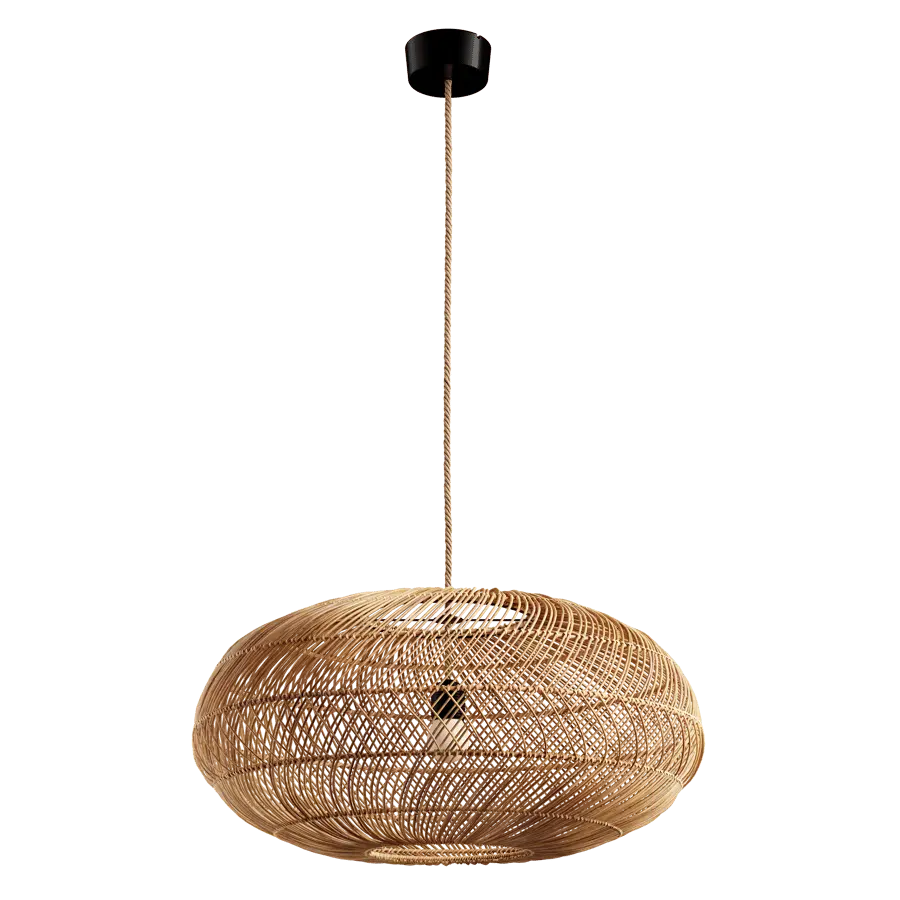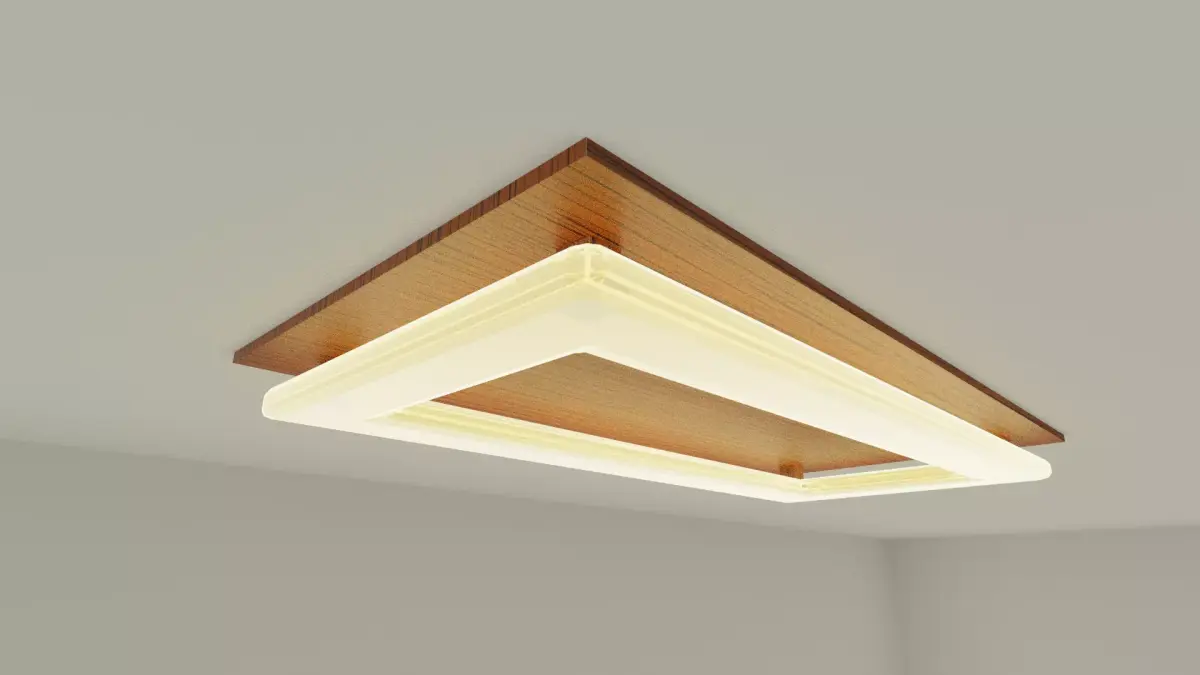
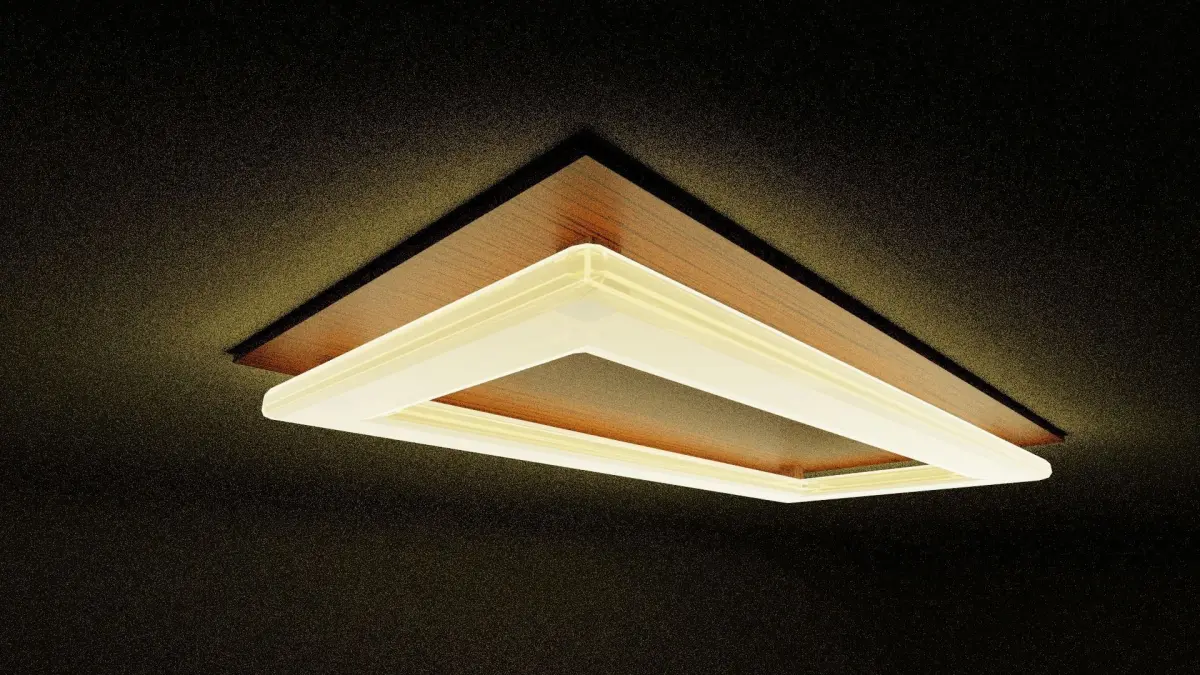
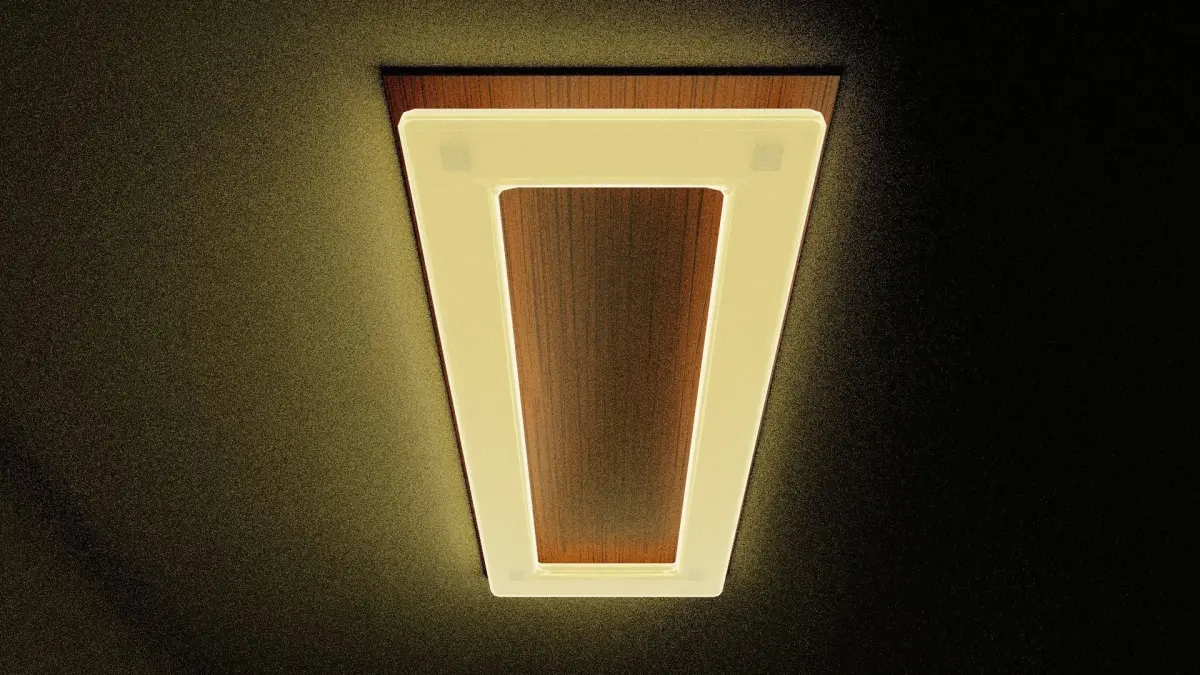
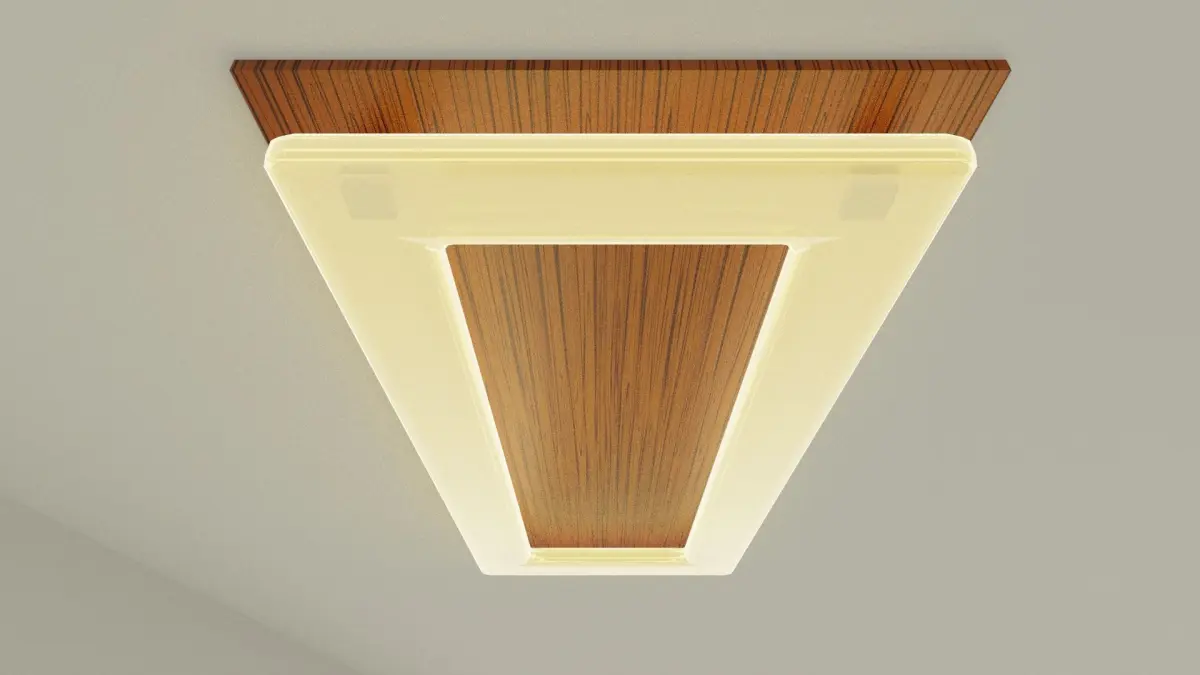
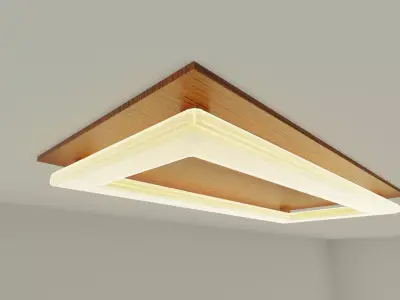
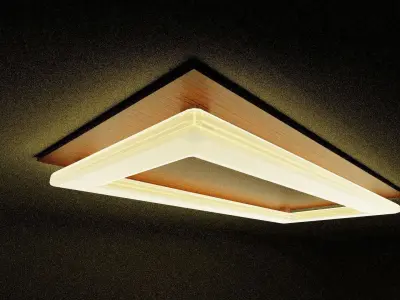
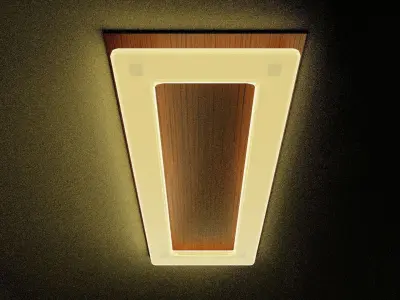
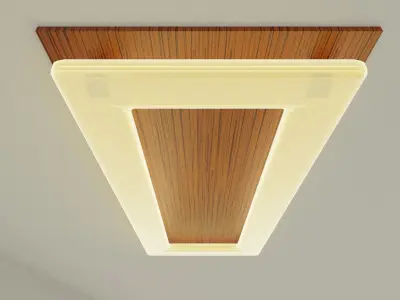
A fancy looking ceiling light with wooden base which can be placed in any interior.
For Unity users:To enable the glowing effect for the lamp, enable Post Processing by clicking Windows > Package Manager and then search Post Processing. Once you find a package called Post Processing, click on the Install button at the bottom of the window and then close the window. Add a Post-processing Layer component to your Main Camera and click on the drop-down menu for Layer under Volume bleeding and select Everything.
Credit:
- Wooden Texture Vectors by Vecteezy: https://www.vecteezy.com/free-vector/wooden-texture
Also check out the Wooden Wall Lamp of similar style: https://www.cgtrader.com/free-3d-models/furniture/lamp/wooden-wall-lamp-58ecd780-4a2e-4ba7-a741-d2419a3ddfe6
BLEND (Blender, filesize: 3.25 MB), OBJ (OBJ, filesize: 11.8 KB), FBX (Autodesk FBX, filesize: 40.7 KB), GLTF (glTF, filesize: 3.36 MB), UNITYPACKAGE (Unity 3D, filesize: 3.24 MB)