Xella for Genesis 9
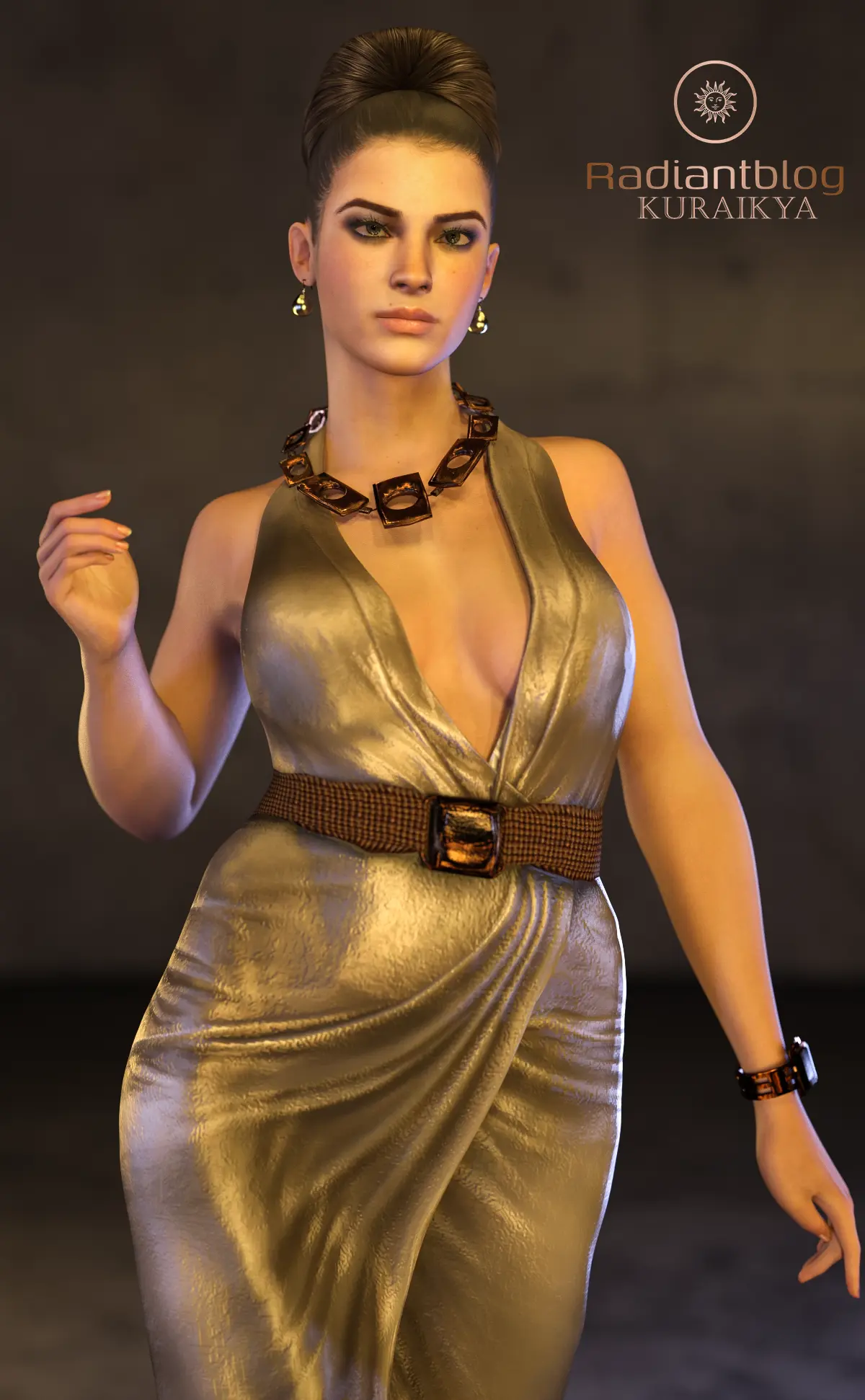
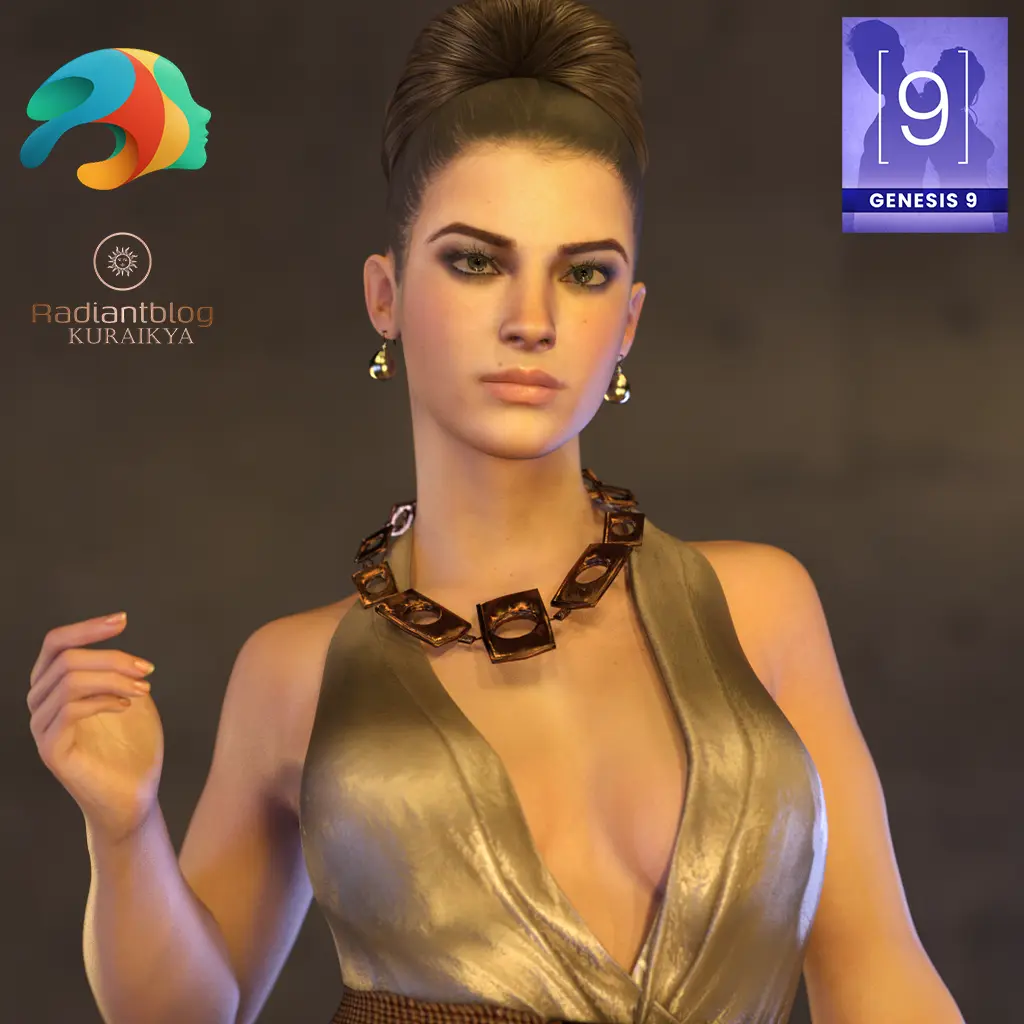
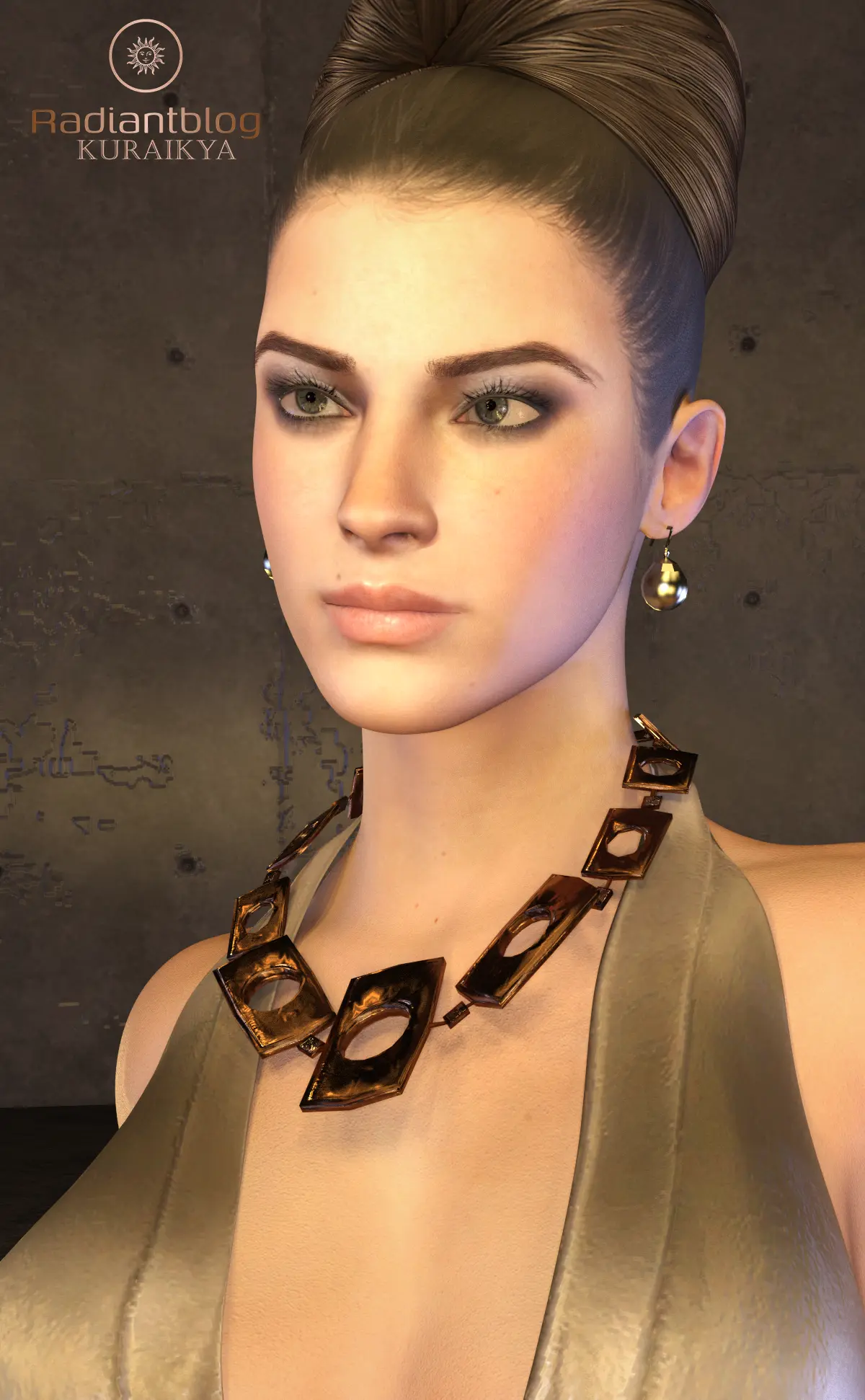
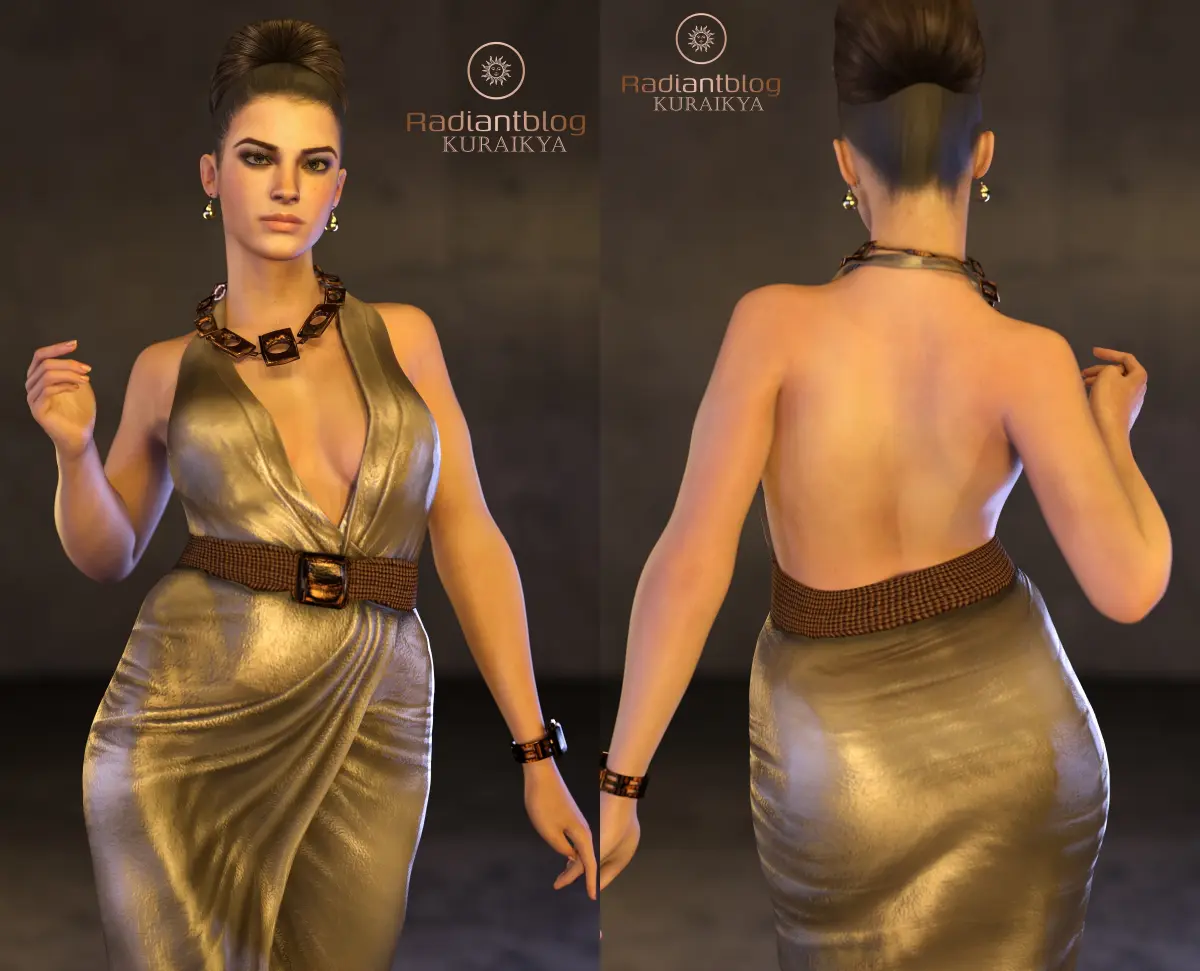
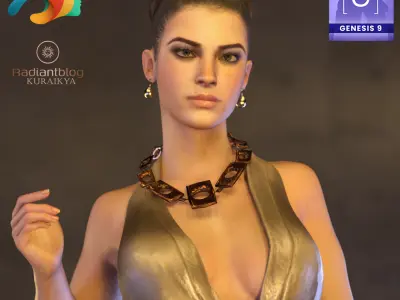
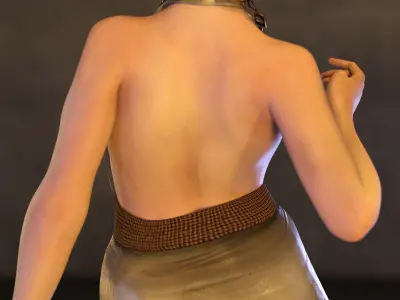
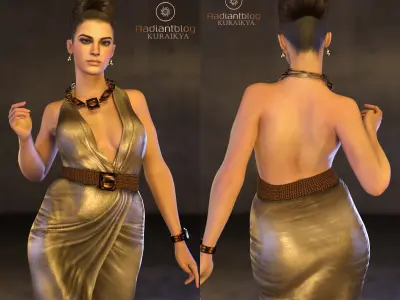
Introducing Xella, a high-fidelity character preset meticulously crafted for the Genesis 9 framework. This package is designed for seamless integration, featuring a comprehensive Full Morph that unifies the head and body into a singular, cohesive silhouette, ensuring no anatomical inconsistencies. To complete the look, specialized Eye Morphs are included to ensure perfect alignment.
Included Presets and Content
Based on the provided folder structure, this package includes:
-
Character Presets:
-
Full Character Preset: Loads the complete morph and skin settings.
-
Material Preset: Applies the high-resolution textures and skin shaders.
-
Shaping Preset: Applies the specific body and head shape morphs.
-
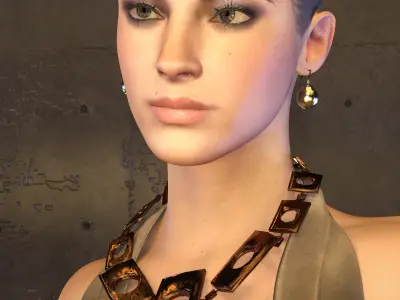
Xella Eyes: Specific material/shaping settings for the eyes.
-
Xella Mouth: Detailed settings for the mouth and teeth area.
-
Clothing & dForce:
-
!!!Load All Outfit!!!: One-click solution to load the entire ensemble.
-
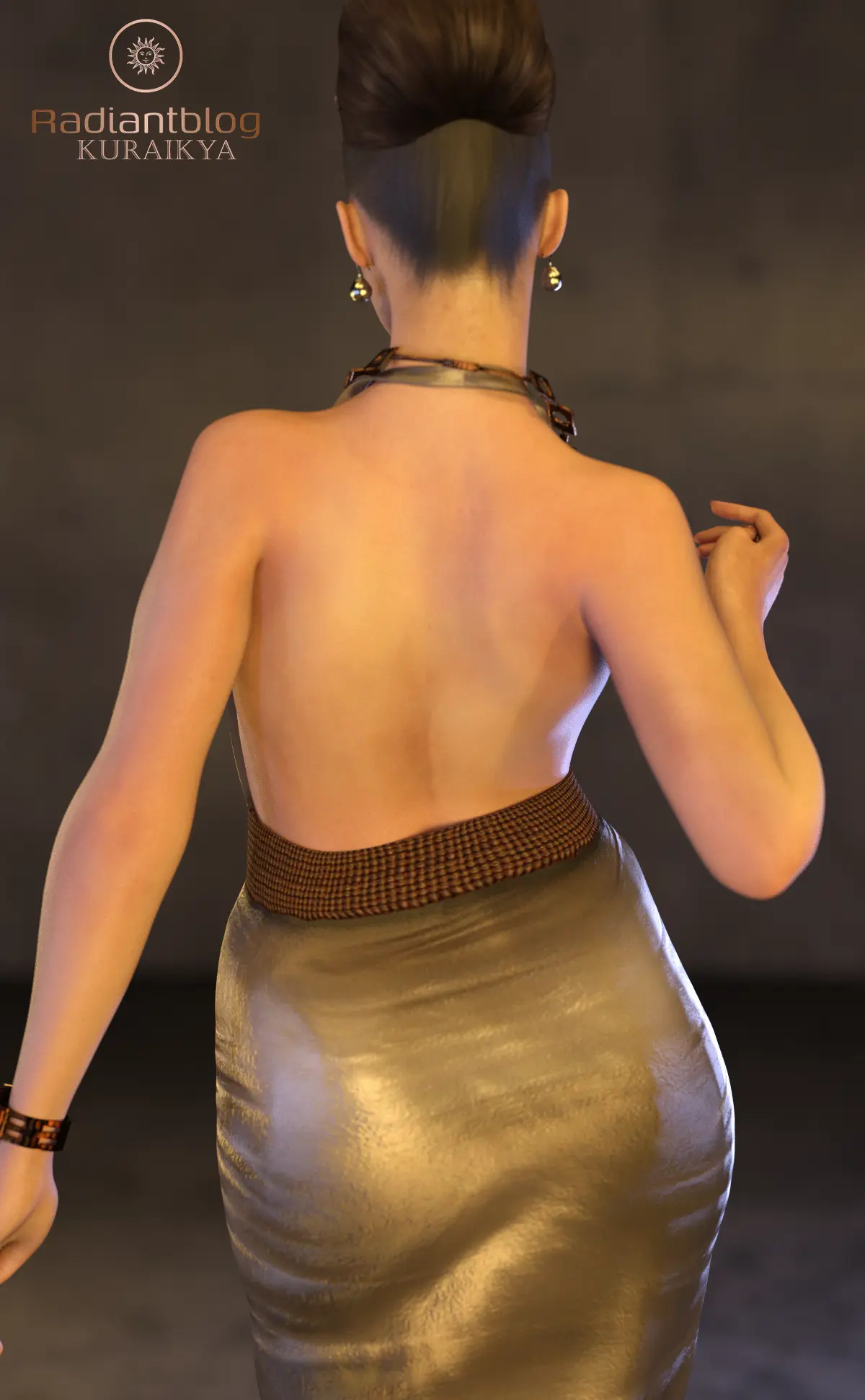
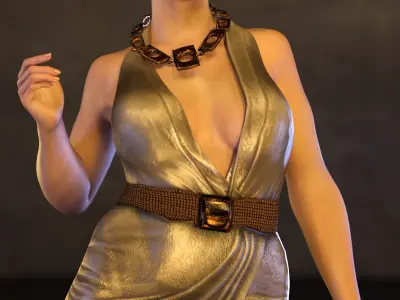
Xella Dress (dForce): Optimized for realistic fabric physics.
-
Accessories: Includes Xella Earrings, Necklace, Watch, and Heels.
-
Heels Utility: Specialized @Heels OFF and @Heels ON poses to correct foot anatomy for any pose without changing the body position.
-
Hair & Grooming:
How to Install and Unpack
-
Download the ZIP file.
-
Right-click and select "Extract All..." to unpack the data.
-
Copy the folders (Characters, Clothing, Hair) into your Daz 3D Content Library (usually Documents/Daz 3D/Studio/My Library).
-
In Daz Studio: Navigate to Genesis 9 > Characters > KuraiKya > Xella.