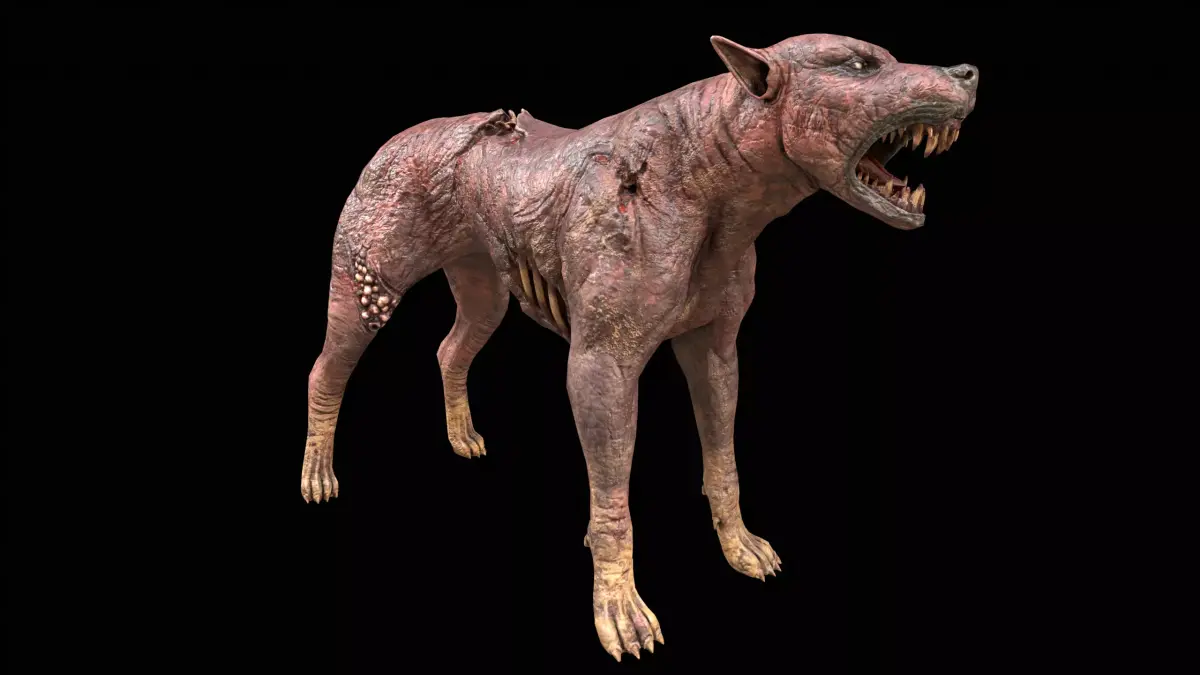
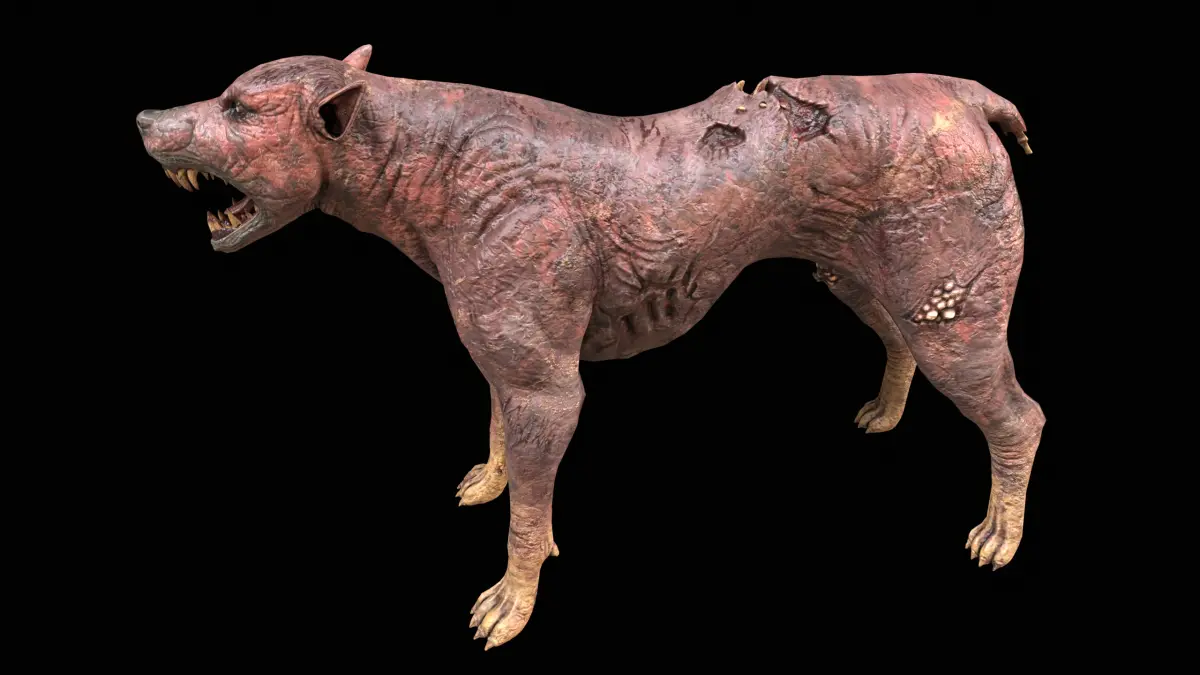
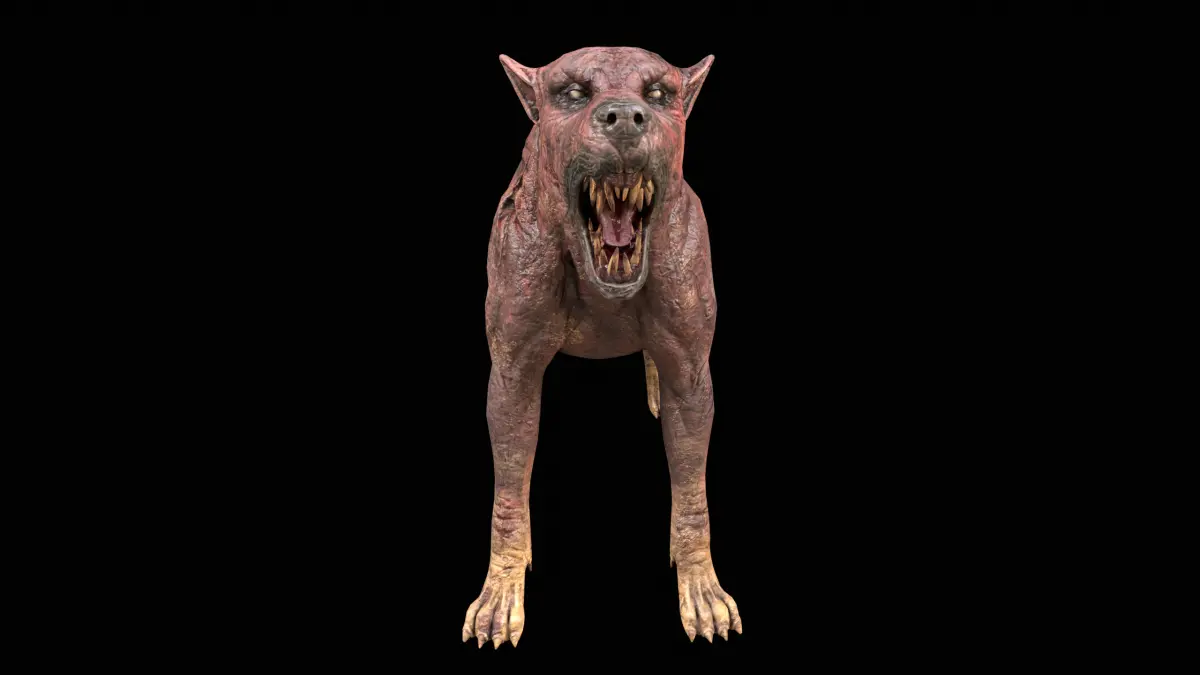
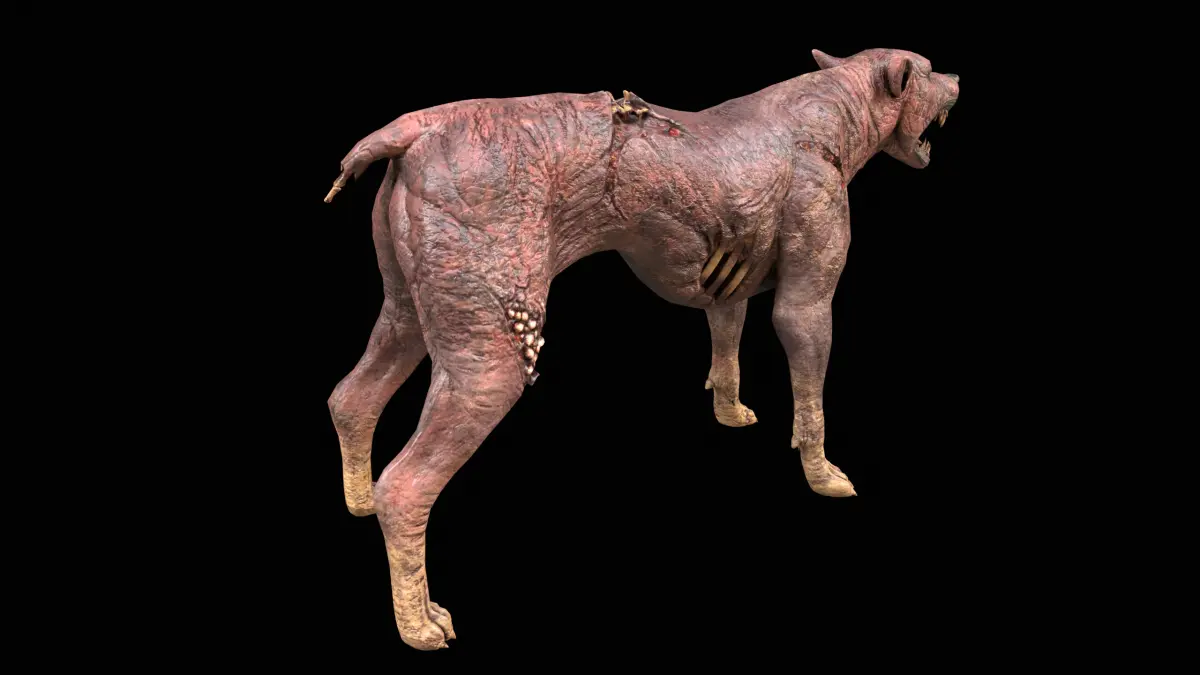
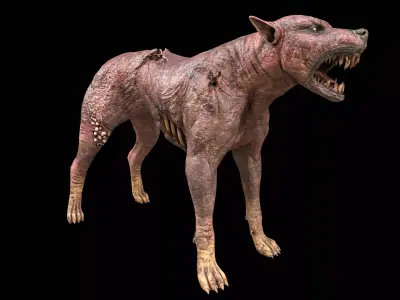
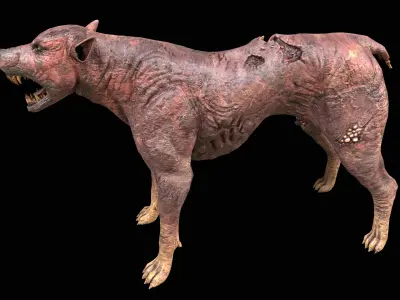
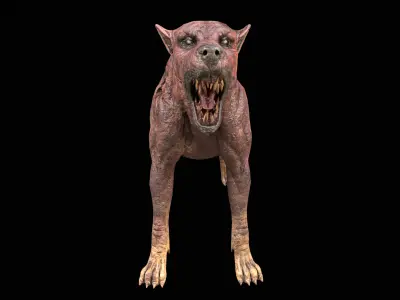
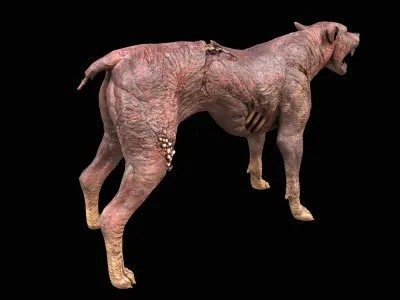
Format INFORMATION:
- 3ds Max 2021 (Physical Material)
- FBX
- OBJ
- Blender
- GLB
- GLTF
- USDZ
- USD
OBJECT INFORMATION:
Object: Zombie_Dog_001
- Vertices: 15959
- Polygons: 16733
- Triangles (3-sided): 2082
- Quads (4-sided): 14651
- Rendered Tris: 31384
MATERIAL INFORMATION:
2 3ds Max Physical material used with multi/sub material
- Albedo
- Roughness
- Metalness
- Normal
- AO
TEXTURE INFORMATION:
- 2048x2048 = 01_Zombie_Dog_01_Albedo.png
- 2048x2048 = 01_Zombie_Dog_02_Metalness.png
- 2048x2048 = 01_Zombie_Dog_03_Roughness.png
- 2048x2048 = 01_Zombie_Dog_04_Normal_DirectX.png
- 2048x2048 = 01_Zombie_Dog_04_Normal_OpenGL.png
- 2048x2048 = 01_Zombie_Dog_05_AO.png
- 2048x2048 = 02_Zombie_Dog_01_Albedo.png
- 2048x2048 = 02_Zombie_Dog_02_Metalness.png
- 2048x2048 = 02_Zombie_Dog_03_Roughness.png
- 2048x2048 = 02_Zombie_Dog_04_Normal_DirectX.png
- 2048x2048 = 02_Zombie_Dog_04_Normal_OpenGL.png
You may need to reassign the texture map to the model in your relevant software.
You may need to adjust the green channel of the Normal map according to your specific software. (DirectX vs OpenGL Normal Map).