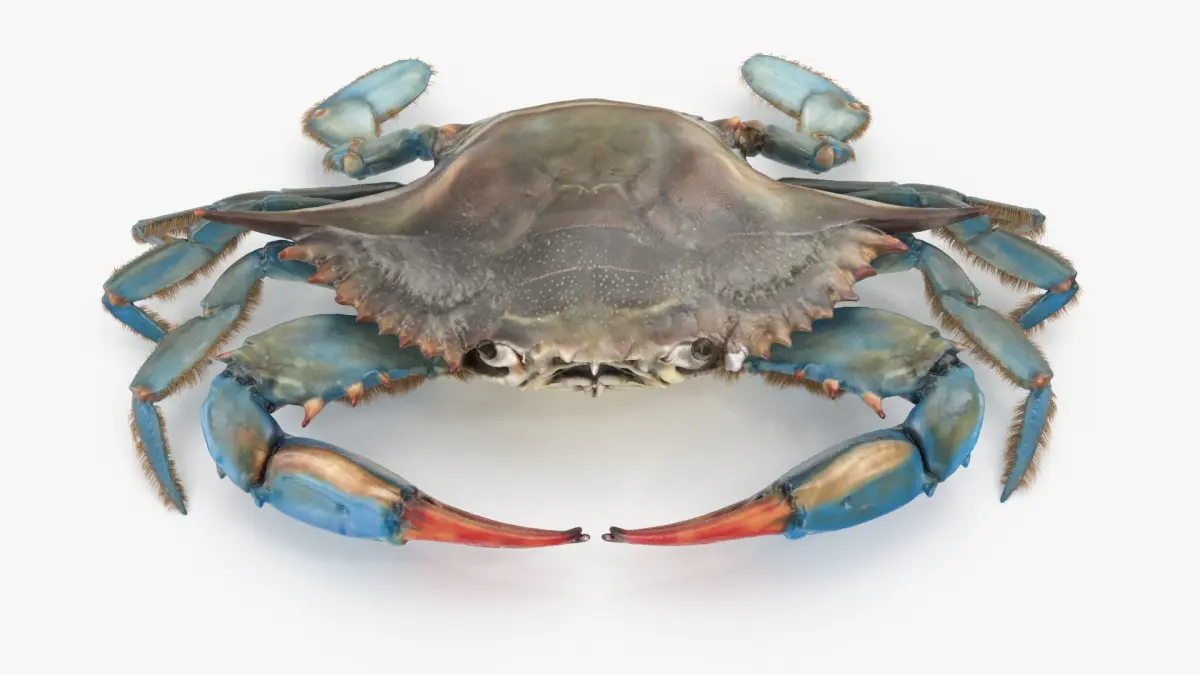
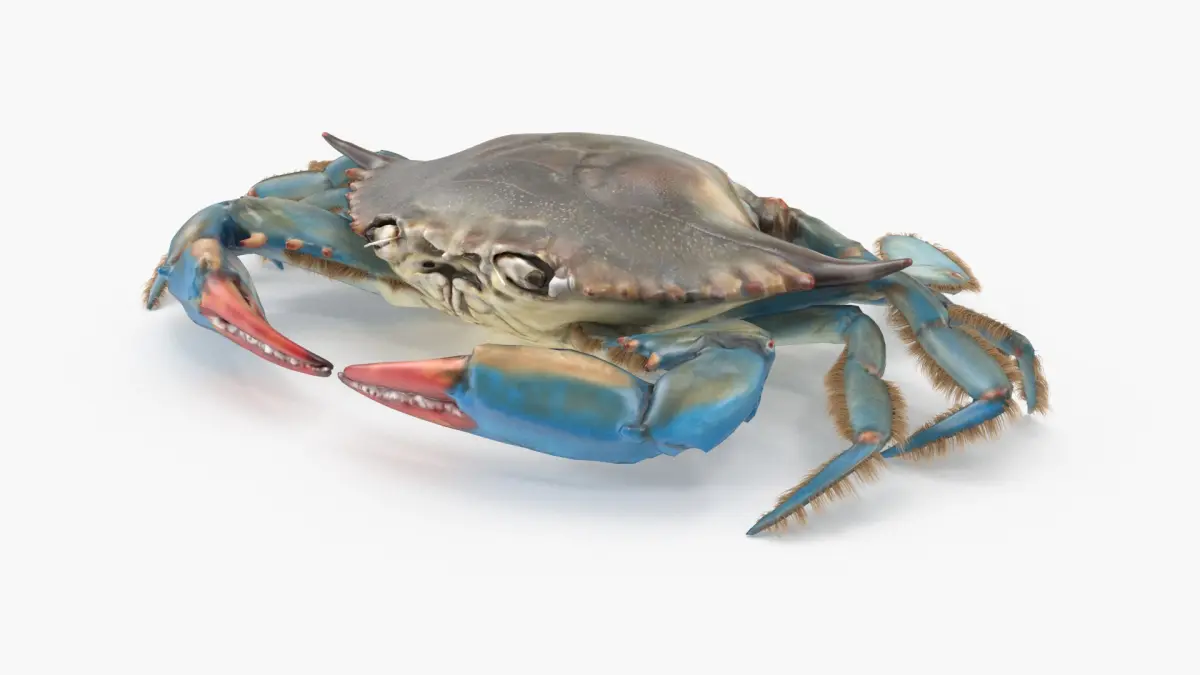
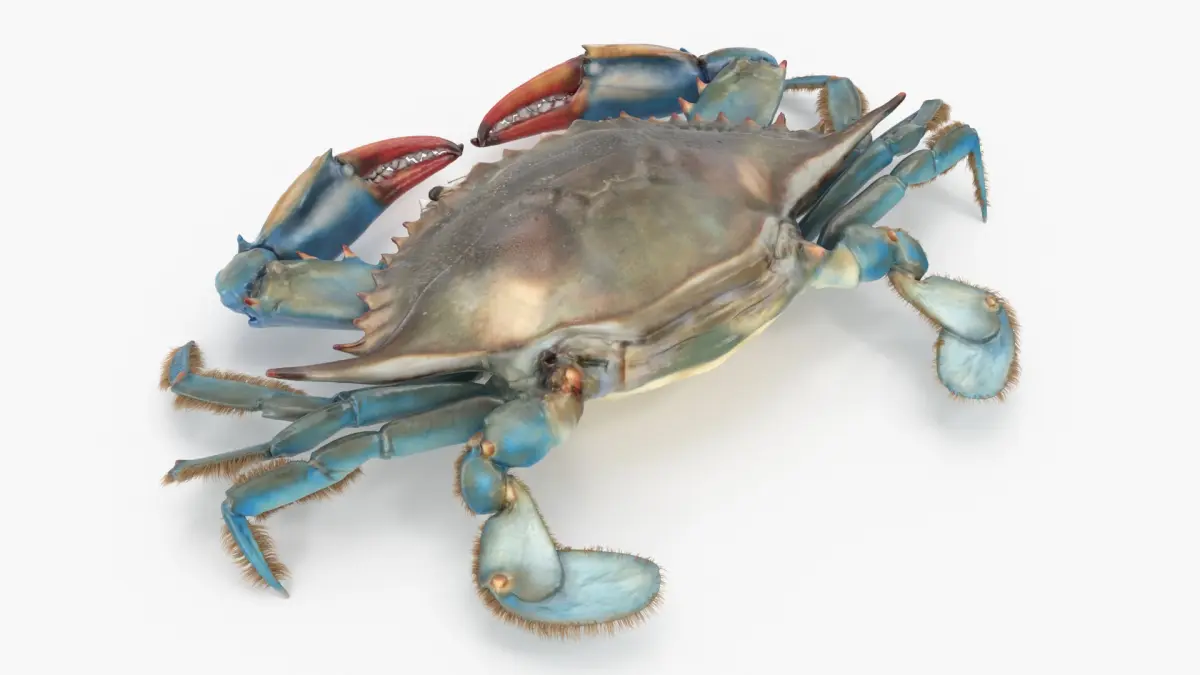
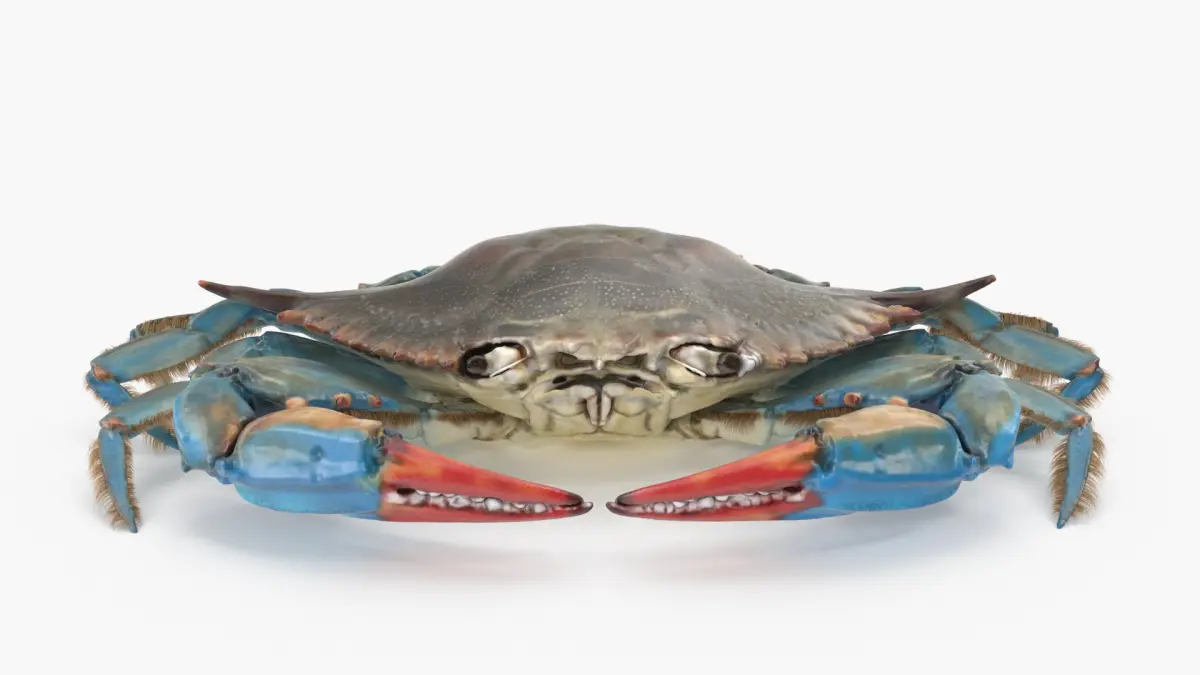
Blue Crab v1.2
----------------------------------------------------------------
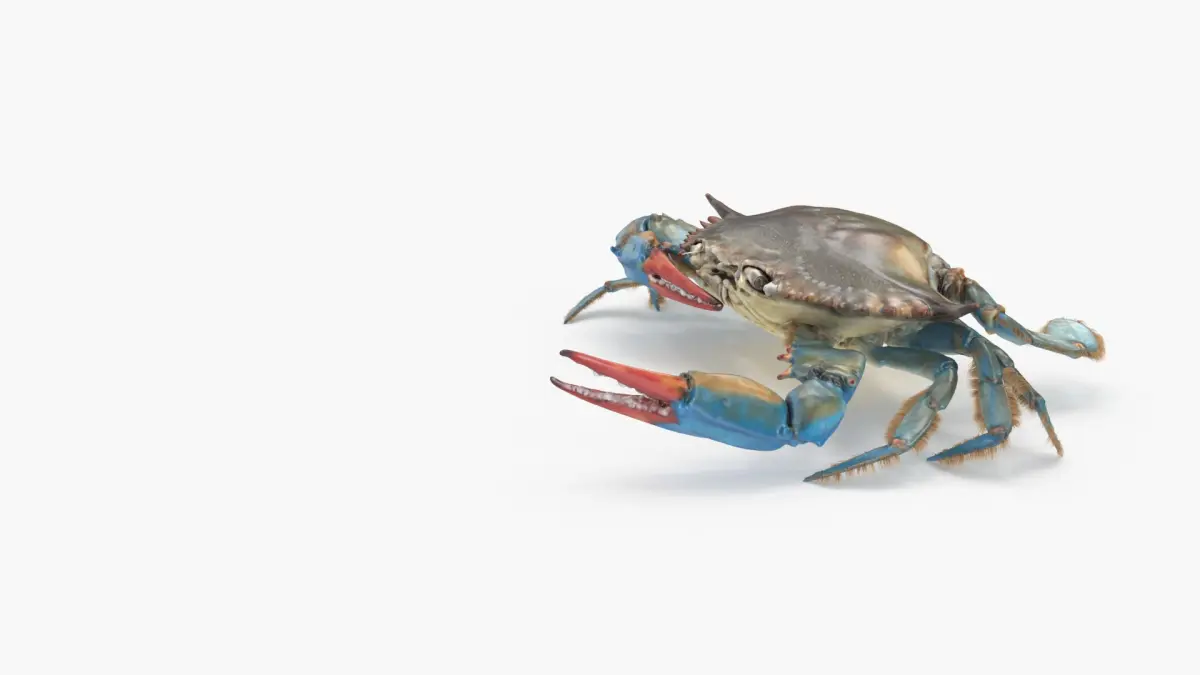
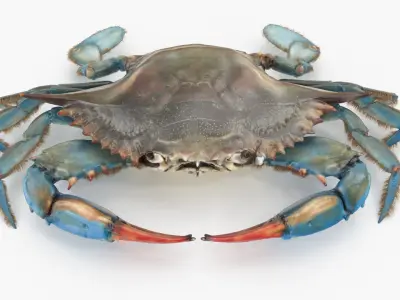
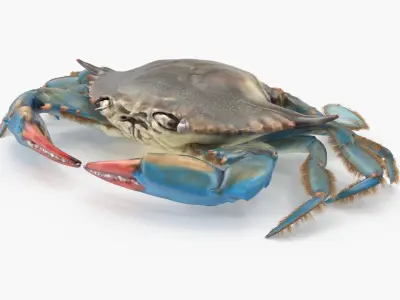
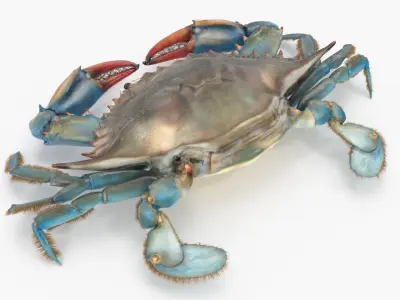
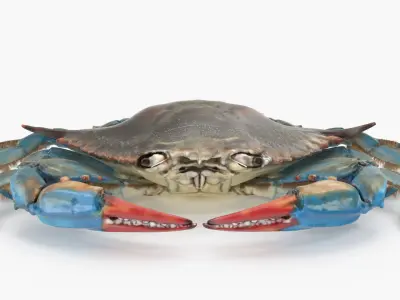
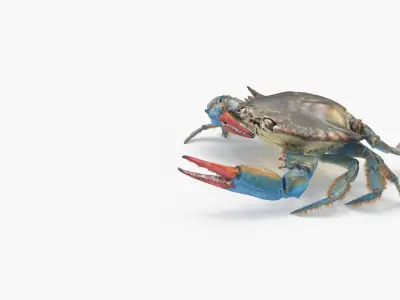
High quality rigged model of Blue Crab. Suitable for use in broadcast, high-res film closeups, advertising, realistic closeup renders, design visualization, animation, presentation, etc. Completely ready for your next rendering project.
----------------------------------------------------------------
-Poly count is 17746 with single object.
-Mostly quad polygons (Polygons with 3 sides is less than 1%).
-Clean and optimized topology.
-Resolution can be increased with further subdivisions.
-Objects, shapes and materials are logically named.
-Model is found in a separate layer.
-Fully unwrapped. No overlapping UVs.
-Model is built to real-world scale.
-Units used: Centimeters (Model is approximately 18 cm wide).
-Hair and Fur modifier is used to create hair.
-Rigged with 3ds max bones.
-The model includes control shapes to animate the model (Please, see pictures).
-Legs and arms are controlled with Inverse Kinematics.
-The model contains poles.
----------------------------------------------------------------
Main formats:
* 3ds Max 2014 Vray 3.20.03
* 3ds Max 2014 Default Scanline Renderer
Exchange formats:
* obj
* fbx
Materials and lights are optimized for each renderer.
----------------------------------------------------------------
Three different cycle animations are also included with file (Please, see pictures).
-Frame 20-50 Crab Idle
-Frame 60-90 Crab Eating
-Frame 100-200 Crab Walking
----------------------------------------------------------------
-Maps are in png format (4096x4096 resolution). Diffuse, reflection, glossiness, normal and displacement maps are included.
-No post-processing is applied in renders.
-High resolution obj file is included for further sculpting in Mudbox and Zbrush (Suitable for rebuilding subdivisions).
-High quality renders are included.
-For motion blur in Vray, select hair mesh, right click for object properties and select object motion blur and also enable the motion blur parameter in the Vray general motion blur settings (Render Setup window > V-Ray tab > Camera rollout).
----------------------------------------------------------------
Fixed issues with v1.2
-Improved skin deformations.
-Revised rig structure.
-Fixed naming issues.
Native | 3ds Max 2014 | V-Ray 3.2 3ds Max 2014 | Default Scanline 2014 FBX OBJ