The Earth Globe
- Modifiers stack kept, Not colapsed
Easy to Edit, add or remove some country or name(try with bends off or in firsts in stack modifiers, just add or remove by "editable spline"), Easy to Animate; (With some knowedge in 3dsmax)
- Closed Splines Countries
- Lines Match with textures
- Countries Names
- A Animated Path AirPlane, Easy to change your course
- 8192x4096 maps
- Simple but nice Sun lens effects flare , Atmosphere and Cloud effects, a Spherical procedural Space Map, and Volume light Glow to "Globe_Edges" file;
- A simple but useful Rigged camera focused to animate to watch the globe;
- Standard Fast Render, Fakeosity;
- Animated Earth Night Lights following opposite side from the Sun
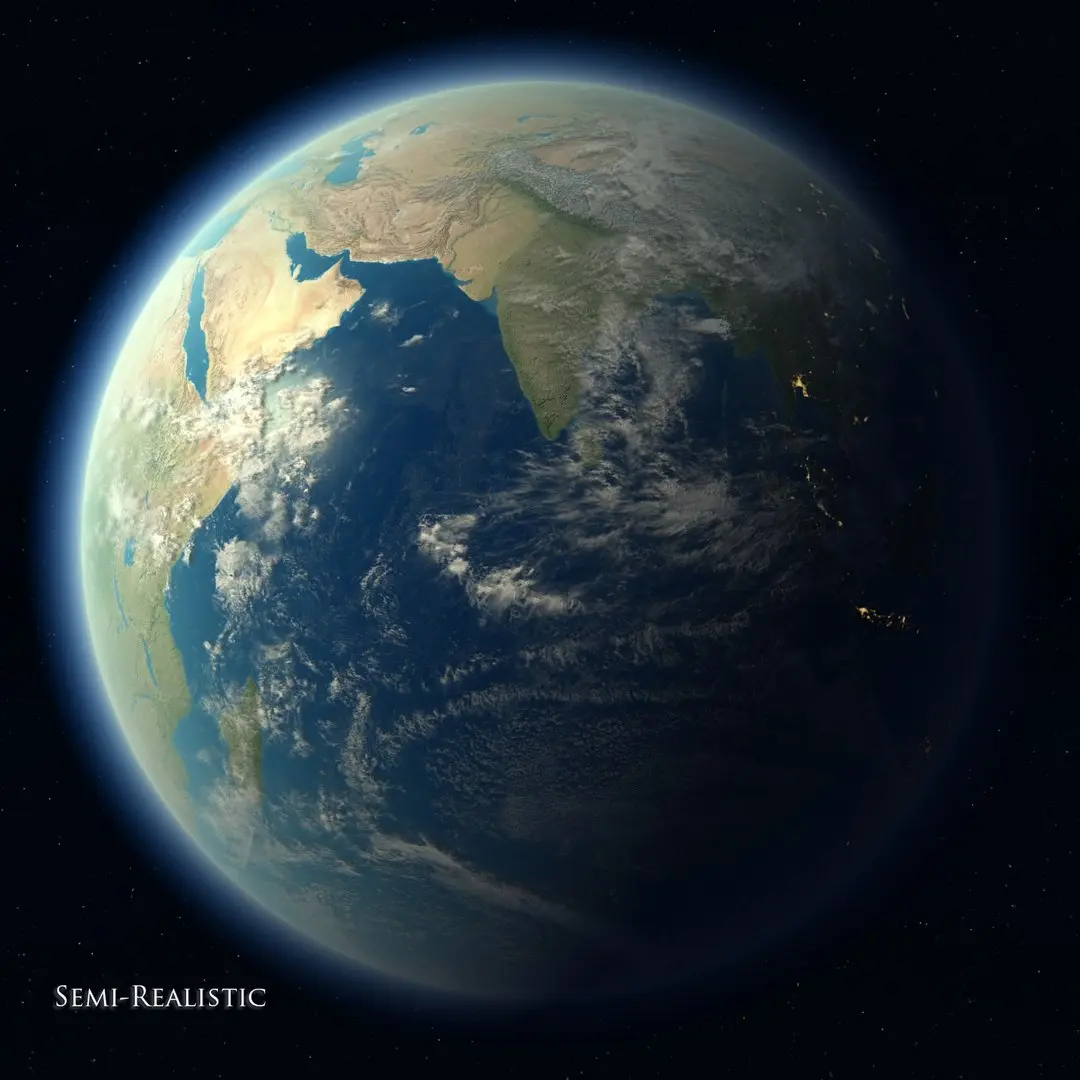
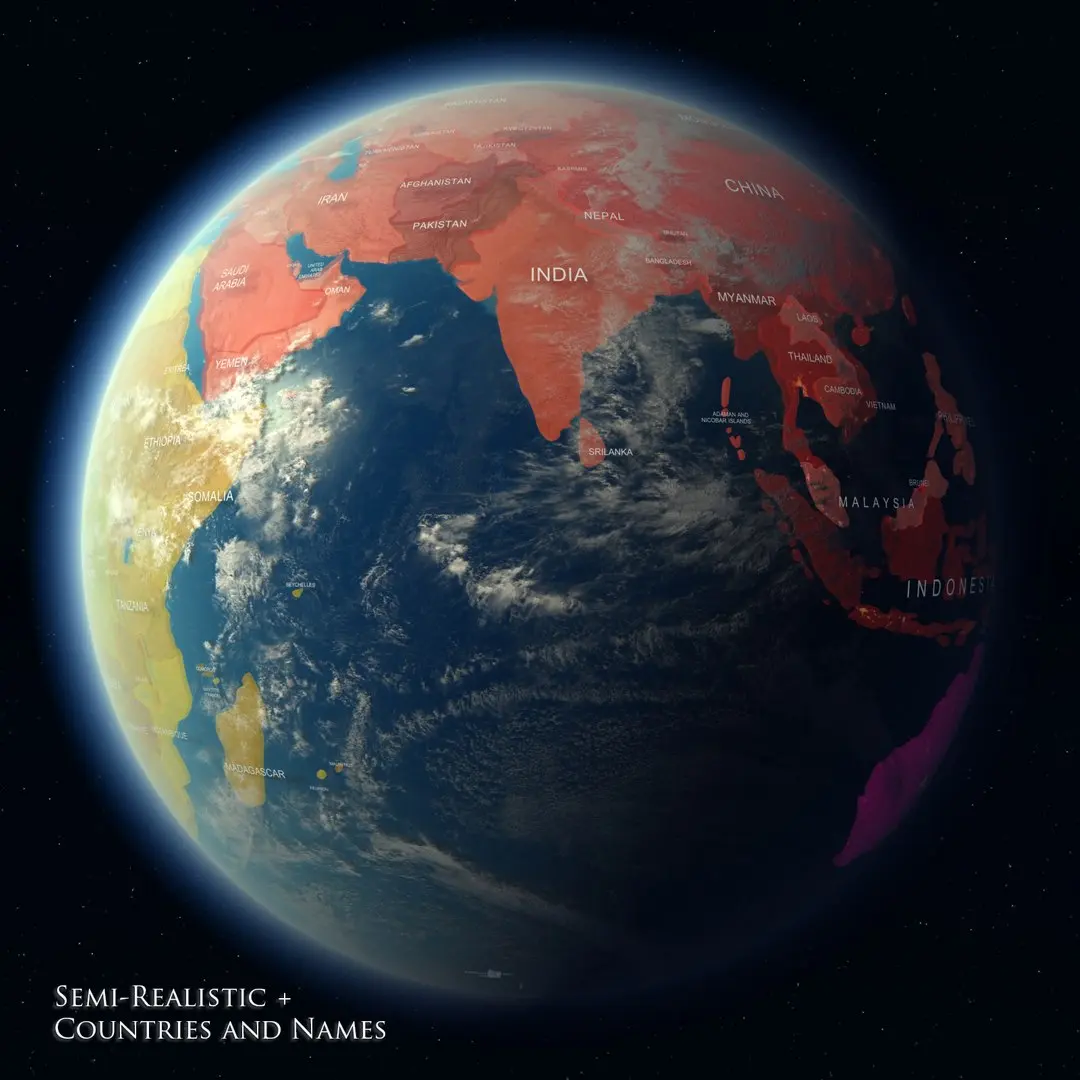
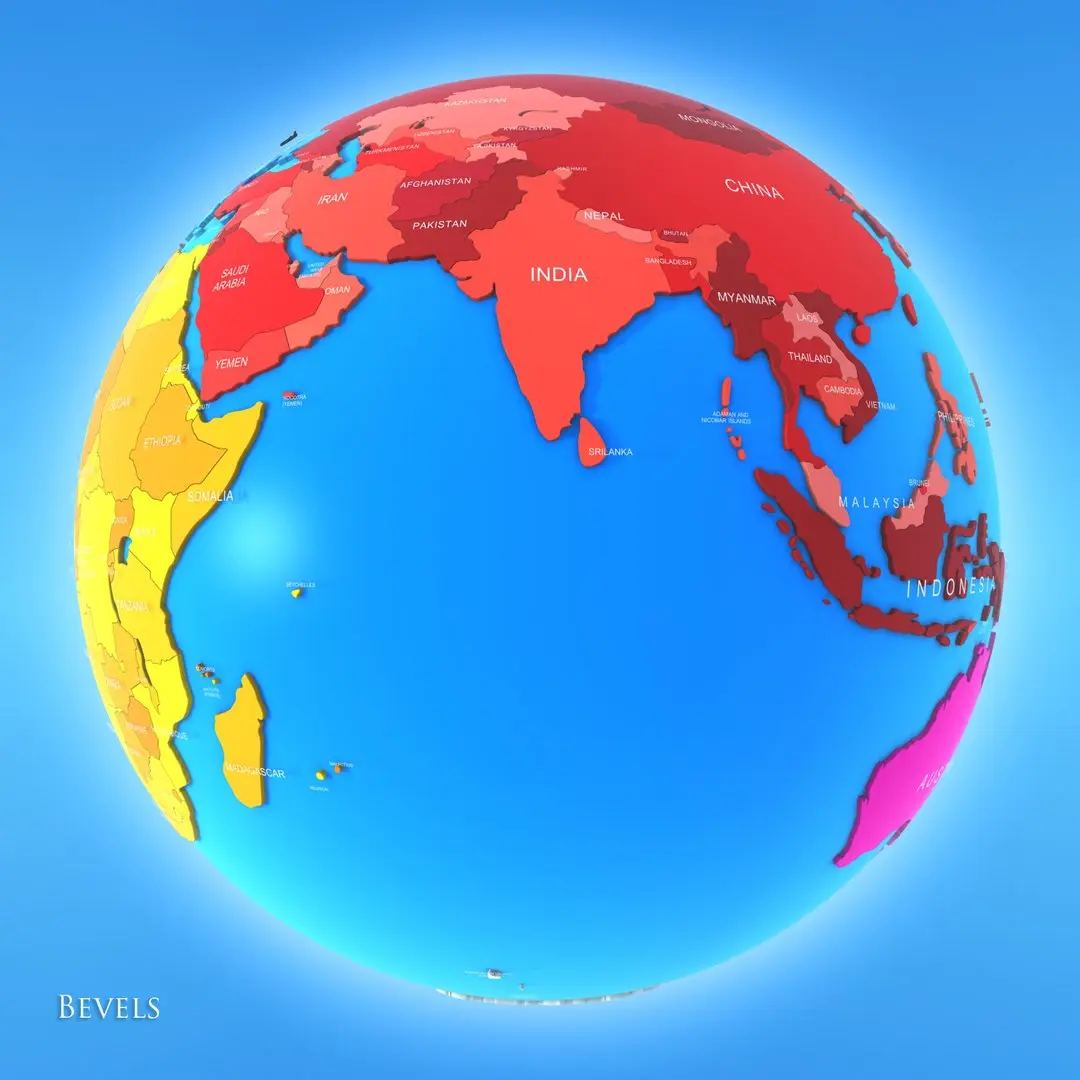
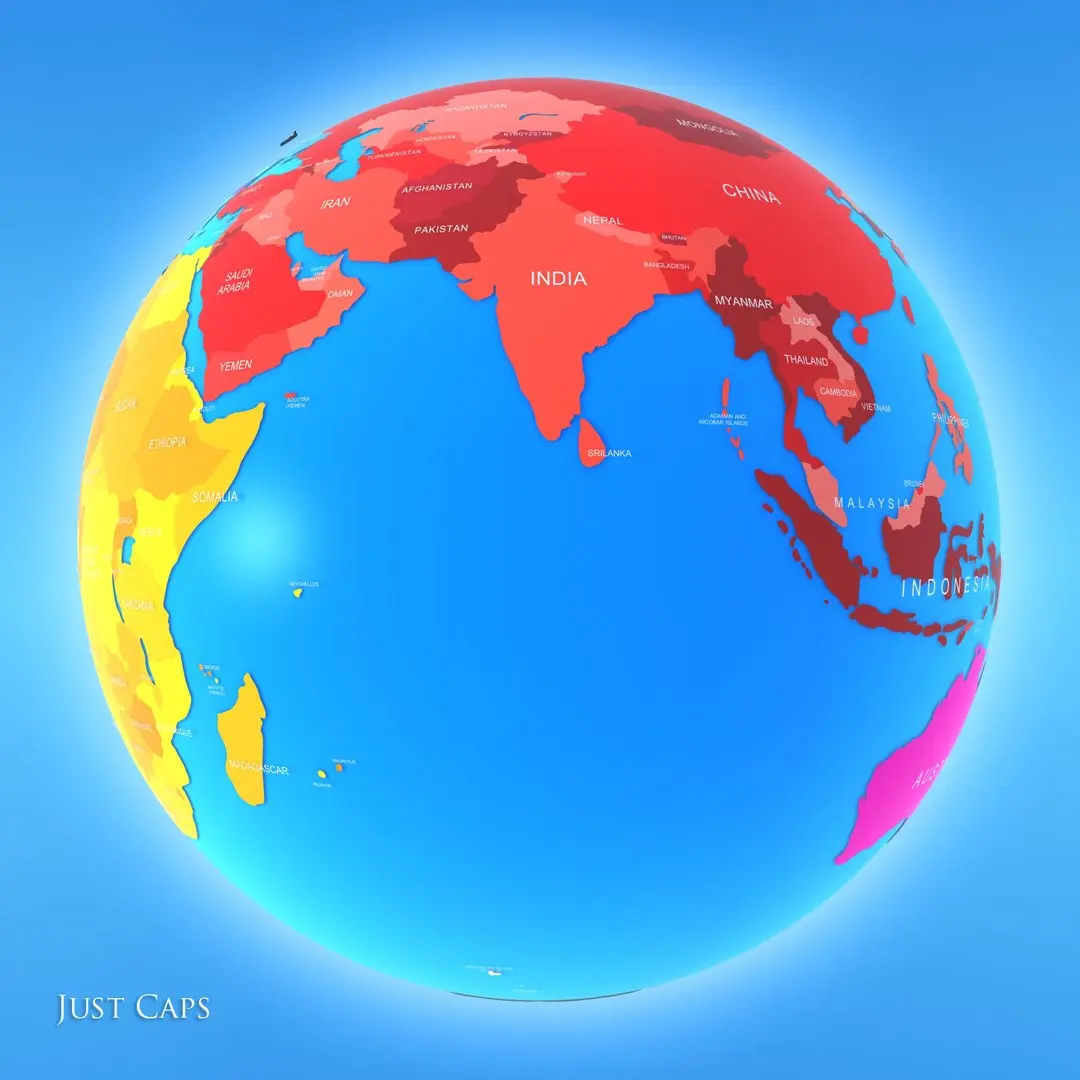
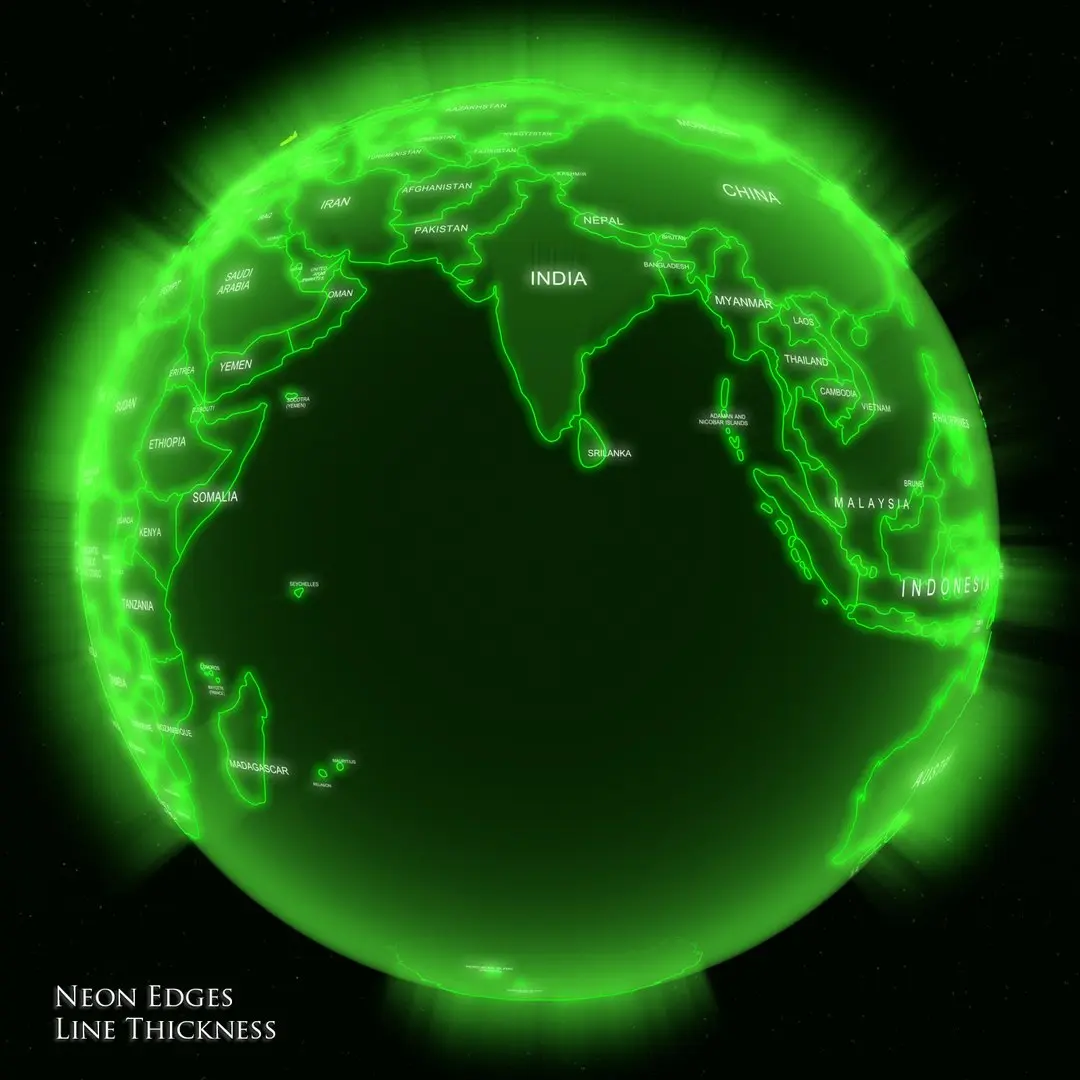
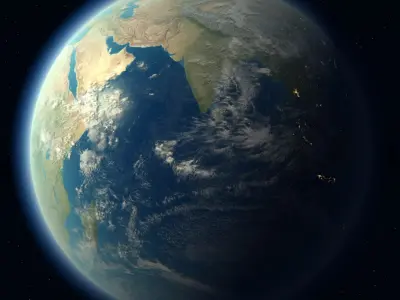
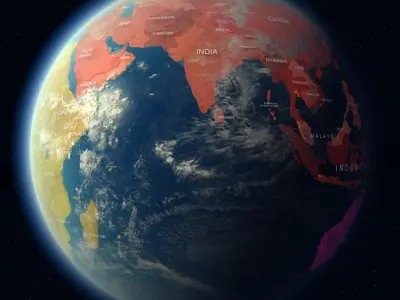
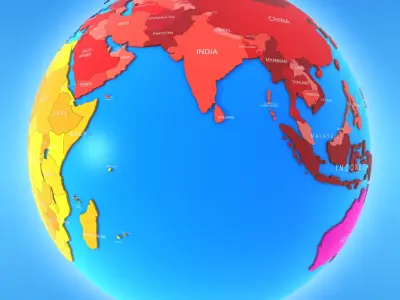
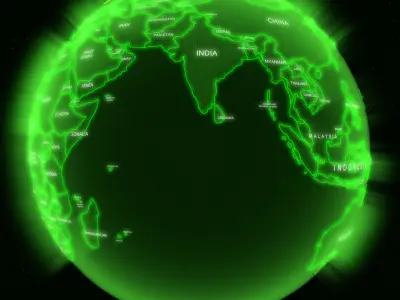
4 GLOBE VISUALS:
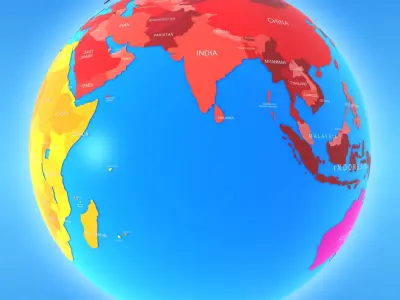
- Earth semi-realistic with hide unhide countries and names choice
- Globe Bevels , Colors semi-cartoon looks, Beveled with satureted colors, easy to understand
- Globe Caps, just Caps of Countries with subdivide, and push distance of Globe
- Globe Neon _Edges, With Edges thickness to line of countries in a Neon Visual
- Available also just planar lines of Countries and your names in max and fbx files
- NOTES:
- Animated only the Airplane in max files.
And the Earth, Earth Lights, Clouds, Sun in Globe Type: "EARTH_Animated_SemiRealistic+Bevels+Namesmax
and in your 2013 version"
- In Semi-realistic Earth the Sun, EarthLights Maps, and others, are animated for 21600 Frames, example case you want Rotation earth faster , Select ALL in scene "ctrl+a" , select all Keyframe in timeline , and strech all, try divide by 2.
- Case you rotate the planet or move the sun in SemiRealistic Earth Model, to keep right the Earth Night Lights side, you must do the nexts:
Select and Ungroup "EarthGroup...", Select the "EarthLights" only, and in your uvw map modifier, with AutoKey On, go in each keyframe existing, and click acquire then select the "UVWPlane_MapTo_TurOnEarthLight"(this is ever loonking to the sun)
- To Change the AirPlane Path:
With some experience more in 3ds
and the tips below you must change easy
Open Globe Group, Select Countries Group Turn off the Bends modifiers.
Open PathPlane Group, Turn off Bend modifiers,
In viewport go to Frontview,
Select PathPlane, In your stack modifier go in spline, select the first and last vertex of spline, invert the selection"Ctrl+i" delete the vertexs, than, move the start and end vertex to where you wish. Select SubObject segment go in your parameter rollout Divide, and divide in 100.Turn on your Bend modifiers.
Clone this object, put Name in this new object" Shape to Dot Render " Delete your modifiers
Select the Path Dot Render, In your Stack Modifier Go to Spline subobject element, select all elements and delete, in your parameters rollout click atach and select the Object Shape to Dot Render"
- Case The dots not follow exaccly the Airplane in render,
try Use Unwrap modifier by Spline map with planar and choosing the PathPlane line, to the PathDots Render object
- Just the Poles Arctic and Antarctic are colapsed in EditablePoly
Native | 3ds Max 2016 | Default Scanline 2016 3ds Max 2016 | Default Scanline 2016 3ds Max 2013 | Default Scanline 2013 OBJ FBX