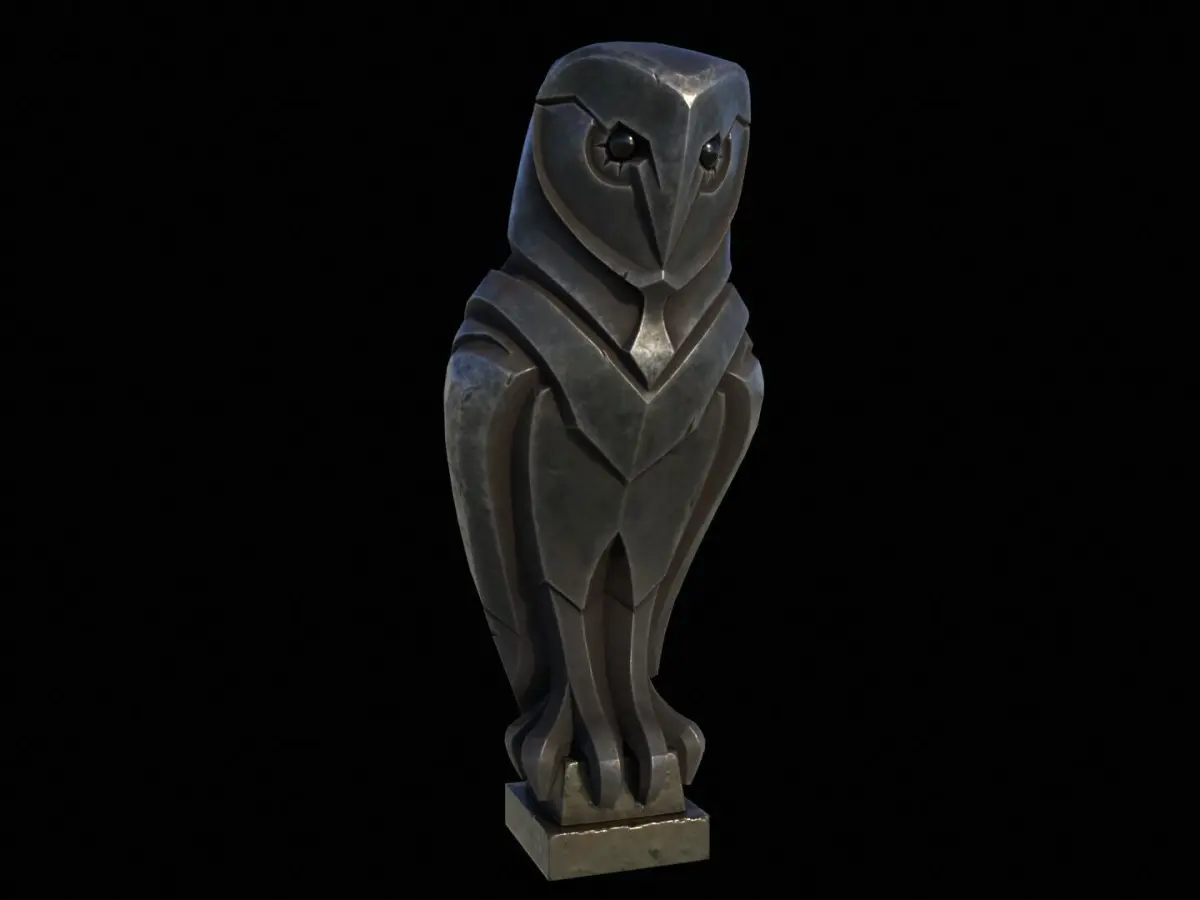
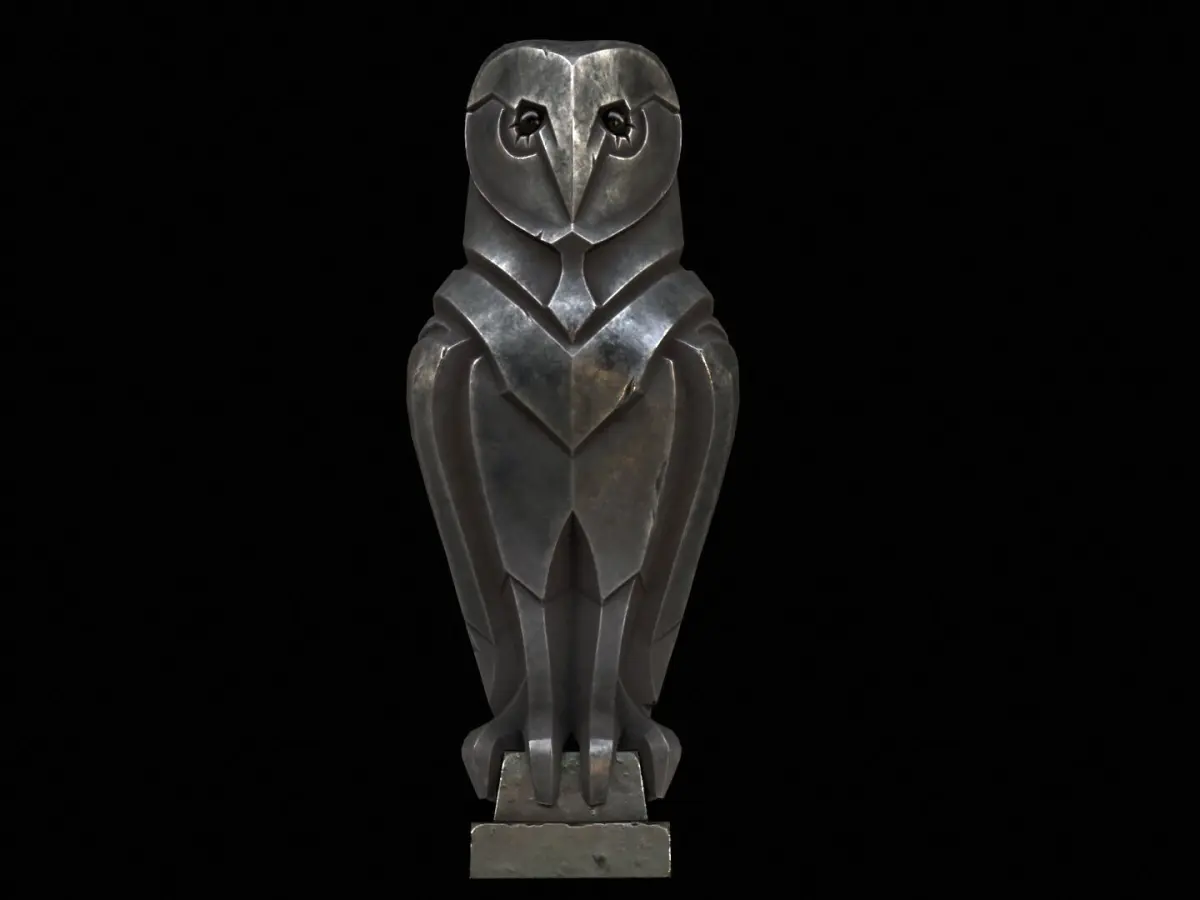
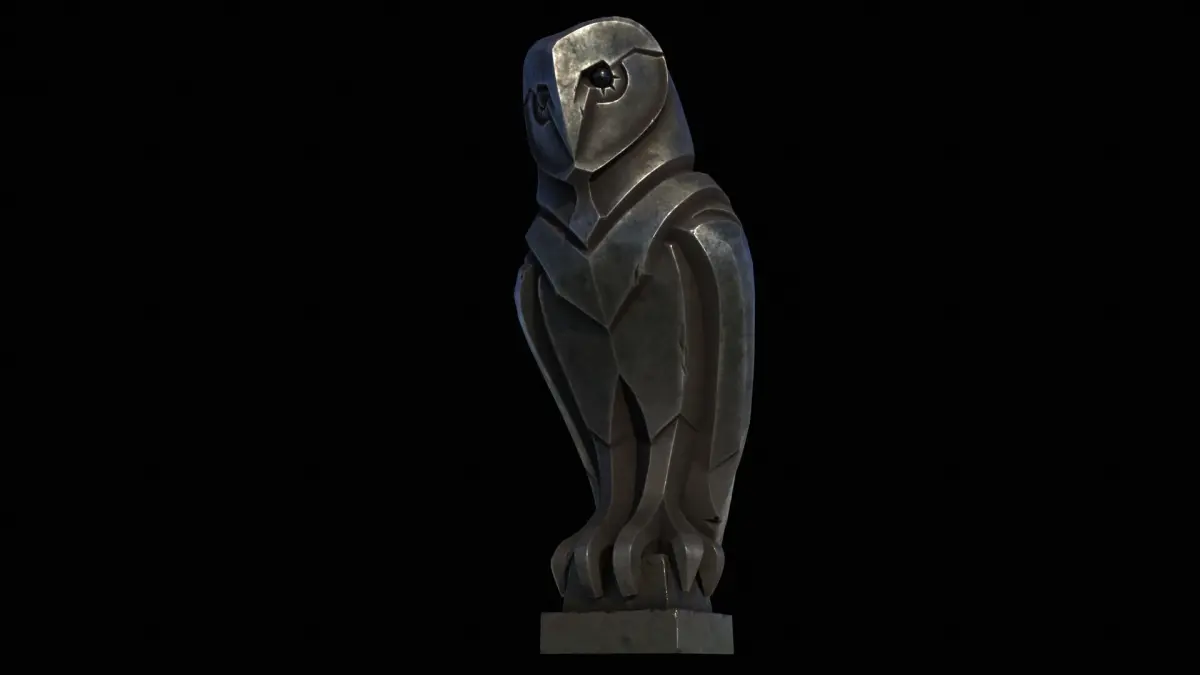
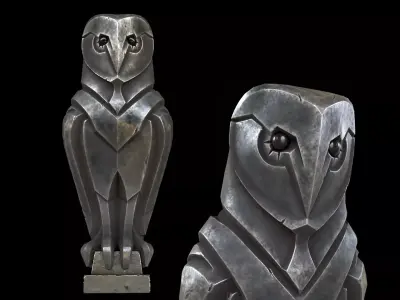
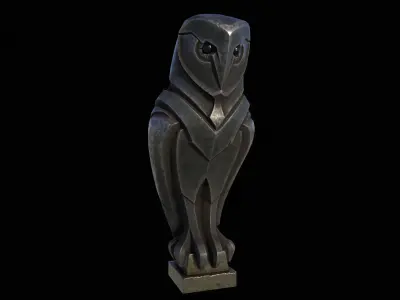
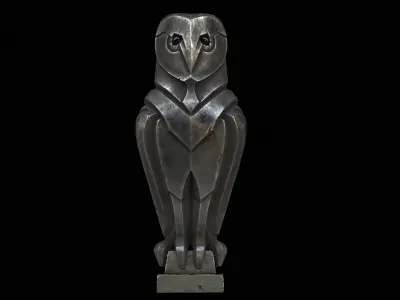
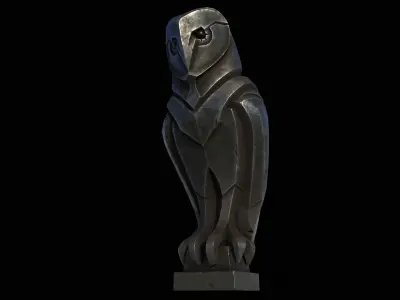
Format INFORMATION:
- 3ds Max 2021 (Physical Material)
- FBX
- OBJ
- Blender
- GLB
- GLTF
- USDZ
OBJECT INFORMATION:
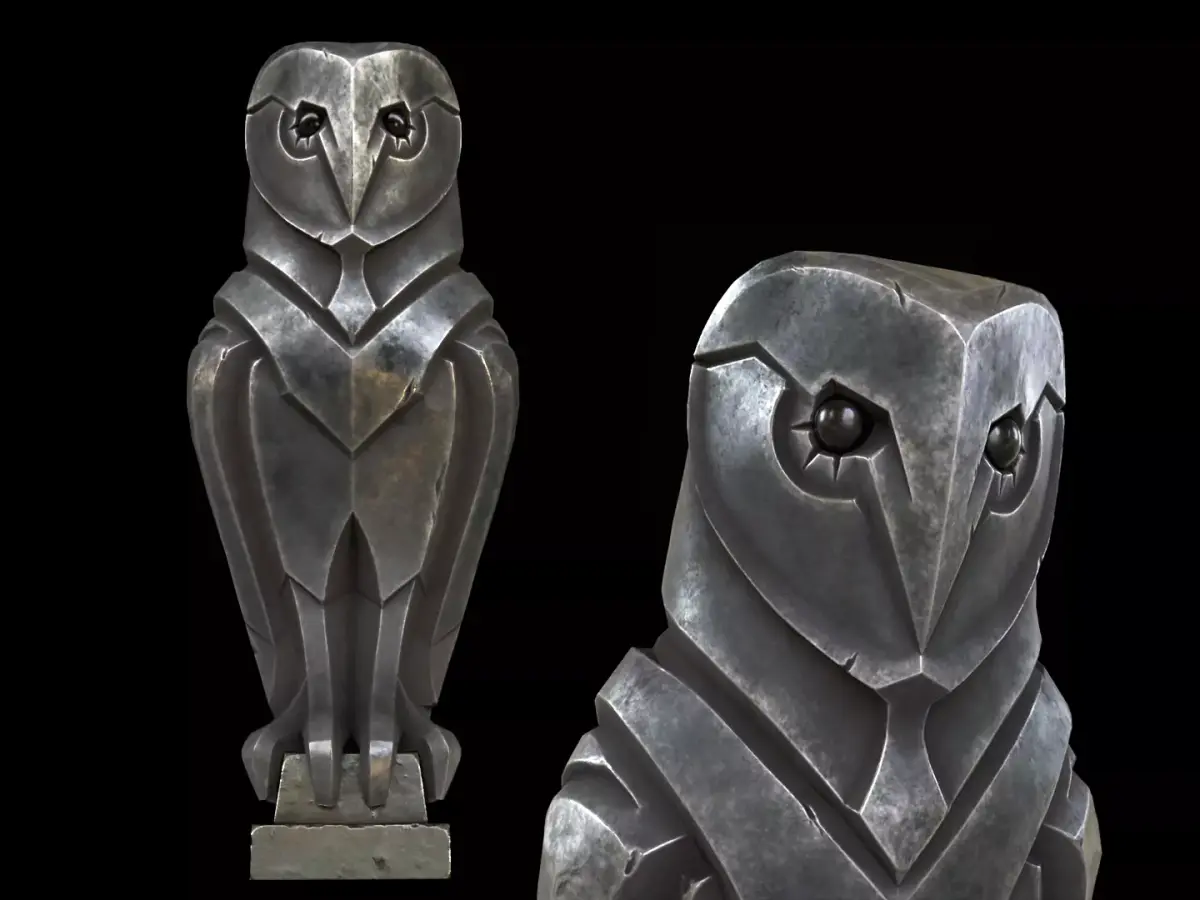
Object: Grass_Owl_Statue
- Vertices: 3649
- Polygons: 3709
- Triangles (3-sided): 212
- Quads (4-sided): 3497
- Rendered Tris: 7206
MATERIAL INFORMATION:
Total 2 physical material default 3ds max used with (multi/sub material used)
- Albedo
- Roughness
- Metalness
- Normal
- AO
TEXTURE INFORMATION:
- 2048x2048 = 01_Grass_Owl_Statue_Body_01_Albedo.png
- 2048x2048 = 01_Grass_Owl_Statue_Body_02_Metalness.png
- 2048x2048 = 01_Grass_Owl_Statue_Body_03_Roughness.png
- 2048x2048 = 01_Grass_Owl_Statue_Body_04_Normal_DirectX.png
- 2048x2048 = 01_Grass_Owl_Statue_Body_04_Normal_OpenGL.png
- 2048x2048 = 01_Grass_Owl_Statue_Body_05_AO.png
- 2048x2048 = 02_Grass_Owl_Statue_Base_01_Albedo.png
- 2048x2048 = 02_Grass_Owl_Statue_Base_02_Metalness.png
- 2048x2048 = 02_Grass_Owl_Statue_Base_03_Roughness.png
- 2048x2048 = 02_Grass_Owl_Statue_Base_04_Normal_DirectX.png
- 2048x2048 = 02_Grass_Owl_Statue_Base_04_Normal_OpenGL.png
- 2048x2048 = 02_Grass_Owl_Statue_Base_05_AO.png
You might need to re-assign textures map to model in your relevant software.
You might need to flip green channel of Normal map according to your relevant software. (DirectX vs OpenGL Normal Map).