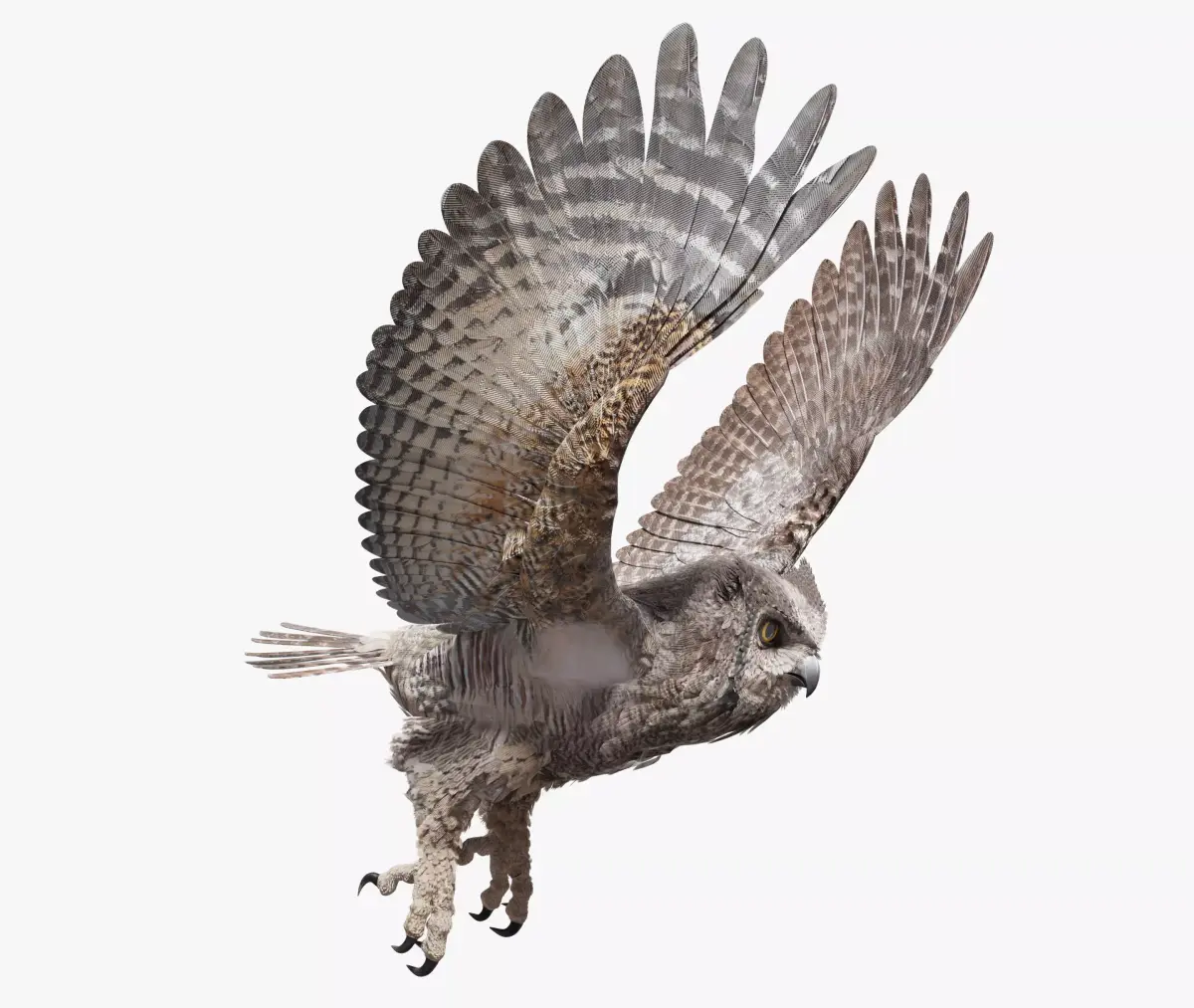
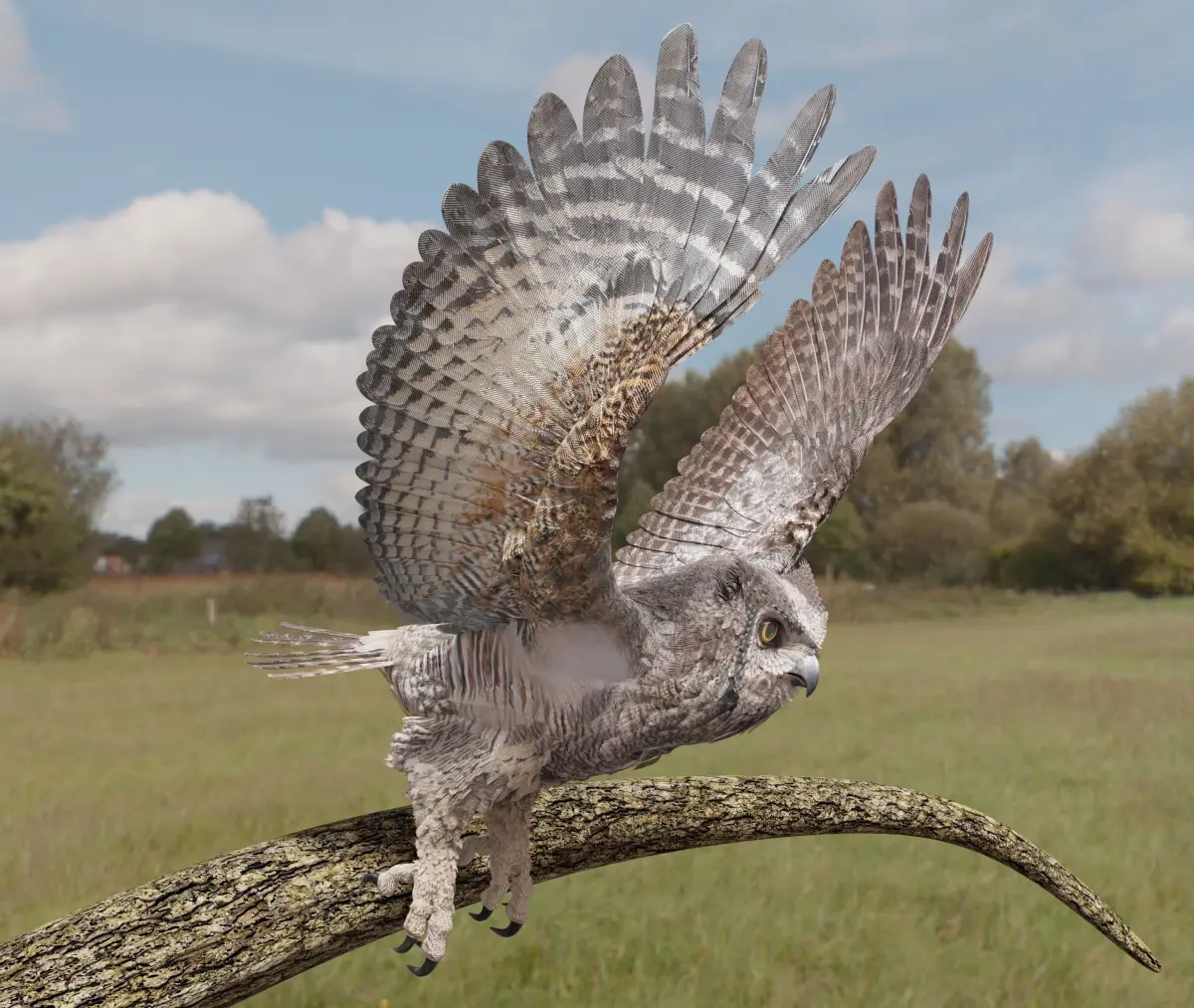
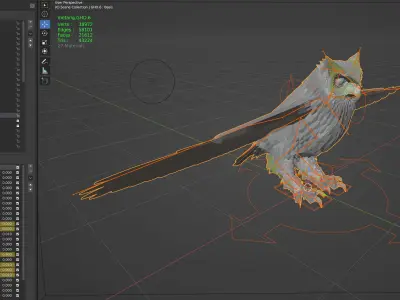
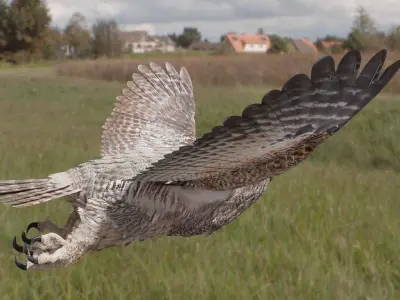
Great Horned Owl - Blender Low-poly 3D model
Home Catalog Great Horned Owl - Blender Low-poly 3D model

Publication date: 2022-09-05

Great Horned Owl - Blender Low-poly 3D model

$160

License: royalty_free

author:

Continuum3D

All content related to this 3D asset—including renders, descriptions, and metadata — is credited to its original author, «Continuum3D». CGhub does not claim copyright ownership over the content used.
  • Description

Great Horned Owl - Blender

Rigged and Animated for:
Blender
Blender FBX

OBJ
The models come with several pre-animated scenes to get you started.

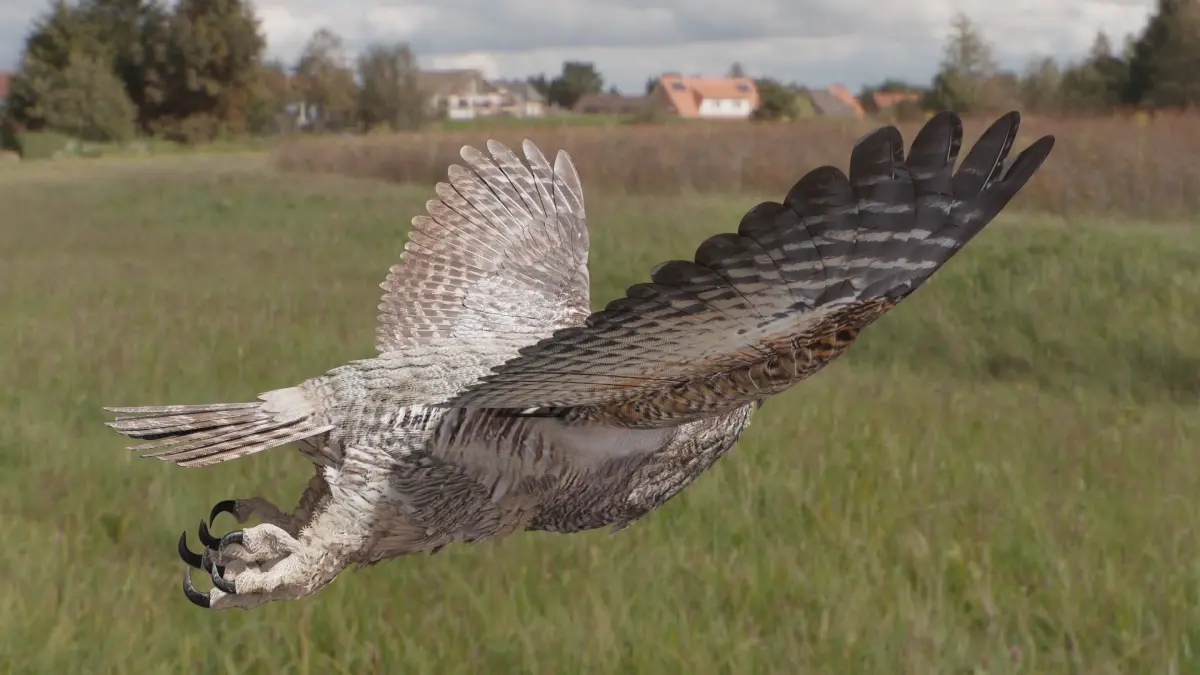
The feathers are geometry so they render fast and no plugins are needed.
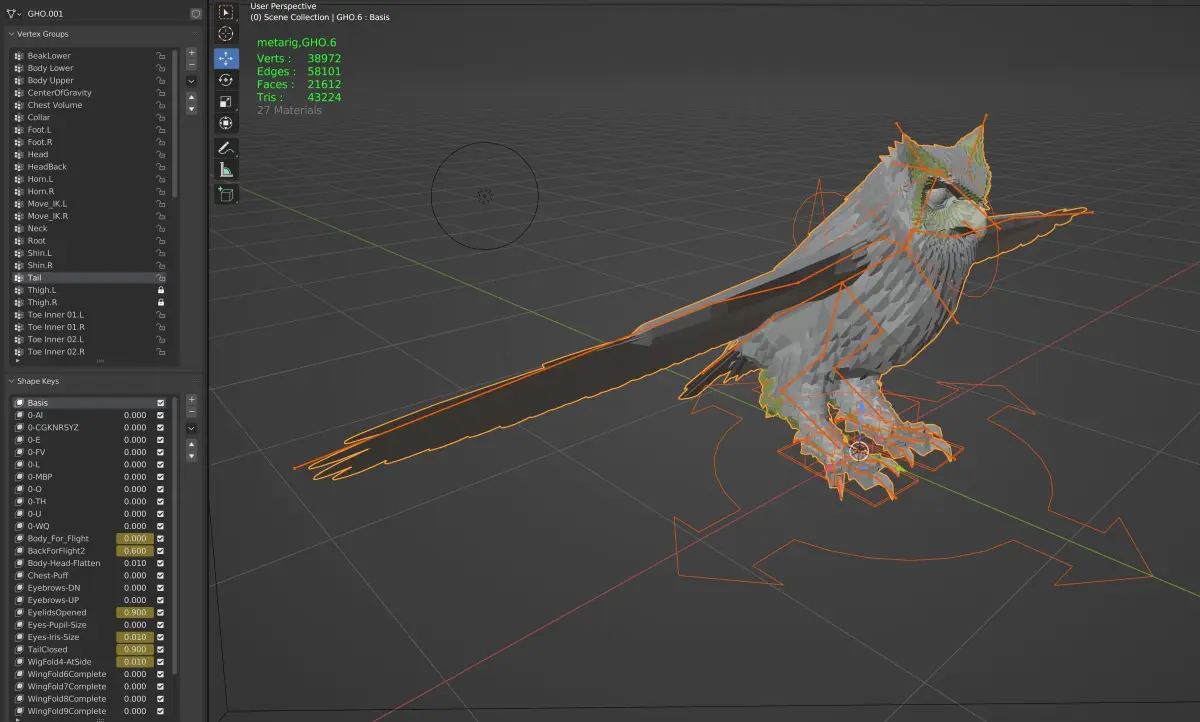
The wings are animated using the 3 bones within each. The wings are folded using one of several morph targets.
You can also make adjustments, like spreading the wing tip feathers and spreading the tail using morph targets.

-------------------------
I have provided several scene files to get you started:
GHO-Zero
GHO-Land-Take off

GHO-Fly loop
The main controlling object is the 'ROOT MAIN' bone (Metarig position control), LT Foot, RT Foot (Foot rotation), Move_IK.R, Move_IK.L (position Feet)

There are 3 'neck' bones, a 'head' bone and a 'lower beak' bone.
25 Morph targets.

The 'Mouth' phonemes are controlled by 8 Morph targets or Shape Keys:
located when you select the mesh and go to 'Object Data Properties' => 'Shape Keys'

But the mouth can be opened and closed with a bone as well.

The wings are controlled by 3 bones each 10 morph positions to manipulate the wing

WingFold4-AtSide
WingTipsSpread
WingFold6Complete
WingFold7Complete
WingFold8Complete
WingFold9Complete
WingsCupped
WingTips-DN
WingTipsSpreadUp

xxxxxxxxxxxxxxxxx

The Tail spread is controlled via Morph target 'TailClosed', the Tail bone controls position and rotation.

EyeBrowsUP
EyeBrowsDN
EyelidsCOpened
Eyes-Iris-Size
Eyes-Pupil-Size

The body's profile can be "streamlined for flight with:
Body_For_Flight
Body-Head-Flatten
BackForFlight2

The toes are controlled by 12 bones on each foot.

To fold the wings use the morphs noted above.

But if you have positioned the wings by moving the bones, AND you try to use morph targets to fold them, you WILL have some pretty weird distortions that will freak you out.

Don't panic, the solution is to 'zero' out your wing bone positions, as or just before you apply the 'Morph' targets.

-------------


GHO

38972 verticies
21612 polys

Tree

1314 verticies
1550 polys

Ground
8 verticies
6 polys

SkyGlobe
482 verticies
512 polys

--------------------------

Youtube Samples:
GHO Land and Take Off Night: https://youtu.be/EMfs_TyQnCc
GHO Land and Take Off Day: https://youtu.be/GcVdJ55pL3M
GHO Turn Table WIRE: GHO Turn Table WIRE
GHO Turn Table Color: https://youtu.be/EMQjEufUsy0
GHO FlyLoop: https://youtu.be/ylSHTMIL1io

3D Model details

  • cgtrader Platform
  • Animated
  • Rigged
  • Ready for 3D Printing
  • VR / AR / Low-poly
  • PBR
  • Textures
  • Materials
  • UV Mapping
  • Unwrapped UVs: overlapping
  • Geometry: Polygon mesh
  • Polygons: 21612
  • Vertices: 38972
  • Plugins used
Similar models
image-product
anim rig
Add to Wishlist Remove from Wishlist View
image-product
anim rig
Add to Wishlist Remove from Wishlist View
image-product
anim rig
Add to Wishlist Remove from Wishlist View
image-product
Add to Wishlist Remove from Wishlist View
image-product
pbr
Add to Wishlist Remove from Wishlist View