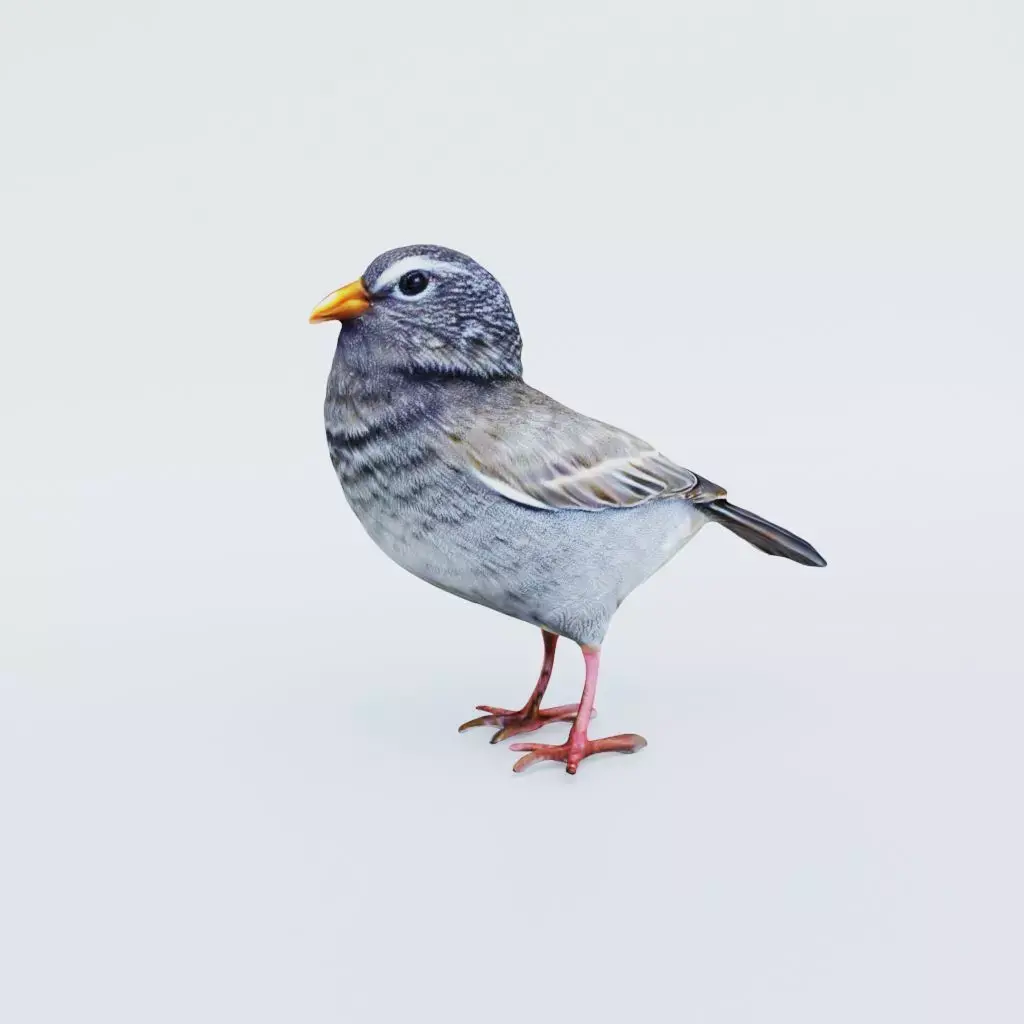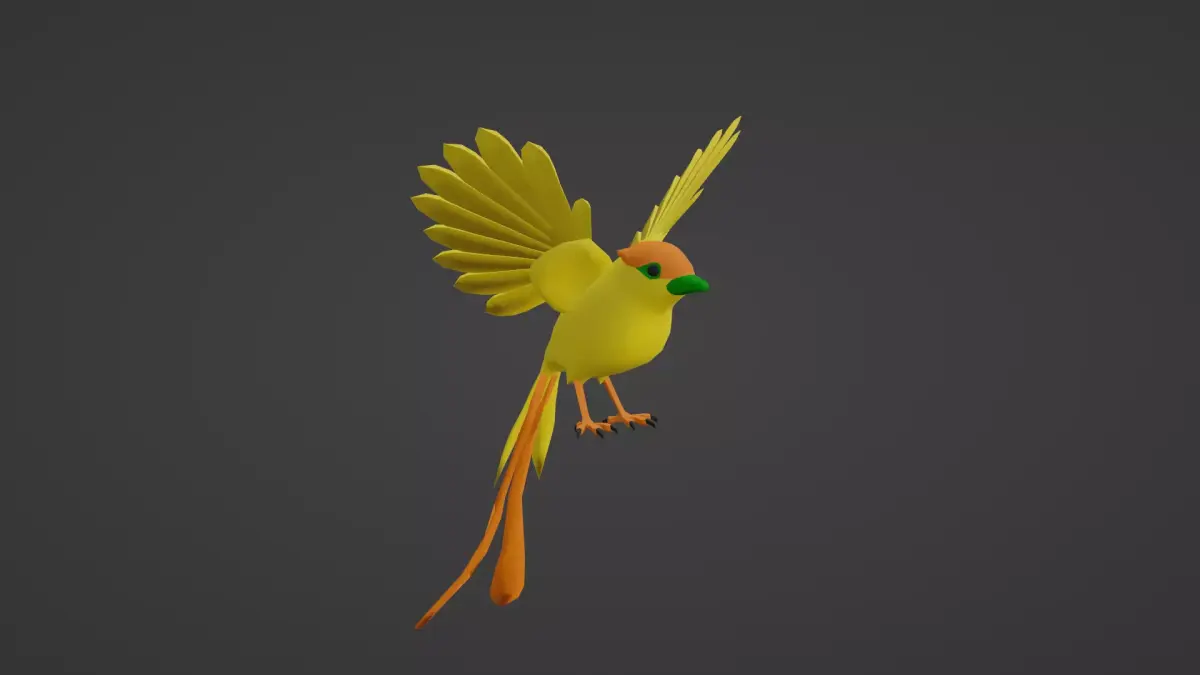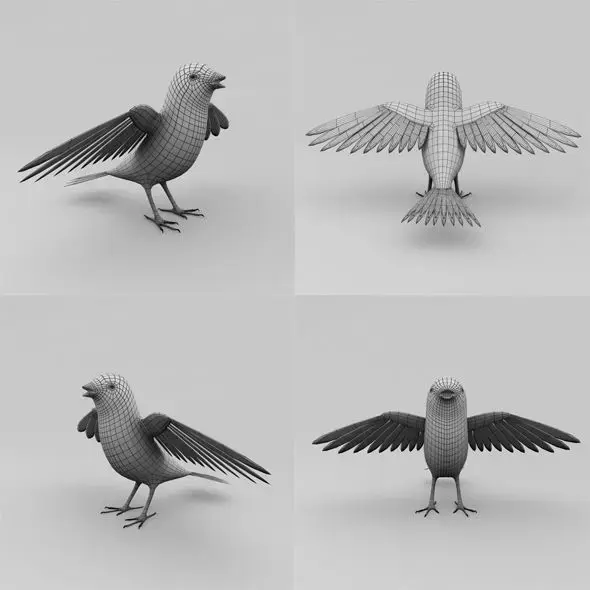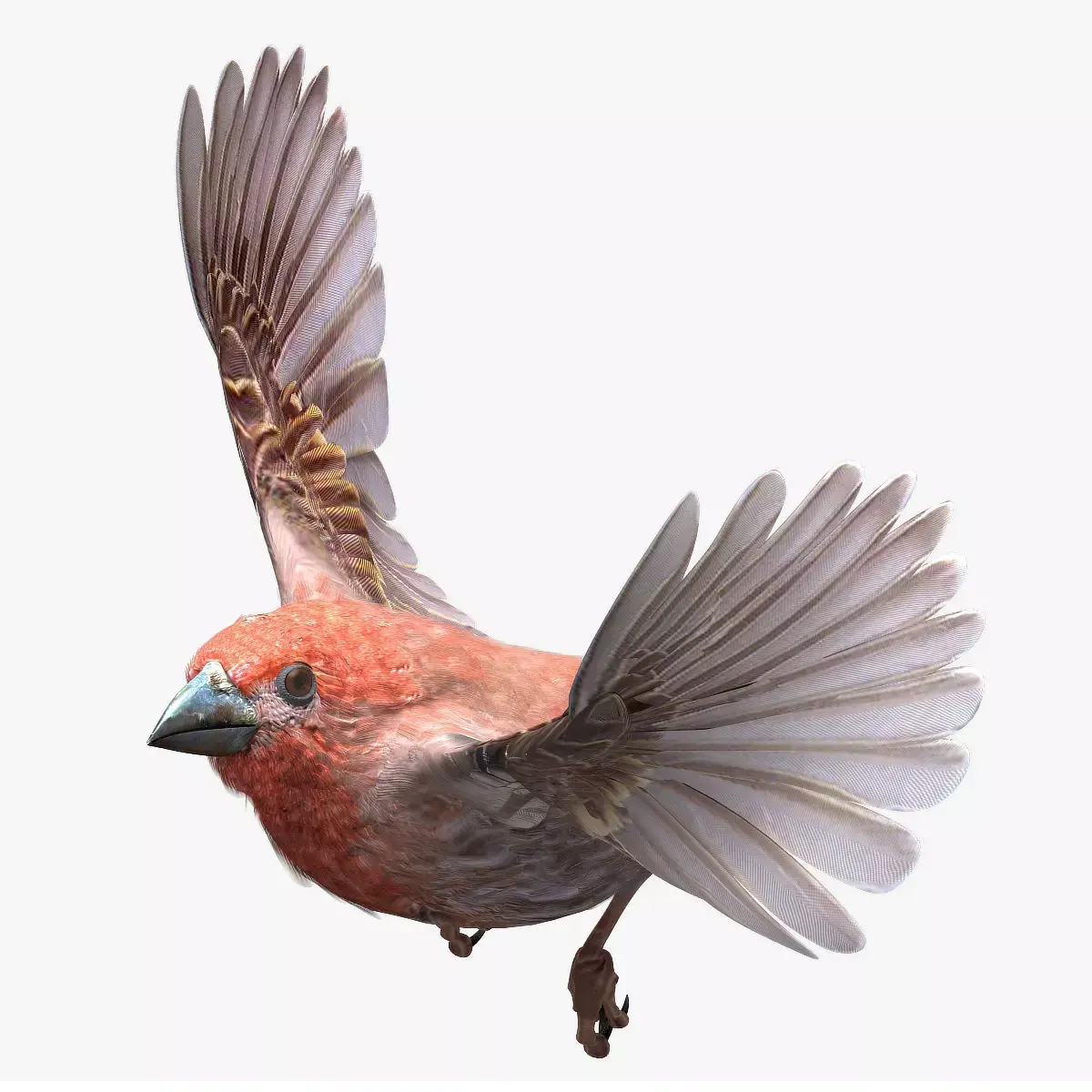
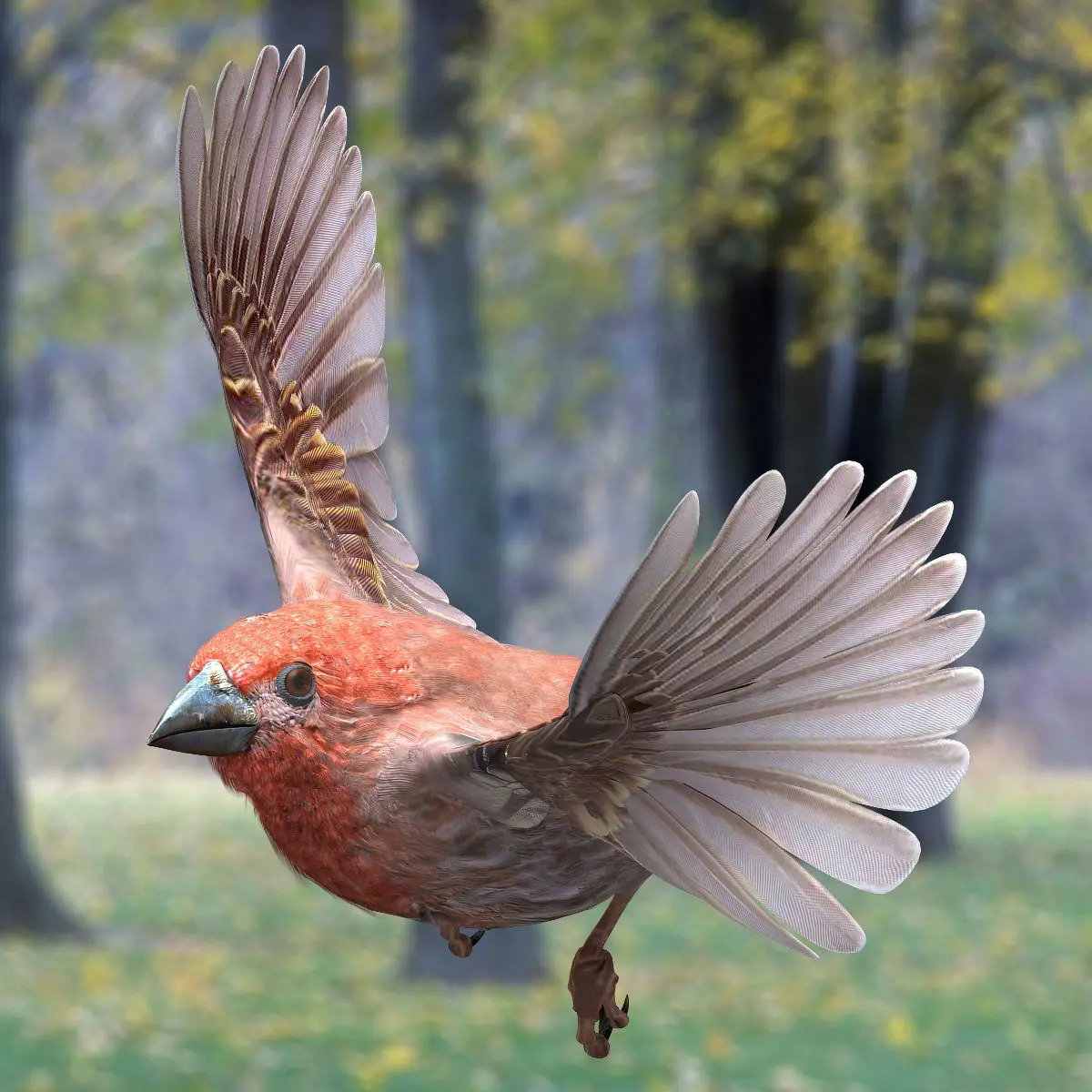
House finch - rigged - animated - Standard PBR VRAY Low-poly 3D model
Home Catalog House finch - rigged - animated - Standard PBR VRAY Low-poly 3D model

Publication date: 2019-05-05

House finch - rigged - animated - Standard PBR VRAY Low-poly 3D model

$199

License: editorial_no_ai

author:

Continuum3D

All content related to this 3D asset—including renders, descriptions, and metadata — is credited to its original author, «Continuum3D». CGhub does not claim copyright ownership over the content used.
  • Description

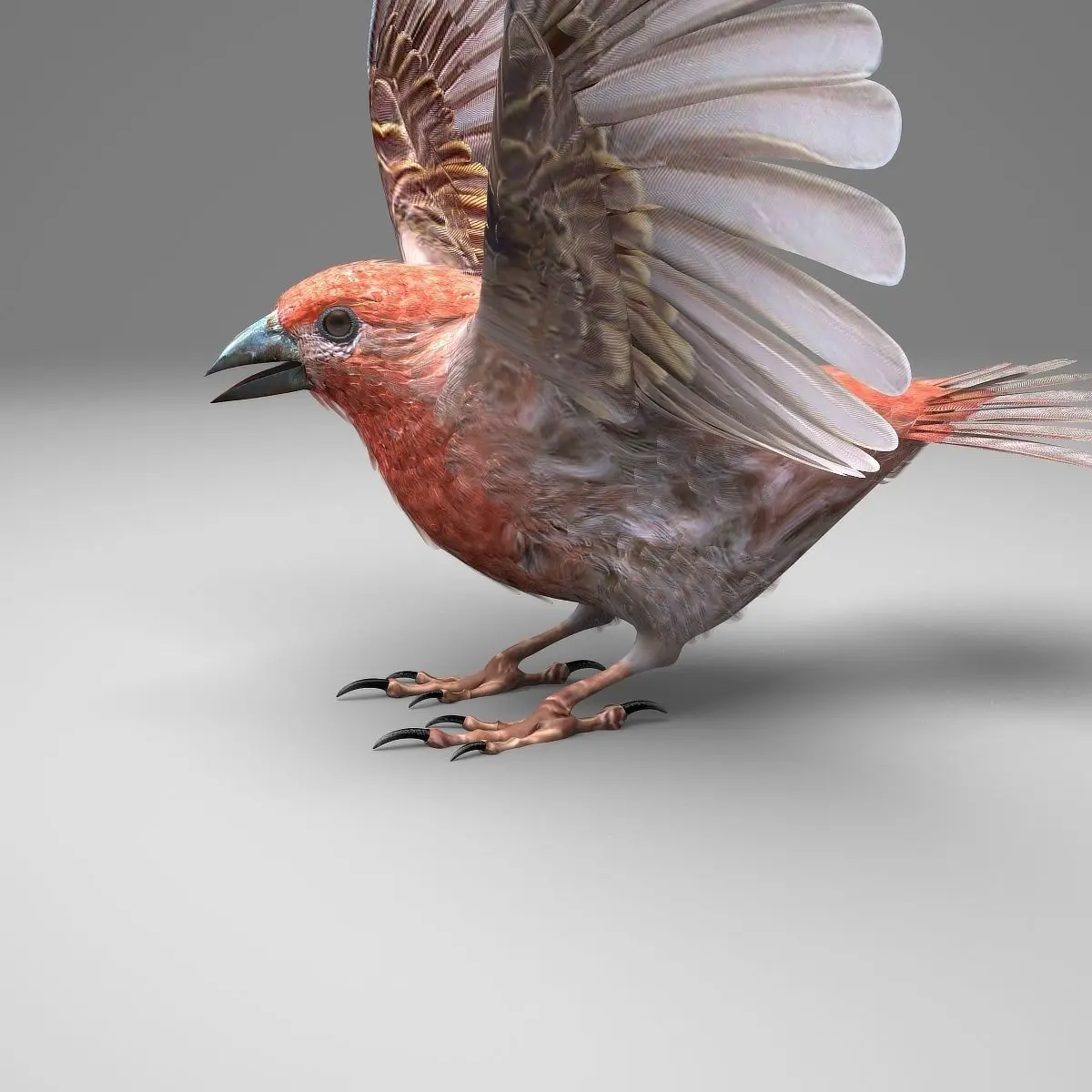
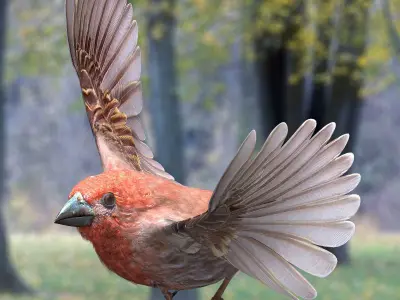
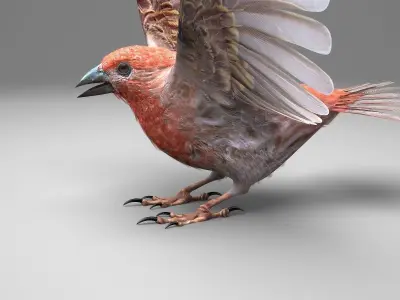
House finch

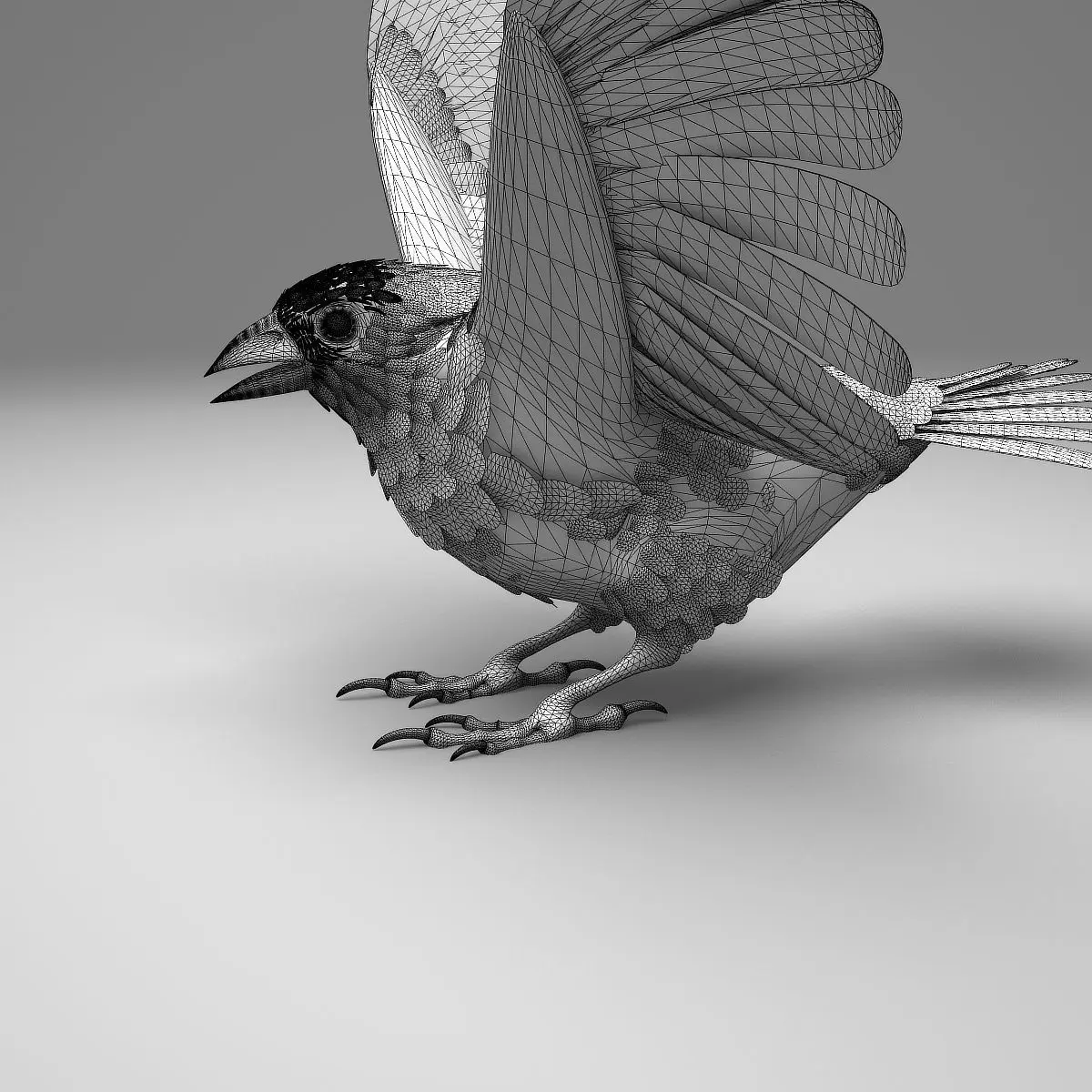
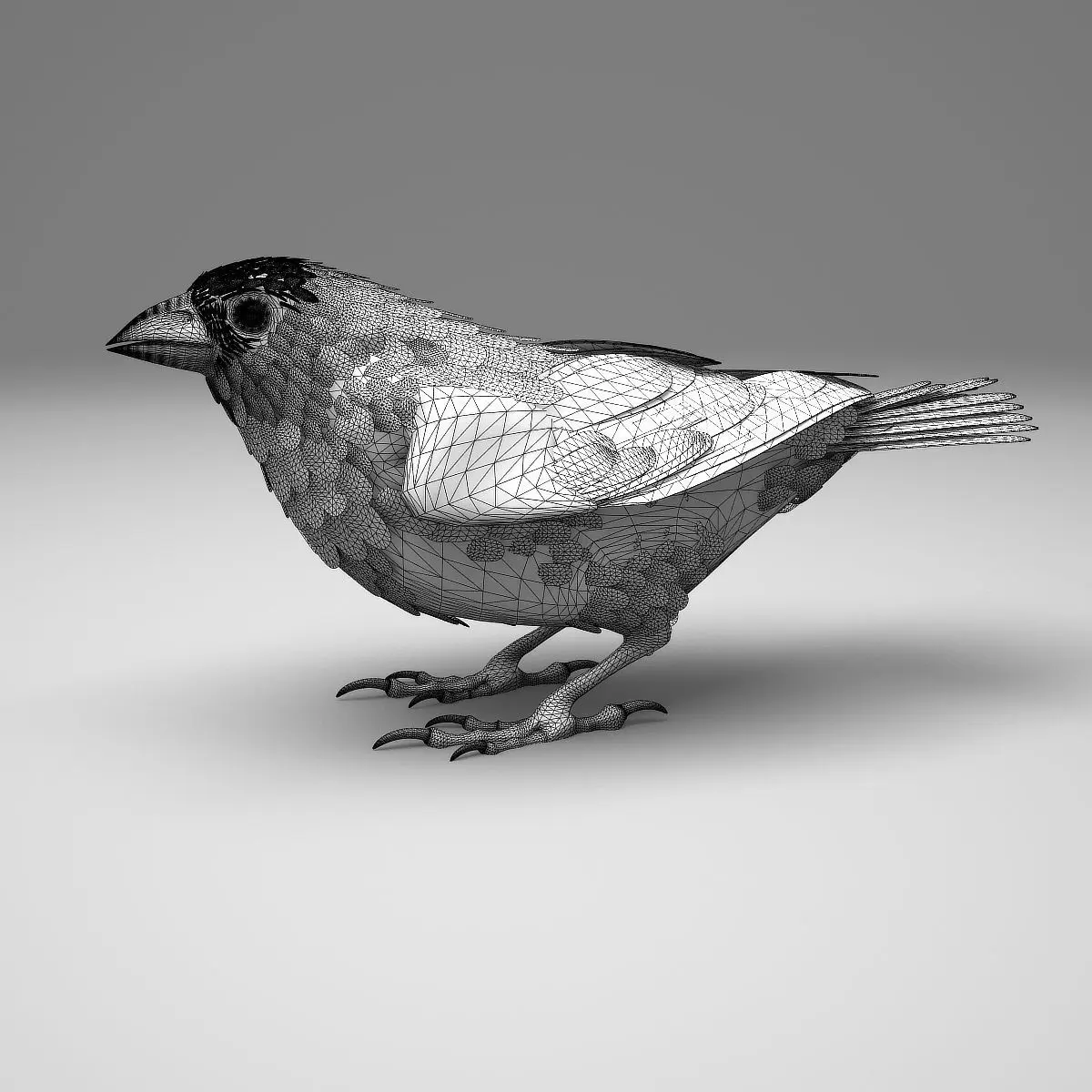
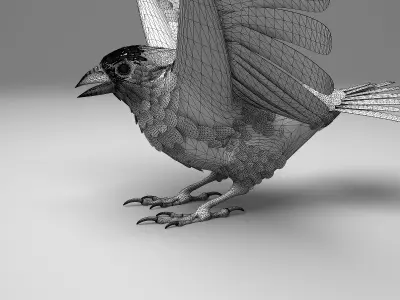
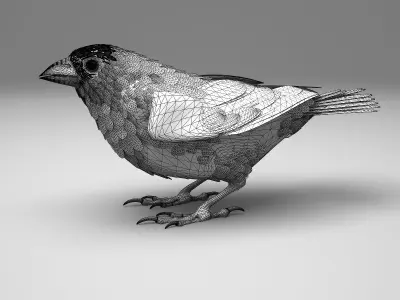
All Quad Geometry

Rigged and Animated for Lightwave 8.5 and up standard maps
Rigged and Animated for Lightwave 2019 PBR maps
Rigged and Animated for 3DS MAX 8 and up standard maps
Rigged and Animated for 3DS MAX 2017 and up PBR maps
Rigged and Animated for 3DS MAX 2017 and up VRAY maps
MAX 2017 generated FBX
MAX 2009 generated FBX
Lightwave 2015 generated FBX
OBJ - includes base object and all morph target objs

The feathers are geometry so they render fast and no plugins are needed.

This model comes with several pre-animated scenes to get you started.

The wings are animated using the 3 bones within each. The wings are folded using one of several morph targets.

You can also make adjustments, like spreading the wing tip feathers and spreading the tail using morph targets.

-------------------------

The main controlling object is the ROOT bone

‘HF-ZERO.lws' is the name given to my BASIC set up, no animation, but it is rigged.

I have provided several scene files to get you started:
HF-FlyLoop.lws
HF-LandTakeOff.lws

The feet and legs are controlled by LT-FootController and RT-FootController respectively (Lightwave)

The feet and legs are controlled by LT-FootController and RT-FootController respectively (3DS MAX)

There are two 'neck' bones, a 'head' bone and a 'lower beak' bone.

There are 25 Morph targets.

The 'Mouth' and phonemes are controlled by 9 Morph targets located when you select the mesh and go to Object => Properties => "Deform”.(Lightwave)

The 'Mouth' and phonemes are controlled by Morph targets located when you select the EGF mesh and go to 'Modify' => 'Morpher'. (MAX)

The wings are controlled by 3 bones each
and have 10 Morph positions, including flapping and folded positions

WingFold-01
WingFold-02
WingFold-03
WingFold-04
WingFold-06a
WingFold-06b
WingFold-07a
WingFold-07b
WingTIpsDn
WingTIpsSpread-01
WingTIpsSpread-02
WingTIpsSpread-03

The Tail spread is controlled via Morph target “TailClosed, the Tail bone controls position and rotation.

The eyes have several morph targets:
EyeBrowsMUP-LT
EyeBrowsMUP-RT
EyelidsClosed

The toes are controlled by 12 bones on each foot.

To fold the wings use the morphs noted above.

But if you have positioned the wings by moving the bones, AND you try to use morph targets to fold them, you WILL have some pretty weird distortions that will freak you out.

Don't panic, the solution is to 'zero' out your wing bone positions, as or just before you apply the 'Morph' targets.

-------------

If, after turning the modifiers 'TurboSmooth' and 'Morph' on and off a few times, while setting up your animation, you may find that points on the model are suddenly no longer attached to their bones.

Save what you are doing, close Max and then reopen Max. Reopen your scene and you should be fine.

Max gets sometimes lost when the modifiers are turned on and off.

-----------

The model is made hi resolution by using Sub-Patching, so the actual geometry is much less than the rendered geometry.

Both Models:

House Finch:
Real Geometry:
18410 vertices
12740 polygons
--------------------------

the maps are RGB or greyscale, 300dpi, 2666px X 2666px

Additional Youtube previews:

HF Anim Color HI
https://youtu.be/yzwLnRoDnsI

HF Anim Grey HI
https://youtu.be/JG5e4-FHdp8

HF Anim Grey LO
https://youtu.be/M7RVkju30-8

HF TT Color HI
https://youtu.be/tzQcQrDZ-BY

HF TT Grey HI
https://youtu.be/-PaPWLVX2bQ

HF TT Grey LO
https://youtu.be/e2Tk9wo_uhQ

3D Model details

  • cgtrader Platform
  • Animated
  • Rigged
  • Ready for 3D Printing
  • VR / AR / Low-poly
  • PBR
  • Textures
  • Materials
  • UV Mapping
  • Unwrapped UVs: overlapping
  • Geometry: Polygon mesh
  • Polygons: 12740
  • Vertices: 18410
  • Plugins used
Similar models
image-product
anim rig
Add to Wishlist Remove from Wishlist View
image-product
anim rig
Add to Wishlist Remove from Wishlist View
image-product
anim rig
Add to Wishlist Remove from Wishlist View
image-product
Add to Wishlist Remove from Wishlist View
image-product
pbr
Add to Wishlist Remove from Wishlist View