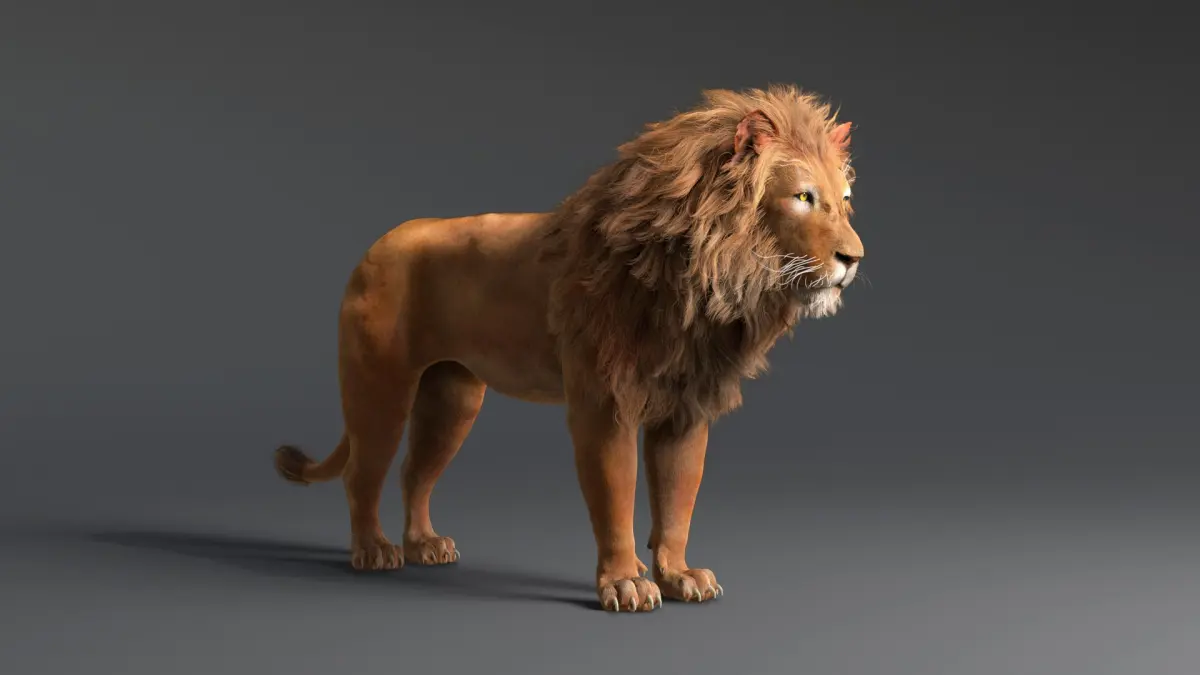
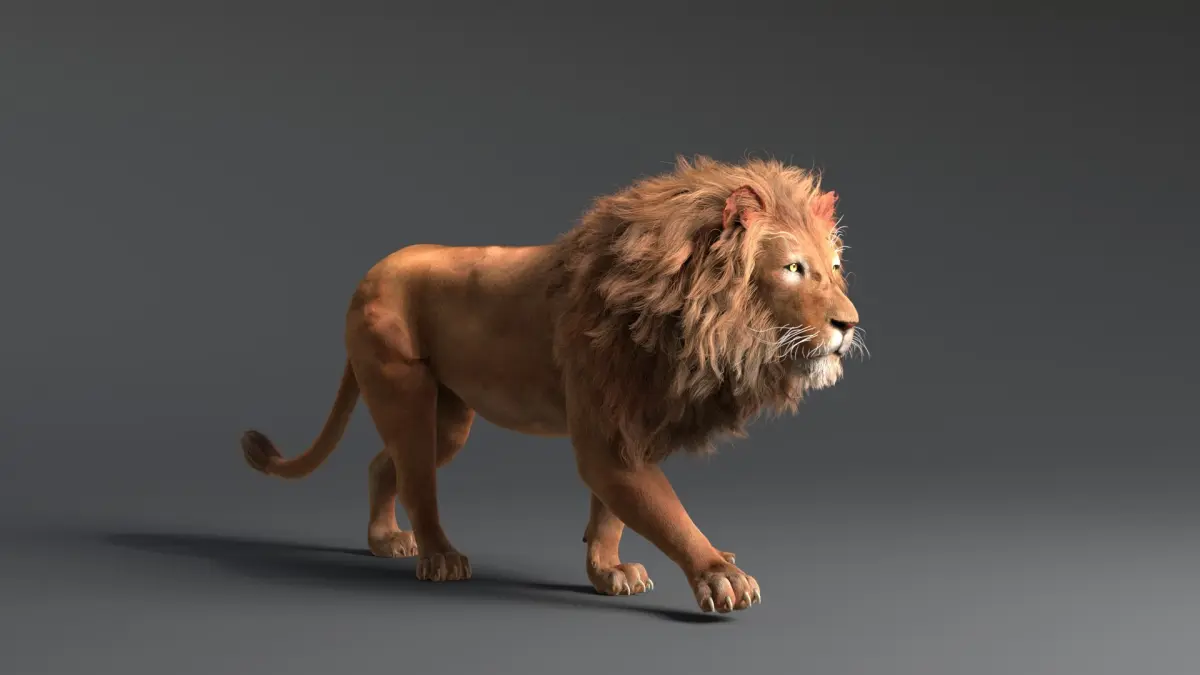
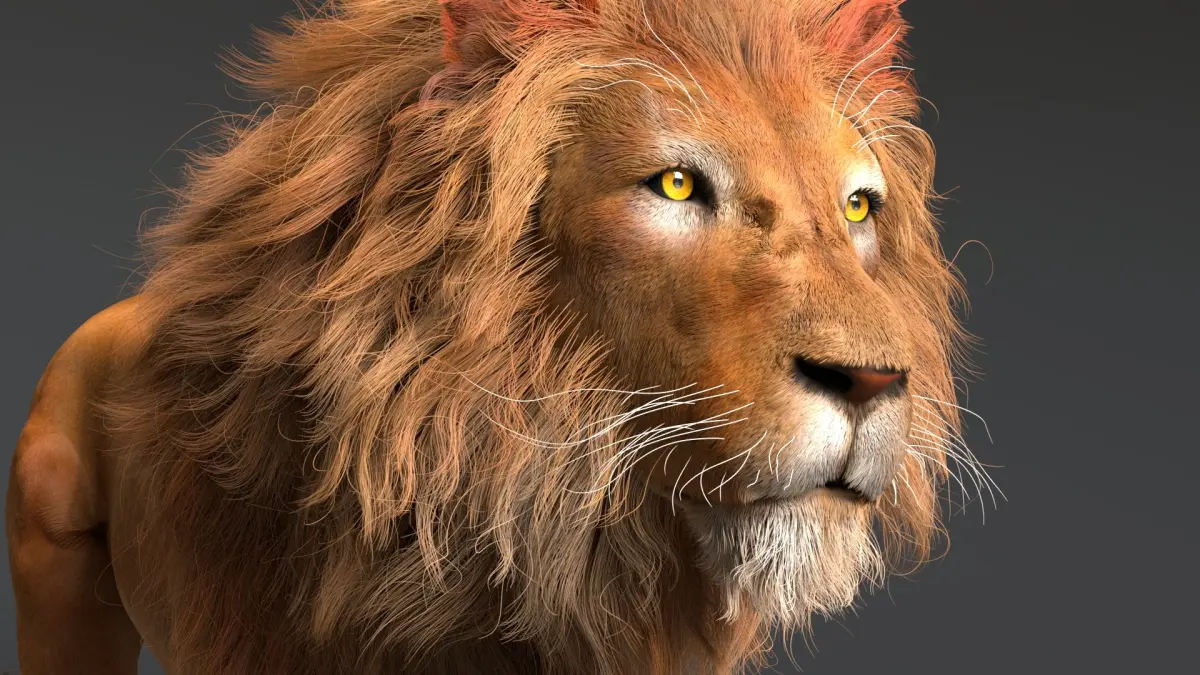
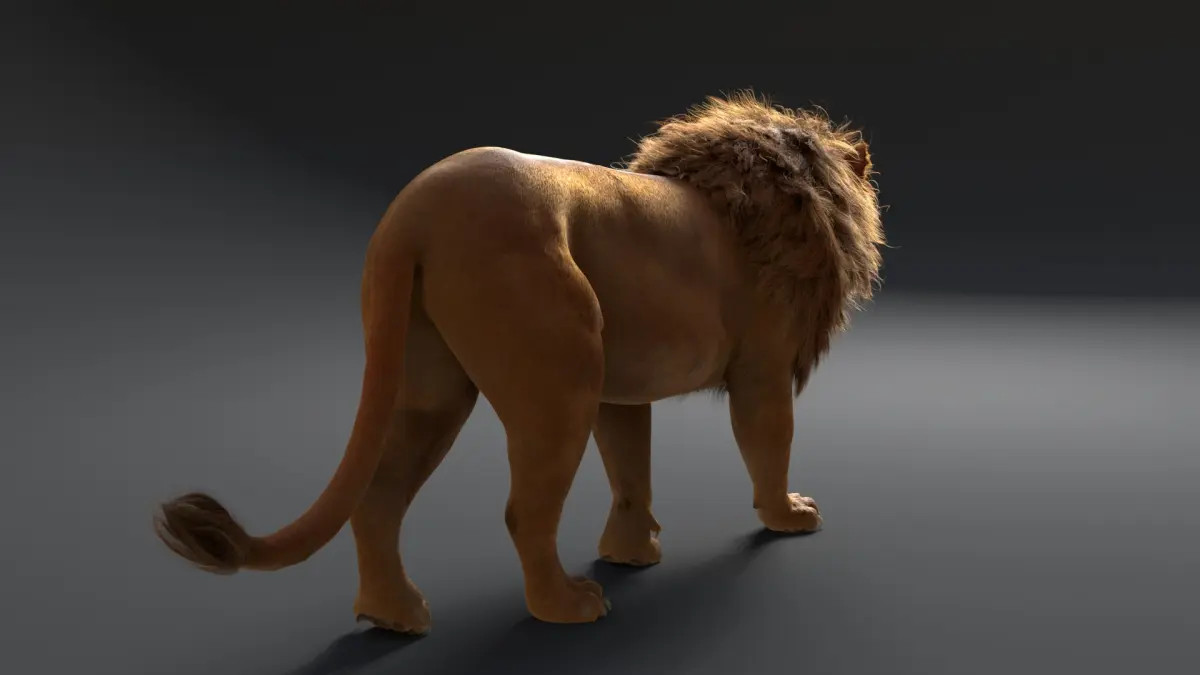
NOTES:
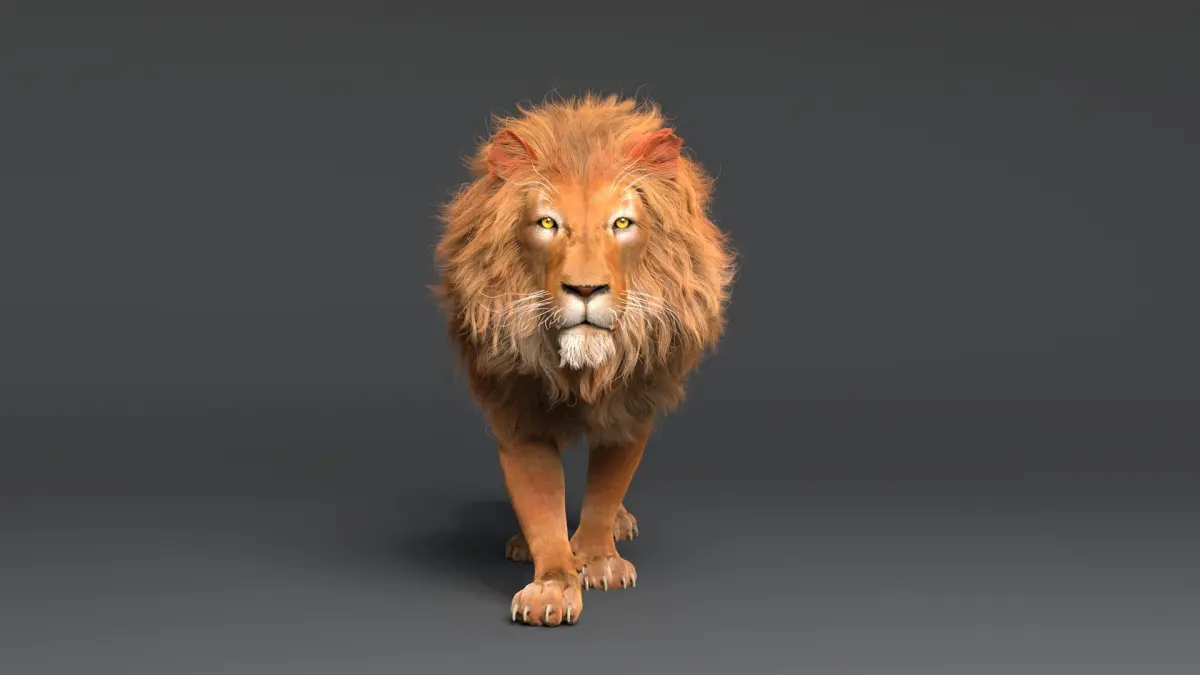
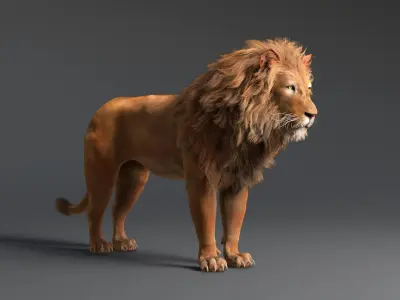
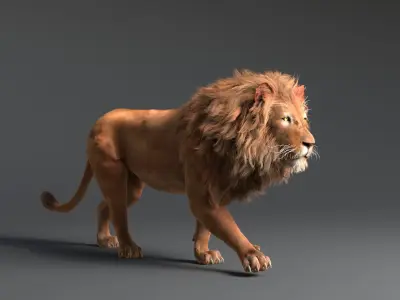
- This model is RIGGED and ANIMATED
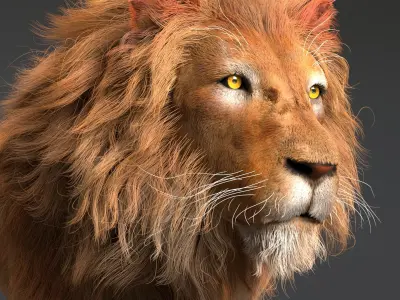
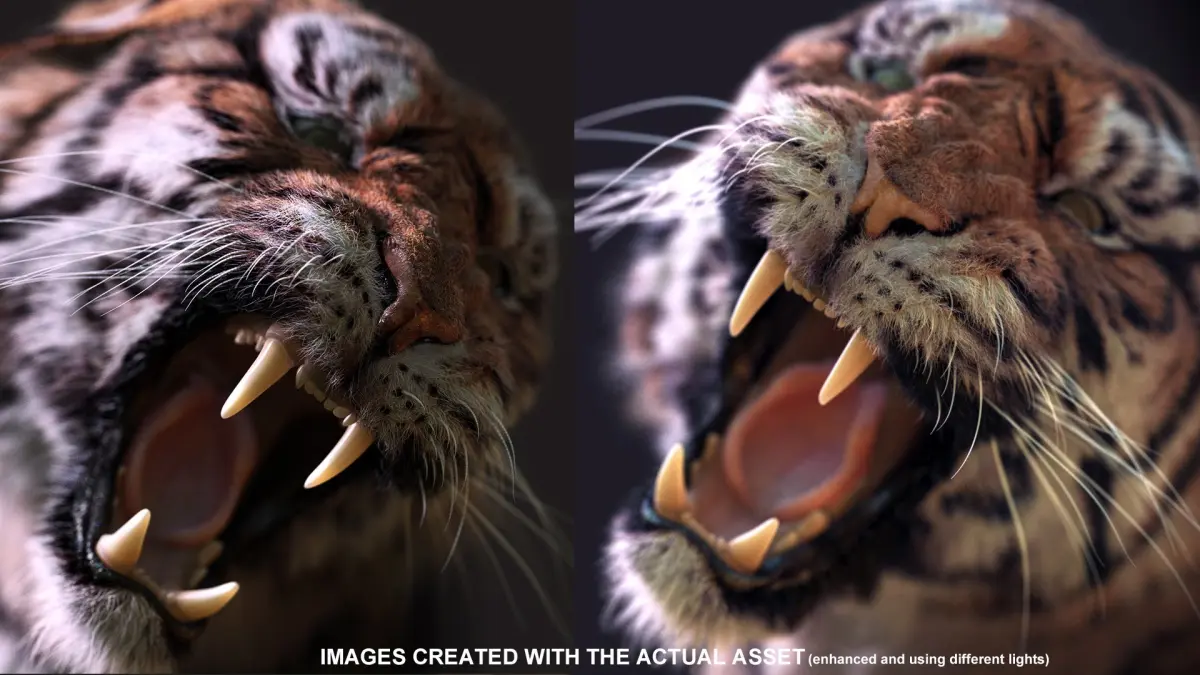
- xGen hair
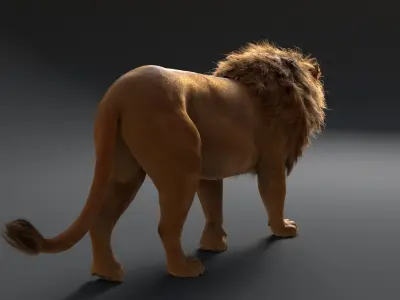
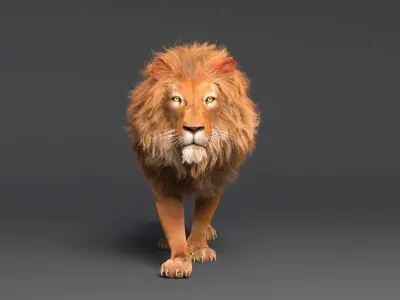
- arnold render scene and materials included
- Background image HDRI is included
- Objects and rig are named correctly and put into layers
- 4096 pixel texture maps
- Animation friendly rig
- Subdivisions and displacement map.
- arnold SSS (subsurface scattering) materials and standard materials set up
- aiStandard Hair material included
- Renders are from arnold - Average render time per frame is 15 minutes.
Displacement is on
---------------------------------------------------------------
FILES:
- obj
- FBX
- ABC(alembic)
- lion_original: Includes model, render setup, xgen hair, rig and animation. Uses groomable spline for ease of use for all users.
- lion_xgen_legecy: Includes everything, uses xgen legecy. Use this only if you know xgen and Maya well. This gives you ability to do simulations on hair, but is very tricky to use.
- lion_model_rig_animation_no_hair: Includes only geometry and rig (no render setup)
---------------------------------------------------------------
TEXTURE MAPS:
- body map is 4096*4096,The others are 2048*2048
- 32 bit EXR displacement
- color
- bump
- scatter
- roughness
- normal
---------------------------------------------------------------
RIGGING:
Production proven standard rig used on many different blockbuster movies!
- Fully scalable rig (use C_main_CTL.scale)
- C_main_CTL has visibility and selectability options for goemetries and joints
- Blendable FK and IK arms and legs
- FK and IK spine and neck
- space options for hands, elbows, feet, knees and head (options on their respective controls)
- stretchy spine
- robust 360 wrist and ankle
- FK controls for fingers
- aim and FK controls for eyes
---------------------------------------------------------------
ANIMATION:
- Walk cycle
---------------------------------------------------------------
HAIR:
- Hair is xGen guide based setup with aiStandard hair material.
- Make sure you copy xgen folder from supporting items into your prject before opening scenes that include hair!
- Make sure to 'export patches for batch render' from file menu in xGen window, before rendering your animation
- Xgen is tricky but is the best solution used by many VFX and animation studios. Search on Autodesk Maya website if you have any issues rendering it.
- When you have animated guides (like in the original scene) you need to click on "update the XGen preview" in the xgen editor on first frame (in this case frame 976), then your hair will be attached to curves. Also click "update preview automatically" so when you change frames, xgen preview gets updated and you won't have to click on update again.
---------------------------------------------------------------
DIMENSIONS:
Height: 125 cm
Width : 45 cm
Length: 225 cm
---------------------------------------------------------------
For film, animations, and still images.
Native | Maya 2022 | Arnold Maya 2019 | Arnold Other Textures FBX OBJ