
Publication date: 2023-11-16
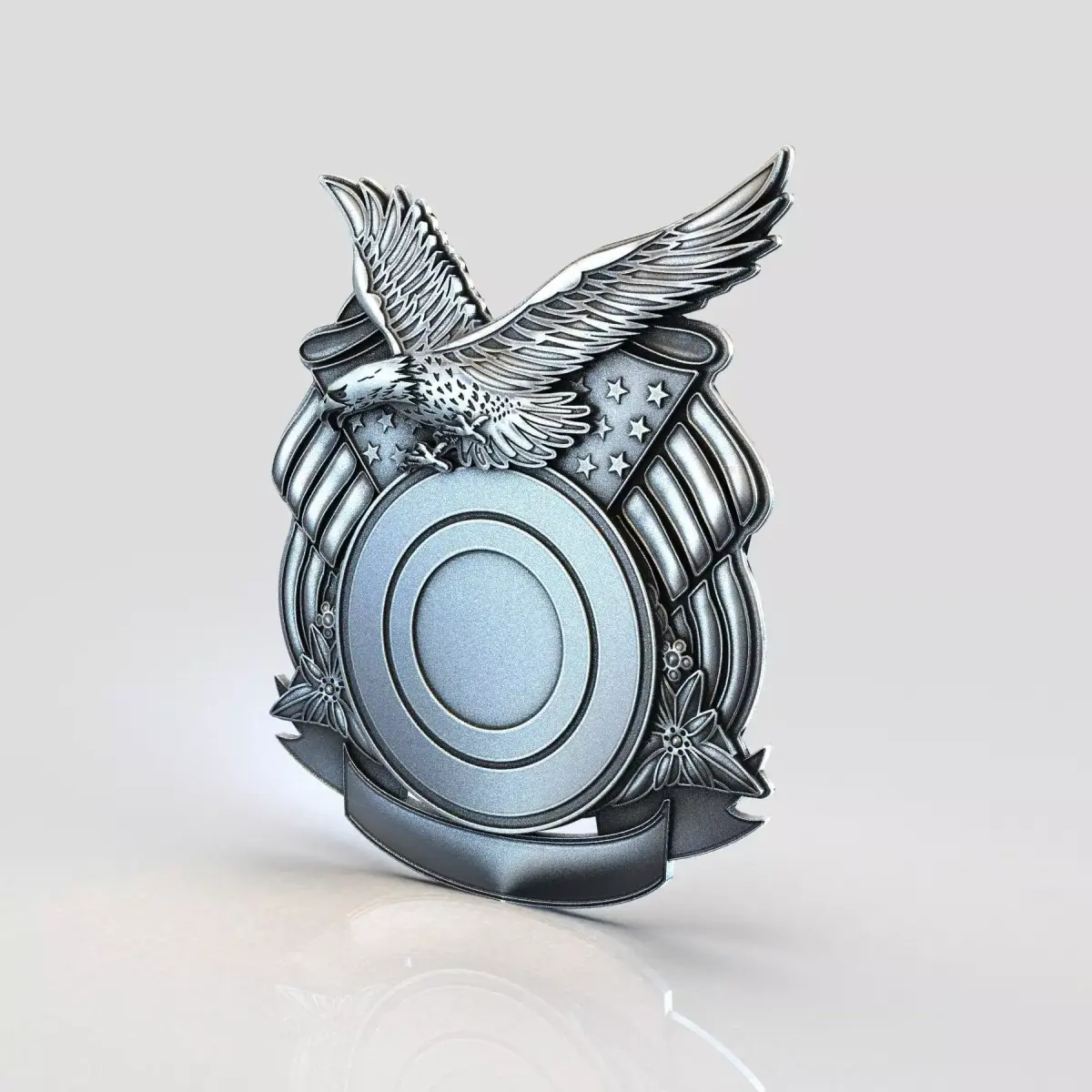
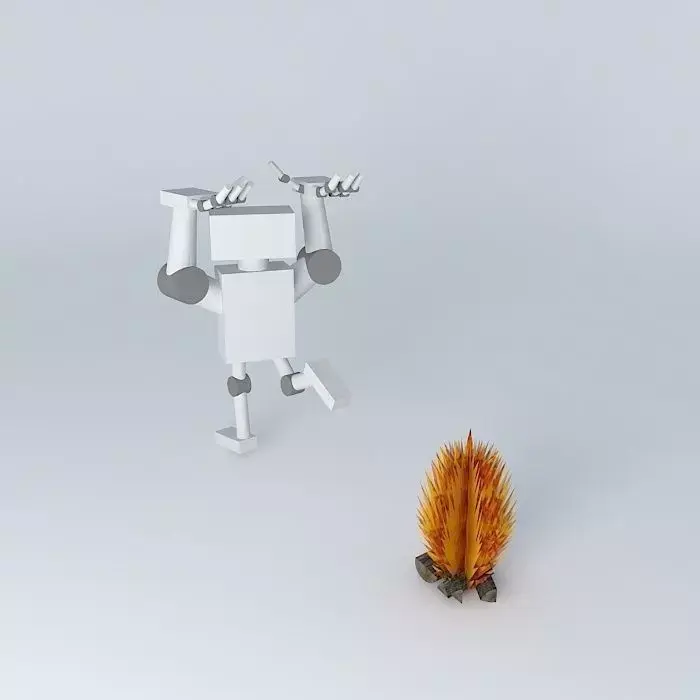
Buy Patch Plaque 3D print model
$10
License: Royalty Free
Rigged
PBR
Realtime
Animated
Free

author:
artstudio3d
Renders and source materials belong to the author artstudio3d.
Specifications
- Platform
- cgtrader
- Animated
- Rigged
- 3D Print ready
- VR / AR / Low-poly
- PBR
- Textures
- Materials
- UV Mapping
- Polygons
- 0
- Vertices
- 0
- Geometry
- Manifold geometry | No N-gons |
Usage recommendations
Realtime rendering
✕
PC Game development
✕
Mobile Game Development
✕
VR/AR applications
✕
Visualisation
✓
Cinema
✓
Advertising
✓
3D Printing
✓
CAD Engineering
✕
E-Commerce & Interactive 3D Web
✕
FAQ
Is this a free 3D model?
No, this model costs $10.
How do I download this 3D model?
To purchase this model, click the "Go to purchase" button.
What license applies to this model?
This model is distributed under the Royalty Free license. Click "Go to purchase" for full license details.
Does it include rigging and animation?
This model has no rig or animation. It is a static 3D object.
Does this model have UV mapping?
No, this model does not have UV mapping.
What textures and materials does this 3D model include?
This model has no textures or materials.
Can I use it for 3D printing?
Yes, this model is ready for 3D printing. Check the Specifications block for technical details and Additional information for the full picture.
Additional information
3D graphics is a branch of computer graphics that deals with techniques for creating images or videos by modeling objects in three dimensions.
3D modeling is the process of creating a three-dimensional model of an object. The task of 3D modeling is to develop a visual three-dimensional image of the desired object.
A unique extension of 3D graphics is “augmented reality.” Using image (marker) recognition technology, the augmented reality program completes the construction of a virtual 3D object in a real physical environment. The user can interact with the marker: rotate it in different directions, highlight it in different ways, cover some parts of it - and watch the changes occurring with the 3D object on the computer monitor screen.
Modeling a scene (virtual modeling space) includes several categories of objects:
Geometry (a model constructed using various techniques (for example, creating a polygonal mesh), for example, a building);Materials (information about the visual properties of the model, for example, the color of the walls and the reflective/refractive power of windows);Light sources (direction, power, lighting spectrum settings);Virtual cameras (selection of point and projection angle);Forces and influences (settings for dynamic distortions of objects, used mainly in animation);Additional effects (objects simulating atmospheric phenomena: light in fog, clouds, flames, etc.)The task of 3D modeling is to describe these objects and place them in the scene using geometric transformations in accordance with the requirements for the future image.
Purpose of materials: For a real camera sensor, the materials of real-world objects differ in how they reflect, transmit, and scatter light; virtual materials are set to match the properties of real materials - transparency, reflection, light scattering, roughness, relief, etc.
3D modeling is the process of creating a three-dimensional model of an object. The task of 3D modeling is to develop a visual three-dimensional image of the desired object.
A unique extension of 3D graphics is “augmented reality.” Using image (marker) recognition technology, the augmented reality program completes the construction of a virtual 3D object in a real physical environment. The user can interact with the marker: rotate it in different directions, highlight it in different ways, cover some parts of it - and watch the changes occurring with the 3D object on the computer monitor screen.
Modeling a scene (virtual modeling space) includes several categories of objects:
Geometry (a model constructed using various techniques (for example, creating a polygonal mesh), for example, a building);Materials (information about the visual properties of the model, for example, the color of the walls and the reflective/refractive power of windows);Light sources (direction, power, lighting spectrum settings);Virtual cameras (selection of point and projection angle);Forces and influences (settings for dynamic distortions of objects, used mainly in animation);Additional effects (objects simulating atmospheric phenomena: light in fog, clouds, flames, etc.)The task of 3D modeling is to describe these objects and place them in the scene using geometric transformations in accordance with the requirements for the future image.
Purpose of materials: For a real camera sensor, the materials of real-world objects differ in how they reflect, transmit, and scatter light; virtual materials are set to match the properties of real materials - transparency, reflection, light scattering, roughness, relief, etc.
Similar models
Find the models you need