

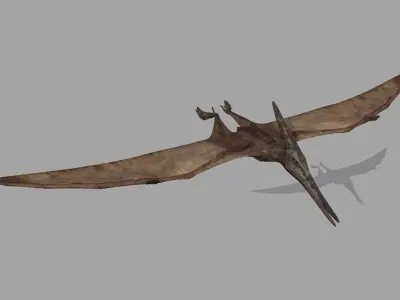
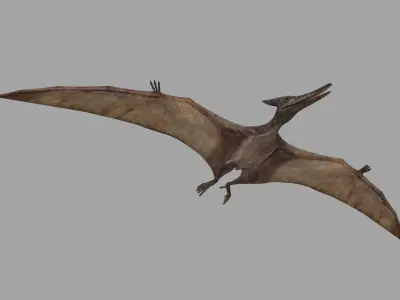
Pterosaur Forever 8K - 3d animated model 3D model
Home Catalog Pterosaur Forever 8K - 3d animated model 3D model

Publication date: 2023-06-04

Pterosaur Forever 8K - 3d animated model 3D model

$59.94

License: royalty_free
author:

virtual-creator

All content related to this 3D asset—including renders, descriptions, and metadata — is credited to its original author, «virtual-creator». CGhub does not claim copyright ownership over the content used.
  • Description

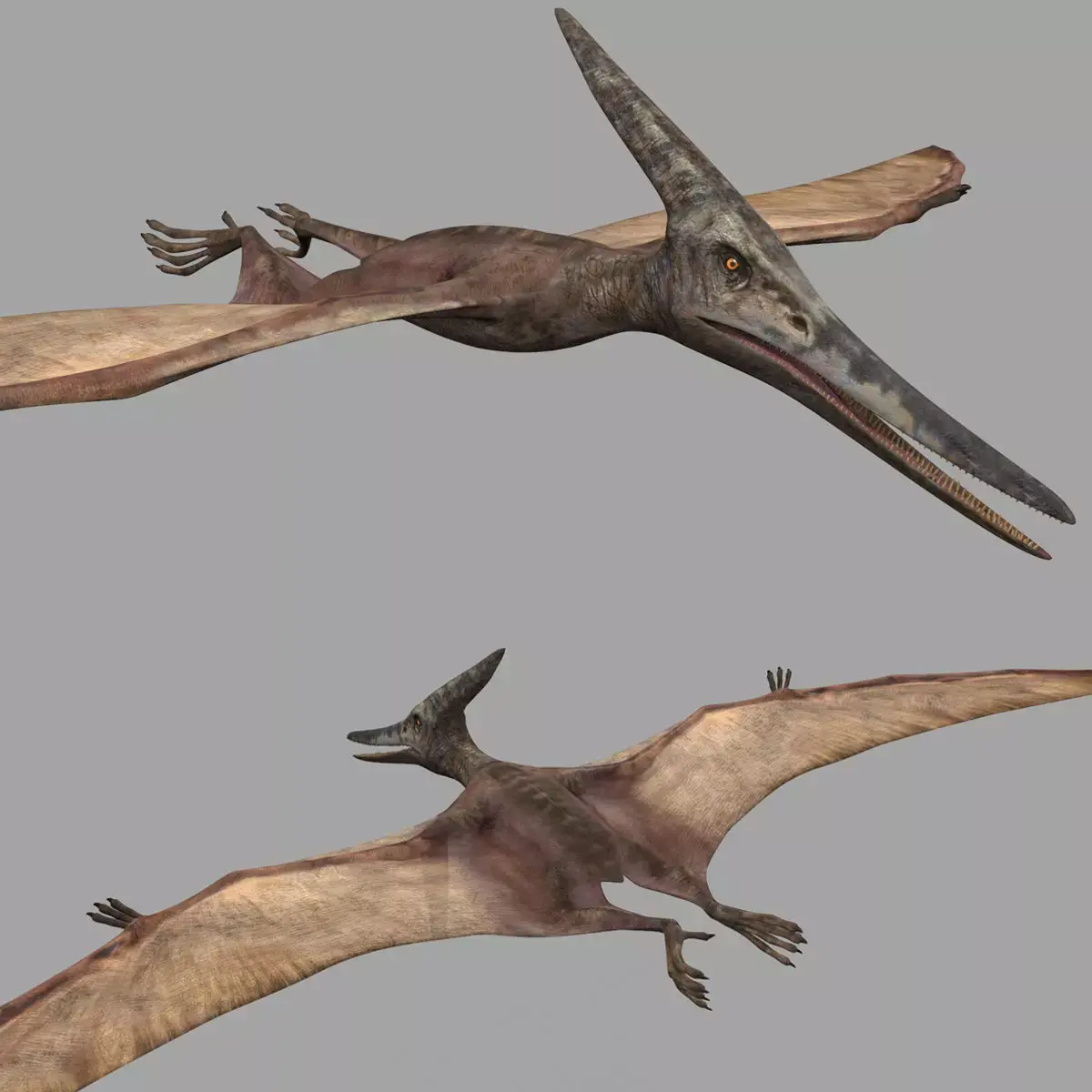
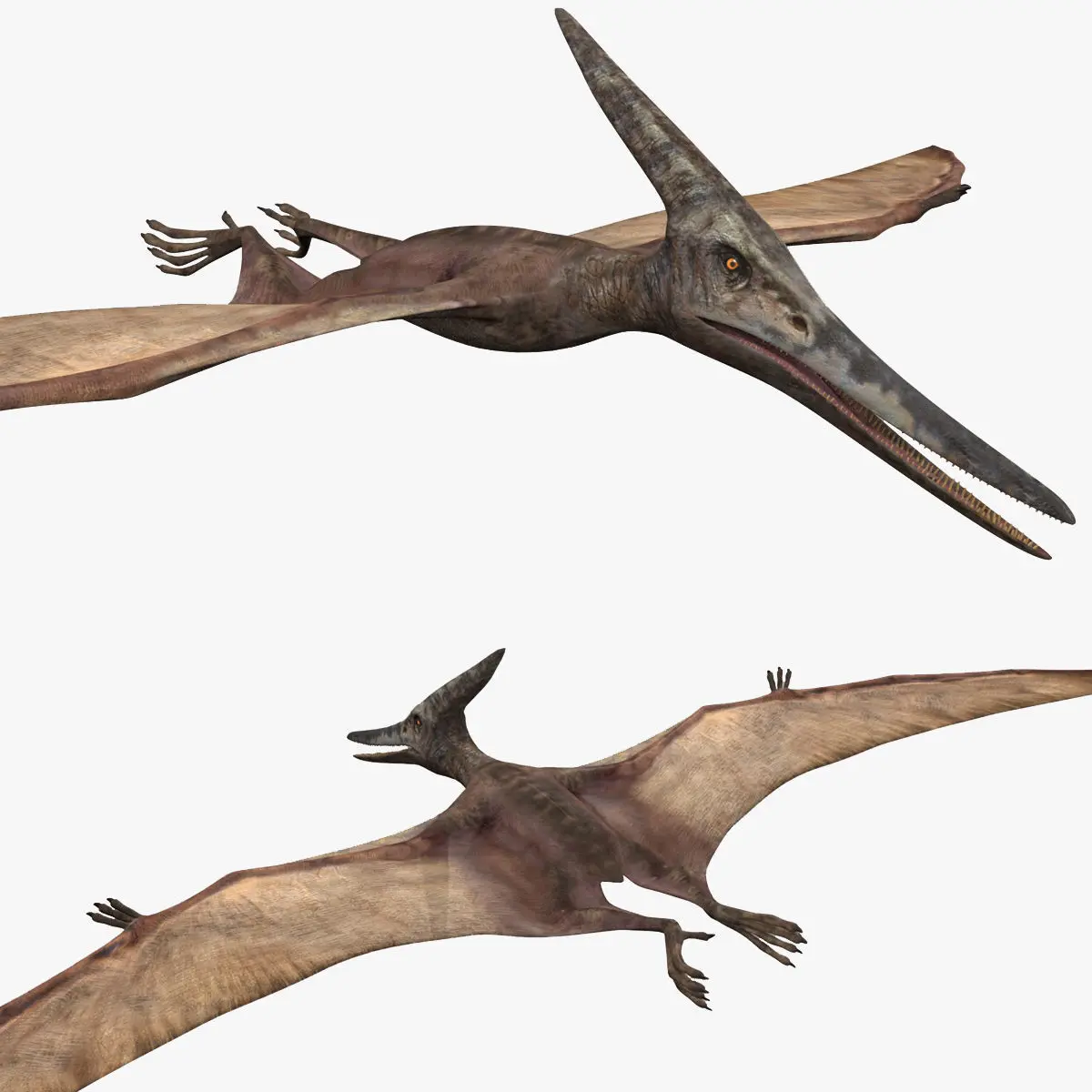
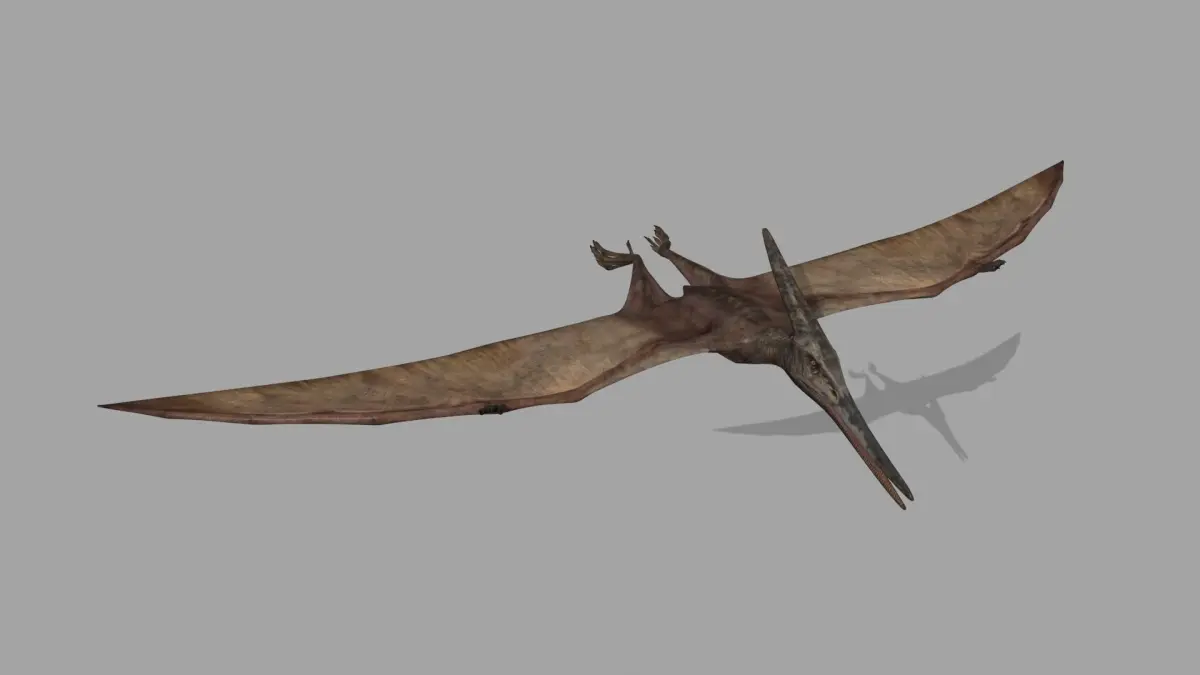
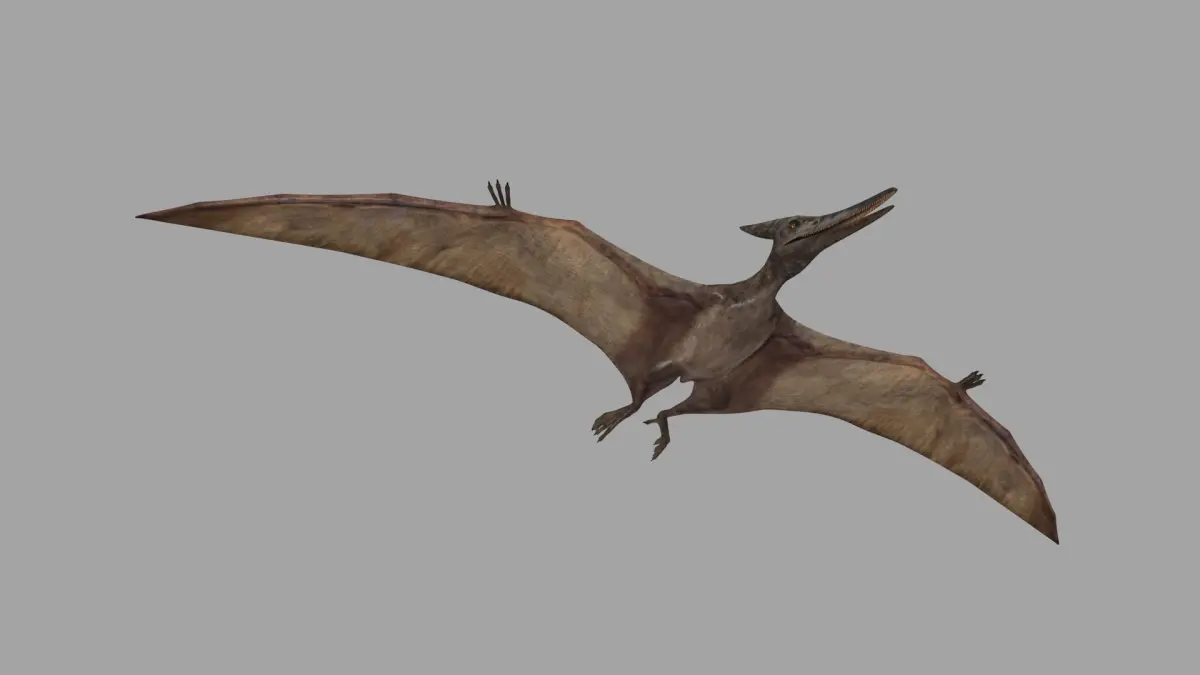
The Pterosaur was a large flying reptile, not a dinosaur. This one resembles the one in the movie Jurassic Park.

""""""""""""""""""""""""""""""""""""""""""""""""""""""""""""""""""""""""""""""""

Clean topology;

Mesh subdivision;

Real World Scale - around 6 m wingspan;

Large 8192 pixel diffuse, normal, bump maps;

765 animation frames;

Rigged with flying (loopable) and flying forward animation;

Wing jiggle controllers.

Naming convention;

Layer management;

3ds max 2020 and 2017 native files;

MAX, FBX and OBJ formats provided.

(teeth are removable)

"""""""""""""""""""""""""""""""""""""""""""""""""""""""""""""""""""""""""""""""

Body, eyes, teeth, tongue have a total of 8904 faces and 9085 vertices without mesh subdivision.

(Body, eyes, teeth, tongue are separate objects)"""""""""""""""""""""""""""""""""""""""""""""""""""""""""""""""""""""""""""""""""""

FBX, ABC and OBJ format NOTES:

The OBJ format only has the meshes and mapping coordinates - maps will appear in place when applied. It has no functioning rig, or animation or deformation.

The FBX format has meshes and mapping coordinates and all animation, but every frame is keyed and the rig is very limited - controllers lose their use, but bones can be rotated.

For blender you should use the fully skin animated ABC file, but it has no rig.

Maps for obj, abc and fbx model are inside max folder.

"""""""""""""""""""""""""""""""""""""""""""""""""""""""""""""""""""""""""""""""""""""""""""""""""""""""""""""""""

FINAL NOTES:

Rendered and Mapped according to Default Scanline Renderer. For even greater realism and image motion improvement another Renderer can be used.

Map Values are set in place in 3ds max, but for other softwares it may be useful to know that, in max:

Body mesh subdivision should be 1 or 2.

(value 1 blur applied to diffuse map on material editor; it can be 0 for still images)

Other value adjustments in each map will depend on each software used, but I would recommend not to exagerate.

In 3ds max, the model opens with gamma 2.2, and the normal map is opened or imported with override 1 option and not automatic because of seems.

Plus a few simple instructions when file is opened.

Support is always available should you have any question or complaint.

3D Model details

  • cgtrader Platform
  • Animated
  • Rigged
  • Ready for 3D Printing
  • VR / AR / Low-poly
  • PBR
  • Textures
  • Materials
  • UV Mapping
  • Unwrapped UVs: non_overlapping
  • Geometry: Subdivision ready
  • Polygons: 8904
  • Vertices: 9085
Similar models
image-product
rig
Add to Wishlist Remove from Wishlist View
image-product
anim rig
Add to Wishlist Remove from Wishlist View
image-product
rig pbr
Add to Wishlist Remove from Wishlist View
image-product
rig pbr
Add to Wishlist Remove from Wishlist View
image-product
anim rig
Add to Wishlist Remove from Wishlist View
image-product
rig
Add to Wishlist Remove from Wishlist View