Controllable Rockets - Blender Game Engine Free low-poly 3D model
Home Catalog Controllable Rockets - Blender Game Engine Free low-poly 3D model

Publication date: 2015-06-22

Controllable Rockets - Blender Game Engine Free low-poly 3D model

free

License: editorial_no_ai

author:

3DHaupt

All content related to this 3D asset—including renders, descriptions, and metadata — is credited to its original author, «3DHaupt». CGhub does not claim copyright ownership over the content used.
  • Description

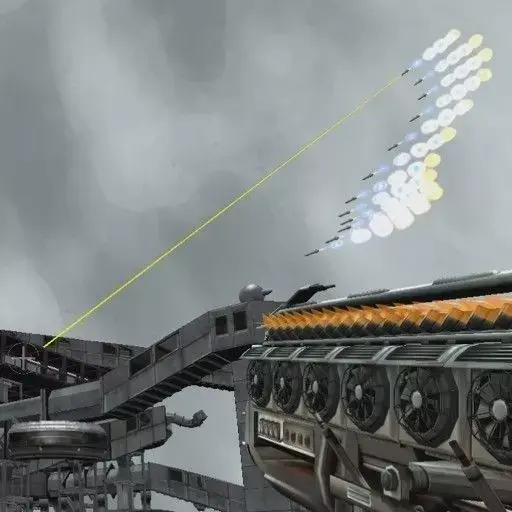
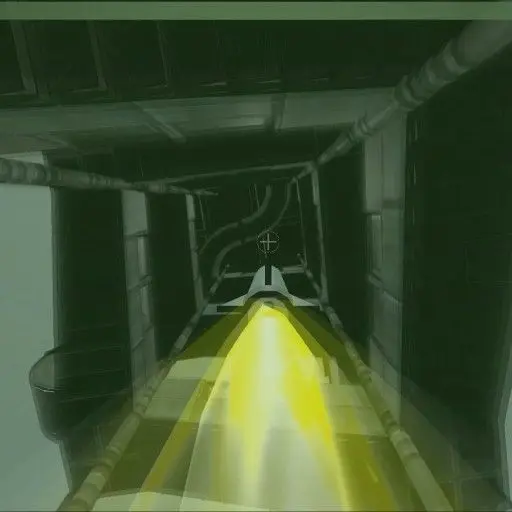
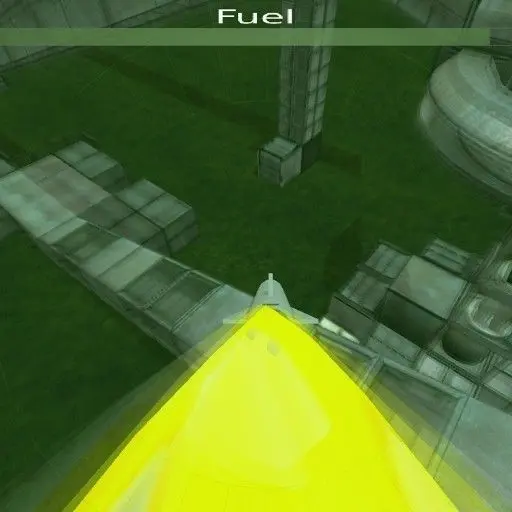
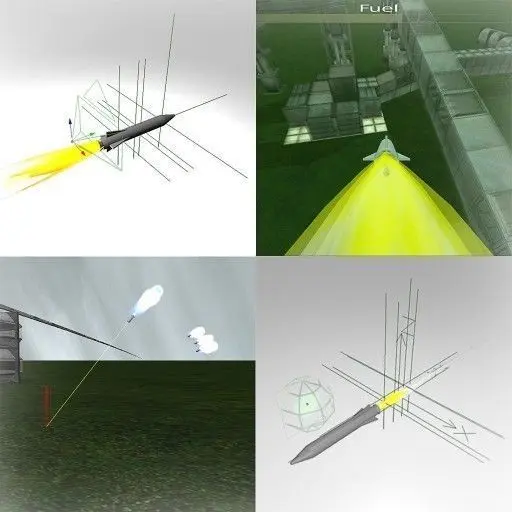
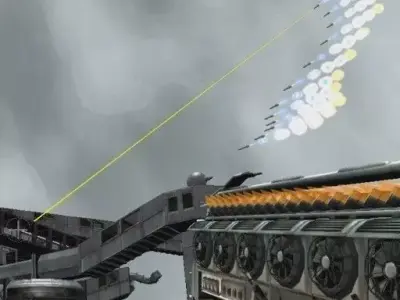
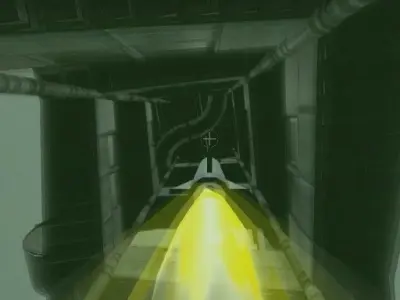
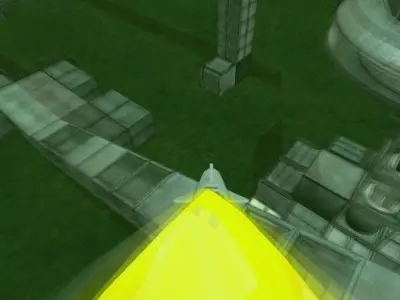
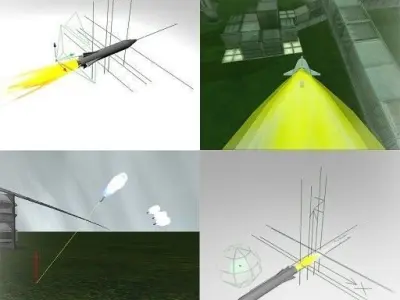
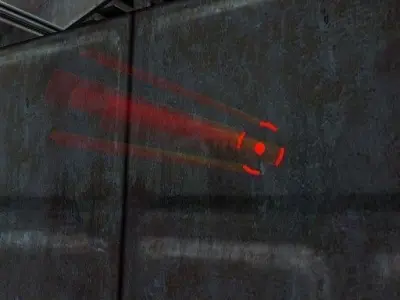
Here are two controllable rocket types for the Blender Game Engine.

You can shoot those rockets with the left and right mouse button.

Rocket 1 (Left mouse button)

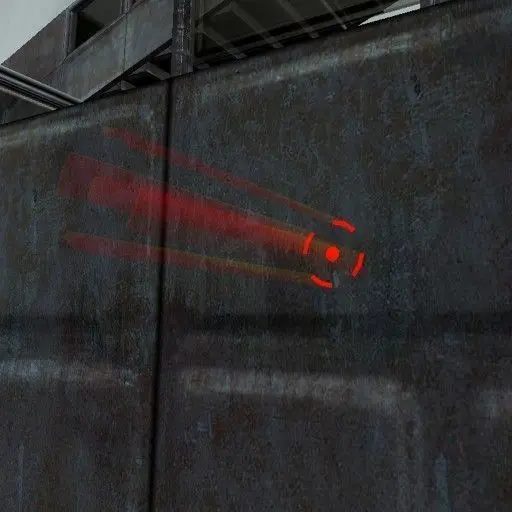
A Rocket which tracks the mouse cursor, as we know it from some Games.

Rocket 2 (Right mouse button)

A Rocket with a built-in camera is controlled by mouse movement.

Basic Controls:

P-Key.................Starts the Game Engine

W-Key.................Move forwards

S-Key.................Move backwards

D-Key.................Move to the right

A-Key.................Move to the left

Hold Spacebar.........Player moves faster

Q-Key.................Jump

F-Key.................Changed the daytime forward

B-Key.................Changed the daytime backward

This Blend file only works correctly with Blender 2.72 and with higher versions, i hope.

https://www.youtube.com/watch?v=JjOA38Ey8tg

3D Model details

  • cgtrader Platform
  • Animated
  • Rigged
  • Ready for 3D Printing
  • VR / AR / Low-poly
  • PBR
  • Textures
  • Materials
  • UV Mapping
  • Unwrapped UVs: mixed
  • Geometry: Polygon mesh
  • Polygons: 49637
  • Vertices: 53941
Similar models
image-product
Add to Wishlist Remove from Wishlist View
image-product
Add to Wishlist Remove from Wishlist View