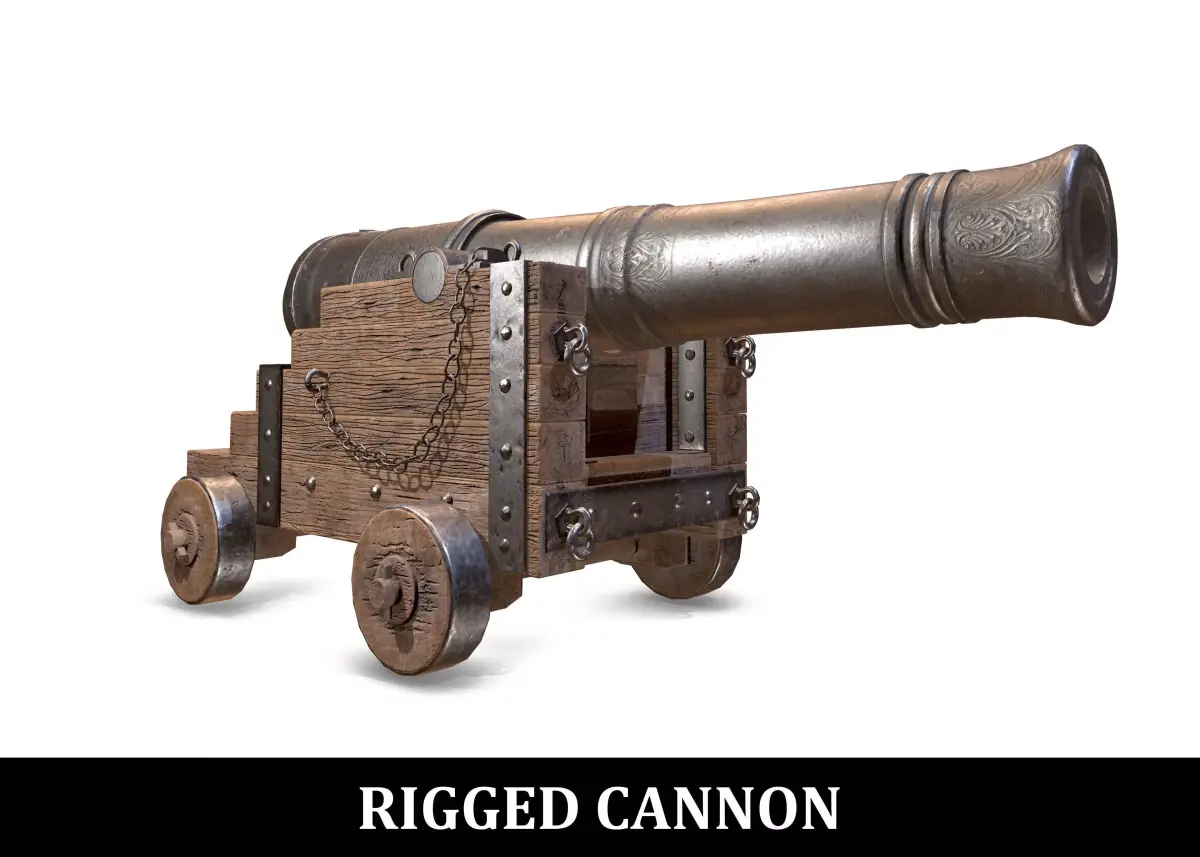
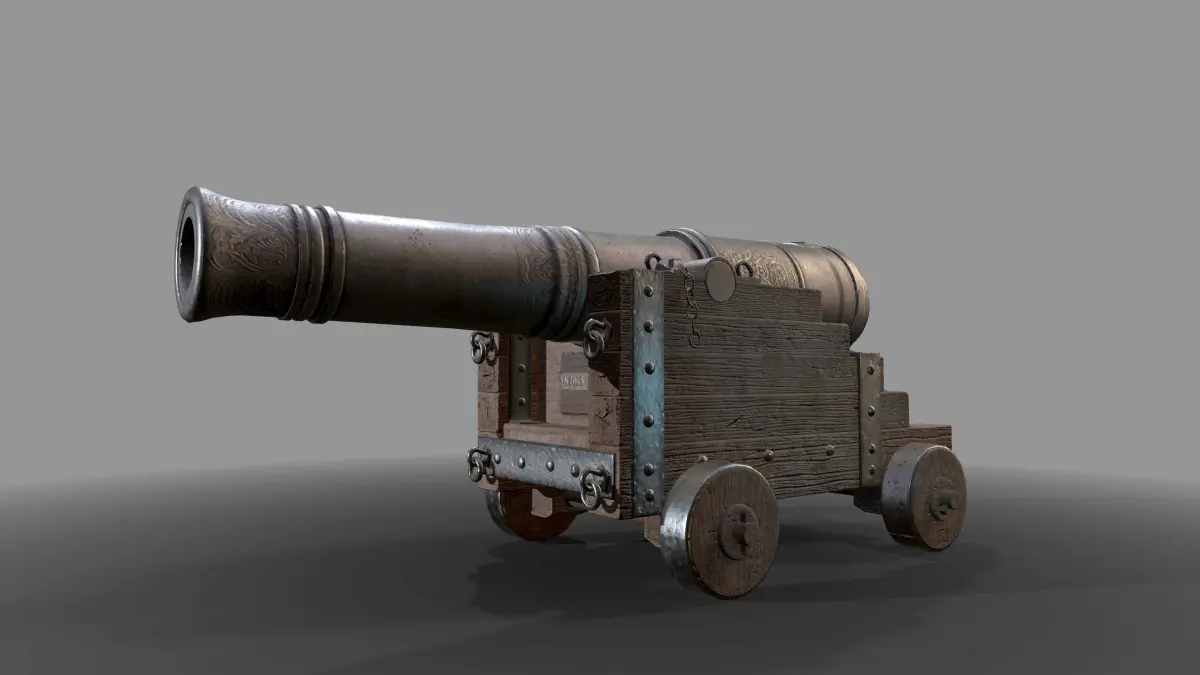
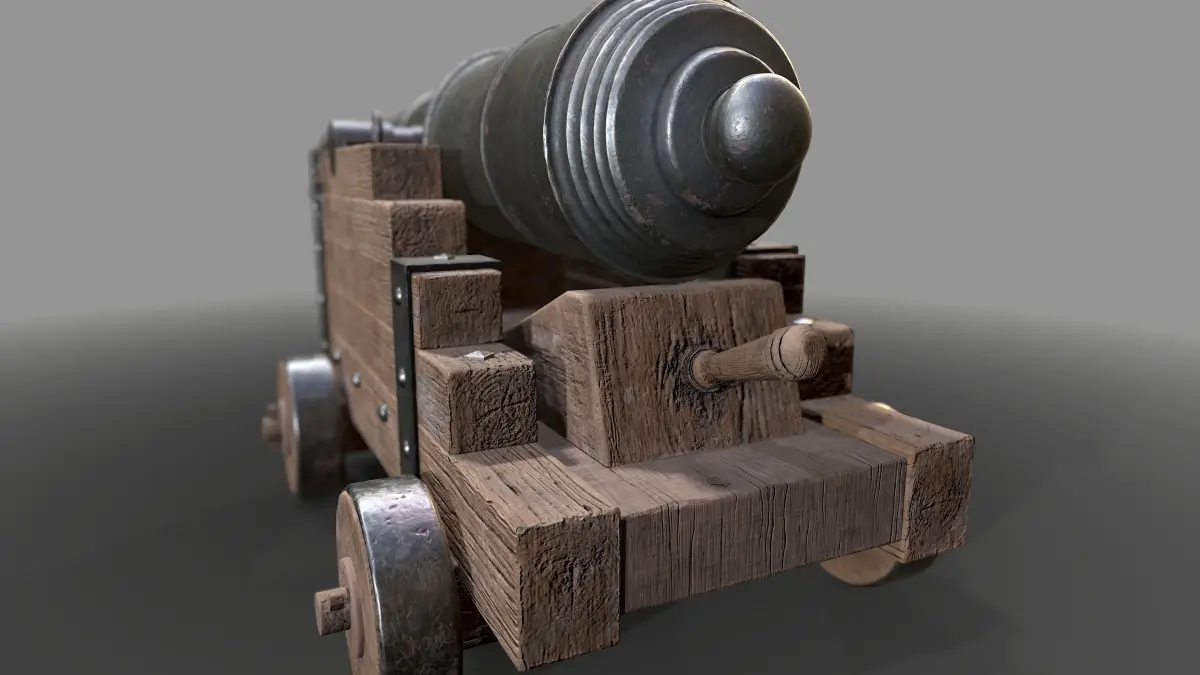
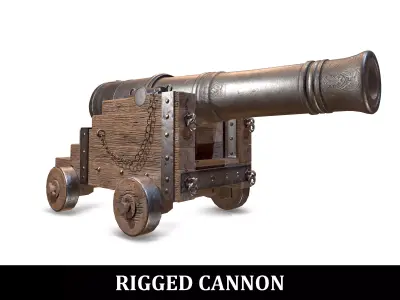
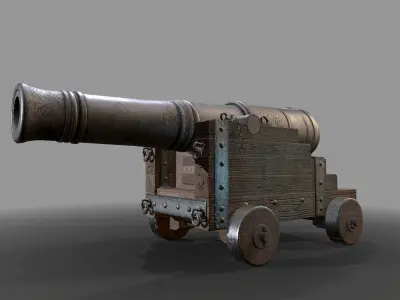
High Quality RIGGED PBR War Cannon
The provided model has been created inside of Autodesk Maya (version 2016) - Sculpted in Pixologic Zbrush, textured in Substance Painter and rendered with different render engines ( Arnold 4 By Solid Angle and Marmoset Toolbag 3 package).
The cannon has been rigged in Autodesk Maya. The chains react based on physics and the wheel movement is driven by Maya ExpressionsI provide the shot scene, with fluid setup and recoil animation
PRODUCT DETAILS:
- 21027 polygons
- 21746 vertices
- Real size model
- Unwrapped UVs with NO overlapping
- High Quality Textures
- Scene files included
- Clean Maya Outliner
INCLUDED MATERIAL:
-
Maya Zip file with the following folder structure:
- cannon.mb ( version 2016 with light setup and NO rig)
- Cannon_rig.mb ( version 2016 with material setup and RIG)
- Cannon_rig_no_mat.mb ( version 2016 - just the RIG without material setup)
- shot-scene.zip - shot-scene.mb ( version 2016 - the scene with fluid simulation, animation and simple light setup) - Skydome Texture ( the texture mapped to the skydome, to render the shot) - Background Comp ( the fortress background used in the comp of the shot)
.fbx file format
.obj file format
Marmoset Toolbag 3 complete scene file (version 3.04): with all textures and lights setup (static cannon)
High Quality PBR Textures (.zip) (metal / roughness workflow) for both upper part and lower part of the 3D model
High Quality PBR Textures for Arnold (.zip) : used for Arnold scene file
TEXTURES WITH METAL / ROUGHNESS WORKFLOW
- High Quality textures (4096 X 4096)
- Base Color
- Roughness
- Metallic
- Normal
2 sets of PBR Textures: one for the upper part and one for the lower part of the cannon. I also included versions with and without padding (the former just in case you need to generate MIPMAPS)
ARNOLD PBR TEXTURES (for aiStandard shader)
- High Quality textures
- Linear Workflow setup (for Maya 2016)
- Texture resolution (4096 X 4096)
- diffuse Map (mapped in the diffuse channel)
- specular map (mapped in Arnold specular color)
- roughness map (mapped in Arnold roughness)
- f0 map (mapped in Arnold Reflectance at normal)
- Normal Map (mapped in Arnold Bump map rollout)
NOTES
- Moving the wheels is really simple: just translate the Global Controller and the wheels are driven by expressions
- It's always possible to animate the wheel offset separately
- The Axis orientation of the global controller needs to be set to object, in order to rotate and animate the cannon in other directions
- Chains are physically calculated and their simulation runs when the timeline is updated