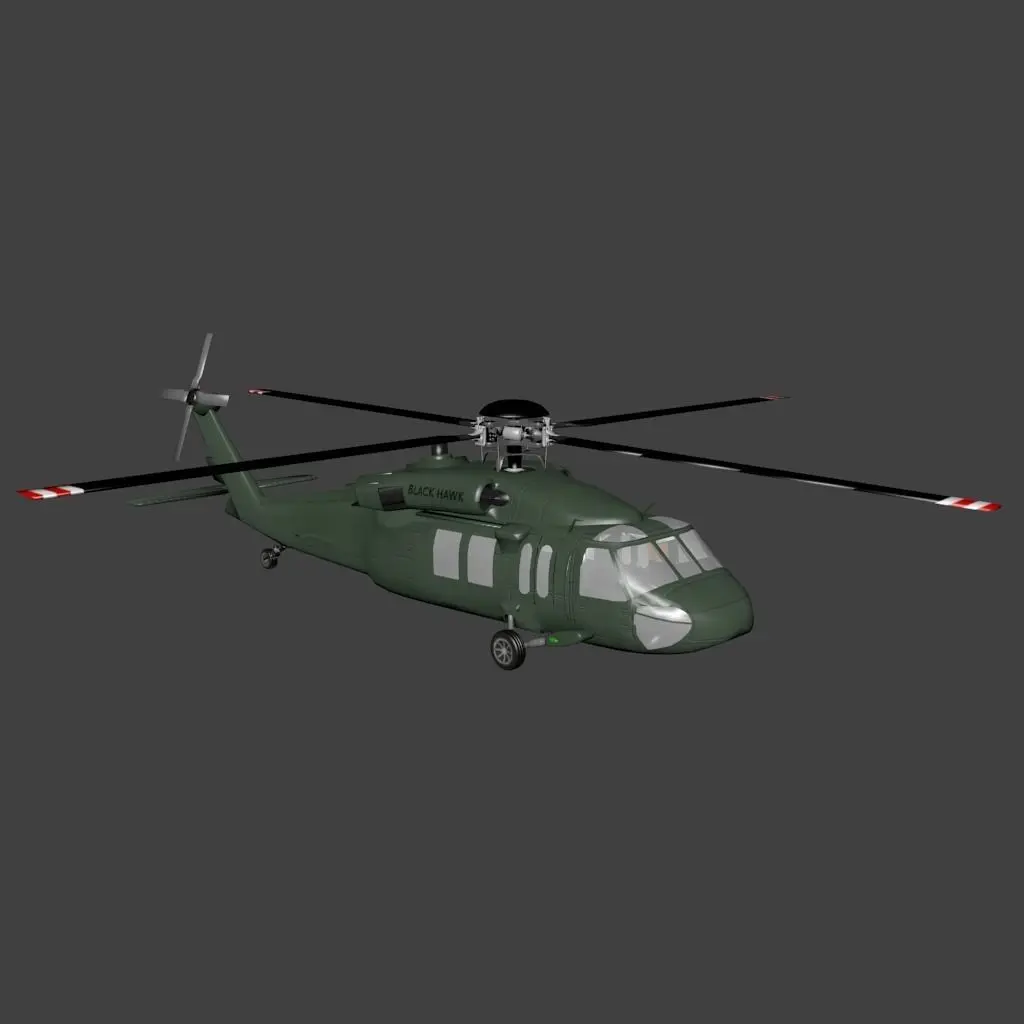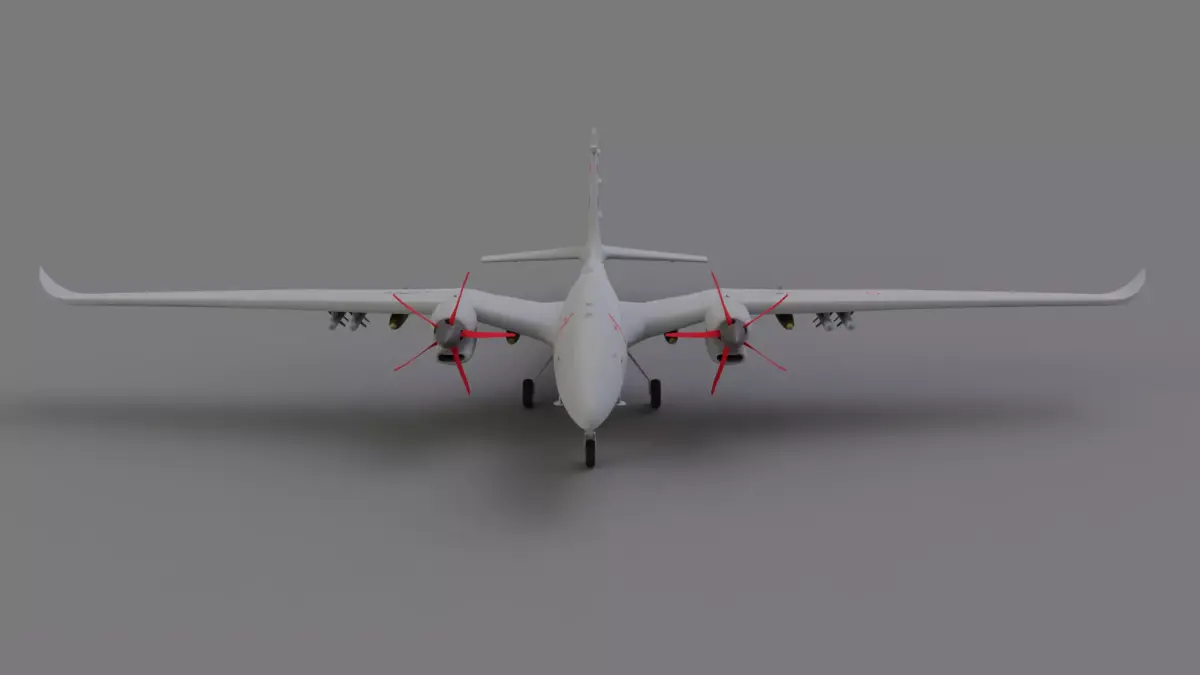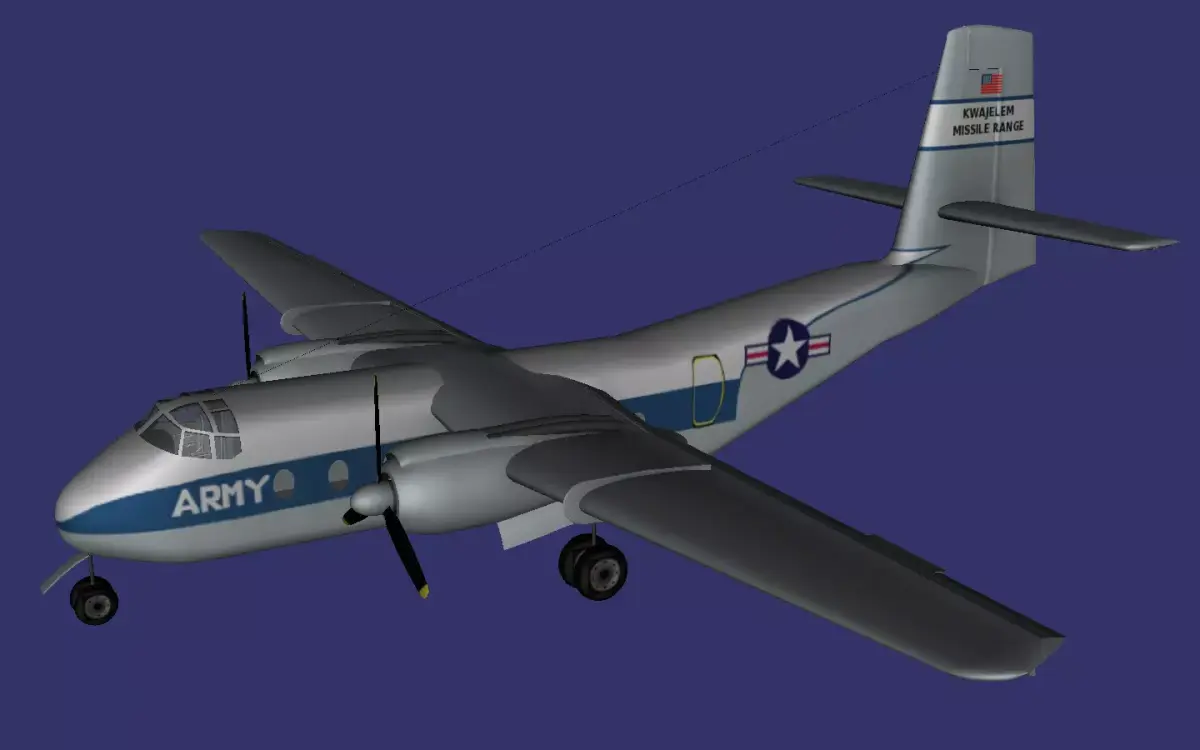

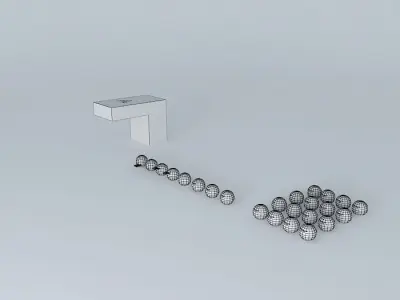
Royal Airways Tips: SketchUp;how to add logos to objects quickly Free 3D model
Home Catalog Royal Airways Tips: SketchUp;how to add logos to objects quickly Free 3D model

Publication date: 2015-09-06

Download Royal Airways Tips: SketchUp;how to add logos to objects quickly Free 3D model

free

License: Editorial No Ai

author:

2001kraft

All content related to this 3D asset—including renders, descriptions, and metadata — is credited to its original author, «2001kraft». CGhub does not claim copyright ownership over the content used.
  • Description
  • Formats

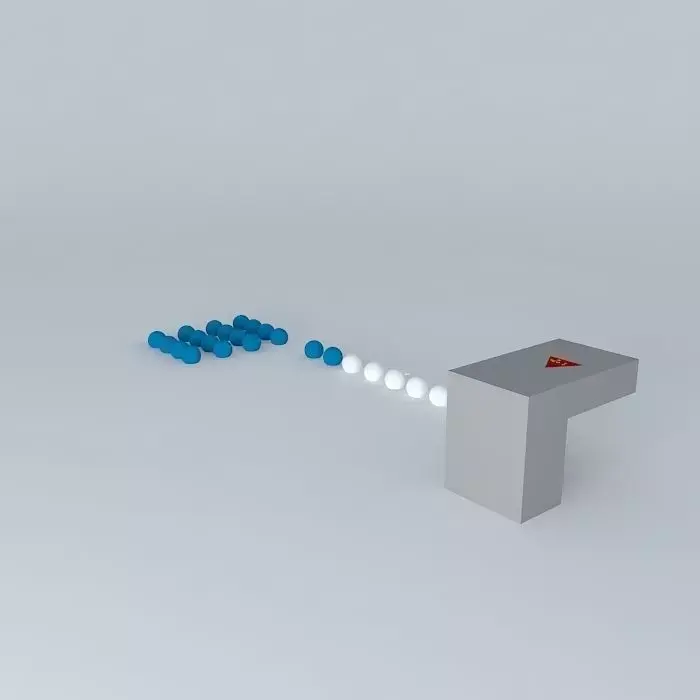
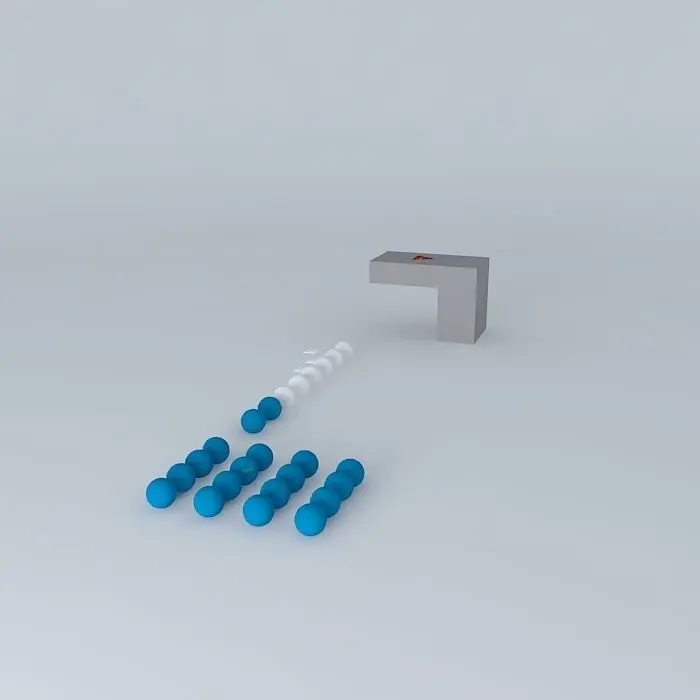
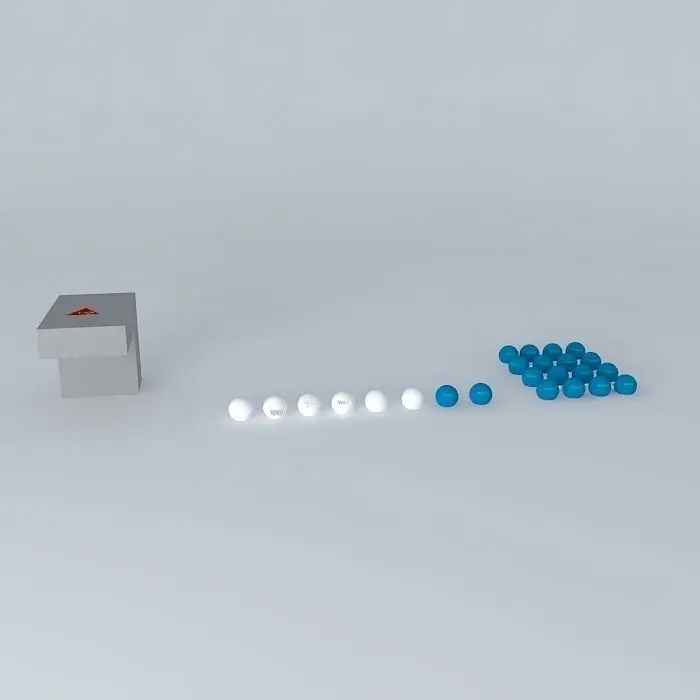
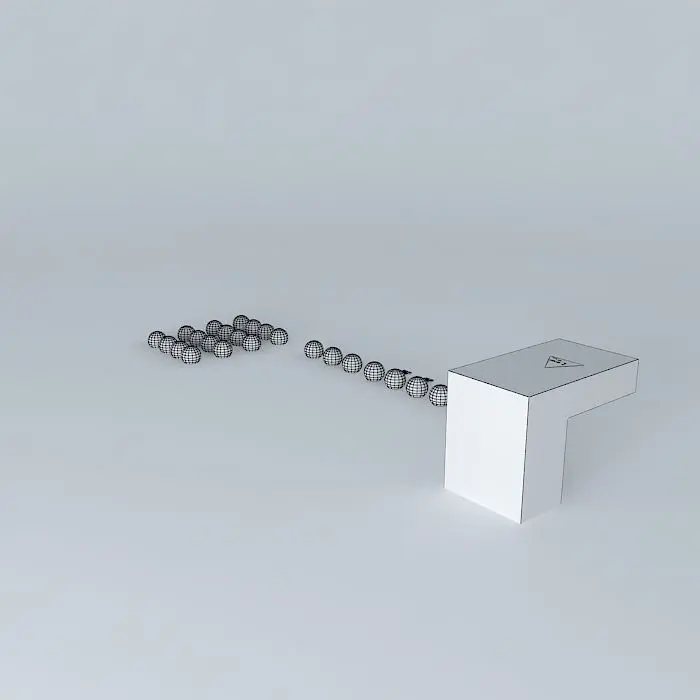
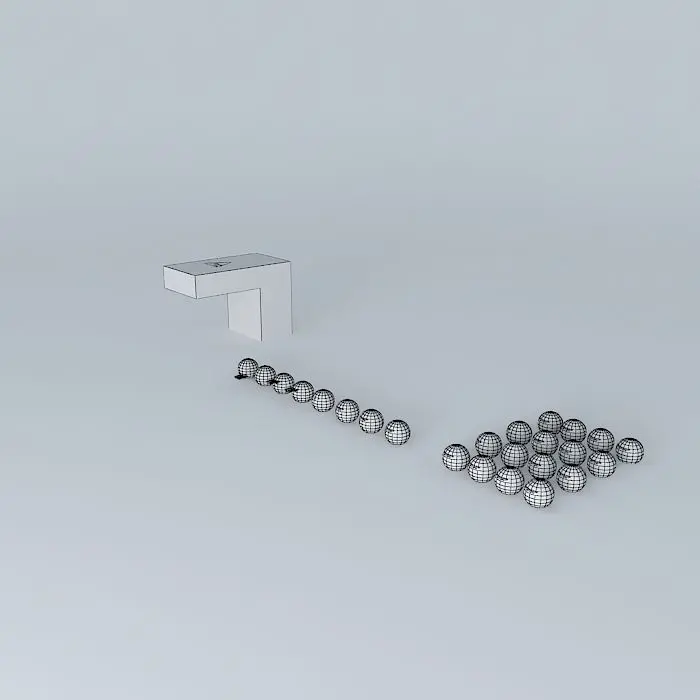
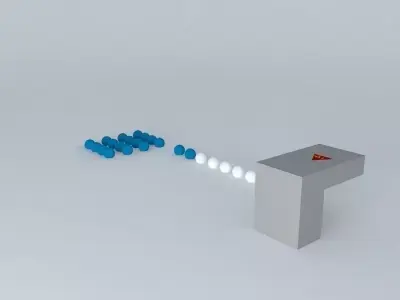
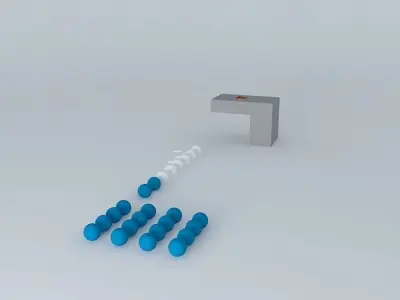
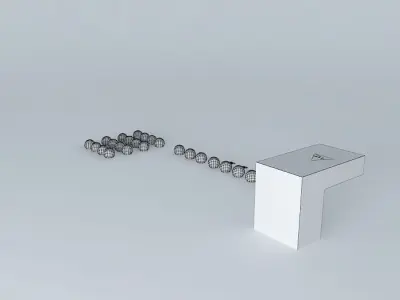
This 3D model was originally created with Sketchup 8 and then converted to all other 3D formats. Native format is .skp 3dsmax scene is 3ds Max 2016 version, rendered with Vray 3.00 This isn't the tutorial I was workin' on. The other one is an airplane modeling tutor, but it came up to my mind. Royal Airways Tips, is actually a website created by me for people with different tips. And, since nothing is yet posted there, and this are tips, not guides, I thought to also upload this on the warehouse. Use tabs to change to different scenes.

STL (Stereolithography, filesize: 342 KB), OBJ (OBJ, filesize: 227 KB), 3DS (3D Studio, filesize: 113 KB), DAE (Collada, filesize: 442 KB), FBX (Autodesk FBX, filesize: 119 KB), IGE (IGES, filesize: 299 Bytes), MAX (Autodesk 3ds Max, filesize: 361 KB), SKP (Sketchup, filesize: 133 KB), OTHER (Other, filesize: 173 KB)

3D Model details

  • cgtrader Platform
  • Animated
  • Rigged
  • Ready for 3D Printing
  • VR / AR / Low-poly
  • PBR
  • Textures
  • Materials
  • UV Mapping
  • Polygons: 0
  • Vertices: 0
  • Geometry: No N-gons | No faceted geometry | Manifold geometry |
Similar models
A 380 Free 3D model
Add to Wishlist Remove from Wishlist View
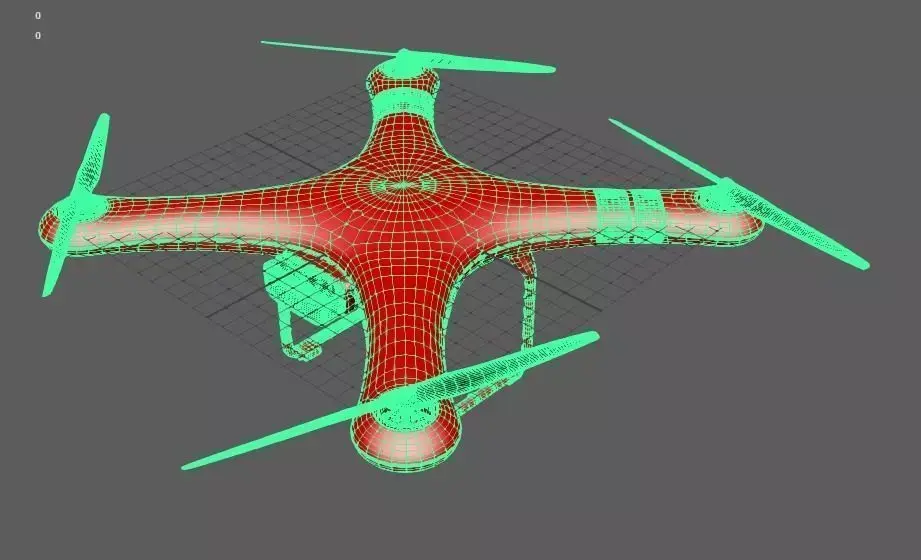
Drone Free 3D model
Add to Wishlist Remove from Wishlist View